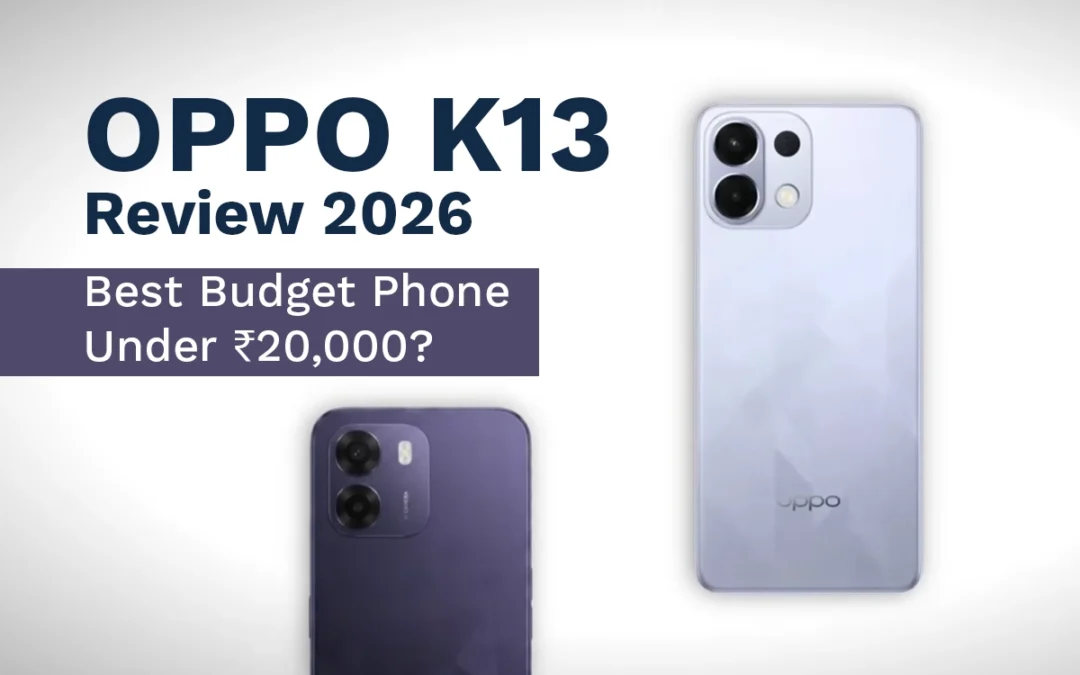
OPPO K13 review 2026: Budget smartphones in 2026 are getting expensive. What used to be a value-packed segment now feels compromised. But every once in a while, a device breaks the pattern.
The OPPO K13 is one of those rare phones.
After a price drop to around ₹17,000–₹18,000, it has quietly become one of the best budget smartphone deals right now. But is it actually worth buying in 2026?
In This Post
Let’s break it down with a real long-term perspective.
OPPO K13 review 2026: Overview – Why It Still Matters in 2026
The OPPO K13 was once considered a “budget king.” Then OPPO increased the price, and people moved on.
Now it’s back at a discounted price—and suddenly, it’s outperforming most phones in its segment again.
Here’s the key takeaway:
Better performance than most competitors
Massive battery life
Smooth software experience
Weak camera performance
If you care more about daily usage than photography, this phone deserves serious attention.
Display and Audio: Surprisingly Premium for the Price
The OPPO K13 features a 6.67-inch AMOLED display with 120Hz refresh rate.
That alone puts it ahead of many budget devices.
What Works Well
Bright and vibrant AMOLED panel
Smooth scrolling with 120Hz
Stereo speakers with good loudness
Support for LDAC / high-resolution audio
Even though brightness peaks at around 1200 nits (HBM), real-world usage feels fine. You won’t notice the numbers unless you compare side-by-side.
Verdict
For content consumption, this does not feel like a budget phone.
Performance: A True Budget Powerhouse
The OPPO K13 is powered by the Snapdragon 6 Gen 4, paired with UFS 3.1 storage.
That combination is rare under ₹20,000.
Real-World Performance
Smooth multitasking
No lag in daily use
Stable gaming performance
You can expect:
BGMI at 60 FPS
Smooth gameplay in mid-level titles
Fast app loading due to UFS 3.1
Benchmark scores are high (around 10 lakh in newer tests), but what matters is consistency—and this phone delivers.
Why It Stands Out
Most budget phones still use UFS 2.2 storage. That’s slower.
The K13 feels faster even after months of use.
Software Experience: Smooth and Feature-Rich
The phone runs ColorOS 16 based on Android 16.
This is one of the strongest points of the K13.
What You’ll Notice
Smooth animations (rare in budget phones)
Deep customization options
Smart widgets and shortcuts
Stable and responsive UI
You also get:
Call recording without announcements
App-level shortcuts (like direct Instamart access)
AI-based features and enhancements
The Downsides
Pre-installed apps (bloatware)
App suggestions in search (can be disabled)
Update Policy
Updates up to Android 17
Around 2 years of security updates
Not great, but acceptable for the price.
Battery Life: The Biggest Highlight
This is where the OPPO K13 destroys the competition.
Specs
7000 mAh battery
80W fast charging
Real Usage
Easily lasts 1.5 days on moderate use
Can act like a power bank
Full charge in about 1 hour
This is not just good—it’s exceptional.
If battery is your priority, this phone is hard to beat.
Camera Performance: The Weakest Link
Let’s be blunt—the camera is average at best.
Setup
50MP main camera
2MP secondary sensor (basically useless)
16MP front camera
Performance
Daylight:
Decent detail
Natural skin tones
Low Light:
Blurry images
Poor brightness
No OIS (shaky videos)
Video:
Max 1080p at 30fps
No advanced stabilization
Verdict
If you care about photography, skip this phone.
Build Quality and Durability
Plastic back and frame
IP65 rating (splash resistant)
Despite the plastic build, the phone is durable. It can handle daily wear, drops, and rough use.
OPPO K13 vs Competition
At ₹17K–₹18K, competitors offer:
Better cameras
More camera lenses
But they often compromise on:
Performance
Battery
Software smoothness
That’s where the K13 wins.
Who Should Buy the OPPO K13?
You should buy this phone if you want:
Strong performance
Long battery life
Smooth UI experience
Great value under ₹20,000
Avoid it if:
Camera is your top priority
You need long-term software updates
Final Verdict: Still Worth It in 2026?
Yes. Absolutely.
Ready to upgrade? Check the latest price of OPPO K13 and grab the deal before it’s gone.
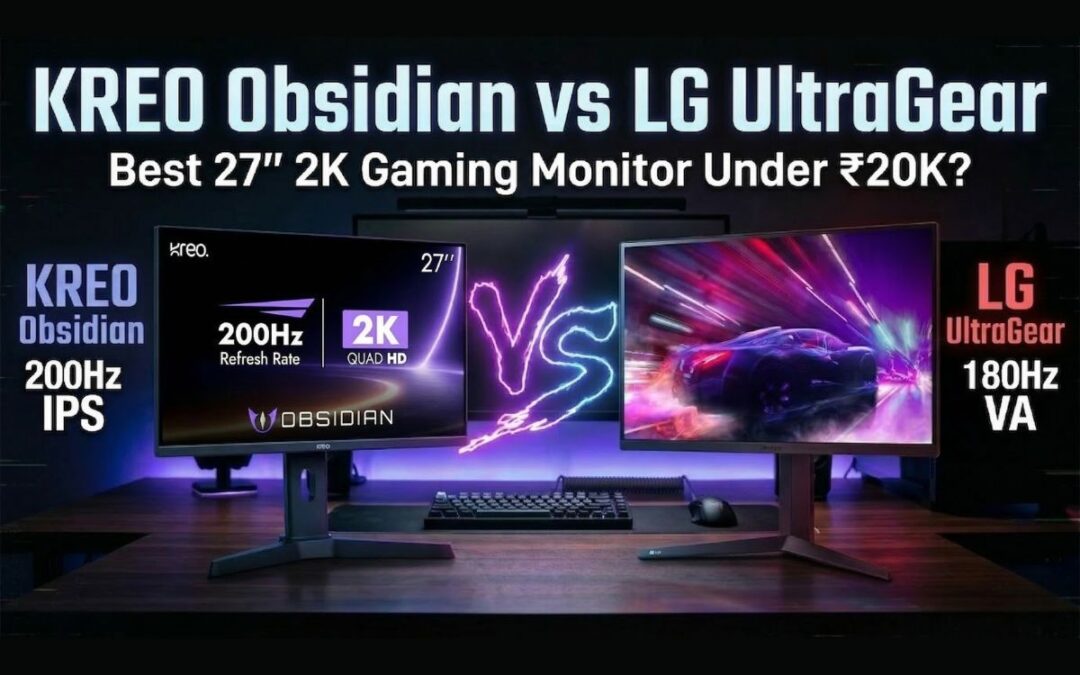
In this KREO Obsidian vs LG UltraGear review, I’m testing the highly demanded KREO Obsidian. On paper, it looks incredible: a 27-inch, 2K, 200Hz IPS panel for Rs 17,500.
But while testing it in the studio, something felt off. The specs were high, but the real-world experience told a different story. To give you a fair and accurate comparison, I went out and bought another monitor at the exact same price point from a brand that has dominated this space for years: the LG UltraGear 27GS60QC.
At around Rs 17,000, the LG monitor brings a curved VA panel and a 180Hz refresh rate to the table.
Should you trust a brand new player in the market offering massive specs, or stick with a legacy brand that has proven reliability? I put both of these budget 2K gaming monitors in India head-to-head. Here is exactly what I found regarding build quality, panel performance, gaming experience, and those hidden flaws the spec sheets won’t tell you.
In This Post
The Unboxing Experience and The “Made in India” Claim
Right out of the gate, I noticed something strange with the KREO Obsidian box. KREO’s biggest marketing claim is that this is a “Made in India” monitor. I even saw a video on their Twitter showing their manufacturing process. Yet, when you look at the physical box, one side proudly says “Made in India,” while the other clearly states “Country of Origin: China.” KREO needs to clarify this for buyers because it creates immediate confusion.
KREO Obsidian vs LG UltraGear: Quick Specifications
Feature
KREO Obsidian
LG UltraGear 27GS60QC
Screen Size
27 inches
27 inches
Resolution
2560 × 1440 (2K)
2560 × 1440 (2K)
Panel Type
IPS
VA
Refresh Rate
200Hz
180Hz
Response Time
1ms
1ms
Adaptive Sync
FreeSync / G-Sync
FreeSync / G-Sync
Brightness
~320 nits
~332 nits
DCI-P3 Coverage
94%
81%
Adjustments
Height, Pivot, Tilt
Tilt only
Warranty
800 days (Roughly 2.2 years)
3 years
Design, Build Quality, and Ergonomics
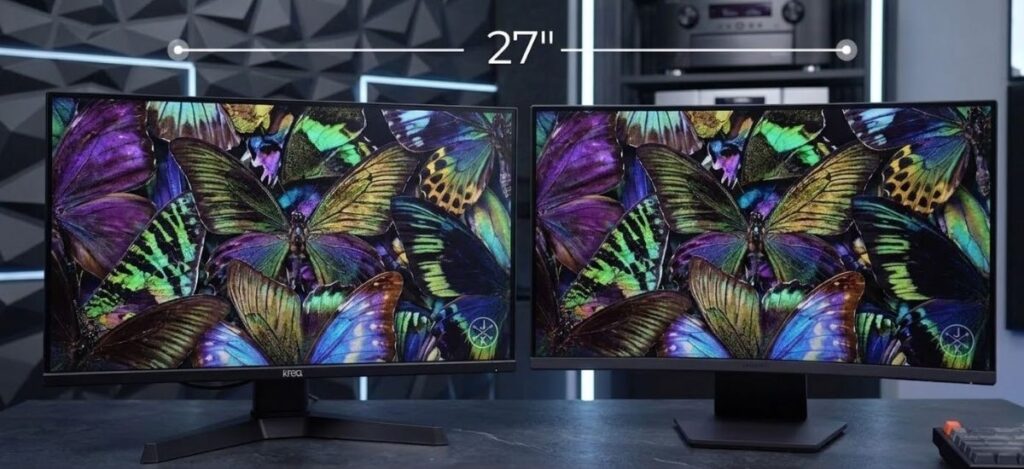
KREO Obsidian vs LG UltraGear 27-inch gaming monitor comparison
Both monitors feature a 27-inch display footprint and a polycarbonate (plastic) build, but the physical implementations are drastically different. The KREO Obsidian is a flat monitor, while the LG UltraGear 27GS60QC features a curved display.
Build Stability and VESA Mounting
KREO Obsidian: The build quality feels incredibly light. The plastic base stand lacks weight, and the moment you adjust the monitor upwards, the whole unit jumps and wobbles on the desk.
LG UltraGear: The polycarbonate build here feels dense and solid. It sits firmly on the table with minimal wobble.
Both monitors feature a standard matte finish on the screen, a Kensington lock, and support for a 100×100 VESA mount. They also both utilize a 5-way nipple joystick at the bottom for accessing the On-Screen Display (OSD). This joystick is the best way to navigate monitor menus, and I firmly believe every monitor should have one.
Stand Adjustments: KREO Takes the Lead
The KREO Obsidian wins easily when it comes to out-of-the-box ergonomics. It offers full Pivot, Height, and Tilt adjustments. You can easily flip it vertically if you want to use it as a secondary monitor for coding, reading chat while streaming, or scrolling timelines.
The LG UltraGear only offers basic tilt adjustment. This is a massive limitation for ergonomics.
Pro Tip: If you buy the LG and need height adjustment, you can bypass the factory stand entirely. Just buy a basic gas-spring VESA mount for around Rs 1,000 to Rs 1,500. [Internal Link: Read our guide on the best budget monitor arms for desk setups].
Connectivity, Ports, and The Refresh Rate Catch
When evaluating a gaming monitor, port selection dictates the maximum performance you can extract from your graphics card.
KREO Obsidian Ports:
2x DisplayPort 1.4
1x HDMI 2.0
1x USB 2.0 (Service port, not a KVM switch)
1x Audio Jack
LG UltraGear Ports:
1x DisplayPort 1.4
1x HDMI 2.0
1x Audio Jack
KREO edges out LG by offering an extra DisplayPort, which is great if you want to connect a gaming PC and a high-end console simultaneously without losing refresh rate. Neither monitor has built-in speakers, which is standard at this price.
The HDMI Limitation You Need to Know
There is a massive catch you must be aware of regarding the HDMI 2.0 ports on both monitors. I tested both with a gaming laptop. When you connect via HDMI at 1440p (2K) resolution, your refresh rate will be hard-capped at 144Hz.
To achieve the advertised 200Hz on the KREO or 180Hz on the LG, you must use the DisplayPort 1.4 connection. If your laptop only has a USB-C output, you need to order a high-quality Type-C to DisplayPort cable to unlock the maximum refresh rates.
Display Technology: IPS vs VA Panel
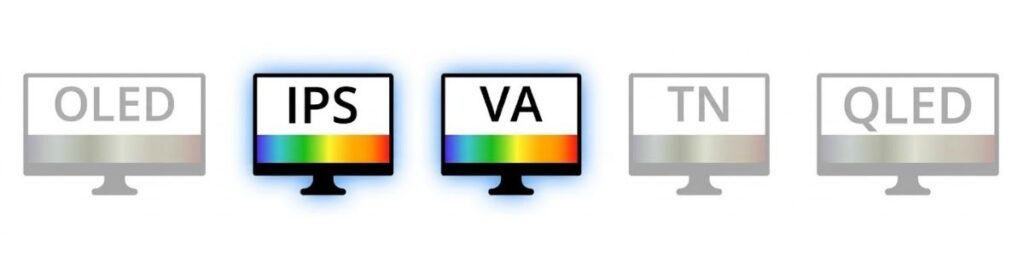
IPS panels prioritize color accuracy while VA panels offer stronger contrast
This is the most critical part of the KREO Obsidian review. A monitor is only as good as its display panel. Both monitors output at a crisp 1440p resolution, but they use fundamentally different panel technologies.
KREO Obsidian (IPS Panel): IPS panels traditionally focus on better color accuracy and wider viewing angles.
LG UltraGear (VA Panel): VA panels are designed specifically for high contrast ratios and deep, dark blacks.
During my testing, viewing angles were great on both units. However, everything else regarding image quality showed a massive gap in performance.
Color Accuracy and Brightness Testing
We tested the color gamut using professional calibration tools:
KREO Obsidian: 100% sRGB, 94% DCI-P3. Max Brightness: 320 nits.
LG UltraGear: 100% sRGB, 81% DCI-P3. Max Brightness: 332 nits.
Despite the similar peak brightness numbers, the KREO felt brighter during our 4K video tests. But that brightness comes at a heavy cost.
Out of the box, the colors on the KREO Obsidian are extremely cool (blue-tinted). Even after going into the settings and forcing the color temperature to “Warm,” it still retained a cool, unnatural vibe. If you are a video editor or do professional color grading, you have to switch the monitor to its dedicated sRGB mode to get usable, accurate colors. You cannot just unbox the KREO and start working; you have to spend time heavily tweaking the OSD to make it look decent.
The LG UltraGear, conversely, looks excellent right out of the box. The colors lean slightly warm, which is very eye-pleasing for long sessions.
Dynamic Range: KREO’s Biggest Failure
Dynamic range dictates how well a monitor handles the brightest whites and the darkest blacks in the same scene. The KREO monitor will definitely disappoint you here.
Higher contrast monitors produce deeper blacks and better cinematic detail
When we placed both monitors side-by-side playing the same high-quality nature footage, the KREO produced blacks that looked greyish-blue. Even compared to other IPS monitors we have in the studio, the KREO’s black uniformity was noticeably worse. Bright areas look completely washed out and lose all detail. It seems the panel over-boosts brightness and saturation artificially, creating an image that looks punchy for five minutes but becomes fatiguing to look at over time.
The LG UltraGear, utilizing its VA panel, produces incredibly deep, pitch blacks. Details in bright areas are maintained perfectly. If you are a student writing code on a dark-mode IDE, or a movie enthusiast watching horror films, the LG is vastly superior.
Gaming Performance and Refresh Rates
In terms of raw gaming performance and pixel response, both monitors handle fast-paced action well.
Refresh Rate: KREO has 200Hz, LG has 180Hz. In reality, you will not notice the 20Hz difference. Whether you play at 165Hz, 180Hz, or 200Hz, the smoothness feels identical to the human eye.
Response Time: Both claim a 1ms response time. We ran the UFO Ghosting test with KREO’s “Overdrive” setting maxed out and found zero ghosting and zero overshoot.
Adaptive Sync: Both support AMD FreeSync and NVIDIA G-Sync (only via DisplayPort, not HDMI). [External Link: Learn more about how G-Sync eliminates screen tearing].
MPRT Mode (Moving Picture Response Time)
The KREO features an MPRT mode designed to reduce motion blur in hyper-fast esports titles like Valorant or Doom. However, turning this on drops the monitor’s brightness down to an unusable 100 nits. Unless you play in a pitch-black room, this feature is practically useless.
Esports vs AAA Gaming
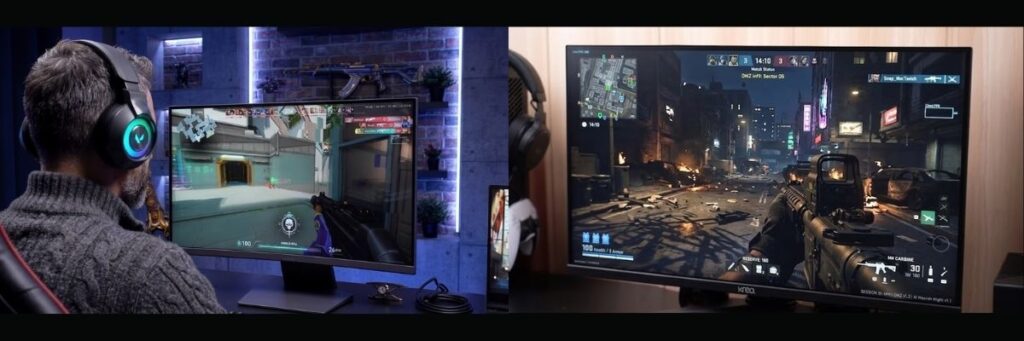
High refresh rate monitors improve responsiveness in competitive gaming
When playing Valorant, the KREO performed fine. The bright, flat maps suit the panel. However, my studio partner Shubham booted up God of War Ragnarok, which features heavy shadows and dark environments. The KREO ruined the atmosphere. The shadows turned into a muddy, greyish-blue mess.
The LG UltraGear provided a massive upgrade in visual fidelity for AAA and dark games because the VA panel actually renders true black.
Warranty and Brand Reliability
When buying budget PC components, after-sales service is a massive factor.
KREO Warranty: 800 Days (Roughly 2.2 years).
LG / MSI Warranty: 3 Years standard.
KREO is demanding Rs 17,500 for an unproven monitor from a new brand. LG, MSI, Acer, and Samsung have been manufacturing displays for decades. I haven’t personally had to deal with KREO’s customer service yet, but establishing trust takes time. When a new brand prices their product identically to the industry giants, it becomes a very tough sell.
Where to Buy: Current Prices & Links
Ready to snag one of these monitors? You’ll find the current prices and purchase links right here.
Note: Monitor prices on Amazon and Flipkart fluctuate constantly. While they both launched around the Rs 17,000 mark, you can often find them on sale for less.
(Pro tip: If you see the LG UltraGear drop below Rs 16,500 during a flash sale, don’t wait—grab it instantly.)
Final Verdict: Which Monitor Should You Buy?
If the KREO Obsidian was priced under Rs 15,000, it would be a highly recommended budget 1440p gaming monitor. At that price, you expect compromises like poor dynamic range and light build quality in exchange for a 2K 200Hz panel.
But at Rs 17,500, the KREO Obsidian is simply overpriced for the experience it delivers. The poor out-of-the-box color calibration, heavy screen bleeding, washed-out dynamic range, and questionable build stability make it hard to recommend.
For Rs 17,000, the LG UltraGear 27GS60QC is the clear winner here. You get excellent contrast, beautiful colors right out of the box, solid build quality, and the peace of mind of a 3-year warranty from a legacy brand.
What is your experience with these brands? Have you tried the new KREO Obsidian, or do you swear by LG UltraGear displays?
Drop a comment below and let me know about your experiences, especially regarding after-sales service—it helps out the whole community!
No. If you connect your PC or laptop using the HDMI 2.0 port, the refresh rate is capped at 1440p 144Hz. To get the full 200Hz on the KREO Obsidian (or 180Hz on the LG UltraGear), you must use a DisplayPort 1.4 cable.
Does the KREO Obsidian have built-in speakers?
Neither the KREO Obsidian nor the LG UltraGear comes with built-in speakers. However, both monitors have a 3.5mm audio jack, so you can plug your headphones or external speakers directly into the monitor.
Which monitor is better for editing and coding: KREO or LG?
The LG UltraGear is much better for coding because its VA panel produces pitch-black backgrounds, making dark-mode applications look great. For video editing, the KREO’s IPS panel has highly inaccurate, cool colors out of the box and requires heavy tweaking in the sRGB mode, whereas the LG looks much more accurate right away.
Can I mount the KREO Obsidian on a monitor arm?
Yes, both the KREO Obsidian and the LG UltraGear support a standard 100×100 VESA mount. Since the LG monitor only comes with basic tilt adjustment on its factory stand, buying a third-party monitor arm is highly recommended.
Is the KREO Obsidian actually Made in India?
This is a point of confusion. KREO claims it is a “Made in India” monitor, and it says so on one side of the box. However, the other side of the exact same box clearly states “Country of Origin: China.”
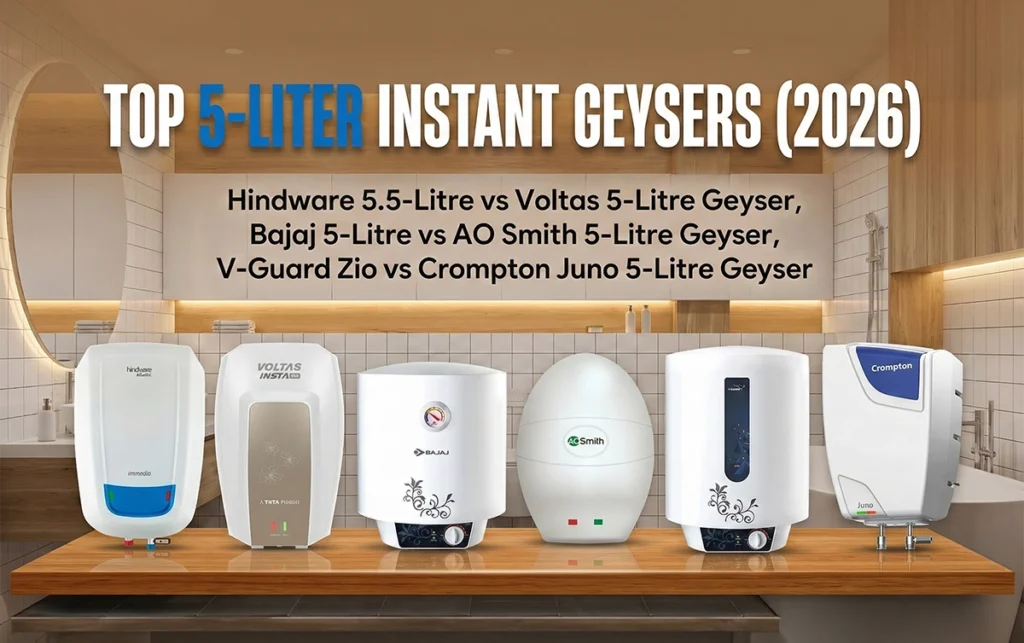
Finding the right geyser can feel like a winter project of its own. If you’re short on time (and patience) and need something that heats water instantly before your morning rush, this guide is exactly what you need.
I’ve personally tested, used, and reviewed multiple instant geysers—bought with my own money, no brand sponsorships, no hidden deals. My only goal is to help you choose the best instant geyser in India for 2026 that fits your budget and daily use.
So, let’s dive in and clear up the confusion between storage and instant geysers once and for all.
In This Post
Instant Geyser vs Storage Geyser: What’s Better?
If you’re wondering whether to go for a 15–25-liter storage geyser or a compact instant model, here’s the truth.
An instant geyser saves about 25% electricity compared to a storage geyser. It heats only the amount of water you actually need—no energy wasted on extra liters.
Example: If you need just 5 liters for a quick shower, an instant geyser heats only that amount. In contrast, a 15-liter storage geyser would heat all 15 liters, wasting both time and power.
However, don’t expect a star rating on instant geysers—most models don’t carry one due to their heating mechanism.
Power Element and Capacity
Instant geysers use 3-kilowatt heating elements, while storage models usually have 2-kilowatt elements. That extra power means faster heating.
You’ll mostly find two capacity options:
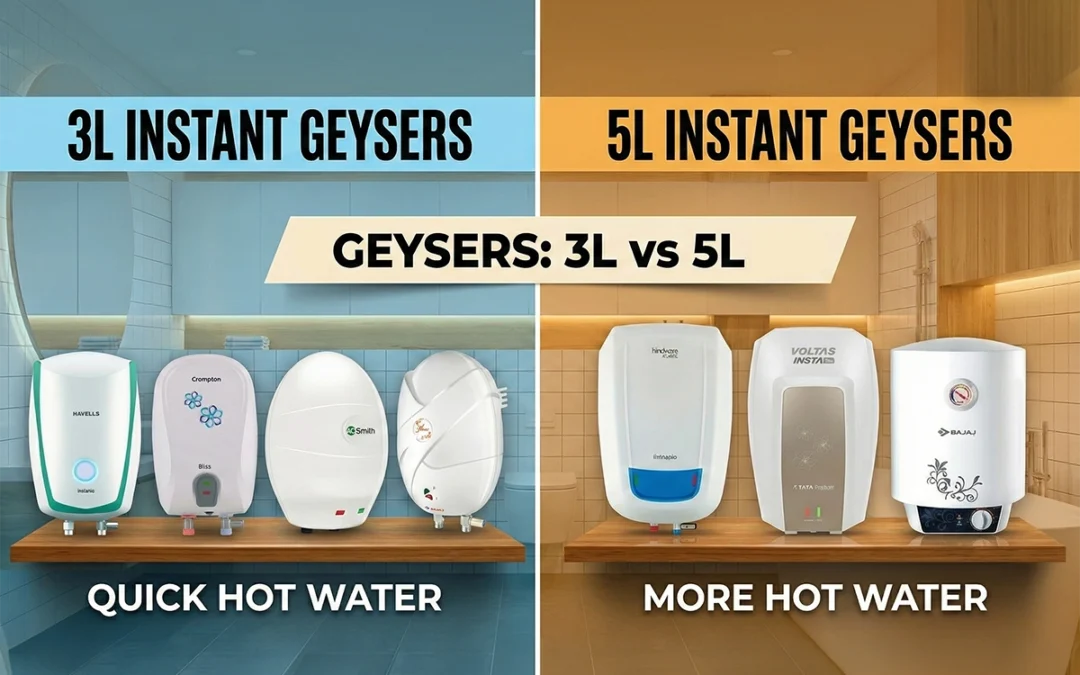
3-liter geysers – Ideal for kitchens.
5-liter geysers – Perfect for bathrooms.
If you want to take full showers, stick to 5-liter units. Three liters simply won’t cut it.
Build Quality and Installation Tips
Before jumping into brand names, keep these facts in mind:
Most brands don’t provide a 3-pin plug or pipes in the box. You’ll have to buy and install them separately.
Always use a 16-ampere plug to avoid short circuits.
Don’t rely on “free installation” promises; many companies don’t cover all cities.
Top 3-Liter Instant Geysers (2026)
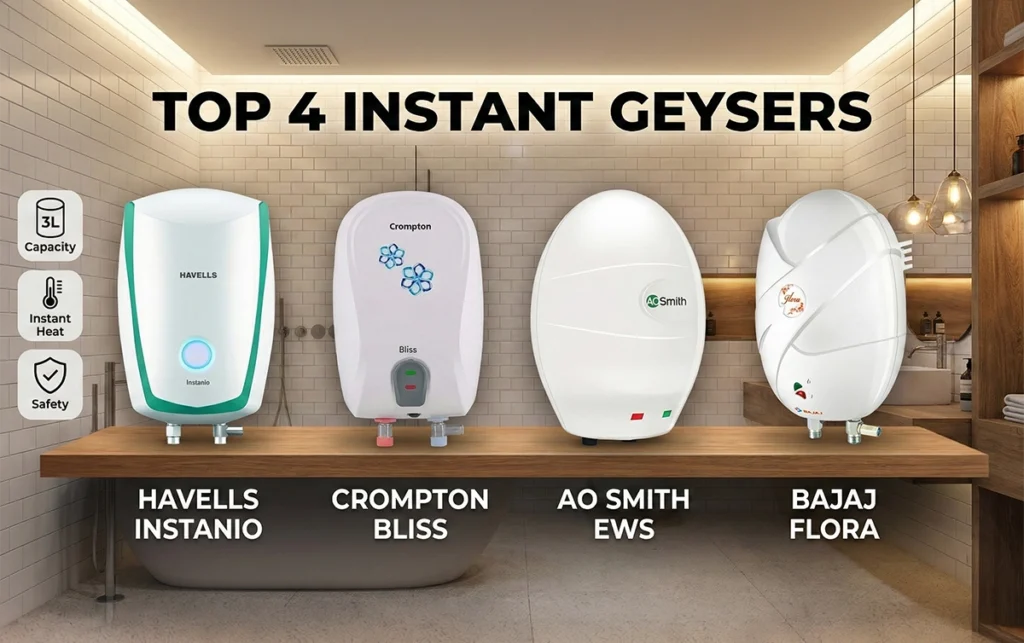
1. Havells Instanio 3-Litre Instant Geyser
Build Quality: Outstanding ABS outer body and 304-grade stainless steel inner tank.
Extras: Color-changing LED indicators, solid insulation, ISI certified.
Warranty: 2 years comprehensive + 5 years on tank.