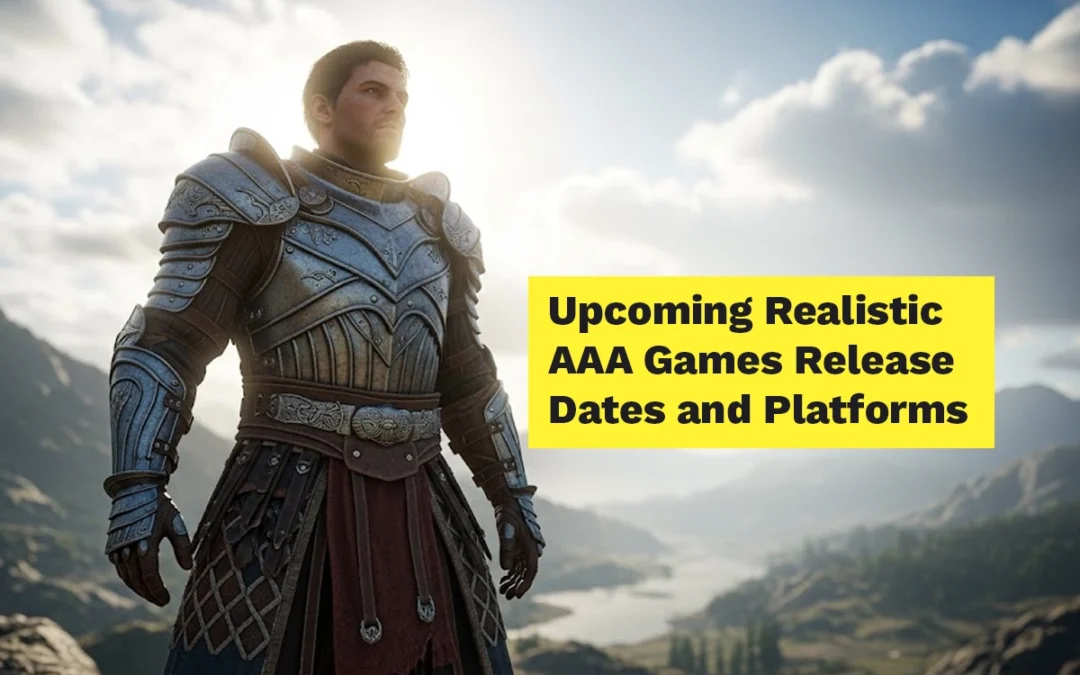
Upcoming realistic graphics games have been talked about for years, but let’s be honest. For a while now, “next-gen graphics” has been more promise than reality. A lot of games looked good, sure, but not that much better than what we were already playing.
That’s finally changing.
As we move into 2026, developers are clearly done holding back. PS5 and Xbox Series X|S are being used properly, and PC players are getting games that actually justify high-end GPUs. Better lighting. Better animation. Worlds that feel solid instead of flat.
This list isn’t about art style or hype. These are upcoming games that look genuinely realistic, especially in motion, and are clearly built with 4K HDR screens in mind.
In This Post
Upcoming Realistic Graphics Games: Release Dates and Platforms
I first saw Project TAL‘s trailer and thought, “This is Elden Ring meets Black Myth but with K-drama vibes.” You’re a hero scaling colossal beasts, exploiting weaknesses with AI companions who actually adapt to your playstyle. Platforms? PC, PS5, Xbox – but it’s a 2027 play, so patience, folks. As someone who’s all about open-world freedom, this one’s topping my list for seamless exploration.
Platforms PS5, PC, Xbox Series X|S
Release Date 2027
Game #2 – Woochi the Wayfarer
Nexon’s Woochi The Wayfarer feels like a Parasite soundtrack fused with mage combat. Battle folklore monsters in Unreal Engine 5 glory on PS5, Xbox Series, and PC. No firm date yet, but whispers say late 2026. If you dig emotional stories with cultural depth (hello, fellow desi gamers loving global myths), preload this.
Platforms PS5, PC, Xbox Series X|S
Release Date TBD (2026+)
Game #3 – Swords of Legends
Renamed from Gujian 4, Swords of Legends lets you capture enemy souls for combo summons – think Pokemon meets Devil May Cry in Chinese lore. Coming to PC and consoles (PS5/Xbox) sometime in 2026. The trailers’ weapon swaps and buddy synergies have me rethinking my Soulsborne fatigue.
Platforms PS5, PC, Xbox Series X|S
Release Date TBD (2026)
Game #4 – NCSOFT Project E
NCSOFT Project E is NCSoft’s enigmatic UE5 project, tied to their MMO universe. Trailers scream high-fidelity action, likely PC-first with console ports. Still in dev as of Feb 2026, but if it’s anything like Throne & Liberty, expect shared-world goodness.
Platforms PS5, PC, Xbox Series X|S
Release Date TBD (in dev)
Game #5 – Onimusha: Way of the Sword
Capcom’s bringing back Onimusha with Way of the Sword – katana stamina breaks and demon-slaying in twisted Edo Japan. Hits PS5, Xbox Series, PC in early 2026 (maybe Feb?). As a katana fanboy, those Issen finishers got me hyped.
Platforms PS5, PC, Xbox Series X|S
Release Date 2026 (Q1 est.)
Game #6 – Phantom Blade Zero
Phantom Blade Zero is my soulslike dream: dual blades, phantom weapons, sha-chi bursts against smart enemy packs. September 9, 2026 on PC/PS5 (Xbox later). The interconnected AI fights? Genius for spectacle without frustration.
Platforms PS5, PC, Xbox Series X|S
Release Date September 9, 2026
Game #7 – Black Myth: Zhong Kui
Black Myth: Zhong Kui is Game Science’s killer follow-up to Wukong, dropping you into the boots of the mythical ghost-hunter with his massive sword and zero-chill attitude for demons. Think brutal, heavy-hitting combat in haunted Chinese realms – talisman throws to stagger spirits, enslave ’em as allies, and soulslike boss rushes that crank the difficulty even higher on Unreal Engine 5. Teased at Gamescom 2025 with that epic “judge wrong and right” vibe, it’s early days but shaping up as 2027’s must-play for fans craving darker mythos over monkey flips.
Platforms PS5, PC, Xbox Series X|S
Release Date Has not been announced yet
Game #8 – Nioh 3
Team Ninja’s Nioh 3 (TGA 2025 star) drops Feb 6, 2026 on PS5/PC. Swap styles, pulse ki, conquer Crucible arenas. Deeper than ever – perfect for my hardcore grinding sessions.
Platforms PS5, PC, Xbox Series X|S
Release Date February 6, 2026
Game #9 – Chronicles Medieval
Chronicles: Medieval is my strategy itch-scratcher: sandbox kingdom-building in 14th-century Europe. Q1 2026 on PC, PS4/5, Xbox. Siege engines and diplomacy? Yes, please.
Platforms PS5, PC, Xbox Series X|S
Release Date Q1 2026 (March est.)
Game #10 – Crimson Desert
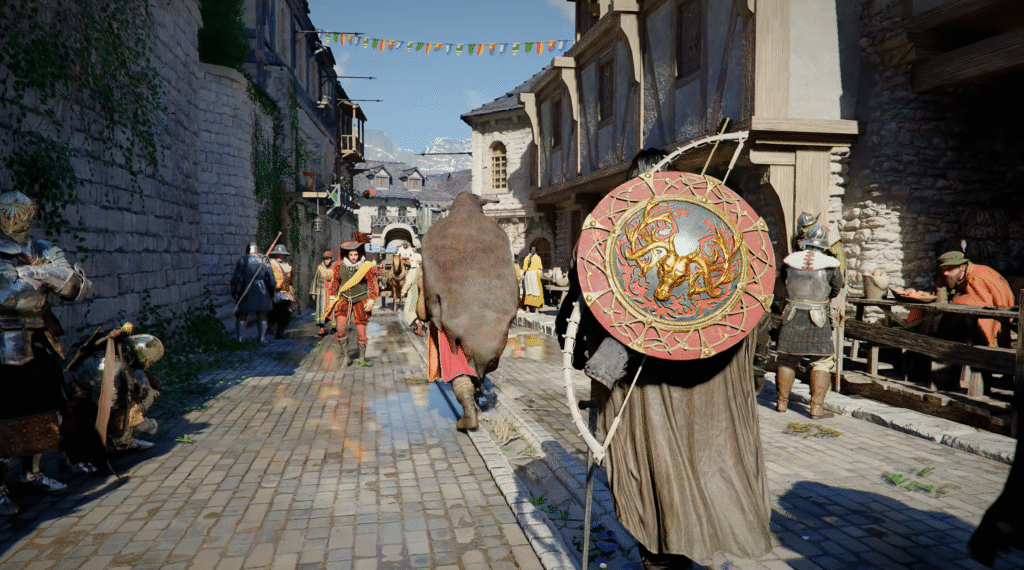
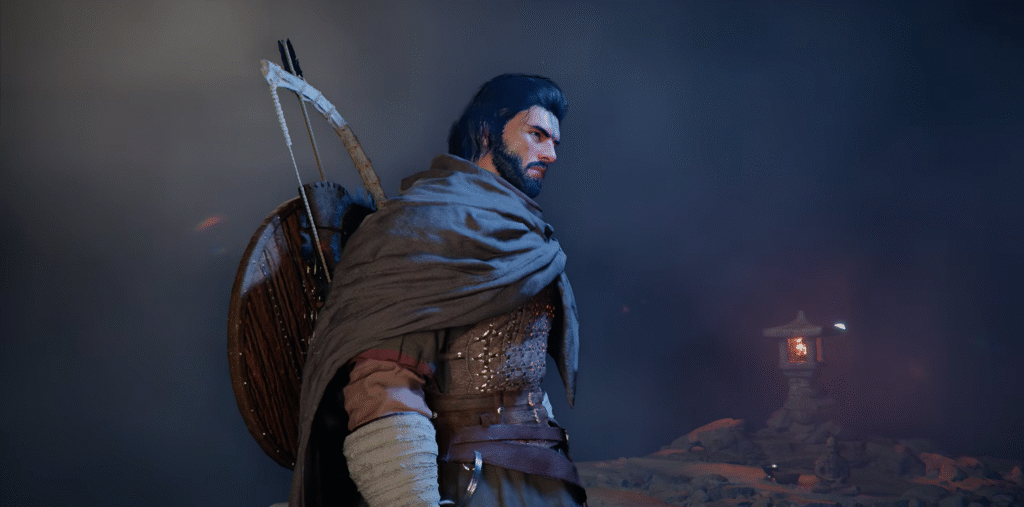
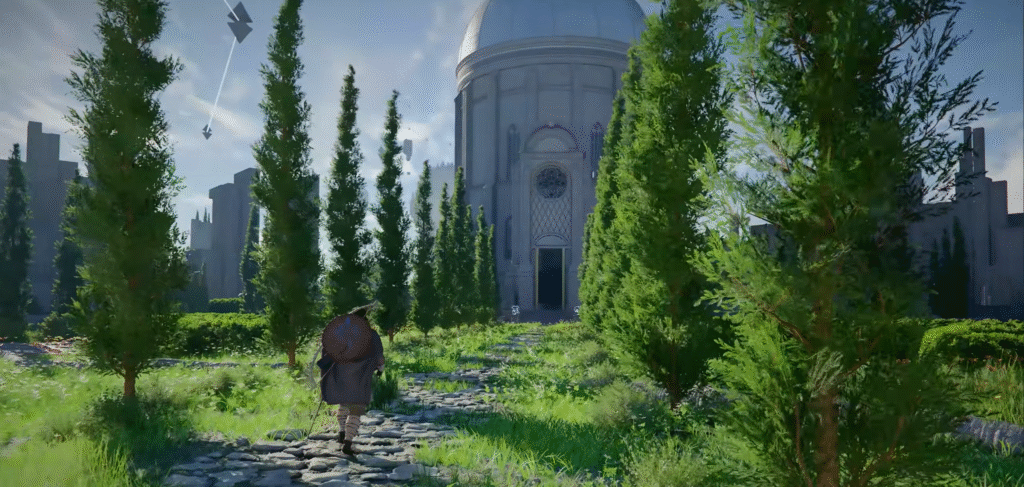
Pearl Abyss’s Crimson Desert – beast hunts, companion raids, conspiracy plots. March 19, 2026 on PC/PS5/Xbox. Open-world survival with Lies of P vibes? Count me in.
Platforms PS5, PC, Xbox Series X|S
Release Date March 19, 2026
Final Thoughts
If you care about graphics, the next couple of years are going to be fun. Developers are finally using modern hardware the way they should, and it shows. These games aren’t just built to look good in trailers. They’re meant to hold up during real gameplay, on real screens.
These aren’t just random indies – we’re talking mythology-fueled action RPGs, samurai slashers, and medieval strategists that scream “next-gen masterpiece.” I’ve been tracking them since their TGA teases, and with 2026 heating up, it’s time to know what’s dropping when and where. Grab your controller (or mouse, PC gang), because this is your ultimate guide to the games that’ll eat your free time. Let’s jump in!
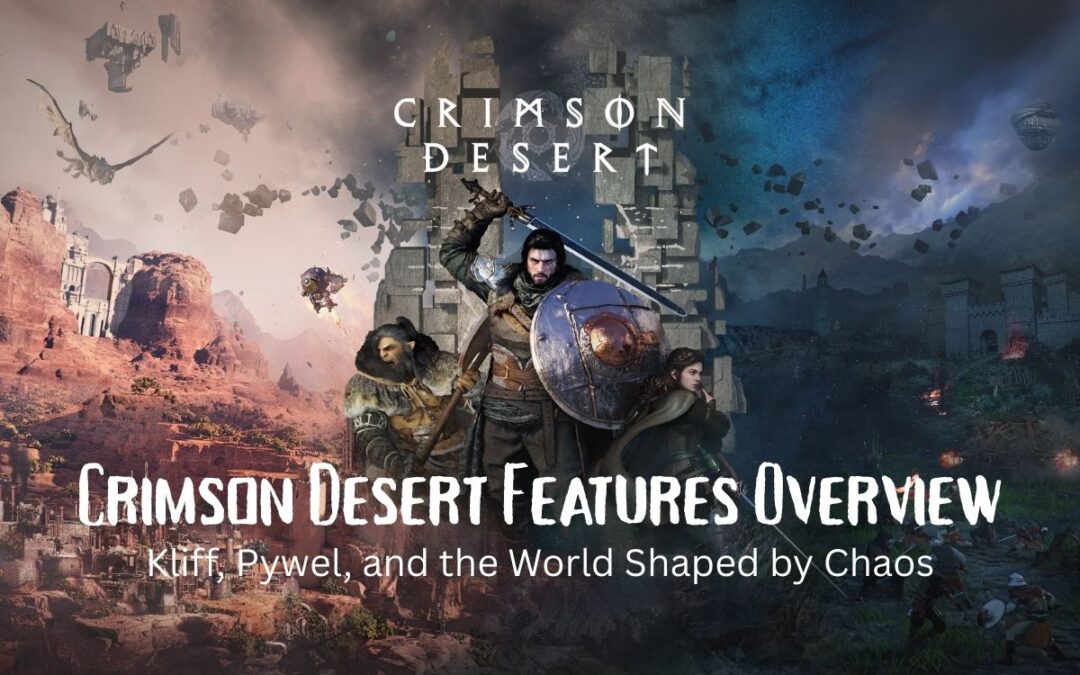
Crimson Desert features define more than just another open-world RPG. It is a story-driven experience built around conflict, freedom, and a living world that reacts to your actions.
At the center of it all stands Kliff, a warrior bound by loyalty, loss, and responsibility. Around him stretches Pywel, a seamless open world filled with beauty, danger, and unanswered questions.
This guide breaks down everything revealed so far. The story. The factions. The Abyss. Exploration. Quests. And why Pywel feels like a world worth getting lost in.
In This Post
The Continent of Pywel: A Seamless Open World
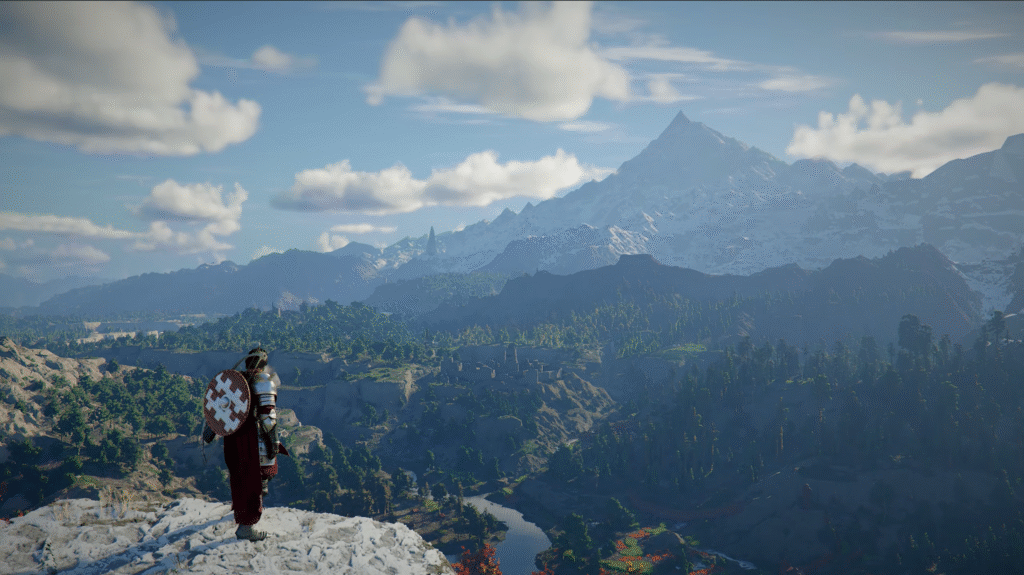
Pywel is a vast, uninterrupted continent. No loading zones. No artificial barriers. Just land stretching as far as the eye can see.
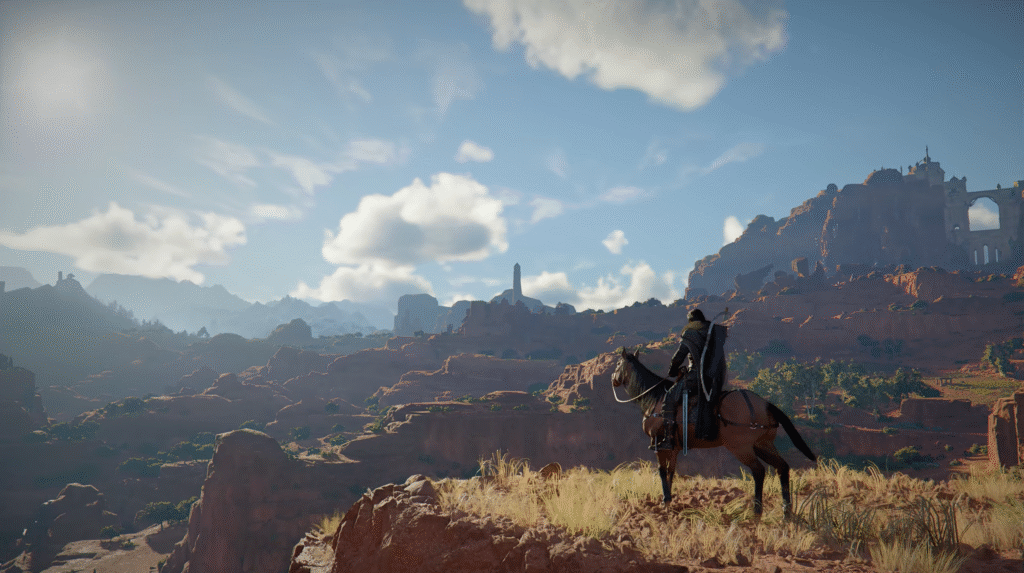
You’ll move through dense wilderness, open plains, mountain ranges, and cities alive with activity. Residents from different cultures go about their lives while conflicts quietly brew beneath the surface. Ancient ruins dot the landscape, remnants of forgotten eras waiting to be uncovered.
But Pywel is not a safe place.
Rival factions clash across regions. Hostile forces patrol roads and strongholds. And looming over everything is a growing threat that originates far beyond the physical world.
Kliff: The Warrior at the Heart of the Story
You play as Kliff, a seasoned fighter from the Greymanes. This faction hails from Paloon, a land once unified under strong leadership.
The Greymanes are known for their commitment to peace and order. They protect the innocent. They fight to keep their homeland whole. To Kliff, they are not just comrades. They are family.
That bond is tested when their leader falls.
With his death, Paloon descends into chaos. Old alliances fracture. War breaks out. The Greymanes are scattered, hunted, and pushed to the brink.
Your journey begins with survival. It grows into reunification. And it ends with reclaiming a homeland that has been torn apart.
Factions, War, and a World in Conflict
Pywel is shaped by its factions. Houses, organizations, and armies all fight for control, influence, or survival.
Some factions will be friendly from the start. They offer quests, resources, and support. Others are openly hostile, occupying regions and fortresses that must be reclaimed through force.
Liberating areas is not cosmetic. Once enemy forces are driven out, regions become safer to travel. Homes are restored. Merchants return. Resources open up. Your actions leave visible marks on the world.
Faction quests also fuel progression. New equipment. Unique merchants. Access to materials like stone and lumber. Everything feeds into rebuilding the Greymanes and strengthening your position.
The Abyss: Power Beyond Control
High above Pywel lies the Abyss. A mysterious realm overflowing with raw, untamed power.
Something has gone wrong.
Fragments of the Abyss have begun falling into the world below. These remnants warp the land and attract those hungry for power. Dark forces seek to open a gate to the Abyss itself, risking total collapse.
This threat goes beyond any single faction.
Restoring balance to the Abyss becomes a core pillar of the journey. Track down its fragments. Defeat those who abuse its power. And eventually, step into the Abyss itself.
Failure is not an option. If the gate opens, the cost will be measured in lives.
Multiple Playable Characters and Combat Styles
While Kliff remains the central figure, he does not fight alone forever.
As the story progresses, new playable characters join your journey. Each brings a distinct combat style, skill set, and weapon focus. You can explore Pywel freely with these characters, taking on side quests and challenges outside the main story.
This flexibility allows you to approach combat and exploration in different ways, without breaking narrative immersion.
Crimson Desert Features That Redefine Quest Design
Pywel does not force you down a straight line.
The main story follows Kliff’s struggle and the fate of the Greymanes, but the continent is filled with optional paths. Side stories. Hidden encounters. World events. Quiet personal quests.
Some missions are massive in scale. Reclaiming fortresses. Defeating elite commanders. Turning the tide of regional conflicts.
Others are smaller, grounded moments. Helping villagers. Escorting caravans. Solving local disputes.
All of them shape your adventure.
Exploration That Rewards Curiosity
Exploration in Crimson Desert is built on freedom.
If you see a mountain, you can climb it. If a ruin catches your eye, you can reach it. There is no strict route, no artificial funneling.
Travel options evolve over time. Horses provide reliable movement across land. Kliff can climb and glide to cross gaps and vertical terrain. Later, advanced machines and dragons open up the skies, letting you traverse Pywel from above.
Every path holds potential rewards. Hidden treasures. Artifacts. Knowledge. Or simply a view worth stopping for.
Artifacts, Knowledge, and Progression
Artifacts play a critical role in progression. These powerful items unlock and upgrade skills, enhance combat, and expand traversal options.
Some artifacts are earned through quests and battles. Others are hidden deep in the world, rewarding players who explore thoroughly and take risks.
Knowledge is just as important.
By observing enemies, interacting with characters, and exploring new regions, you gather information about Pywel’s people, wildlife, items, and history. This knowledge can unlock new quest paths, provide tactical advantages, and reveal secrets others might miss.
The more you learn, the stronger you become.
Why Pywel Feels Alive
Crimson Desert succeeds because its world reacts.
Regions change after liberation. Factions respond to your actions. Travel becomes safer or more dangerous based on your progress. Exploration is not filler. It is the core of the experience.
Pywel is not just a backdrop for combat. It is a living continent shaped by war, ambition, and the consequences of power.
Conclusion
Crimson Desert sets out to deliver a story-driven open-world RPG where every system connects. Kliff’s personal struggle mirrors the collapse of Pywel itself. Factions rise and fall. The Abyss looms as an existential threat. Exploration, combat, and knowledge all feed into a single cohesive journey.
This is a world that rewards curiosity, patience, and commitment.
And this is only the beginning.
If you’re tracking the future of open-world games, don’t miss our full breakdown of the Top 30 New Open World Games of 2026 (Ranked & Reviewed) and see where Crimson Desert fits among the most anticipated releases.
Crimson Desert is an open-world action RPG focused on the story of Kliff, a warrior trying to reunite his fallen faction while confronting a growing supernatural threat.
Is Pywel fully open world?
Yes. Pywel is a seamless open world with no loading screens between regions, allowing free exploration across the entire continent.
What is the Abyss in Crimson Desert?
The Abyss is a mysterious realm filled with immense power. Its fragments have fallen into Pywel, disrupting balance and driving the main conflict.
Are there multiple playable characters?
Yes. In addition to Kliff, other playable characters join later, each with unique combat styles and abilities.
Does exploration affect gameplay?
Absolutely. Exploration rewards players with artifacts, knowledge, fast travel points, and hidden quests that directly impact progression.
Top 30 New Open World Games of 2026 (Ranked & Reviewed)
Feature Article
Open world games have become the industry standard. 2026 is shaping up to be a monumental year, from industry titans to ambitious indie projects. Here is your ultimate breakdown.
✨
AI Game Matchmaker
Can’t decide? Tell our Gemini-powered AI what you’re in the mood for (e.g., “I want a relaxing game with base building” or “Something with high-speed action”), and it will pick the best game from this list for you.
AI
The Countdown: 30 to 11
30
Forza Horizon 6
May 18, 2026Playground Games
Kicking off the list is the platonic ideal of the open-world racer. Forza Horizon 6 arrives earlier than expected, moving the festival to Japan. With over 550 real-world cars and a massive Tokyo environment, plus event creators and customizable estates, it looks set to be a masterpiece.
29
Fable
TBD 2026 (Possible Delay)Playground Games
Playground Games makes the list twice. The Fable reboot aims to modernize the reactive, choice-driven nature of the originals. You can romance NPCs and buy property, but the binary “Good vs. Evil” system is replaced by something more nuanced.
28
Chronicles: Medieval
2026Raw Power Games
Aiming to compete with Mount & Blade, this sandbox lets you be a lord, mercenary, or brigand. The loop focuses on building an army and large-scale warfare. Trailers look high-fidelity, but gameplay is scarce—watch with cautious optimism.
27
Alkahest
2026Action RPG
A focused open-world experience shifting away from traditional magic to a robust alchemy system. With a gritty, low-fantasy vibe and potion crafting combat, this could be a sleeper hit.
26
Solarpunk
2026Survival Crafting
Standing out in an oversaturated genre, Solarpunk looks incredible. Explore floating islands via airship and use solar, wind, and water power to generate electricity. It’s intuitive, stylish, and supports multiplayer.
25
Mortal Shell 2
2026Soulslike
The sequel promises to be the finished manuscript to the first game’s rough draft. Features a fully interconnected open world and a serious expansion to the “shell” system. Expect a deep, deliberately designed Soulslike.
24
Assassin’s Creed IV: Black Flag Remake
Late 2026 / Early 2027Ubisoft
Reports suggest a late 2026 release. Fans want quality-of-life improvements, but mostly, we just want shanties and ship-to-ship combat in 4K.
23
Subnautica 2
2026Unknown Worlds
One of the most wishlisted games on Steam. The original was a masterclass in exploration. If the sequel maintains that atmosphere of mystery and underwater terror, it will be a massive success.
22
Chrono Odyssey
Q4 2026MMORPG
An MMORPG with seamless open world and single-player quality combat. Uses time manipulation mechanics. Developers plan a major overhaul for the Western launch.
21
Light No Fire
Fall 2026 / 2027Hello Games
From the creators of No Man’s Sky, creating a single, Earth-sized planet to explore with friends. Expect building, dragons, and long-term support.
20
Outbound
2026Vehicle Building
Think Raft on a VW Bus. A charming survival crafter where your vehicle is your base. Plant gardens on the roof and explore a vibrant world with cozy creativity.
19
Last 2
March 12, 2026 (Early Access)CRPG
Heavily inspired by Baldur’s Gate 3. Promises a dense environment, non-linear exploration, and high-effort CRPG mechanics with modern visuals.
18
Crimson Desert
March 19, 2026Pearl Abyss
Single-player action in the Black Desert universe. Complex combat (wrestling, swordplay), dragon flight, and climbing mechanics. A true “agency over story” sandbox.
17
Streets of Rogue 2
2026Immersive Sim
Applying the chaos of the original to a continuous open world. An emergent narrative generator that plays like an action-focused RimWorld.
16
Nioh 3
Feb 6, 2026Team Ninja
Nioh goes open-field. Ditches linear levels for semi-open zones. Adds a jump button and a new “Ninja” combat style while keeping the punishing difficulty.
15
Outward 2
Q3 2026Hardcore Survival RPG
Refines the clunky but beloved original. Better combat, better visuals, same uncompromising difficulty, now with 4-player co-op to survive the harsh world together.
14
Demon Tides
Feb 19, 2026Platformer
Inspired by Bowser’s Fury. Takes tight 3D platforming mechanics and applies them to a massive open world with a refined art style.
13
Black Frost: The Long Dark 2
2026 (Early Access)Survival
Introduces 4-player co-op. Replaces perma-death with “Perma-Life”—your character gains psychological fears and traumas based on failures instead of dying.
12
Witchbrook
2026Life Sim / RPG
“Stardew Valley at Hogwarts.” An isometric magic school simulator. Attend classes, explore a large city, partner with businesses, and dive into a deep social system.
11
Monster Hunter Stories 3
March 12, 2026RPG
Expands open areas significantly with high verticality. Use monster abilities to fly, swim, and climb. Mechanically complex and more mature than predecessors.
The Top 10
10
No Law
Neon GiantCyberpunk FPS
From the makers of The Ascent. Set in the vertical seaside city of Port Desire. Linear immersive-sim missions inside a stunning open-world city waiting to be explored.
09
Railbound
Train BuilderSurvival
Build and manage a mobile fortress on rails. Manage power distribution and water flow while navigating environmental hazards like snow and aliens. A base-building game that moves.
08
The Blood of Dawn Walker
Vampire RPGTime-Based
A time-based RPG from former Witcher devs. Gameplay shifts dramatically between day (weak) and night (strong). Every quest advances the clock, forcing strategic prioritization.
07
Lego Batman: Legacy of the Dark Knight
May 29, 2026Action Adventure
Essentially a kid-friendly Arkham City. Features Predator stealth, Arkham combat, and a massive open-world Gotham. Mashes up every Batman era (DeVito Penguin meet Reeves Batman).
06
Hela
AdventureCo-op
Play as a mouse in a beautiful Scandinavian landscape. Gather ingredients for a witch’s potion. A charming, low-stress alternative with 4-player co-op.
05
Wind Rose
Pirate SurvivalProcedural
Think Valheim on the high seas. Procedurally generated ocean with handcrafted dungeons and boss fights. Build a base or sail into combat.
04
Enshrouded (1.0)
Fall 2026Survival RPG
One of the best survival games leaves Early Access. Known for incredible voxel-based building and responsive combat, the full release rounds out an excellent package.
03
Rooted
Post-ApocalypticRealistic
A rare non-fantasy entry. Goes for hyper-realism in overgrown cities. Features smart AI and a salvaging system where you must examine old-world objects to learn their use.
02
Pedal Runner
Retro-FutureCozy Vibes
Inspired by Game Boy aesthetics with chunky pixels. Explore a chill city on a motorcycle, engaging in side activities and collecting creatures. Modern design, retro style.
Game of the Decade
Grand Theft Auto VI
Nov 19, 2026 (Projected)Rockstar Games
It’s not just the game of the year; it is the game of the decade. GTA 6 takes us back to Vice City in a fictionalized Florida. From the “Florida Man” energy to the dual protagonists, this is the crime simulation fans have been waiting for.
While Rockstar is known for delays, the current target is November 2026. If it hits that date, nothing else stands a chance.
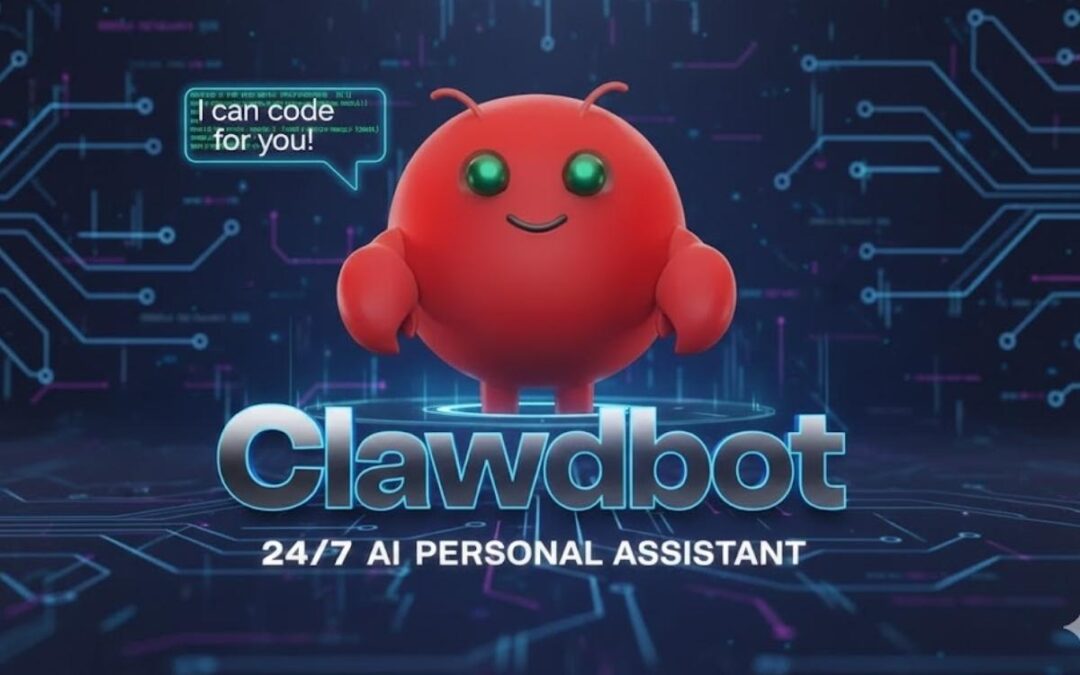
ClawDBot is a self-hosted AI agent designed to do real work, not just talk. Unlike cloud chatbots that answer questions and forget context, ClawDBot runs on your own machine or server and can execute tasks, remember instructions, and automate workflows through chat commands.
This guide explains what ClawDBot is, how it works, how to install it step by step, and whether it’s worth using.
In This Post
What Is ClawDBot?
ClawDBot is an open-source, self-hosted AI assistant that acts like a personal automation agent. You control it through chat platforms, but behind the scenes it can run scripts, manage tasks, browse the web, and maintain long-term memory.
Instead of relying on third-party cloud dashboards, ClawDBot gives you full ownership of data, behavior, and execution. Everything runs locally or on infrastructure you control.
ClawDBot is built for:
Developers and engineers
Automation and productivity power users
Privacy-focused users who want local AI control
How ClawDBot Works
Self-Hosted Architecture
ClawDBot runs on your local computer, home server, or VPS. There is no mandatory cloud dependency. This architecture gives you:
Full data ownership
Lower privacy risk
Customizable permissions
You decide what the bot can access and what actions it can perform.
AI Models and Integrations
ClawDBot connects to large language models through APIs or local inference setups. The model handles reasoning, while ClawDBot handles execution.
You interact with it through messaging platforms, which act as a command interface rather than a traditional UI.
Persistent Memory and Task Execution
Unlike basic chatbots, ClawDBot stores context across sessions. It remembers:
Preferences
Past instructions
Ongoing tasks
It can also execute actions such as:
Running scripts
Scheduling tasks
Sending messages
Triggering workflows
This is what makes it an AI agent, not just a chatbot.
Key Features of ClawDBot
Automation and Workflow Control
ClawDBot can trigger scripts, manage recurring tasks, and coordinate multi-step workflows based on chat commands.
Chat-Based Command Interface
You control everything through simple messages instead of dashboards or command lines.
Customization and Extensibility
Because it’s open source, you can:
Add plugins
Modify permissions
Extend capabilities with APIs
This flexibility is one of ClawDBot’s biggest advantages.
How to Install ClawDBot (Step-by-Step)
System Requirements
Windows, macOS, or Linux
Stable internet connection
Basic command-line familiarity
Sufficient RAM for AI model usage
A VPS or home server works well for 24/7 operation.
Prerequisites
Before installing ClawDBot, you typically need:
Python or Docker installed
Git for cloning repositories
API keys for your chosen AI model
A messaging platform account for control
Downloading ClawDBot
Clone the official repository from its source. Always verify the repository to avoid forks with malicious changes.
Installation Methods
Local Installation
Best for personal use and testing
Runs directly on your machine
Docker Installation
Easier dependency management
Cleaner updates and isolation
Server or VPS Deployment
Ideal for always-on automation
Requires stronger security configuration
Initial Configuration
After installation, you configure:
Environment variables
AI model credentials
Messaging platform integration
Permission limits for execution
This step defines what ClawDBot is allowed to do.
Running ClawDBot for the First Time
Once configured:
Start the service
Send a test command via chat
Confirm responses and task execution
If it responds and executes correctly, your setup is complete.
Common Installation Issues
Missing dependencies
Incorrect API keys
Permission errors
Messaging platform misconfiguration
Most issues come from skipped setup steps.
ClawDBot vs Traditional Chatbots
AI Agent vs Chatbot
Traditional chatbots respond to text. ClawDBot acts on instructions.
Chatbots are reactive. ClawDBot is proactive.
Control, Privacy, and Trade-Offs
Self-hosting gives control and privacy but requires:
Maintenance
Updates
Security awareness
This trade-off is worth it for advanced users.
Is ClawDBot Safe and Legal to Use?
ClawDBot itself is legal and open source. Safety depends on how you configure it.
Best practices include:
Restrict execution permissions
Avoid exposing it publicly
Use secure API key storage
Misuse comes from poor configuration, not the tool itself.
Who Should Use ClawDBot?
ClawDBot is ideal for:
Developers
Automation enthusiasts
Privacy-conscious users
AI experimenters
Who Should Avoid It
You should avoid ClawDBot if:
You want a plug-and-play assistant
You dislike managing updates
You are uncomfortable with command-line tools
Real-World Use Cases for ClawDBot
Personal AI assistant with memory
Workflow automation
Research and information management
Messaging-based system control
These use cases scale with your configuration.
Alternatives to ClawDBot
Alternatives include:
Other self-hosted AI agents
Cloud automation platforms
SaaS virtual assistants
Cloud tools are easier, but they sacrifice control and privacy.
Final Verdict: Is ClawDBot Worth Installing?
ClawDBot is powerful, flexible, and private. It is not beginner-friendly, but for the right user, it offers something most AI tools do not: real control.
If you want an AI that executes tasks and respects data ownership, ClawDBot is worth installing.
Conclusion
ClawDBot represents a shift from conversational AI to action-based AI agents. By running locally and integrating execution, memory, and automation, it fills a gap cloud chatbots cannot.
For users willing to invest time in setup and security, ClawDBot delivers long-term value and unmatched flexibility.
FAQs
Is ClawDBot free to use?
Yes. It is open source, though AI model APIs may have costs.
Do I need coding skills to use ClawDBot?
Basic technical knowledge is required, especially during setup.
Can ClawDBot run on a VPS?
Yes. VPS deployment is common for 24/7 automation.
Is ClawDBot safe for personal data?
Yes, if properly configured and secured.
How often does ClawDBot need updates?
Updates depend on development activity and your configuration.
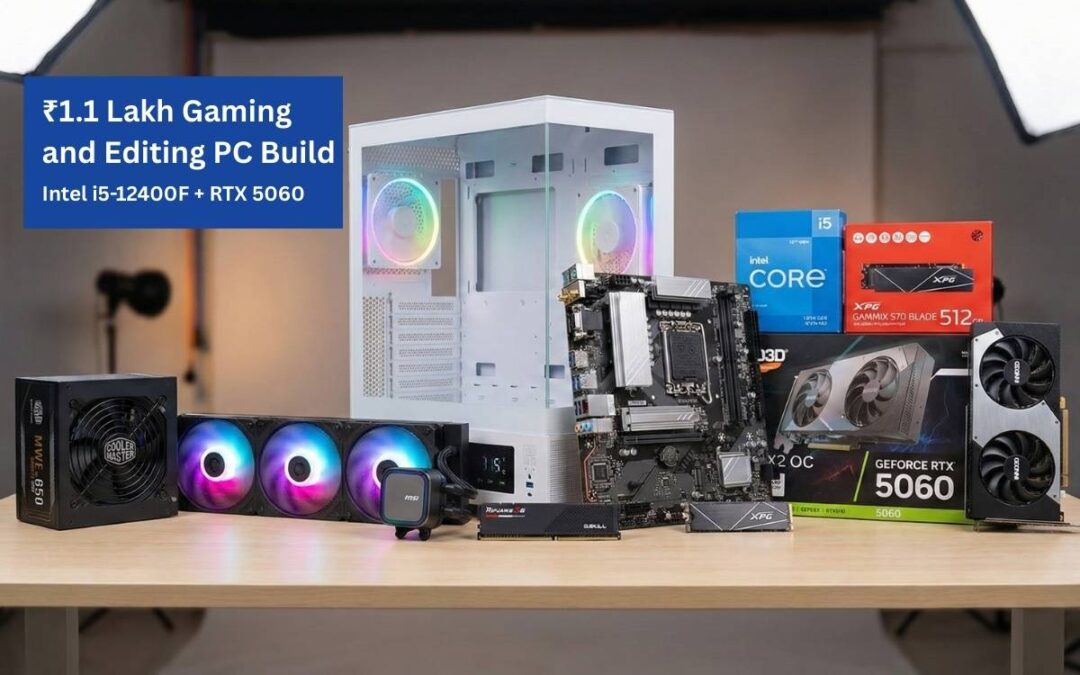
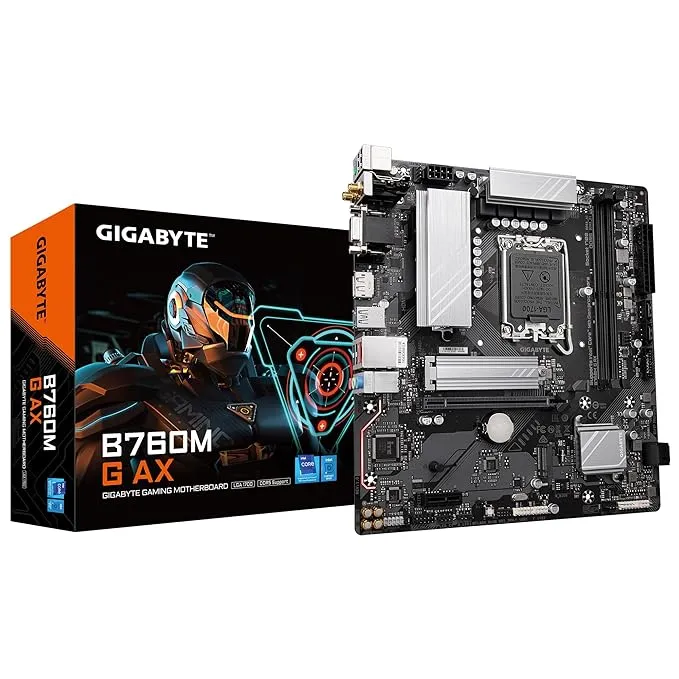
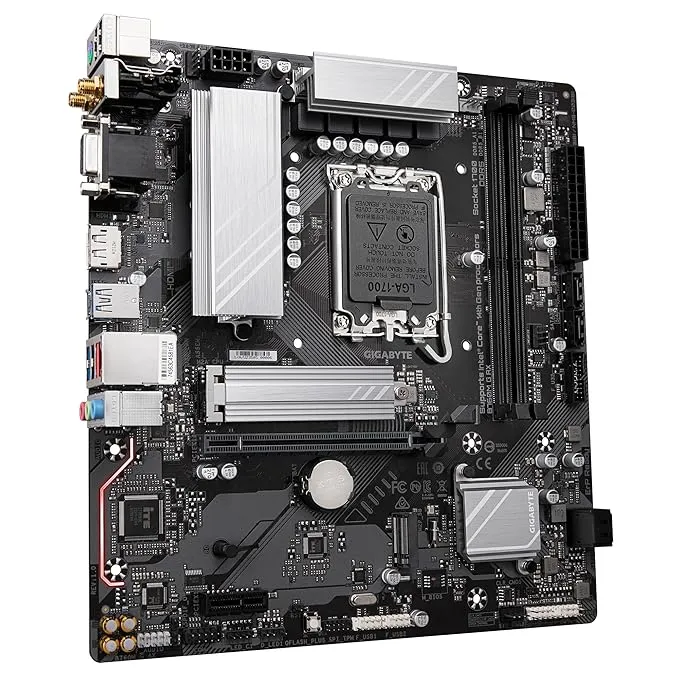
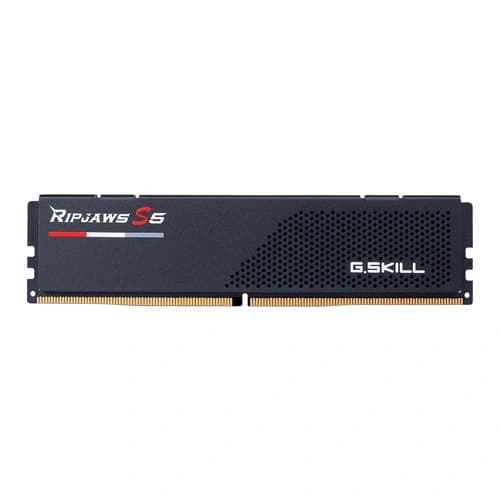
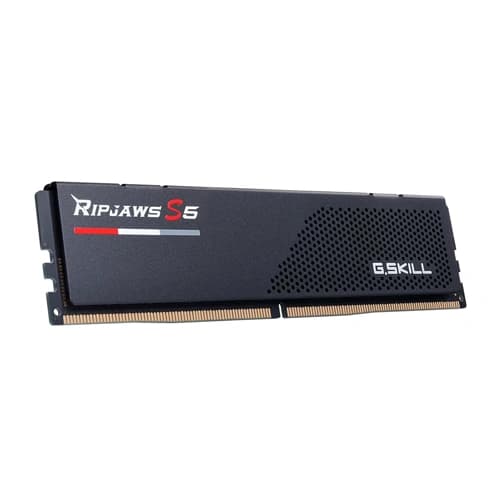
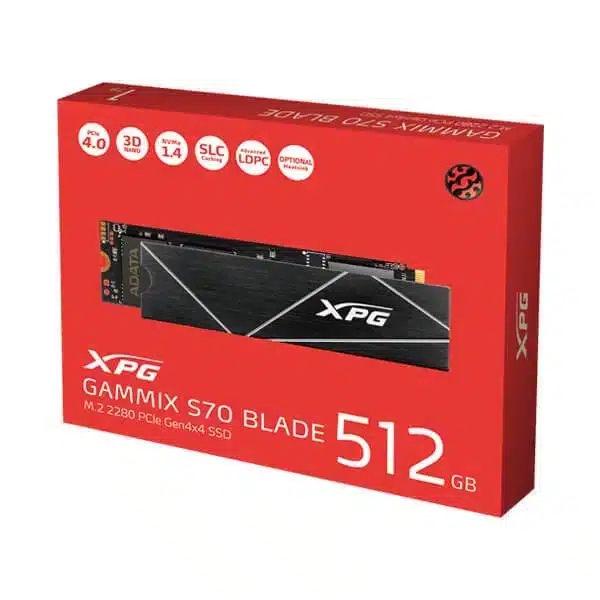
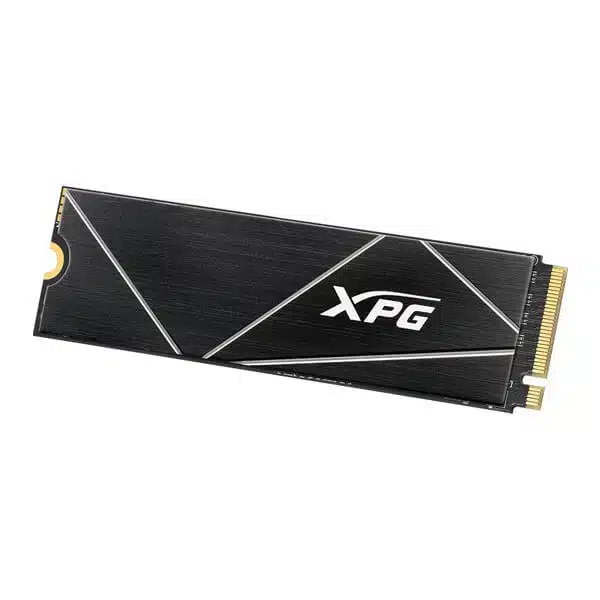
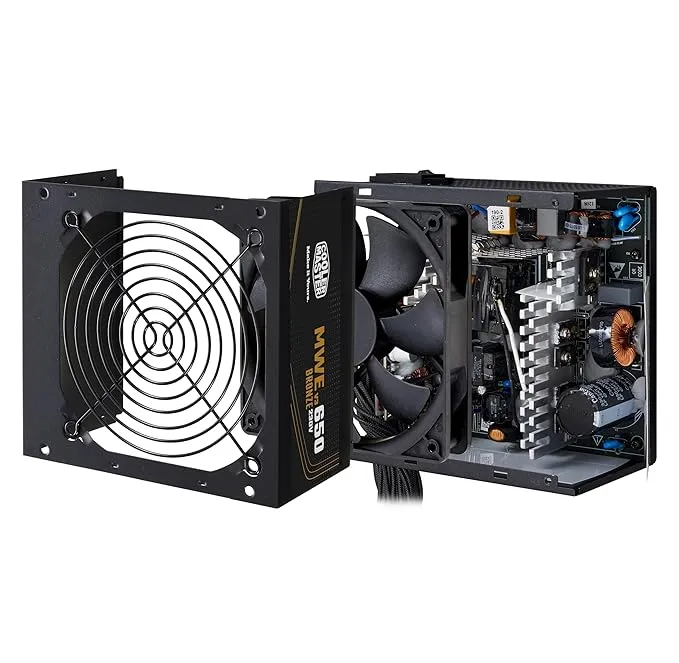
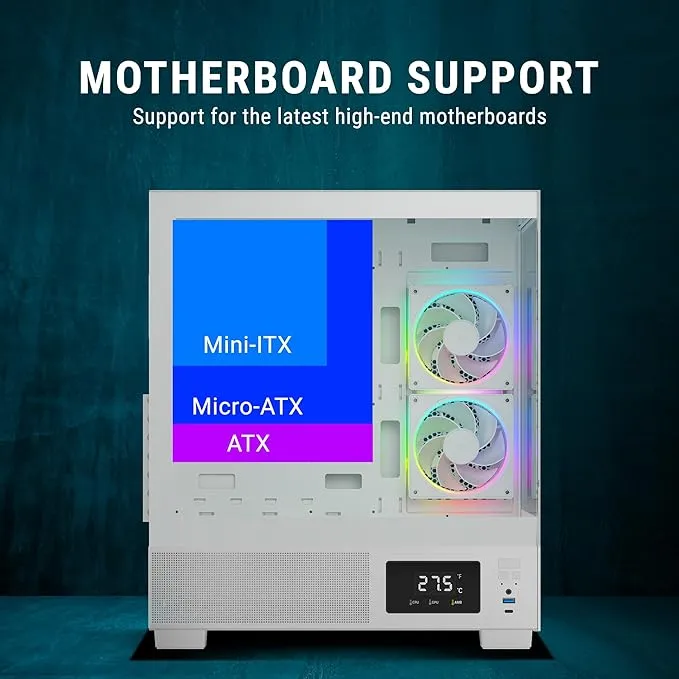
₹1.1 lakh gaming PC builds need to strike the right balance between performance and value, and this configuration does exactly that. If your budget is around ₹1.1 lakh and you want a PC that can game, edit, and stream smoothly, this build is right on target. It is based on a real-world custom PC assembled and shipped in India, using balanced components with a strong focus on performance, thermals, and future stability.
This is not a flashy “specs-on-paper” build. It is a practical, well-matched system designed for 1080p and 1440p gaming, Premiere Pro, After Effects, Photoshop, and everyday multitasking.
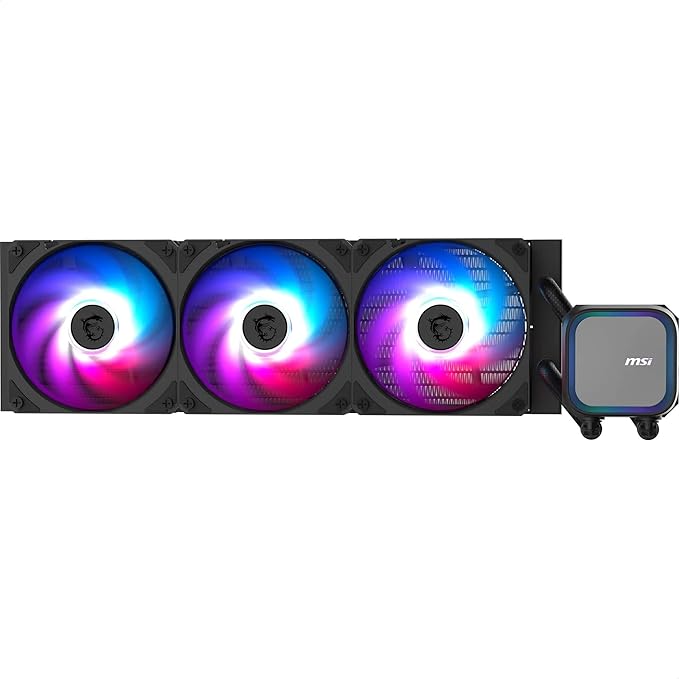
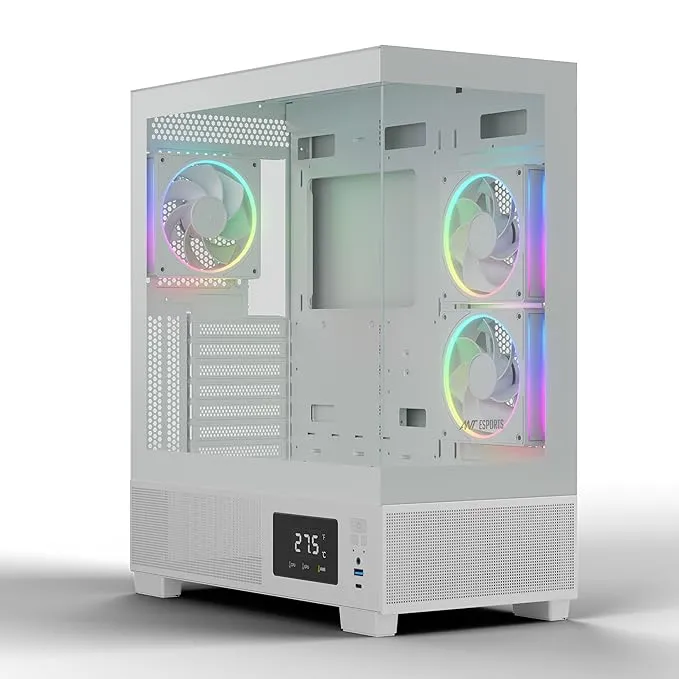
Airflow is excellent, and the reverse-blade fans give a clean RGB look from every angle.
₹1.1 Lakh Gaming PC Performance for Gaming and Editing
Expected performance
1080p gaming: Ultra settings, high FPS
1440p gaming: High to Ultra
Premiere Pro: Smooth 4K timelines
After Effects: Faster previews and renders
This PC is balanced. No major bottlenecks. No wasted money.
Final Build Price
Total Cost: ₹1,10,000 – ₹1,12,000
Category: Gaming + Editing PC
Best for: Gamers, YouTubers, Editors, Streamers
For this price range, this configuration delivers excellent value.
Conclusion
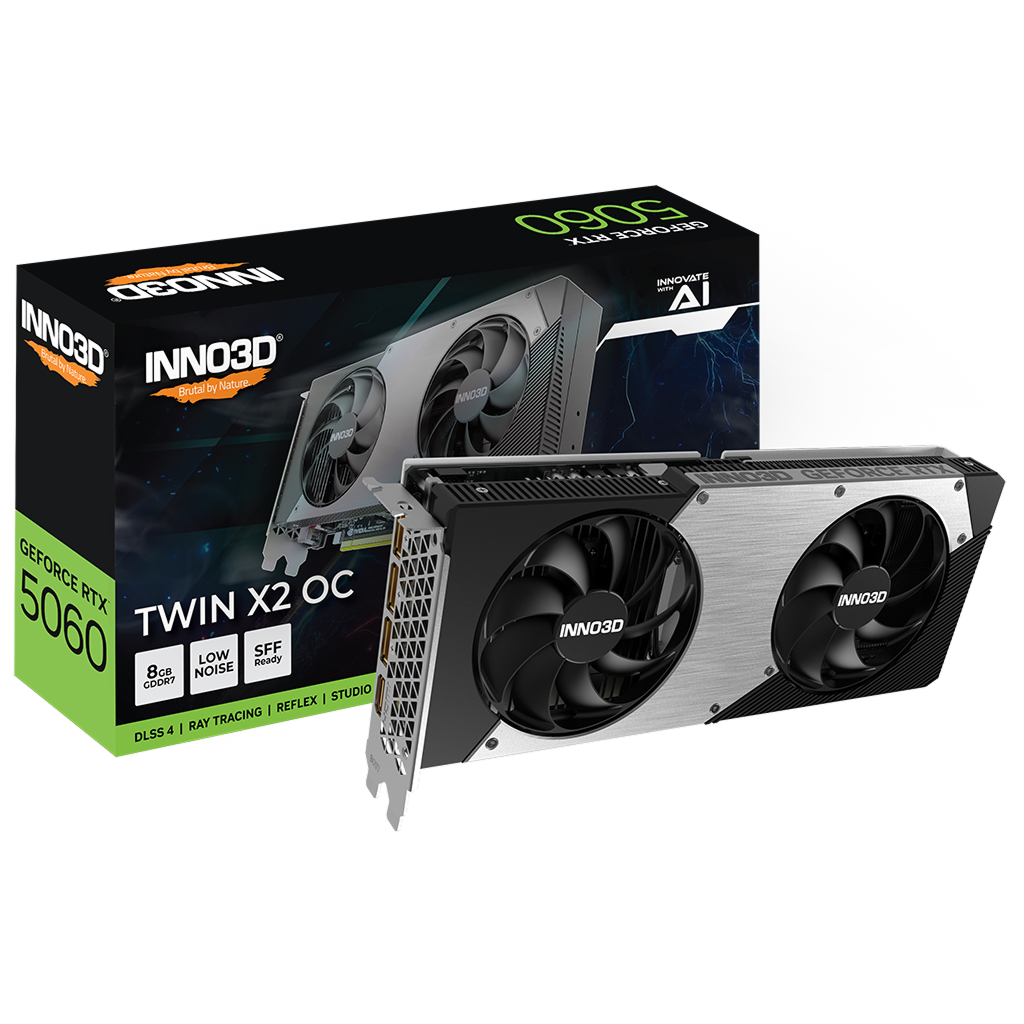
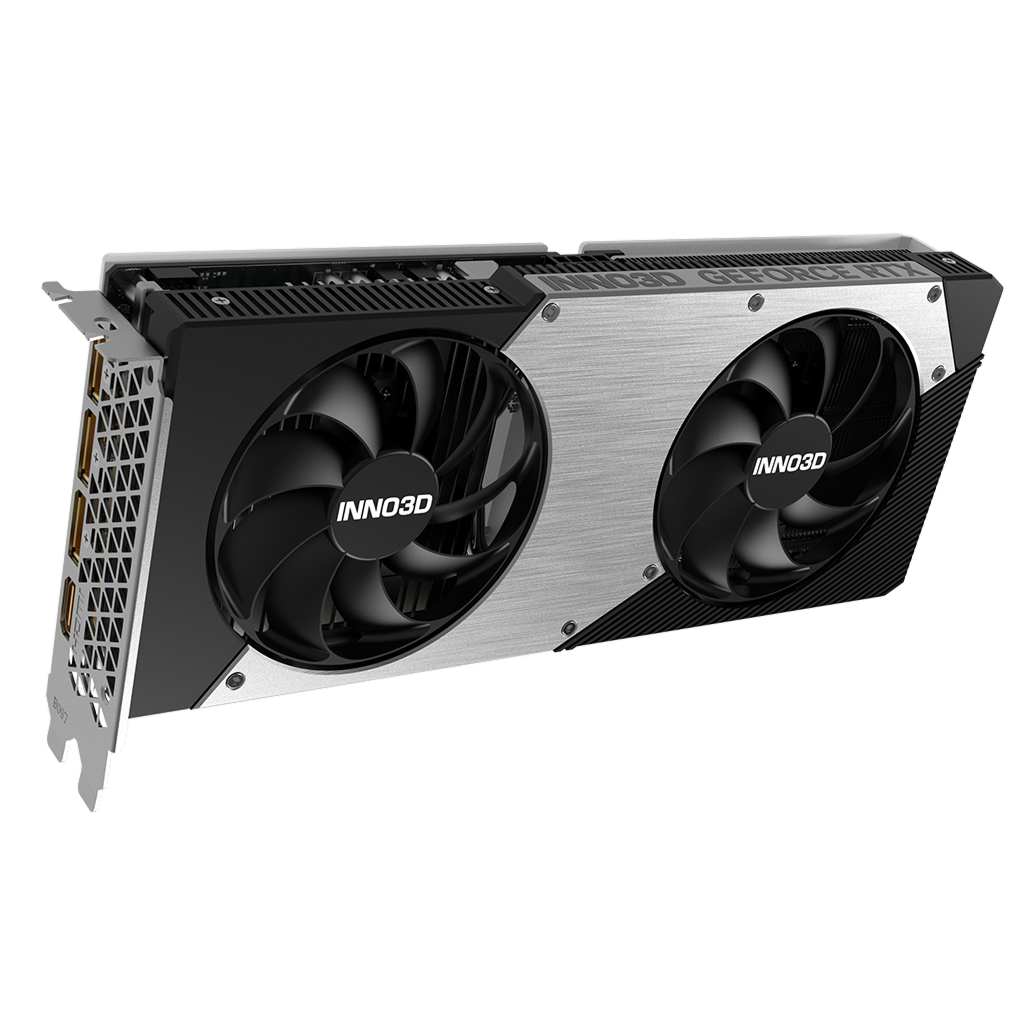
If you want a future-ready 1.1 lakh gaming PC that can handle gaming and editing under ₹1.1 lakh, this Intel i5-12400F and RTX 5060 build is a smart choice. It focuses on real performance, good cooling, reliable power delivery, and clean aesthetics.
This is the kind of PC that works hard today and stays relevant for years.