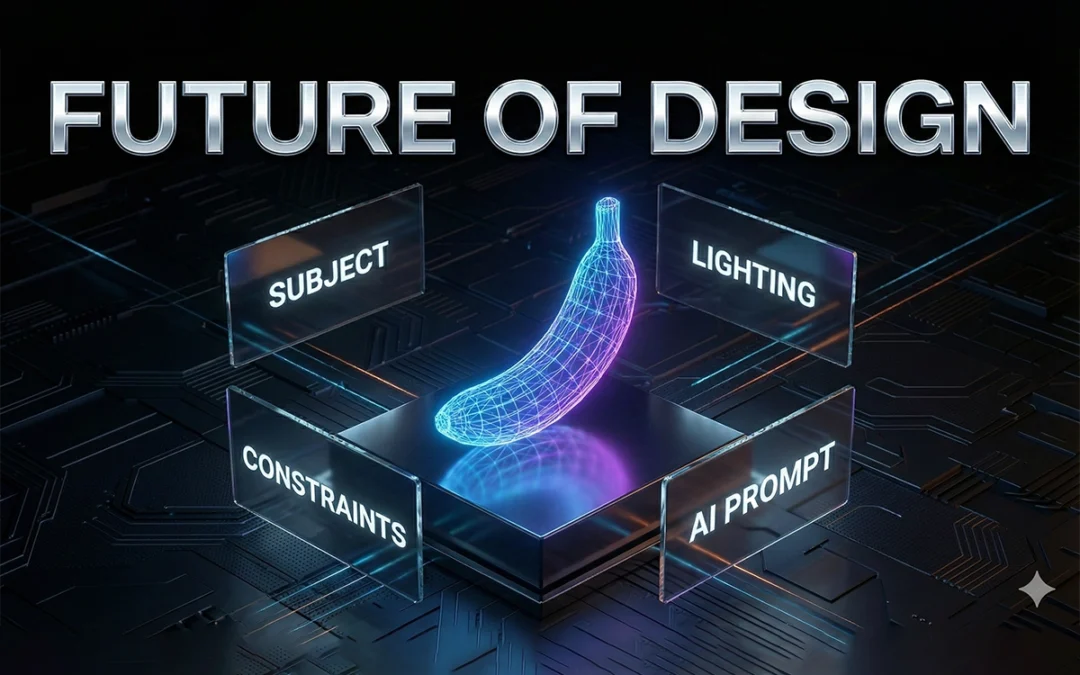
If you’re using Nano Banana Pro and still getting hit-or-miss results, you’re not alone. Most creators rely on weak prompts, vague instructions, and random guessing. Then they wonder why their images look nothing like the high-end examples flooding social feeds.
You deserve better. This guide gives you the exact expert-level prompt formulas you can steal, adapt, and use instantly for pro-grade outputs—based on the framework shown in the source article .
No fluff. No theory. Just practical prompts that deliver.
Let’s upgrade your results fast.
In This Post
Why Expert Prompts Actually Matter
Here’s the truth: Nano Banana Pro is powerful, but it’s not psychic. If you feed it vague inputs, it gives you generic images. If you feed it structured prompts, it performs like an elite artist.
According to the original guide’s breakdown on expert prompting (page 1) , the biggest difference between average users and advanced creators comes down to one thing:
Experts control variables. Beginners react to mistakes.
You get clean character consistency, stable lighting, correct anatomy, and brand-ready results when your prompt includes:
subject
context
camera language
style hierarchy
color and lighting control
composition rules
action or intent
You’ll see all of these wrapped into the expert templates below.
Quick Start: How to Prompt Nano Banana Pro Like a Pro
Before we hit the 10 expert prompts, here’s the stripped-down version of what Nano Banana Pro wants (shown in the guide’s “pro workflow”), page 1–2 :
Keep it tight. Every bracket is a lever you can control.
Now let’s move into the 10 upgraded expert prompts.
The 10 Best Expert Prompts for Nano Banana Pro
Each prompt pulls from the original list (pages 2–5) but is rewritten for clarity, power, and modern workflows.
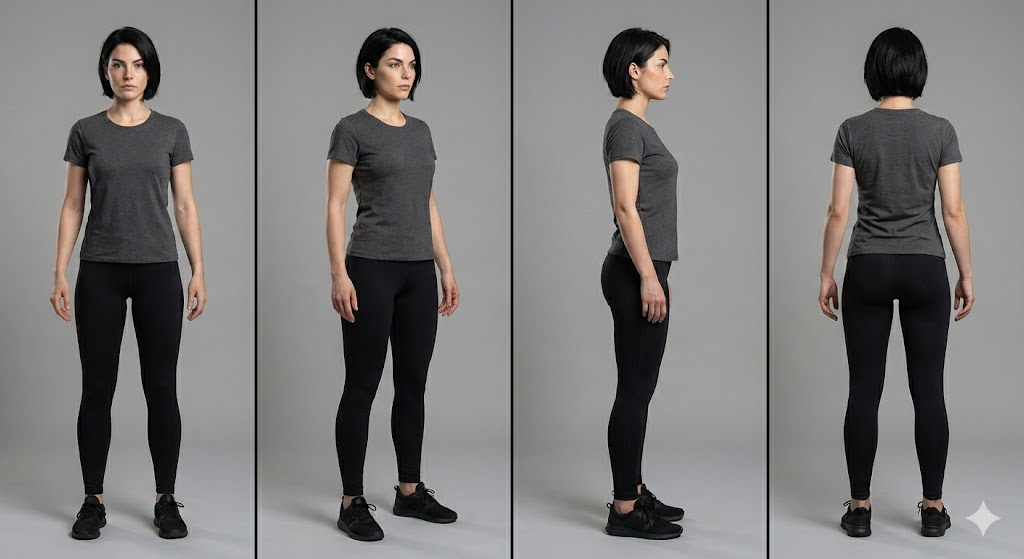
1. Consistent Character at Every Angle
Nano Banana Pro is great at single images but falls apart if you don’t anchor identity. Fix that.
Prompt:
A recurring character: [description], consistent facial structure, same hairstyle and proportions, full-body rotation sequence (front, 3/4, profile, back), neutral pose, studio lighting, 50mm lens, clean background for clarity,hyper-consistent details preserved, professional concept art style.
Prompt Example:
A recurring character, an athletic woman in her 20s with a sharp jawline and short black hair. Keep the same face, same proportions, and same anatomy. Show her from the front, 3/4 view, profile, and back. Neutral pose, studio lighting, 50mm lens, clean gray background, high-resolution concept art style.
Why it works: You explicitly lock identity. No drift. No mutated anatomy.
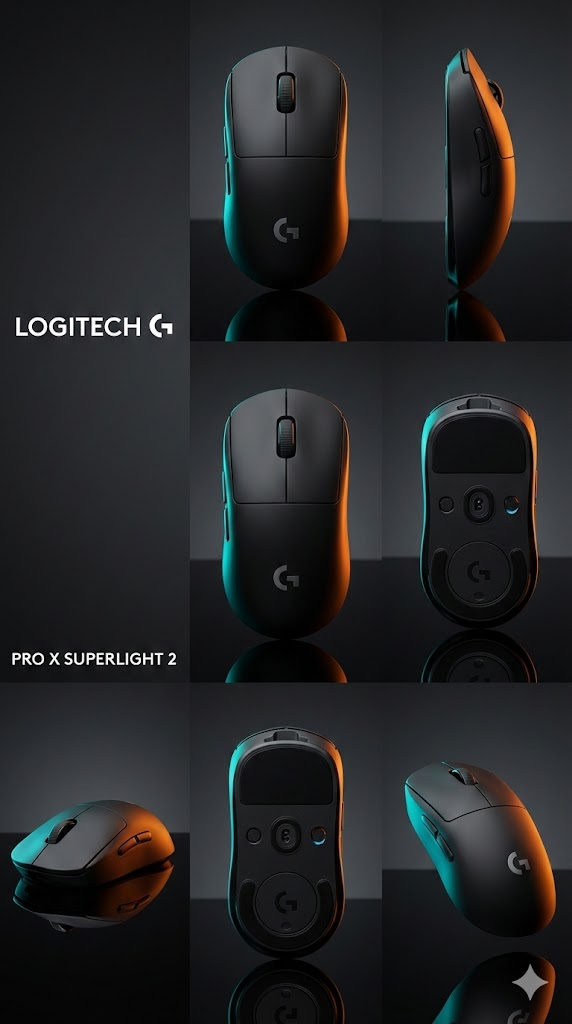
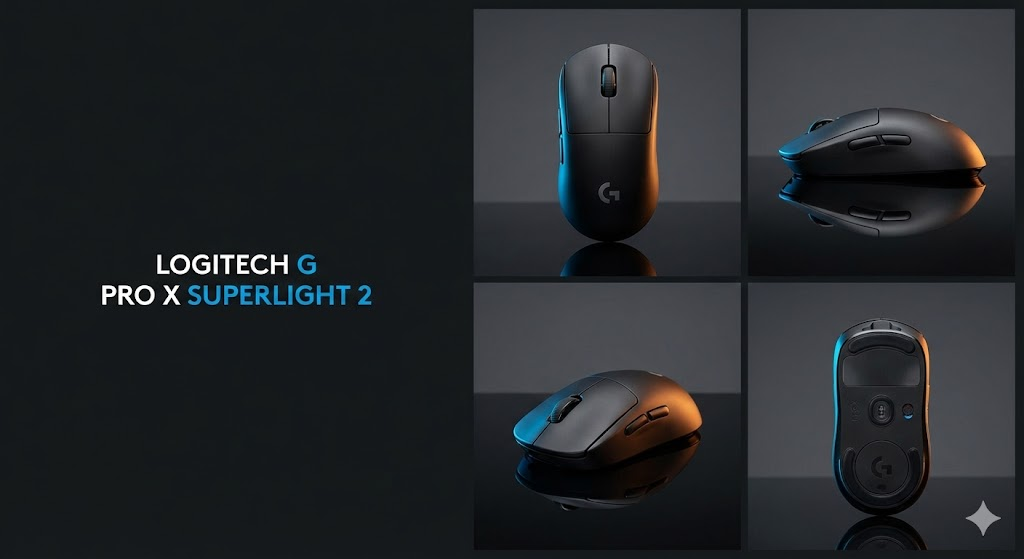
2. Product Poster With Grid Layout + CTA Space
The source guide showcased layout-driven prompts (page 3) . Here’s the improved version.
Prompt:
Hero product shot of [item], centered grid layout, left area reserved for text, bold lighting for contrast, soft rim light, sharp focus on product edges, brand-ready color palette, clean background,
modern commercial poster style.
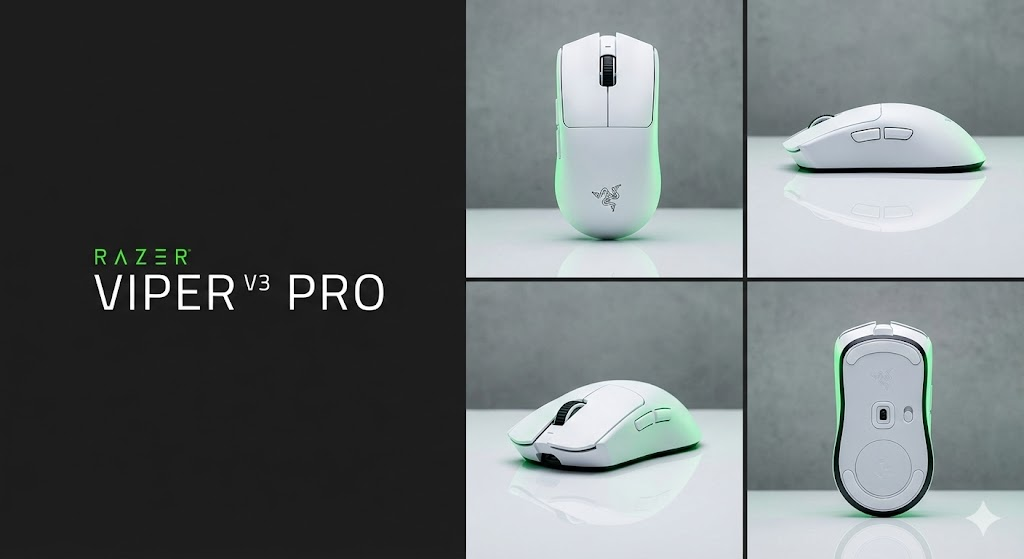
Prompt Example:
A matte black wireless mouse as the hero product. Use a centered grid layout with empty space on the left for text. Add sharp rim lighting, crisp edges, clean reflections, and a minimal background. Commercial poster style with brand-ready colors.
Use this for ads, Amazon assets, landing pages, or packaging drafts.
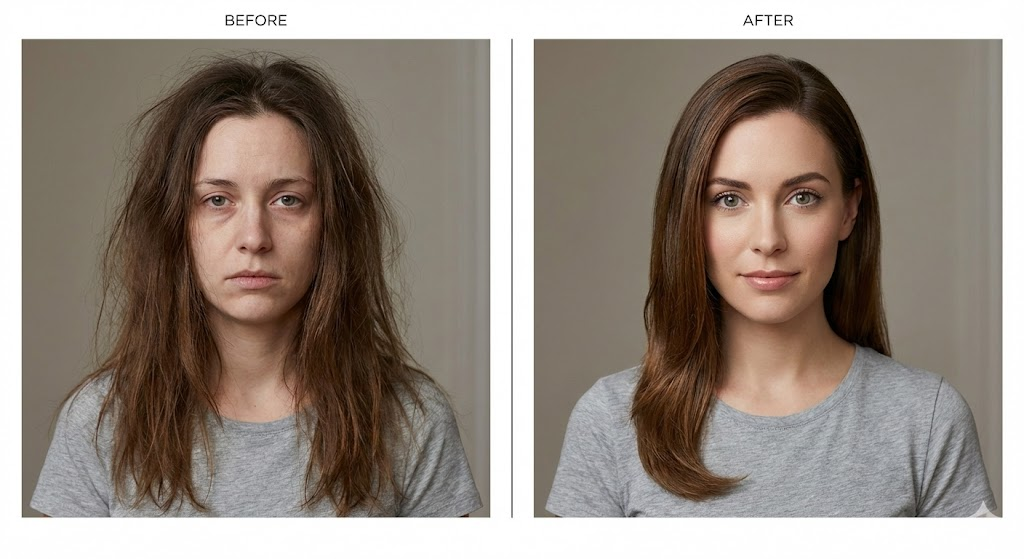
Based on the original “before/after transformation” prompt (page 3) .
Prompt:
Side-by-side layout: left “before,” right “after,” same character, same camera angle, controlled lighting, identical framing, accurate transformation differences, clear visual contrast but realistic execution,editorial demonstration style.
Prompt Example:
Two-panel layout with a before image on the left and after on the right. Same woman, same camera angle, same lighting, and same framing. Before version shows messy hair and tired expression. After version looks refreshed with clean makeup and bright eyes. Clear editorial comparison style.
Nano Banana Pro loves symmetry. This prompt gives it structure.
4. Cinematic Editorial Portrait (Mood + Grade)
The PDF’s cinematic prompt concepts (page 3–4) turned into a cleaner expert template.
Prompt:
Cinematic portrait of [subject], moody color grade, volumetric light, shallow depth of field, soft shadows, 85mm lens, editorial magazine energy, highly detailed textures, natural skin realism.
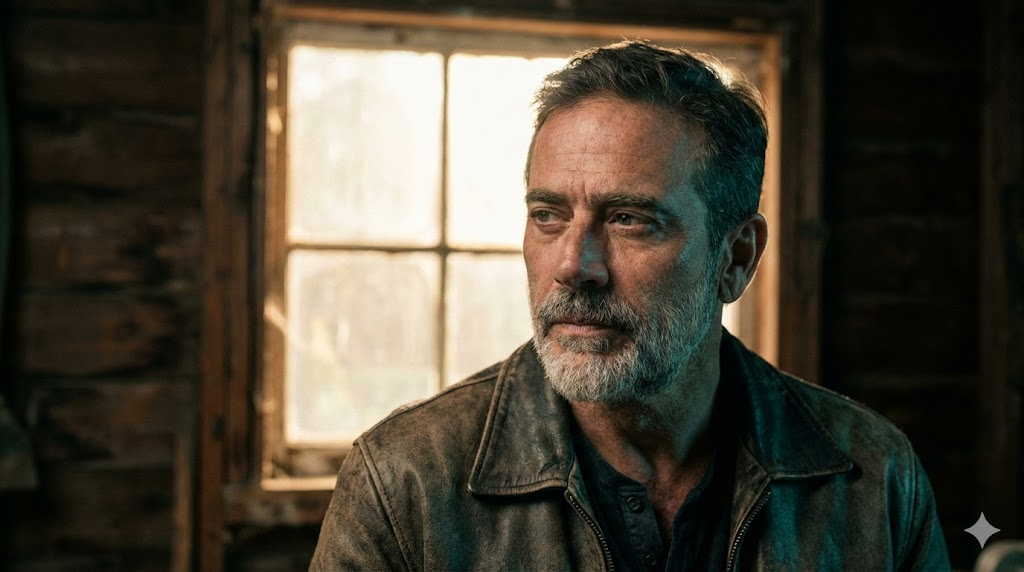
Prompt Example:
A cinematic portrait of a rugged middle-aged man. Use a moody teal-orange grade, soft volumetric backlight, shallow depth of field, and an 85mm lens. Keep natural skin texture and an editorial magazine feel.
Perfect for character sheets, talent profiles, and hero banners.
5. UI Screenshot Mockup (Text-Safe)
Want readable UI? You need structure.
Prompt:
High-fidelity UI mockup inside a clean device frame, flat overhead angle, proper spacing for text readability, sharp lines, accurate proportions, professional product design aesthetic.
Prompt Example:
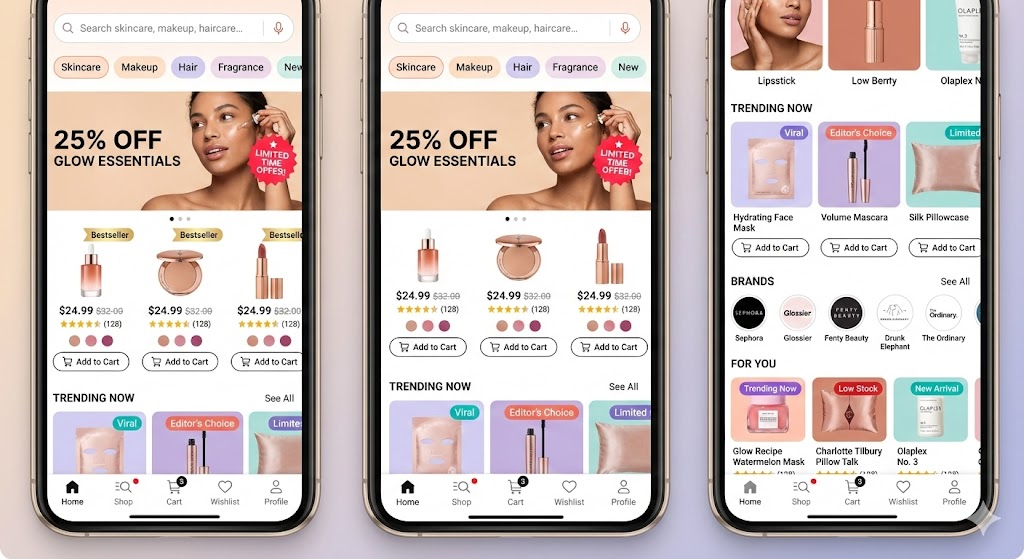
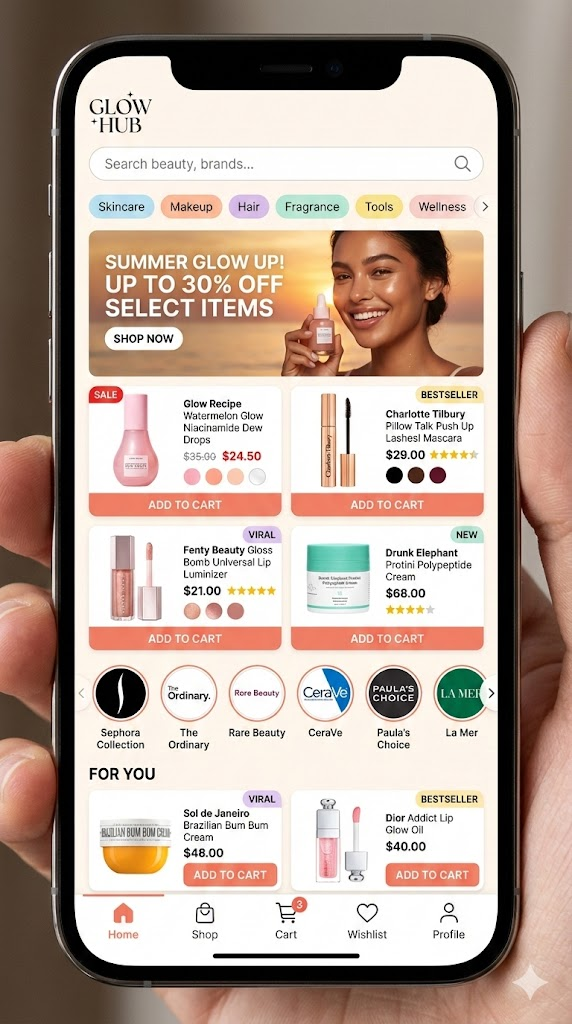
Beauty marketplace mobile app screen inside a smartphone frame. Show a busy homepage with a search bar, category chips (Skincare, Makeup, Hair, Fragrance), and a promo banner with a model photo and discount text. Product grid with beauty items showing image, price, rating stars, shade dots, sale badges, and “Add to Cart” buttons. Include brand logo carousel and a “For You” section with tags like “Bestseller” and “Viral.” Bottom nav bar with Home, Shop, Cart, Wishlist, and Profile. Warm colors, glossy product shots, notification dots, slight screen reflections, detailed and active layout.
This prevents warped buttons and stretched panels.
6. Technical Diagram With Real Labels
According to page 4 of the PDF, diagrams with labels work only if you force clarity. Here’s the upgraded version.
Prompt:
Precision technical diagram of [object], labeled parts, minimalistic vector line style, clean white background, accurate proportions, sharp contrast lines, structured layout for educational clarity.
Prompt Example:
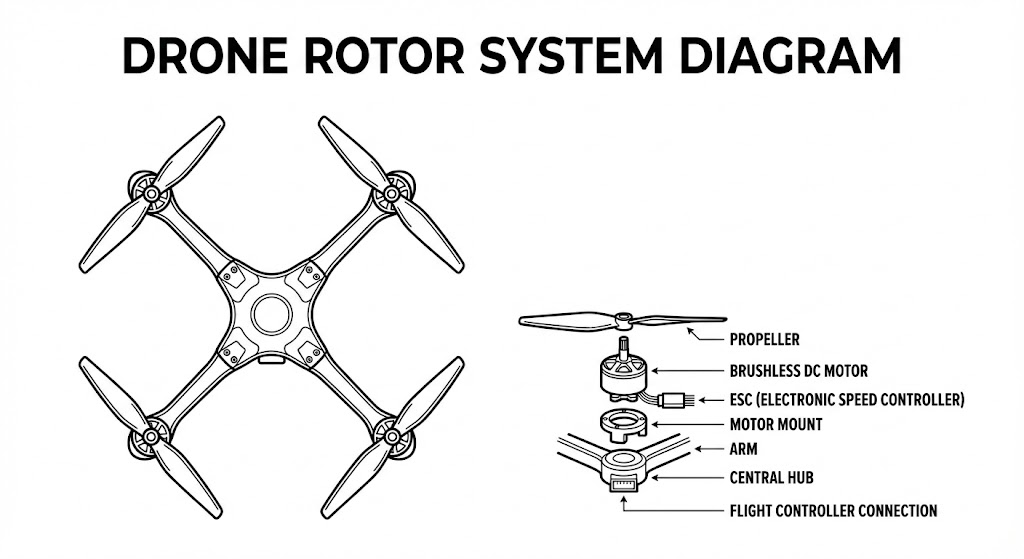
A precise technical diagram of a drone rotor system. Minimal vector line style on a white background. Keep accurate proportions and clear labeled parts. High contrast lines and a structured teaching layout.
Nano Banana Pro respects vector constraints when you define the style.
7. Style Transfer That Protects Identity
You want a stylized output without melting the face. This solves it.
Prompt:
[Subject], core identity preserved, stylized in [desired art style], same proportions, same facial landmarks, consistent lighting, clean contour control, high-resolution detailing, art-directed style transfer.
Prompt Example:
A portrait of a young woman with the same facial structure, eye shape, and hair as the original. Apply a painterly oil-brush style while keeping her identity intact. Use consistent lighting, high detail, and clean contours.
When you say “preserved,” the model listens.
8. 6-Panel Storyboard Strip
Inspired by the storyboard guidance on page 4–5 of the source blog .
Prompt:
Six-panel storyboard, sequential actions, consistent character design, matching camera lens across all frames, coherent lighting, film-style visual grammar, clean composition alignment.
Prompt Example:
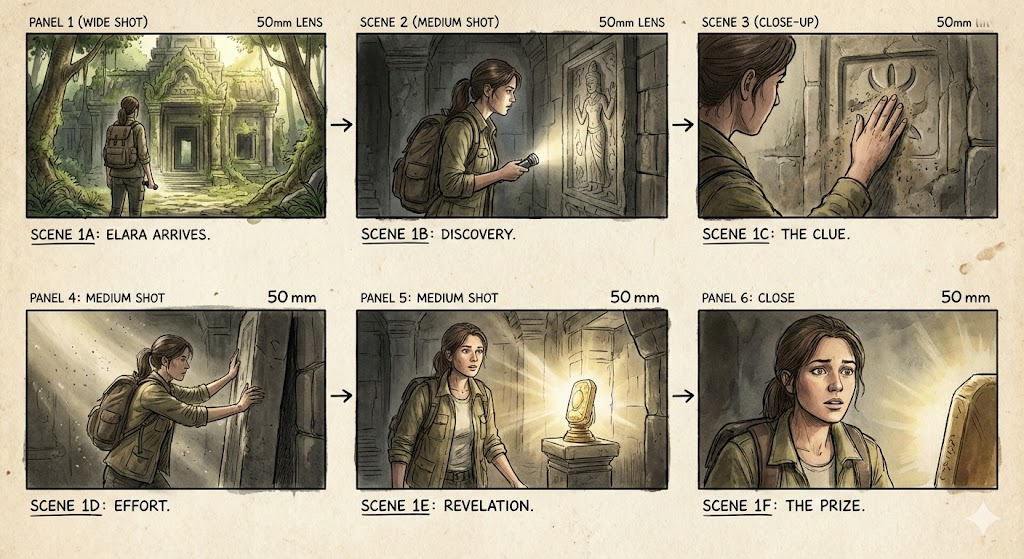
A six-shot storyboard of a man entering a futuristic train. First the exterior, then walking up steps, scanning a ticket, doors opening, entering the train, and finally sitting down. Keep his design, outfit, camera lens, and lighting consistent across all panels.
This is the fastest way to go from idea to draft scene.
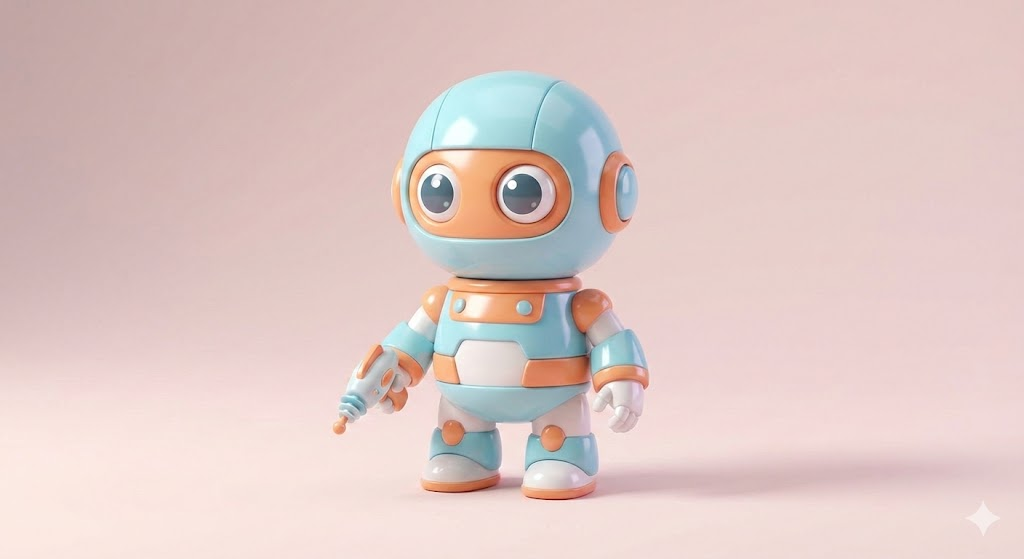
9. Viral Toy / Figurine Mockup
Social media loves these.
Prompt:
Cute collectible figurine of [character], stylized proportions, studio product lighting, soft shadows, glossy material finish, centered composition, commercial toy photography style.
Prompt Example:
A cute vinyl-style figurine of a sci-fi robot. Exaggerated proportions, glossy plastic, soft studio shadows, centered composition, toy photography style.
Great for merch previews or campaign teasers.
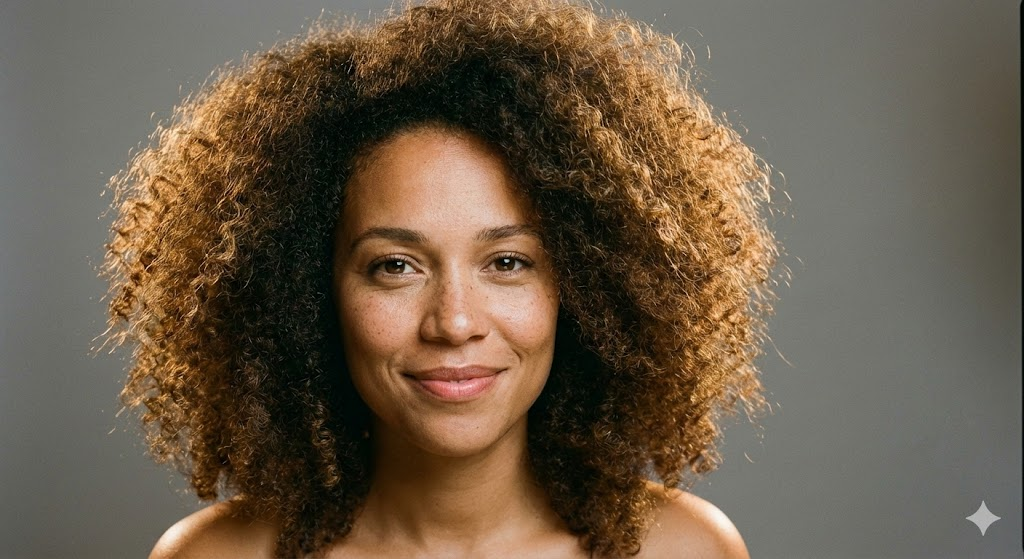
10. Realistic Portrait With Perfect Lighting
This is your “never fails” portrait formula.
Prompt:
Ultra-realistic portrait of [subject], three-point lighting, balanced highlights, soft shadows, crisp textures, clean color temperature, subtle specular detail, professional photography look.
Prompt Example:
A realistic portrait of a woman with curly hair. Use a three-point lighting setup with clean highlights and soft shadows. Warm skin tone, crisp texture, neutral background, professional photography look.
It produces stable, flattering results across subjects.
Pro-Level Prompting Tips That Actually Matter
The PDF included a troubleshooting section (page 5) . Here’s the sharper version—what you should actually do:
Tip 1: Use “preserve” language when you need accuracy
Identity, shape, and proportions stay stable when you explicitly protect them.
Tip 2: Stack clarity in three passes
Describe the subject
Describe the scene
Describe the structure
This fixes 80% of issues.
Tip 3: Short prompts outperform long rambling ones
Nano Banana Pro doesn’t reward essays. It rewards precision.
Troubleshooting: Fast Fixes for Common AI Failures
The original list (page 5) included the right issues. Here’s the faster, more actionable version:
Conclusion: Stop Guessing. Start Creating With Control.
Most people use AI like a slot machine. They hope the model magically understands their intent. You’re not doing that anymore.
With the templates and pro prompts in this guide, you’ll generate cleaner, sharper, more consistent outputs every time. Nano Banana Pro responds to structure. If you give it direction, it performs at an expert level.
Use these prompts. Refine them. Build your own library.
Your results will change fast.
FAQs
Can these prompts work across all Nano Banana Pro models?
Yes. Some styles vary, but the structure works everywhere. Derived from the source article’s universal template .
Do I need long prompts for better results?
No. Clear prompts beat long prompts every time.
How do I fix character drift?
Lock identity with anatomy, proportions, hair, and facial landmarks.
Can I use these prompts for commercial work?
Yes. They’re built for branding, product visuals, and content pipelines.
What’s the fastest way to improve my outputs?
Use the expert template. Then tweak lighting, style, and layout only when needed.
ChatGPT Image Generator is at the center of this creative renaissance, where artificial intelligence has advanced to breathtaking new heights. It’s time to wake up if you haven’t been using this tool lately because there are some really amazing and revolutionary ways to use it.
With real-world examples and detailed instructions, we’ll show you how to use ChatGPT Image Generator in tens of creative and useful ways in this guide. This is your new playground, regardless of whether you work as a marketer, designer, educator, or simply enjoy working with images.
In This Post
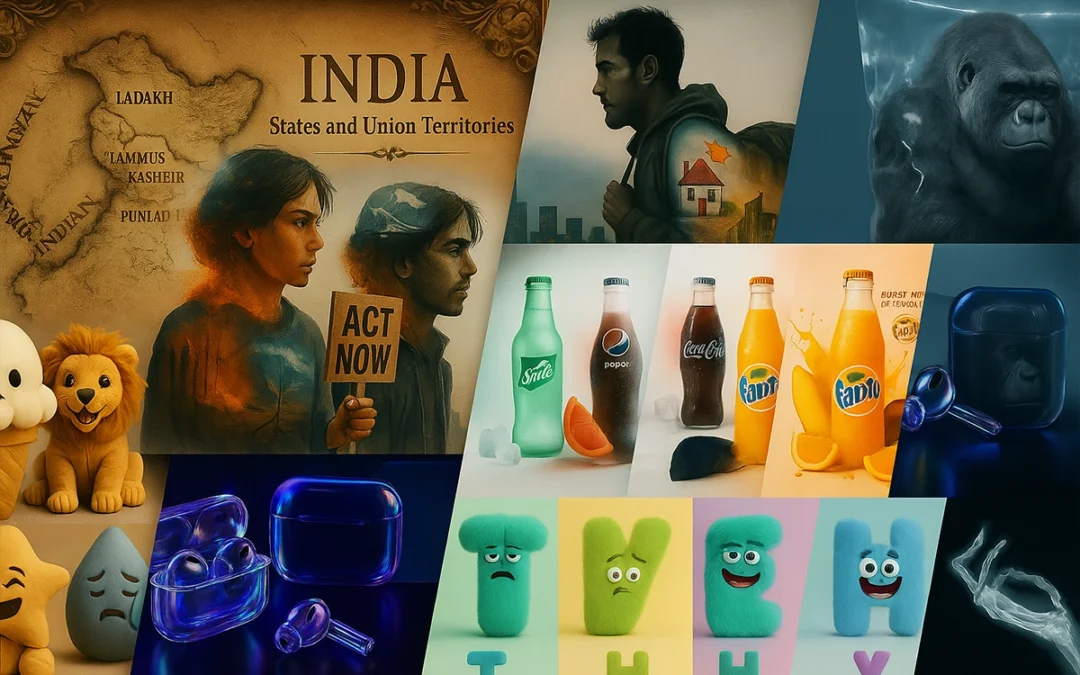
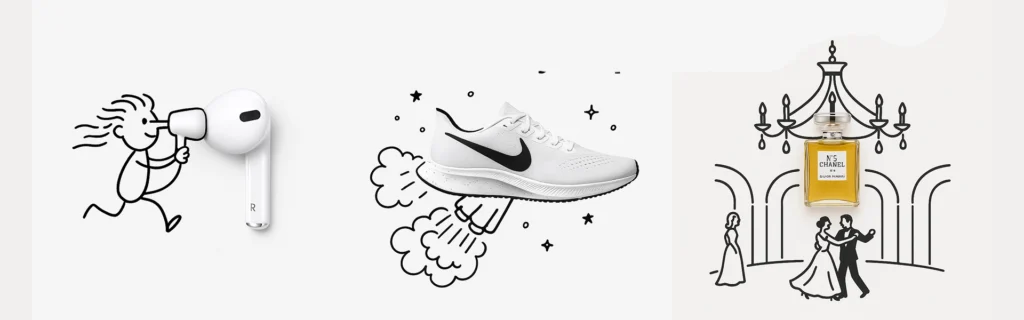
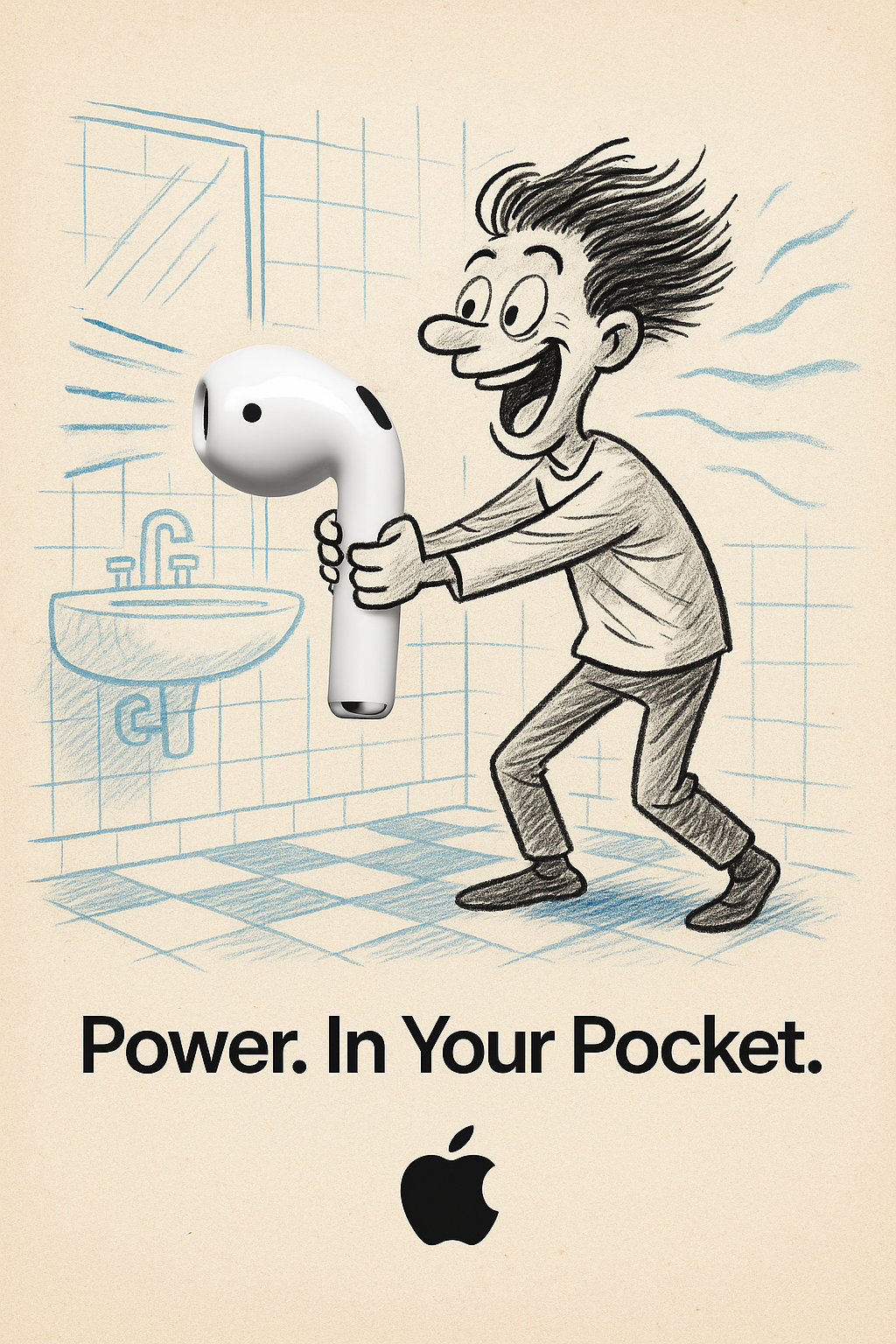
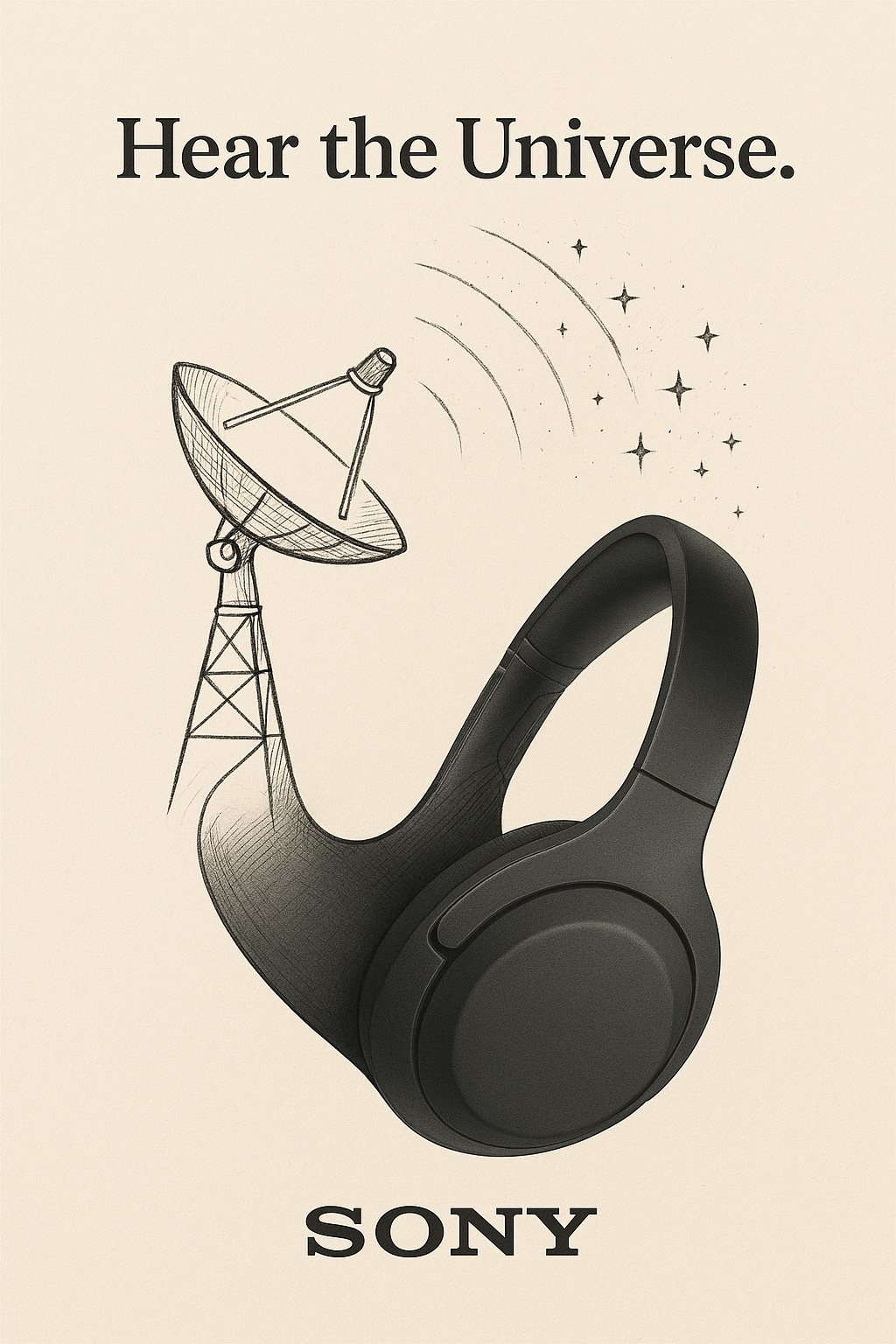
1. Design Minimalist Doodle-Style Ads
Minimalistic Creative Advertisement
A minimalist and creative advertisement set on a clean white background. A real [Real Object] is integrated into a hand-drawn black ink doodle, using loose, playful lines. The [Doodle Concept] interacts with the object in a clever, imaginative way. Include bold black [Ad Copy] text at the top or center. Place the [Brand Logo] clearly at the bottom. The visual should be clean, fun,high-contrast, and conceptually smart.
Want ads that look like they belong in a museum? Try this:
Prompt Style: Minimalist doodle on a white background
Real Object: Your product (e.g., a slice of toast with Nutella)
Doodle Concept: Something quirky, like a painter painting on the toast
Ad Copy: A short slogan like “Spread the art”
Use this formula for social media creatives, product launches, or email banners. Change only the highlighted parts and boom—you’ve got a brand new visual in seconds.
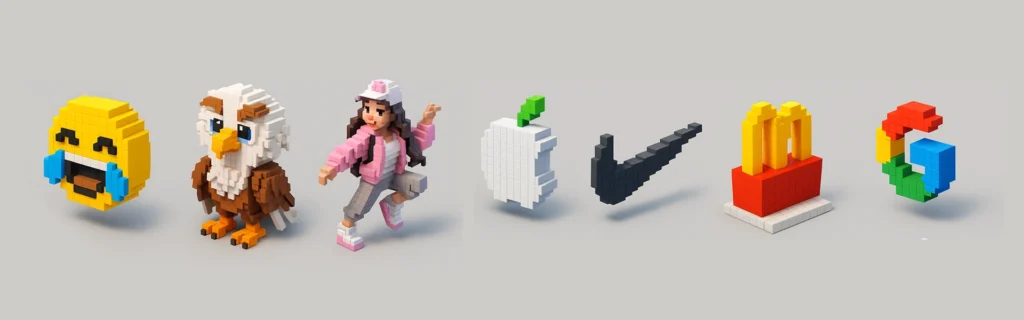
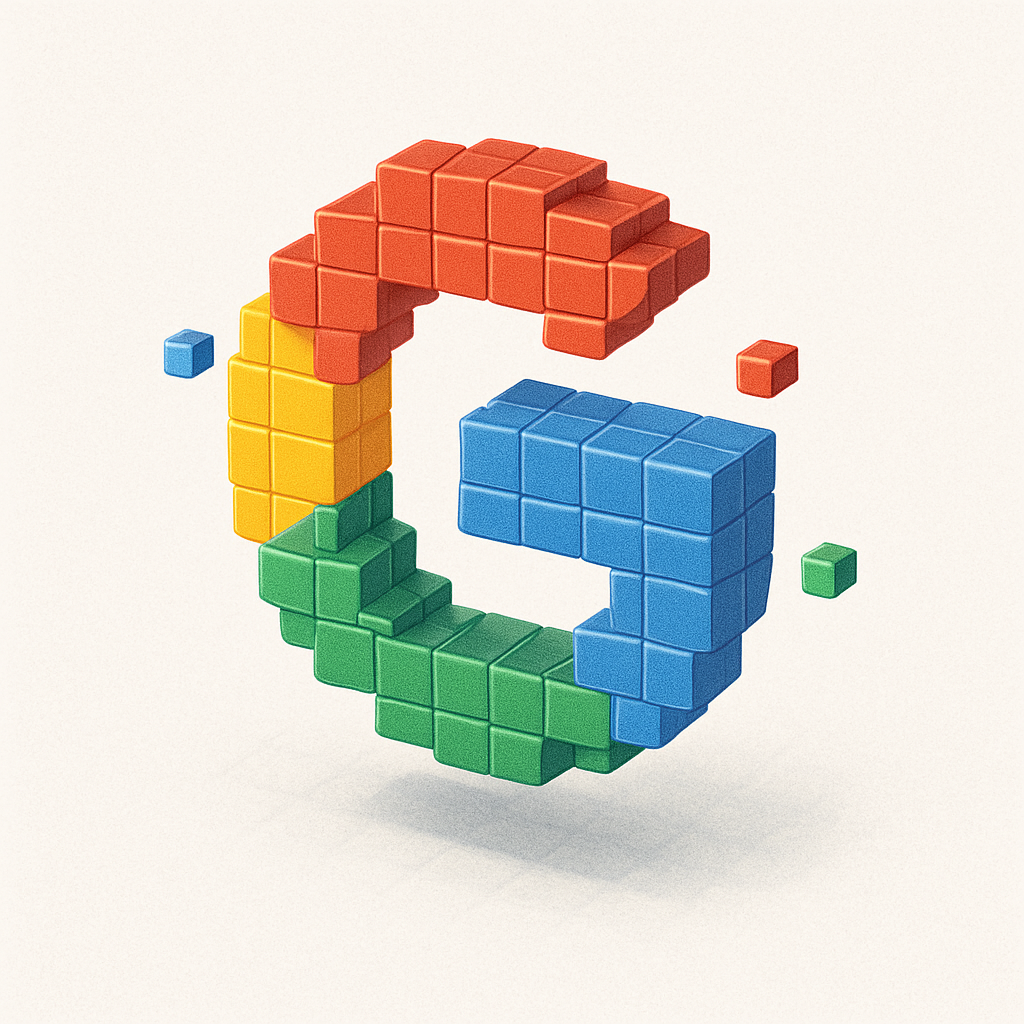
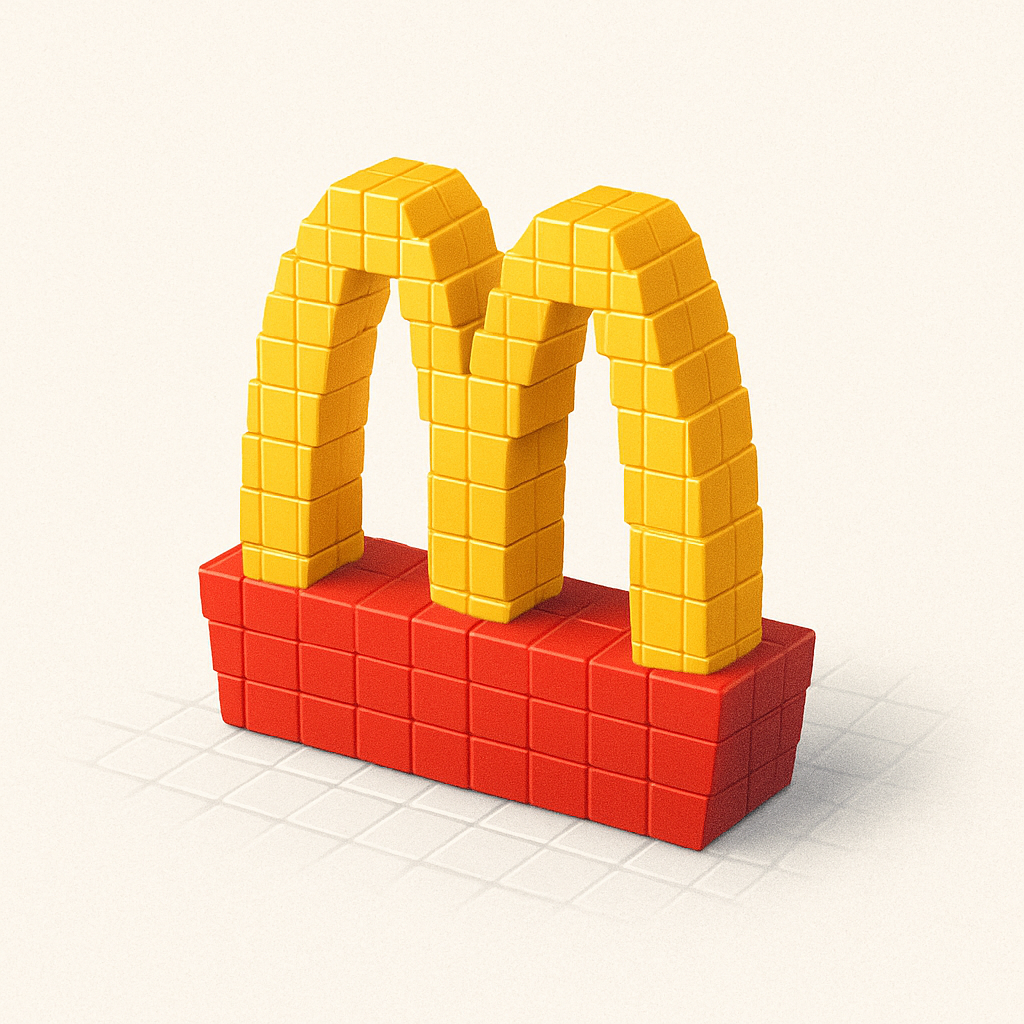
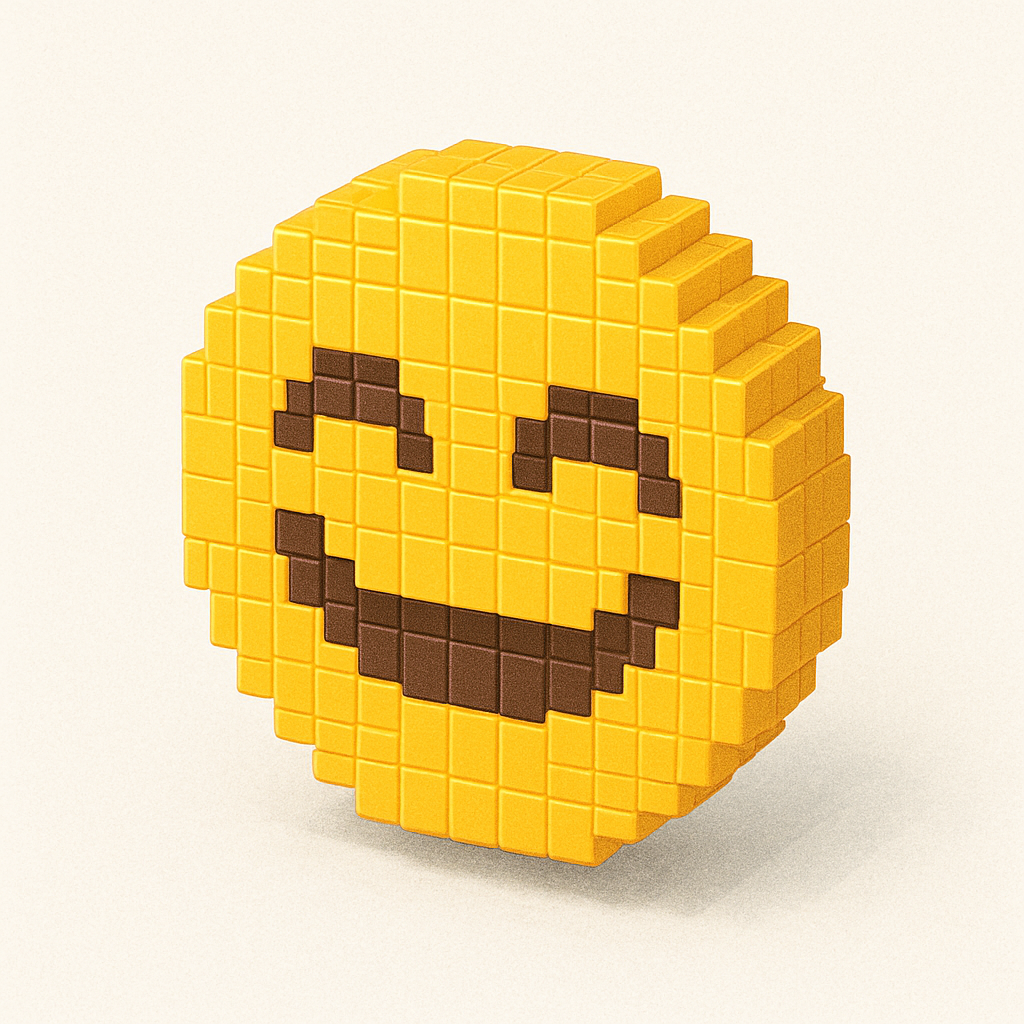
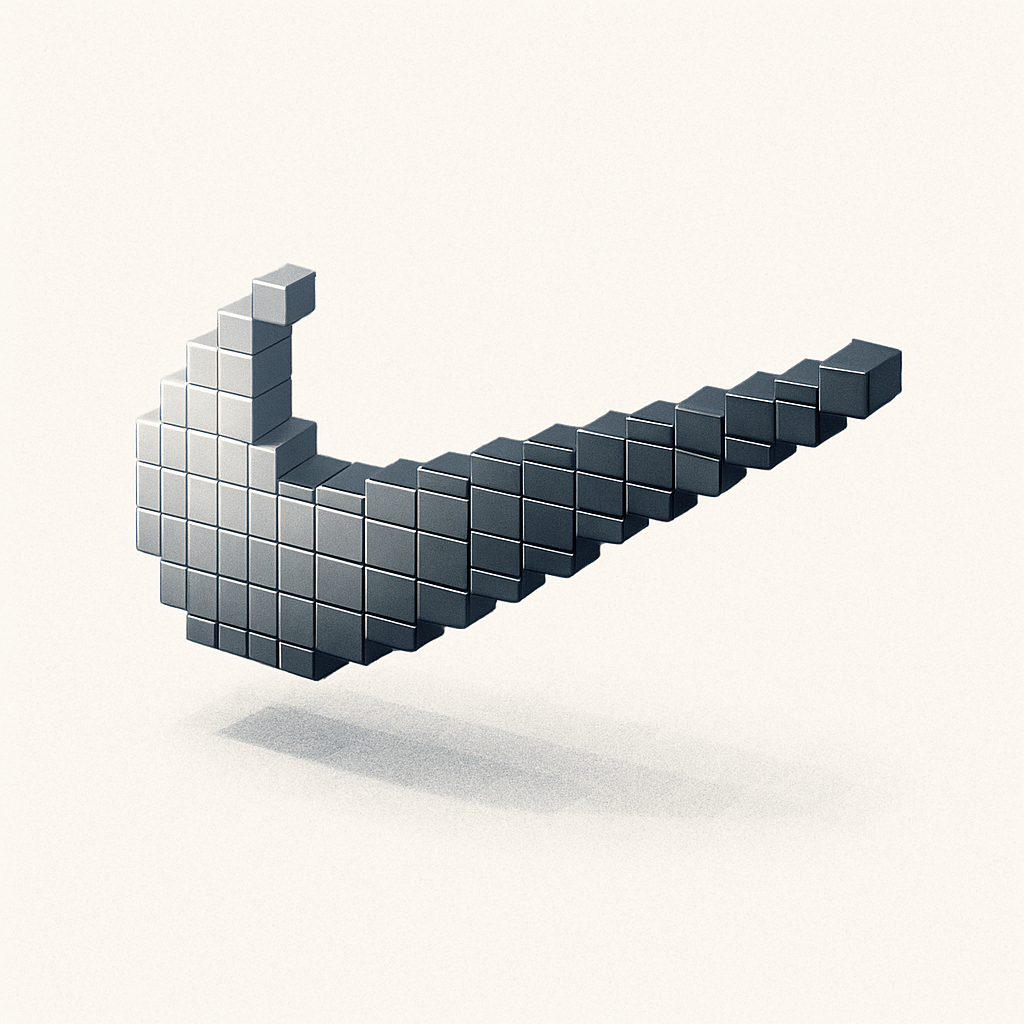
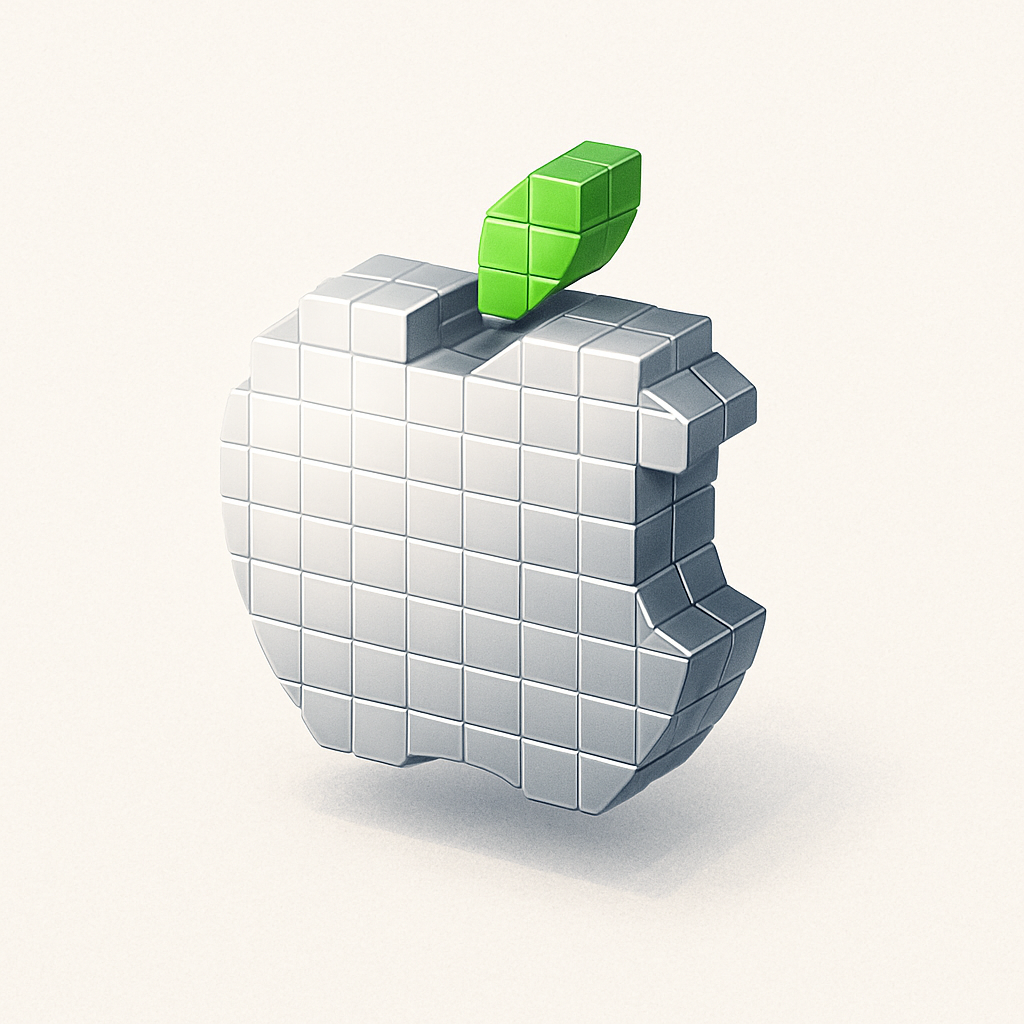
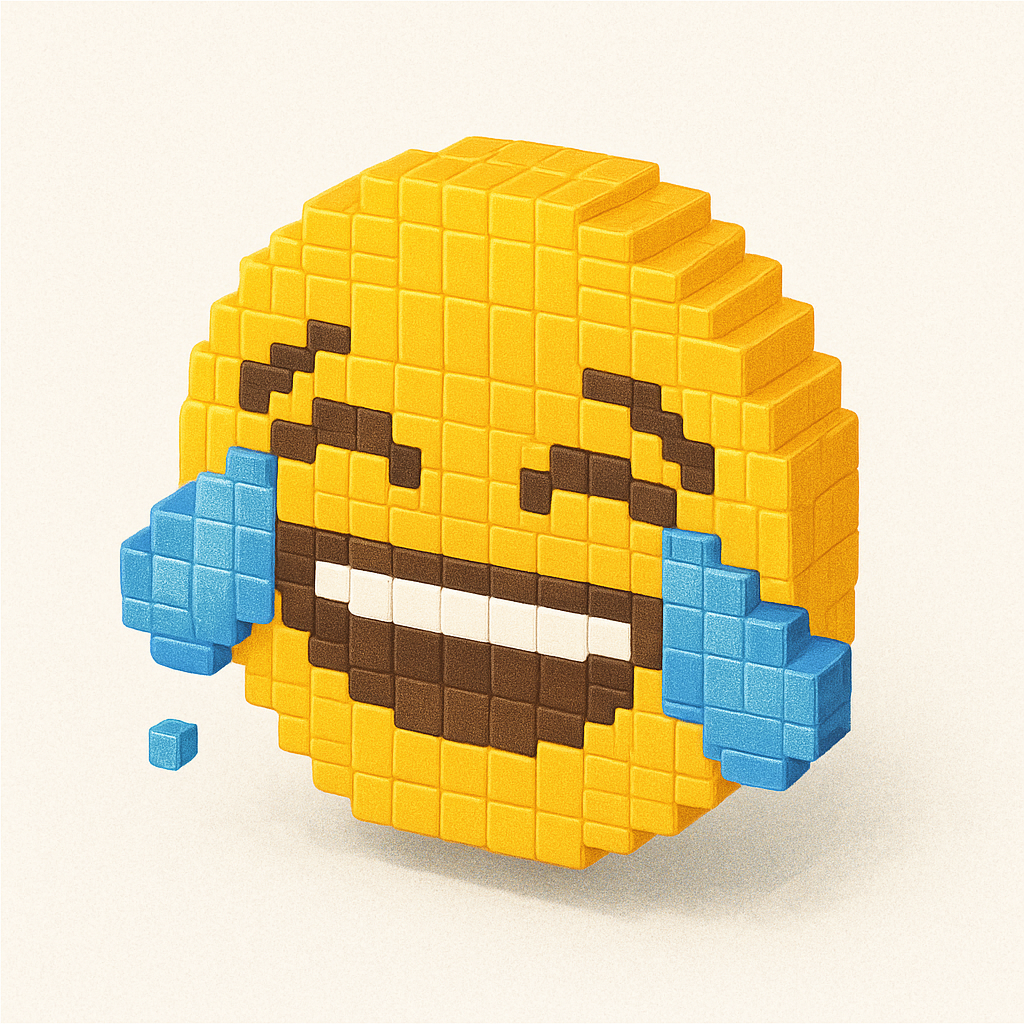
2. Create Voxel Art (like Minecraft-Style 3D Blocks)
Voxel art is a fan favorite—and yes, you can recreate emojis, characters, or logos in this playful blocky style.
Upload an emoji or custom image
Use the voxel prompt
Enjoy pixelated masterpieces!
Voxel 3D
Create a detailed Voxel 3D style icon of [EMOJI/ATTACHED IMAGE], with colorful pixels and shadow, floating randomly on a plain white background.
Perfect for game developers, branding mockups, and NFT-style art.
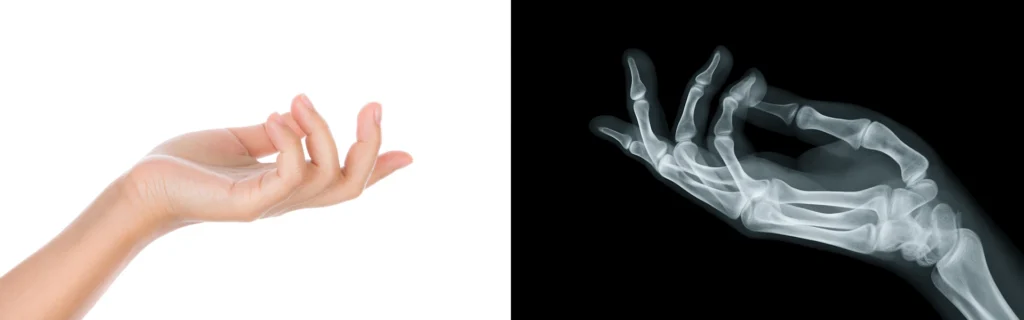
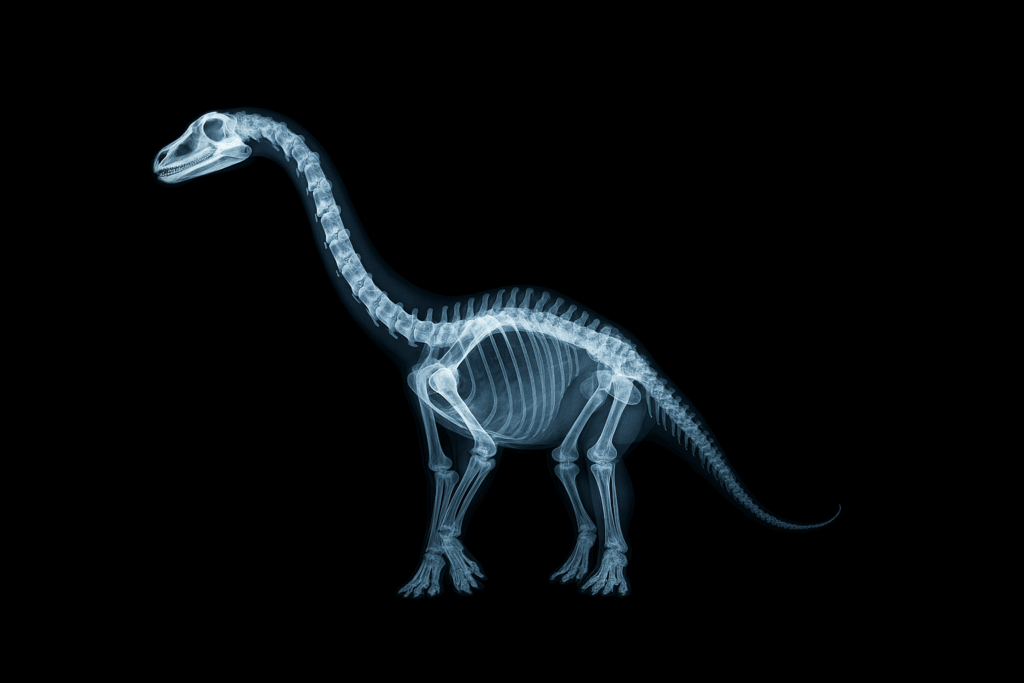
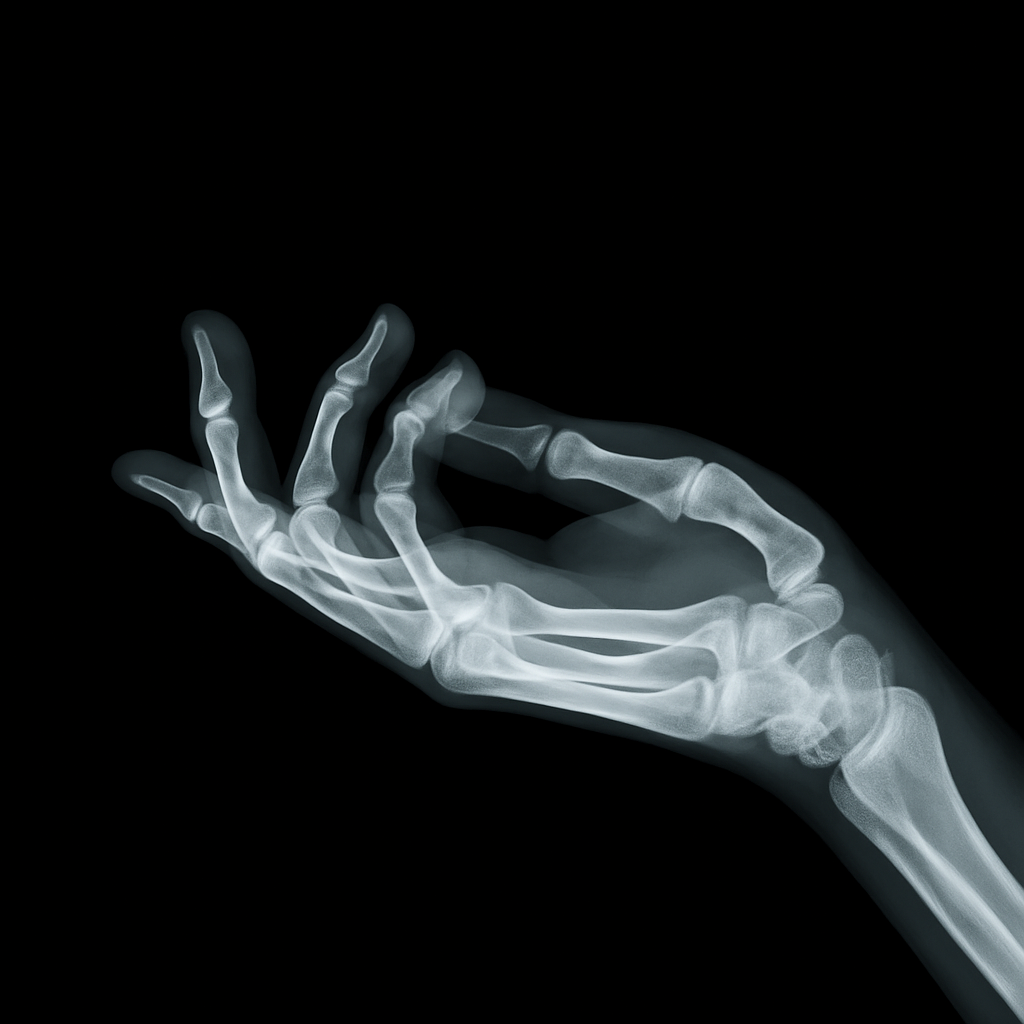
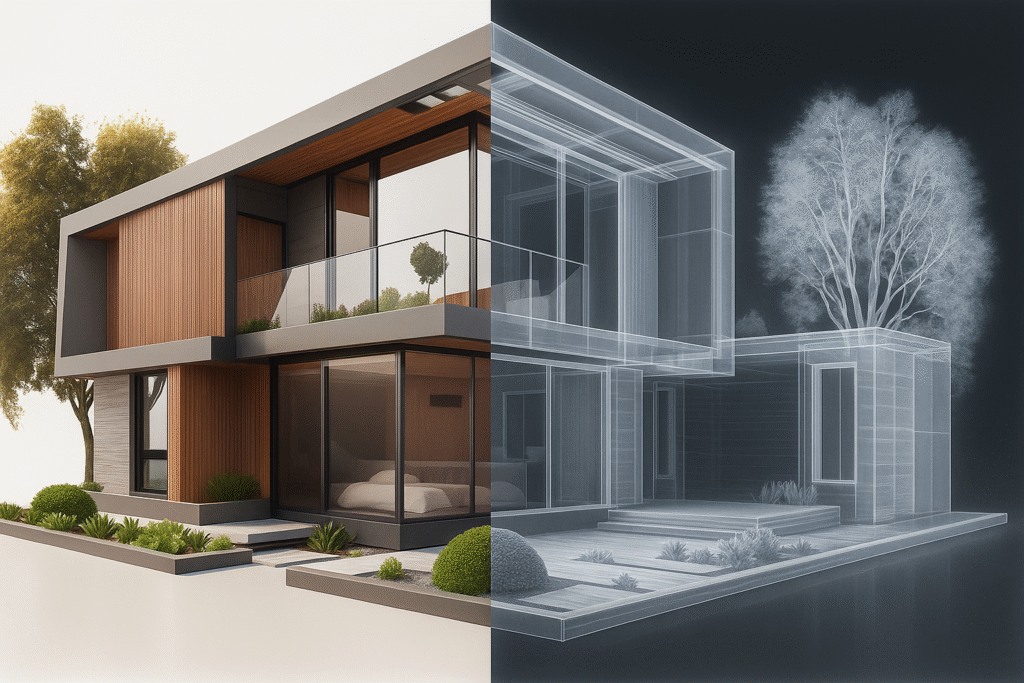
3. Make X-Ray Style Images
Yep, you can turn images into mock X-rays:
Works with pets, products, or even body parts
Great for medical projects, edgy designs, or sci-fi art
Just upload your image and use the X-ray prompt
X-ray
Realistic x-ray of attached image medical scan, clinical realism, mention ratio.
These visuals are so realistic they’ll stop scrollers in their tracks.
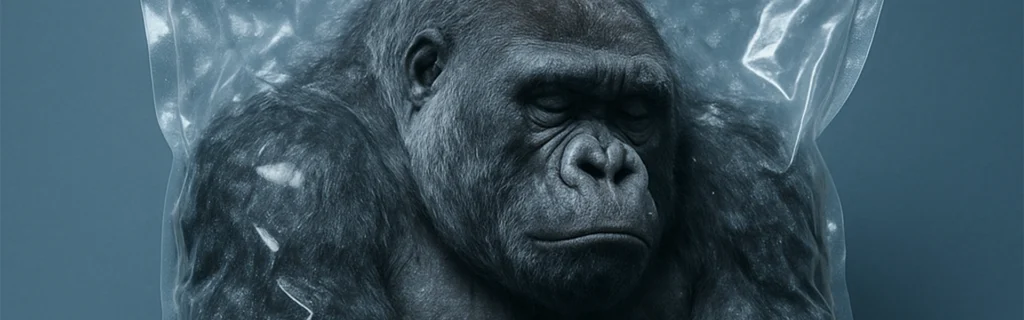
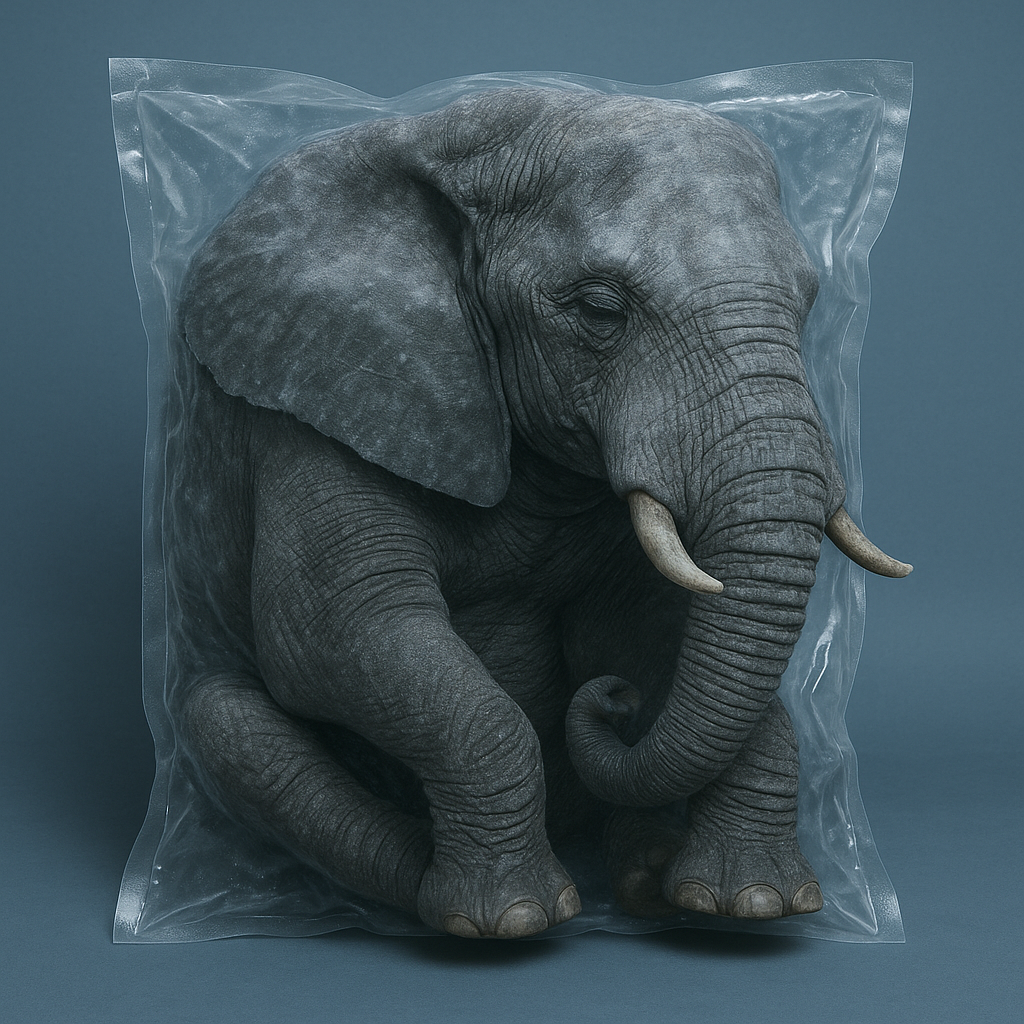
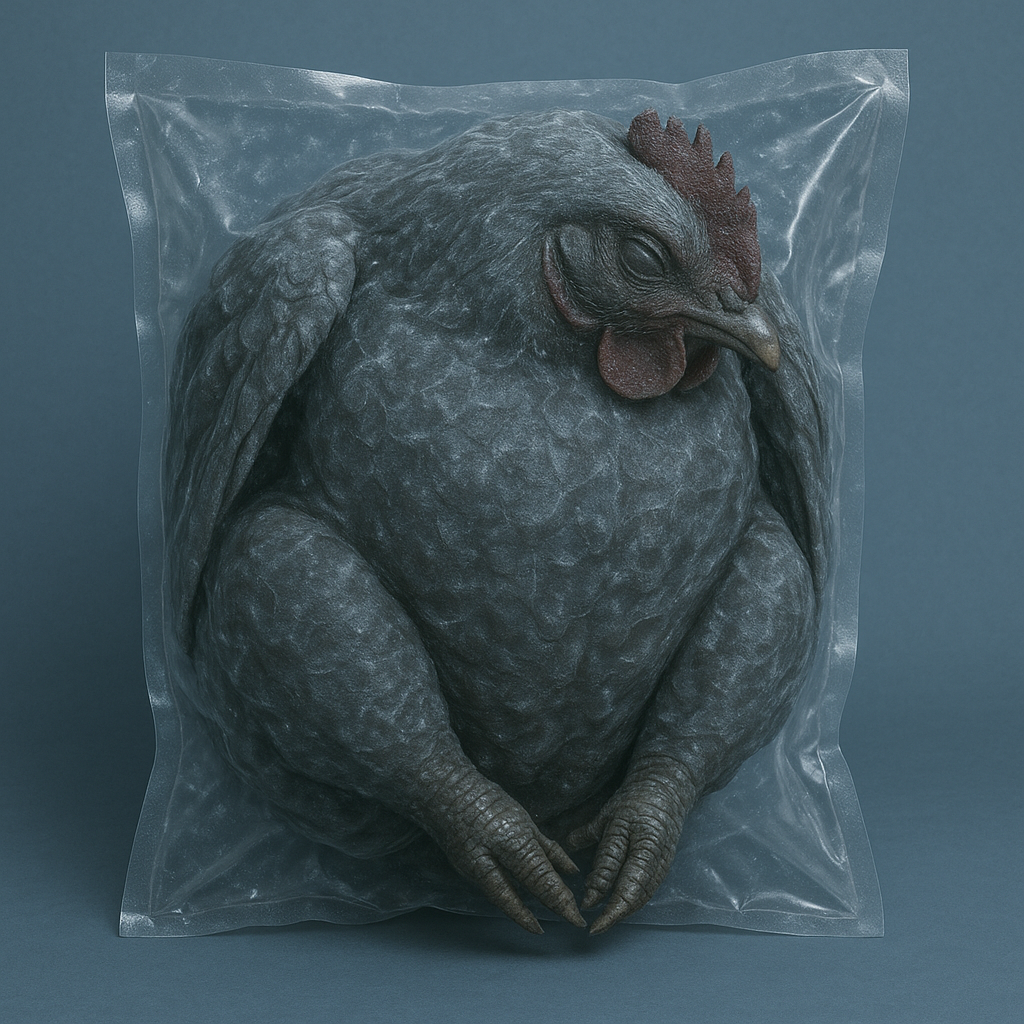
4. Frozen Miniature Product Packs
Want to showcase your product in a jaw-dropping style? Try frozen sealed packs.
Upload product image
Add bold label and price
Style it like it’s inside a cryo pack
Vacuum Packaging
In the industrial vacuum packaging, you can see a wrinkled bag, compressed and vacuum-sealed in the freezer, containing a huge, whole, deep-frozen (subject) make it realistic. with closed eyes. The background is plain blueish and the color contrast is intense. The vacuum-sealed stands out.
Miniature Packaging
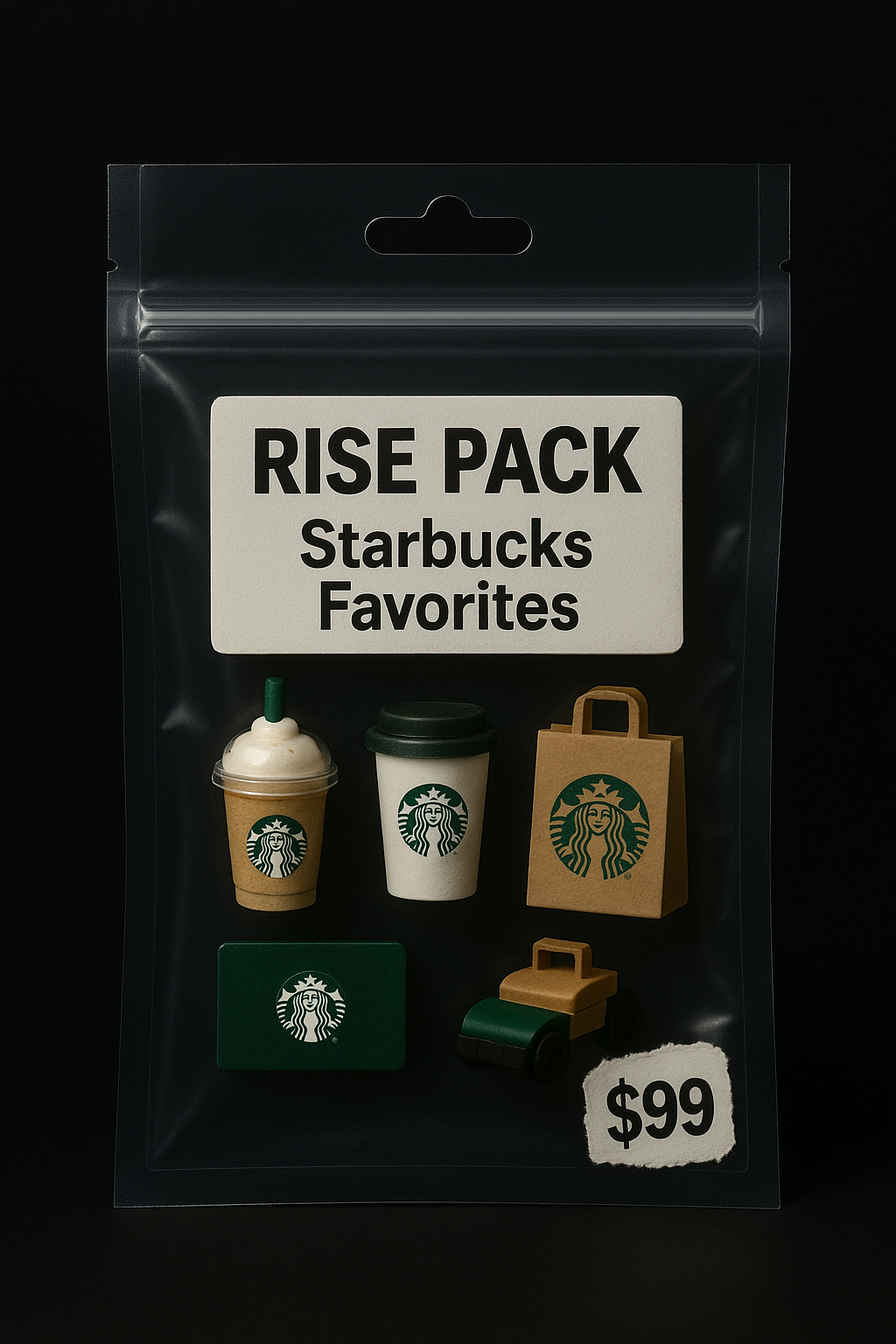
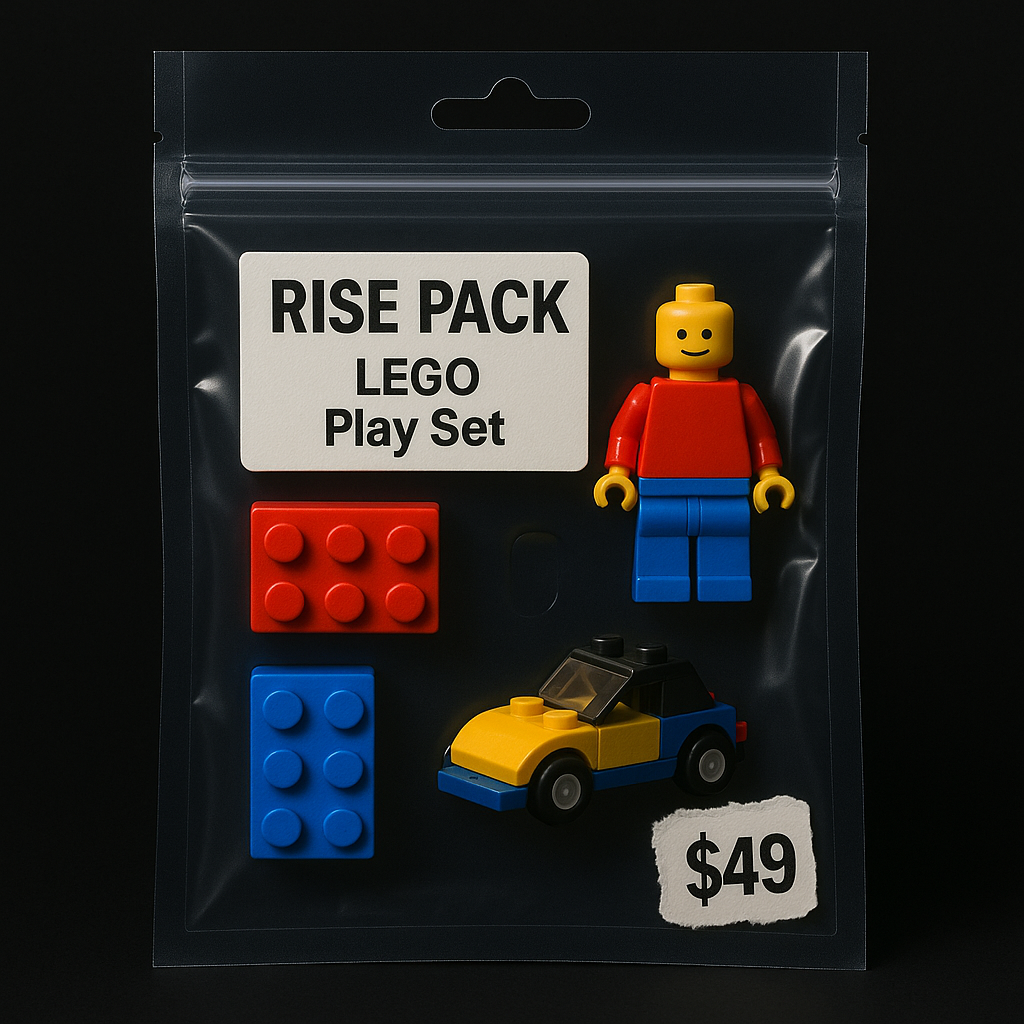
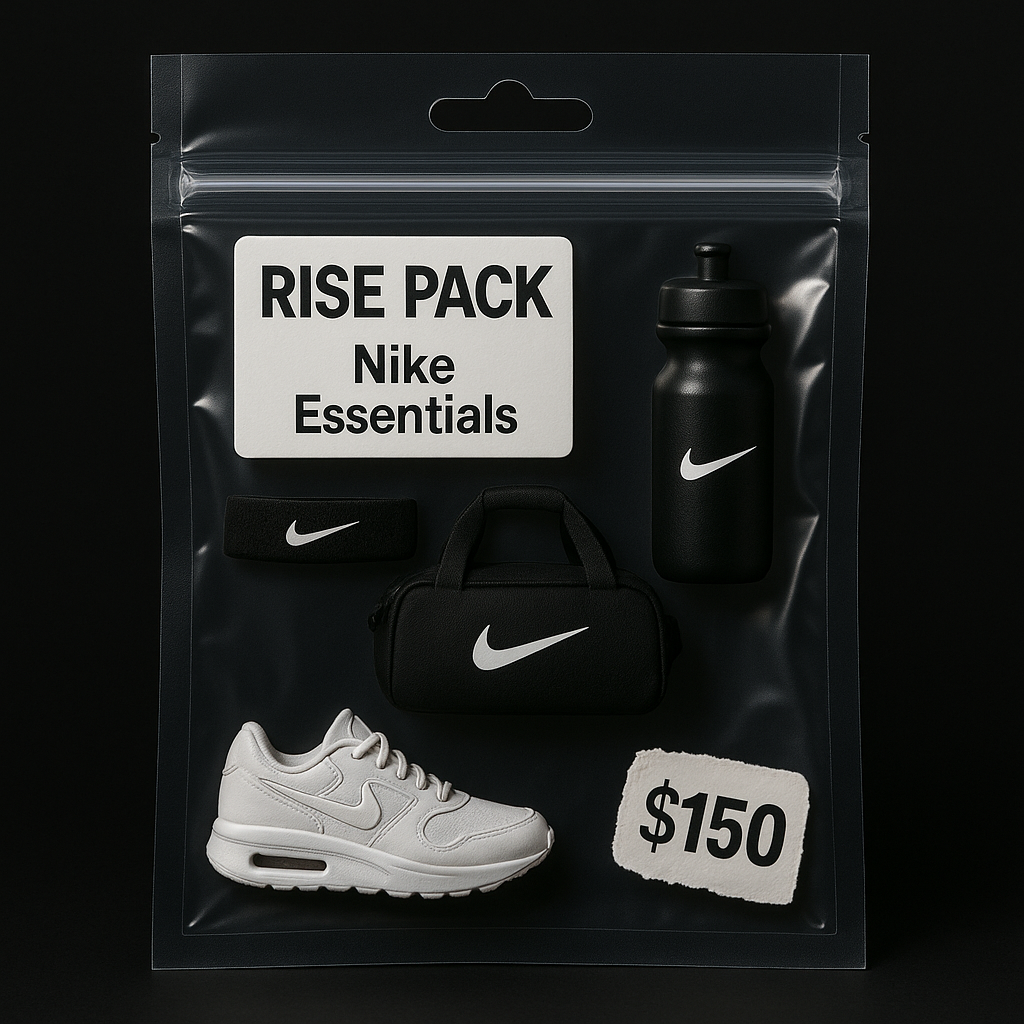
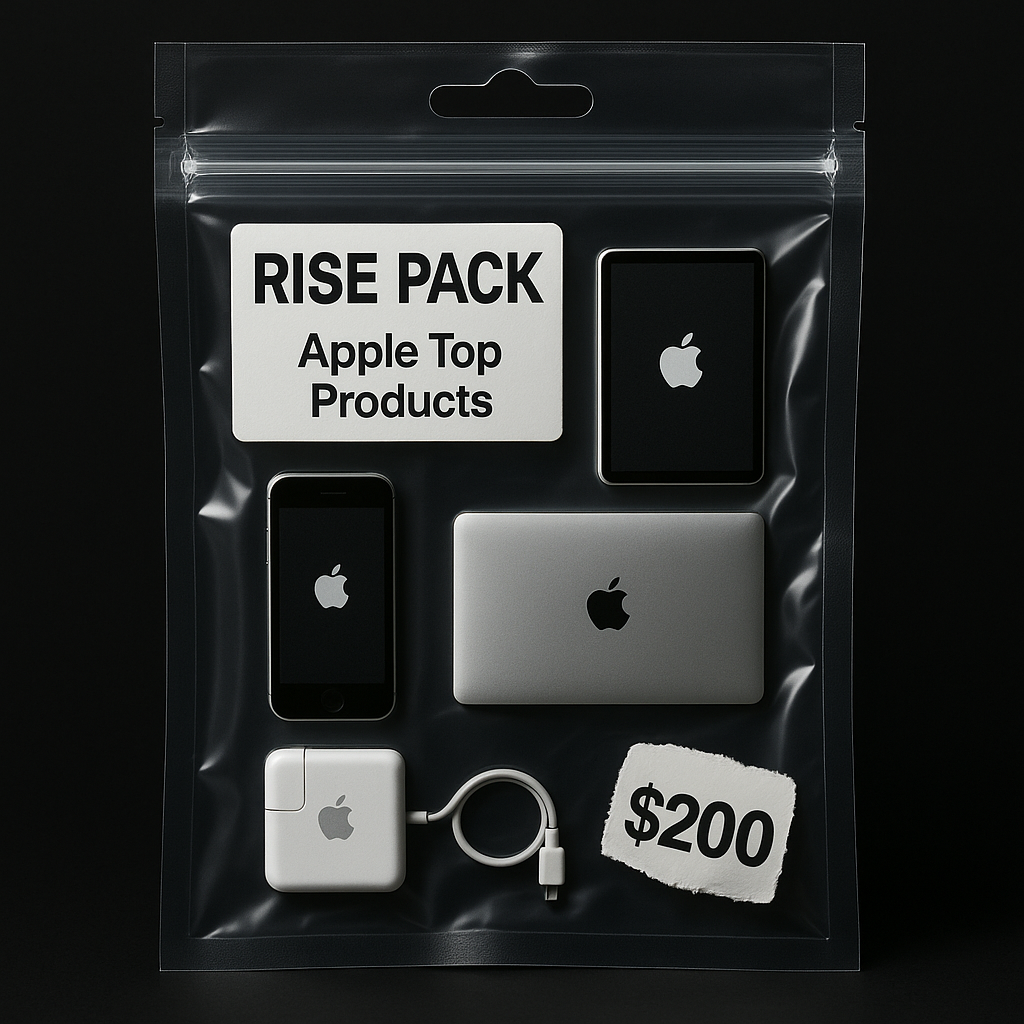
A transparent zip-sealed plastic bag with a die-cut hanging hole, containing miniature sculptural objects themed around [breakfast/ your theme], such as [ change the text or upload your images – a sunny-side-up egg, a tiny croissant, a steaming coffee cup icon, a buttered toast slice, a small orange juice carton, and a strawberry], arranged neatly inside, shot in premium product photography style. The label reads [change this – “RISE PACK: BREAKFAST ESSENTIALS”] in bold text, and a price tag sticker says “$6.49” in a torn style, placed at the corner. The background is solid black, with soft studio lighting and subtle rim lights for a sleek, cinematic look. Toy packaging meets conceptual art mockup aesthetic.
This is high-impact advertising without the high-budget shoot.
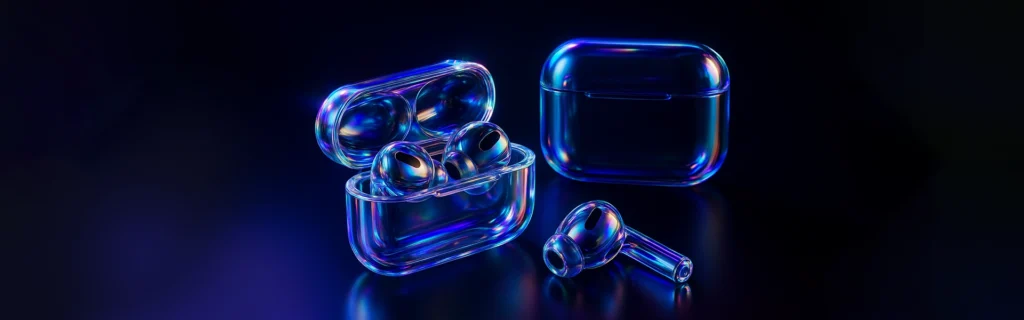
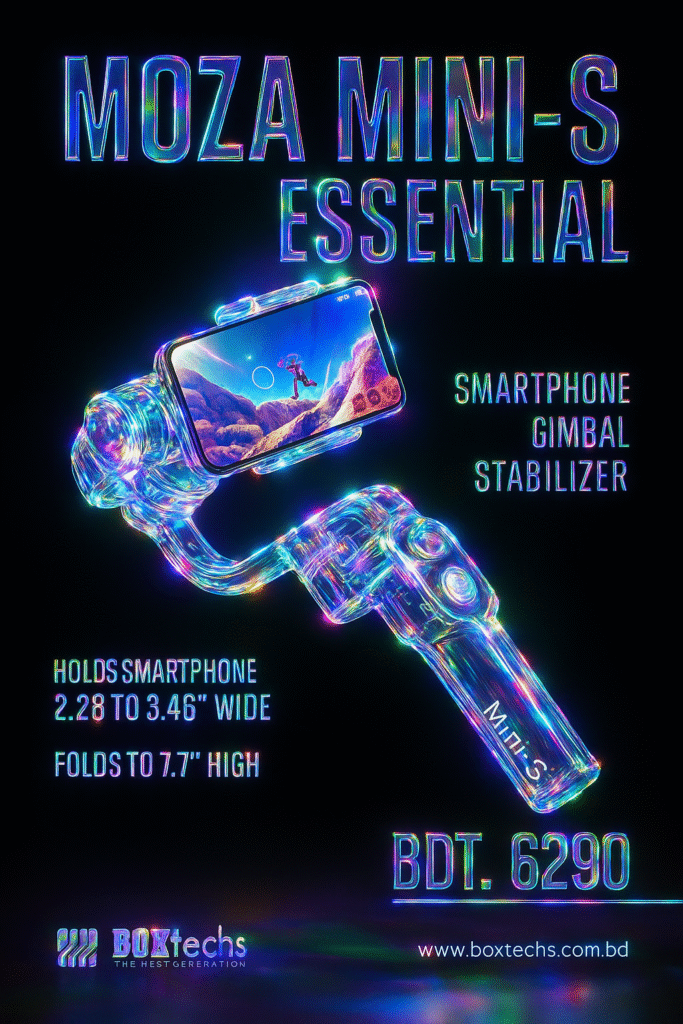
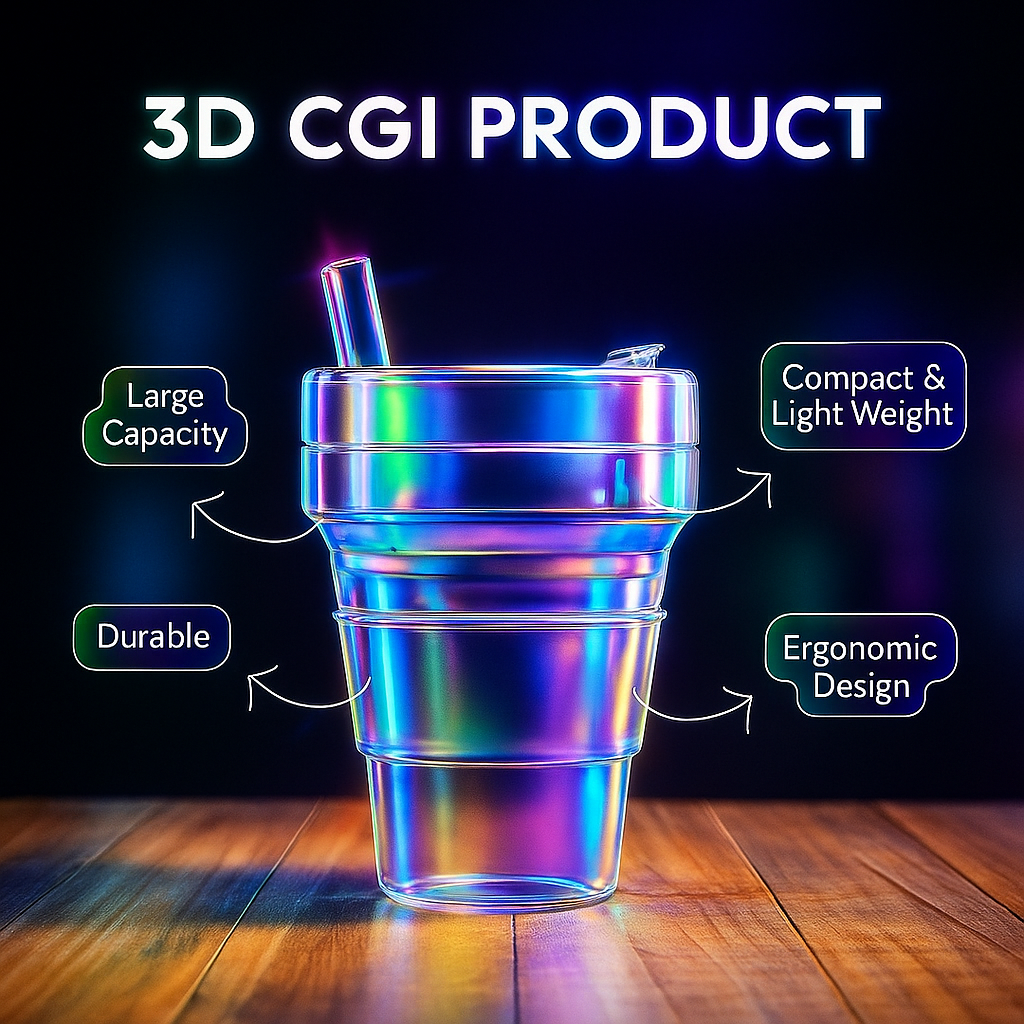
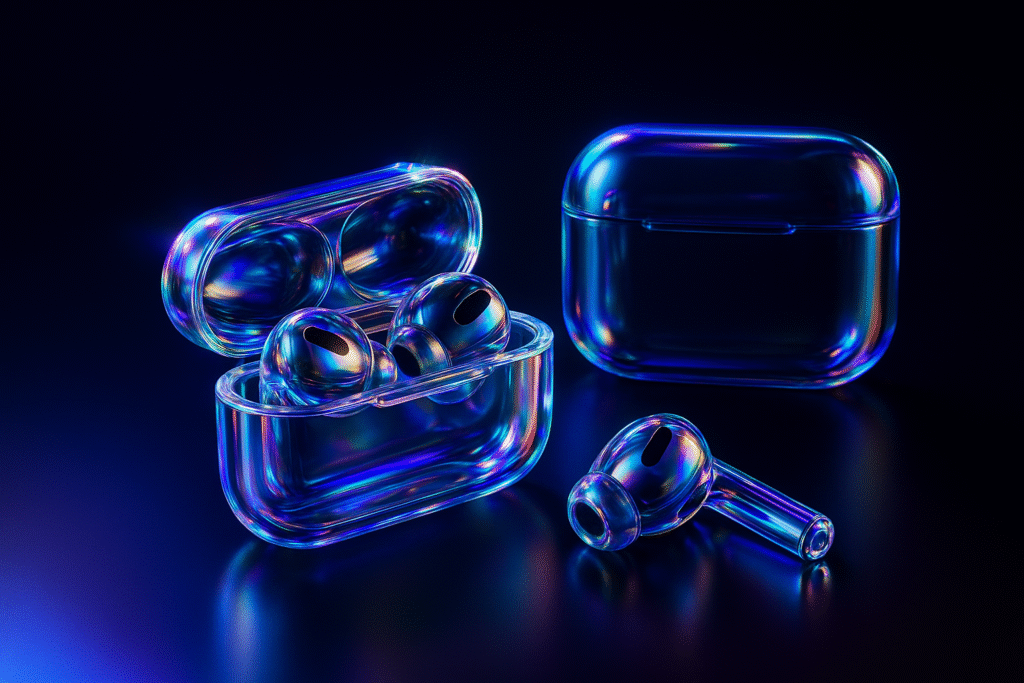
5. Iridescent Glass Style Re-texturing
Think pastel glows and shimmering surfaces.
Upload any image (like a logo or a webpage)
Paste the JSON prompt
Enjoy the futuristic, soft, glassy vibe
Iridescent Glass
Prompt: retexture the image attached based on the JSON aesthetic below
{
“style”: “photorealistic 3D render”,
“material”: “glass with transparent and iridescent effects”,
“surface_texture”: “smooth, polished with subtle reflections and refractive effects”, “lighting”: {
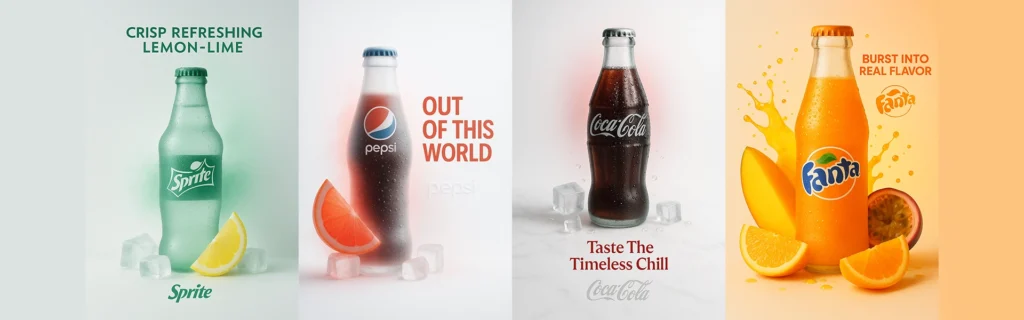
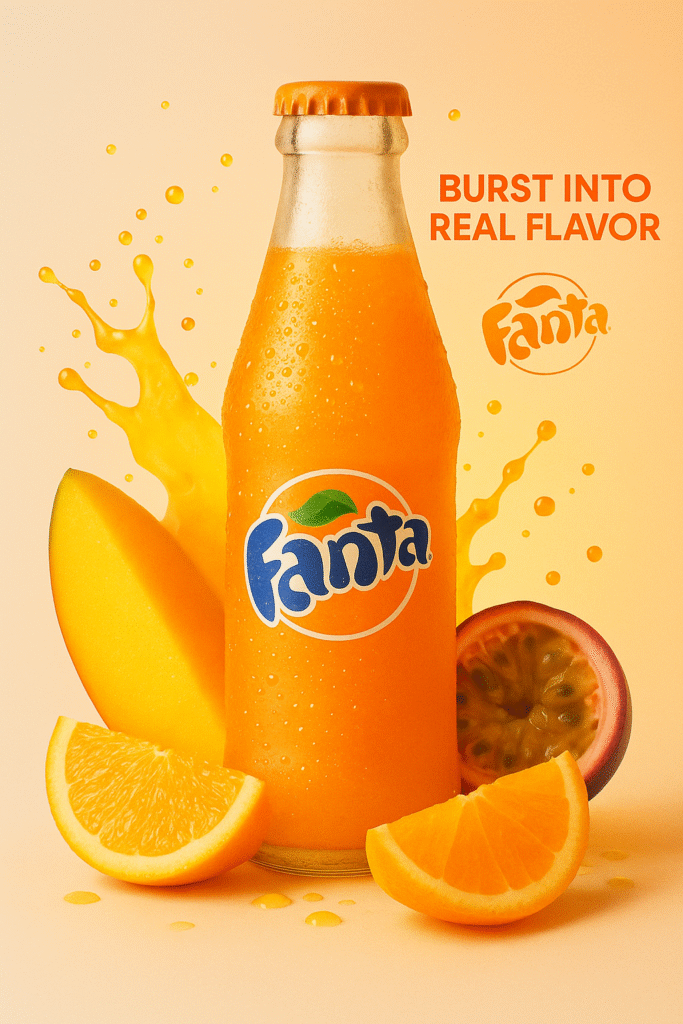
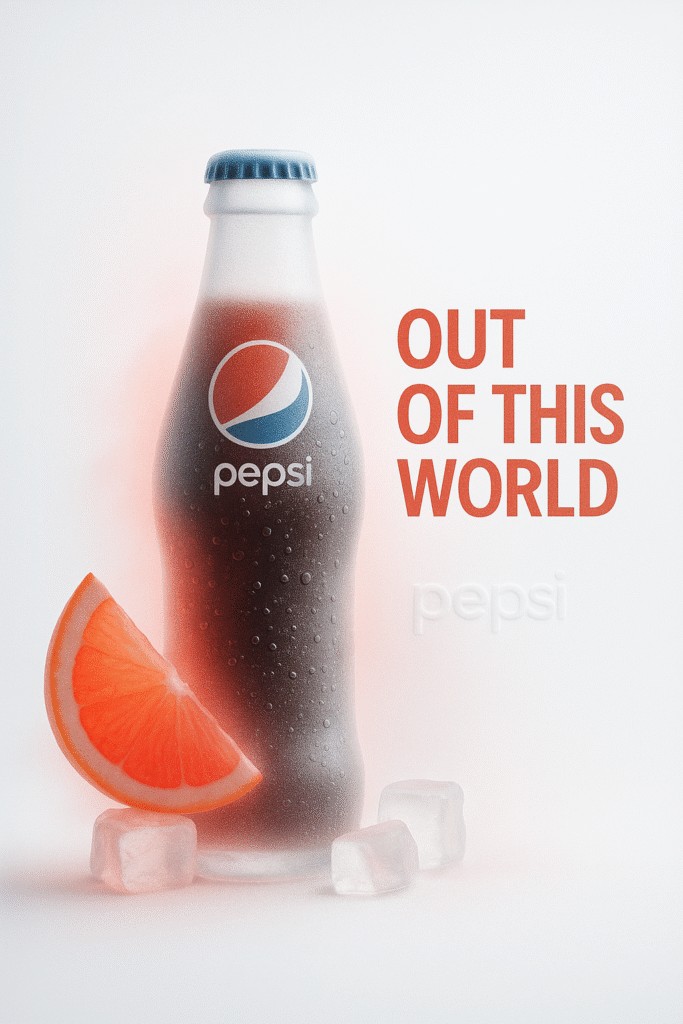
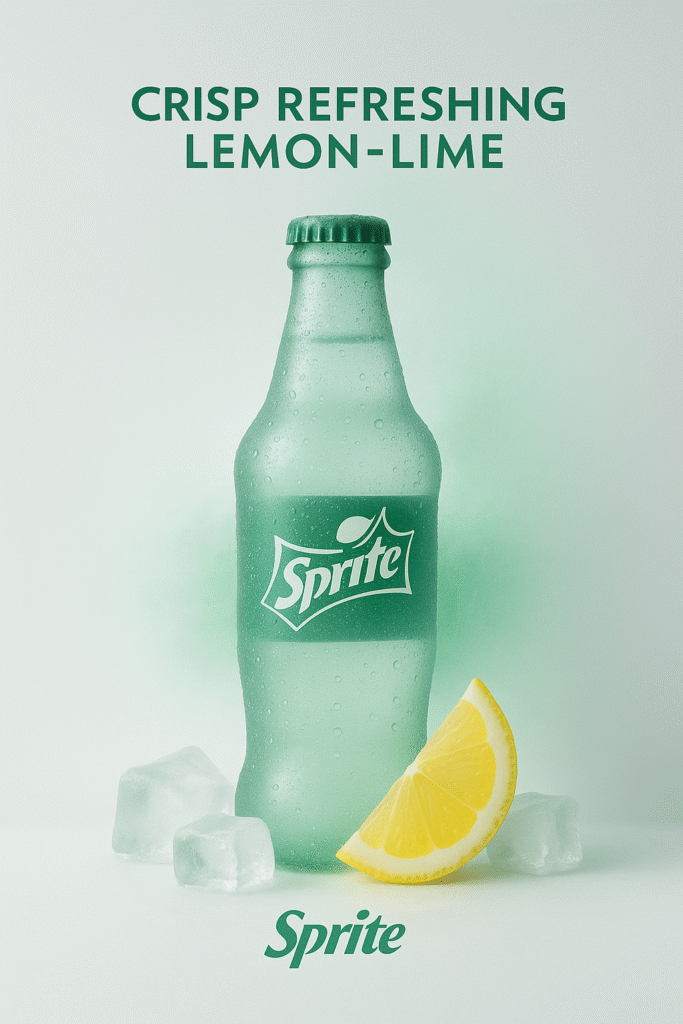
A real sprite bottle with lemon and ice cubes, in a surreal, minimalist frosted-glass style advertisement.
The product is real and centered, placed against a clean white or softly tinted background.
Soft cinematic lighting creates gentle contrast and ambient shadows.
A single brand color subtly interacts with the scene through glow, mist, liquid, or foam.
Include a bold, elegant 4-word slogan near the product, in the brands color.
The brand logo appears subtly etched, glowing, or printed in a refined manner near the slogan.
Vertical or square aspect ratio, ultra-detailed, poster-quality, visually soothing and conceptually refined.
Use this style to elevate Instagram feeds or landing pages.
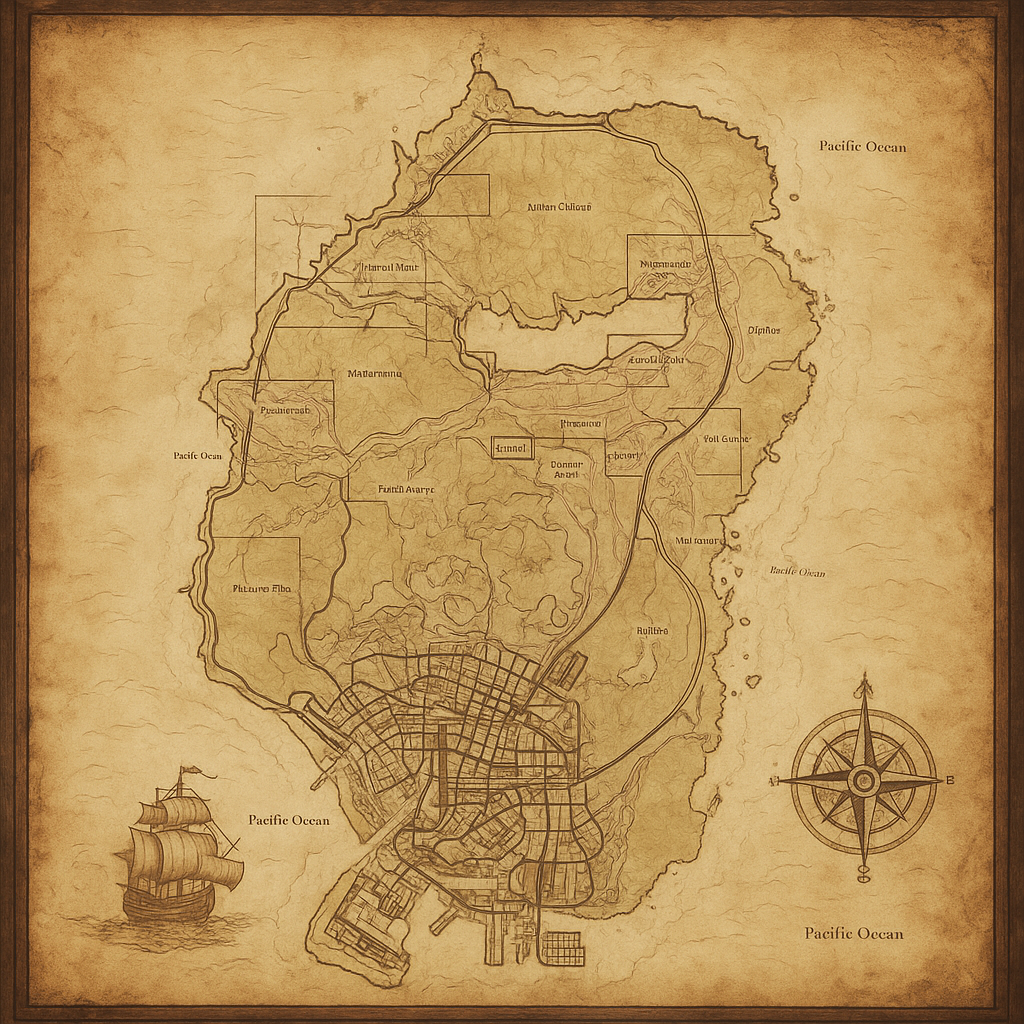
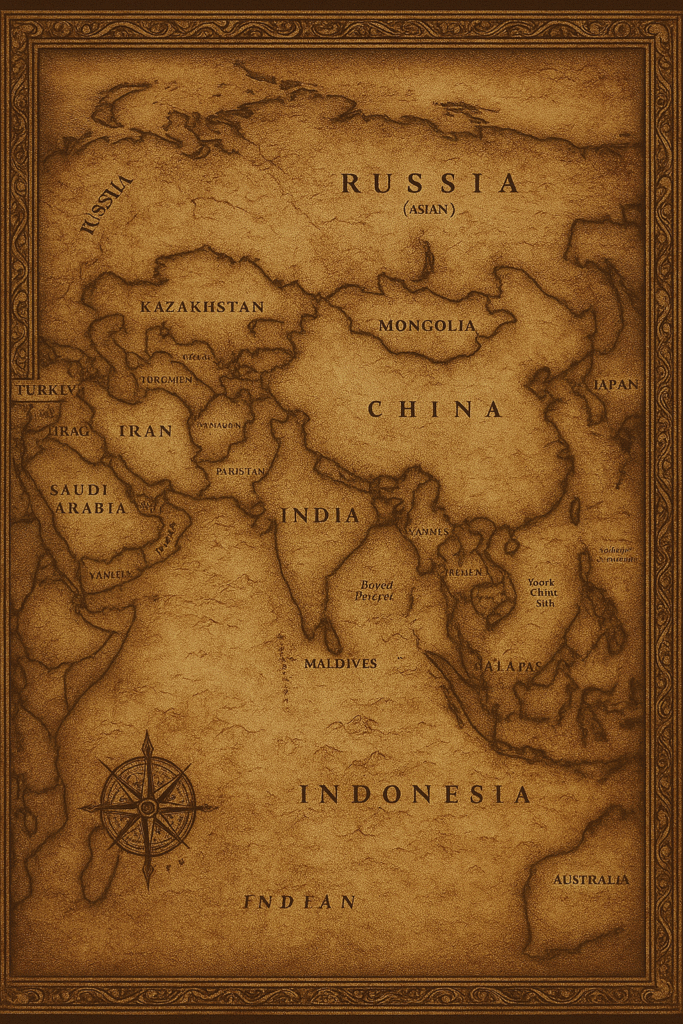
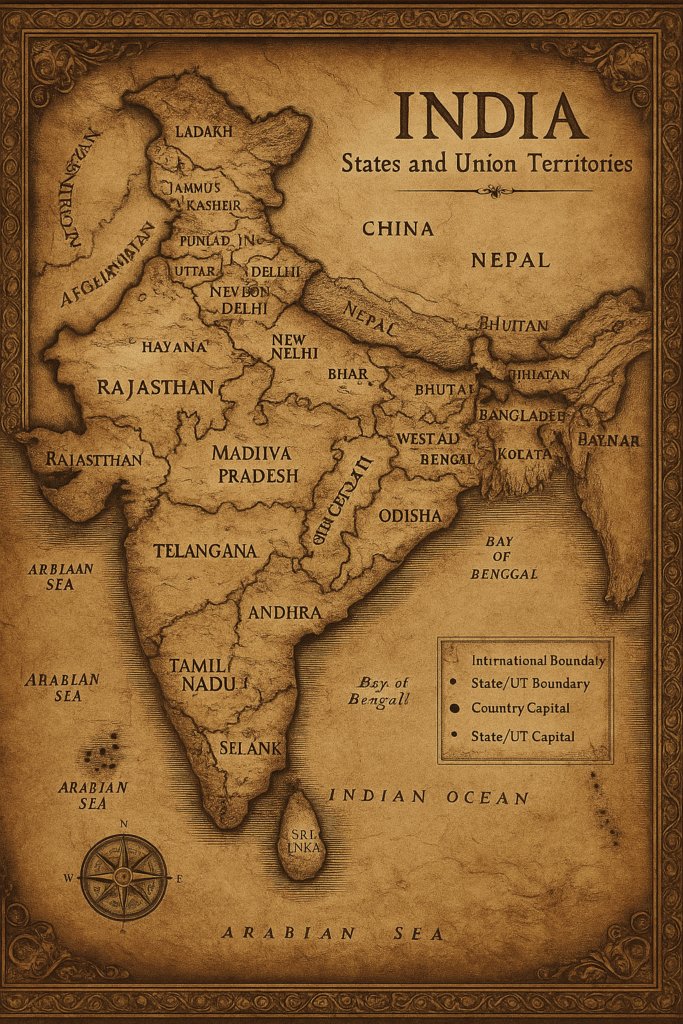
7. Custom Retextured Maps
Need a historical map? Or maybe one with a fantasy twist?
Upload a map image
Ask ChatGPT to retexture it in your desired era/style
Touch up text in Photoshop for accuracy
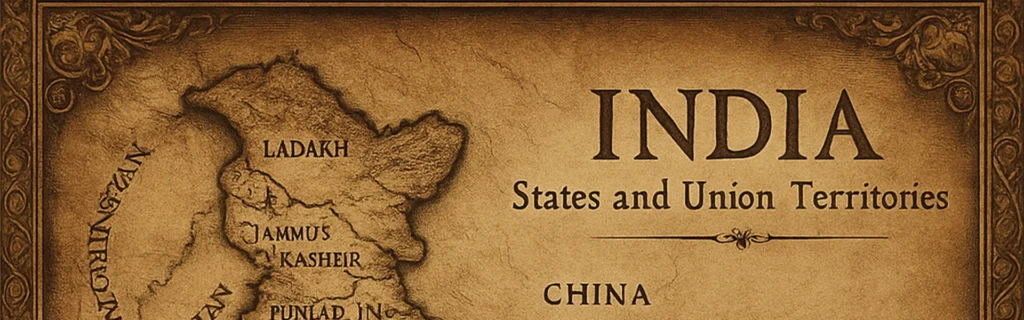
Map Retexture
Transform the image to an ancient historic map drawn on aged parchment. The map includes detailed elements. The overall style is reminiscent of old pirate adventure films. wide image
These are fantastic for educators, game developers, and history buffs.
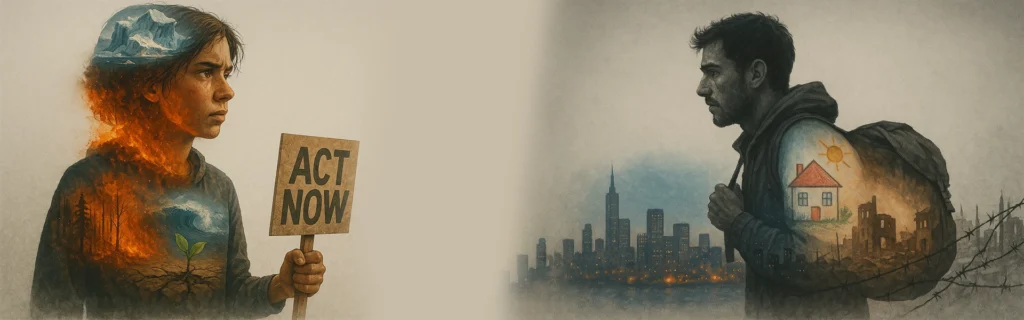
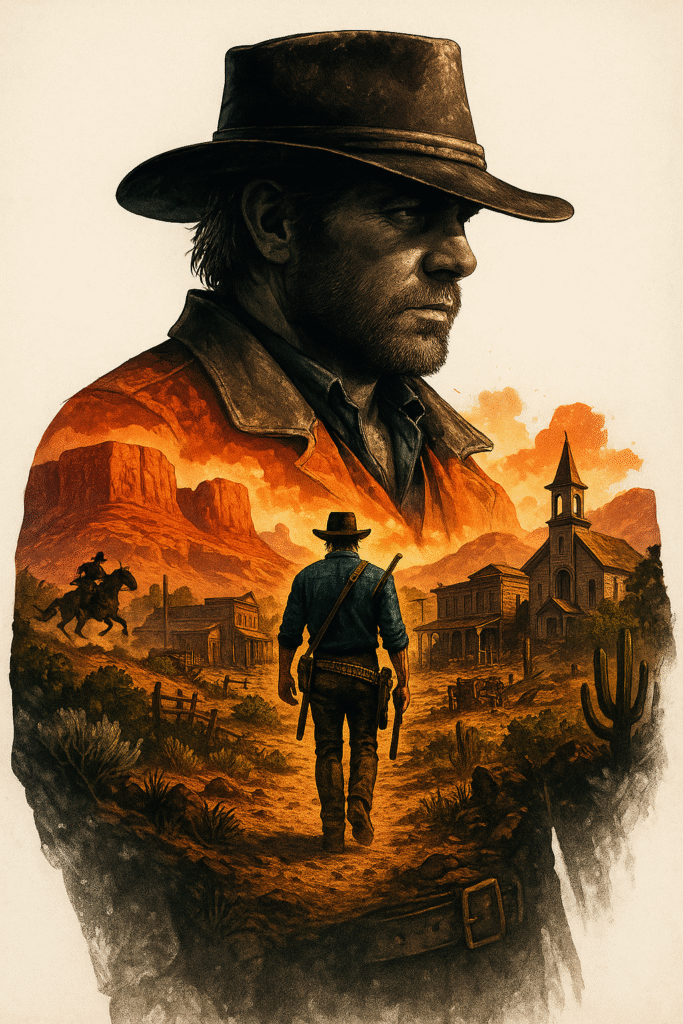
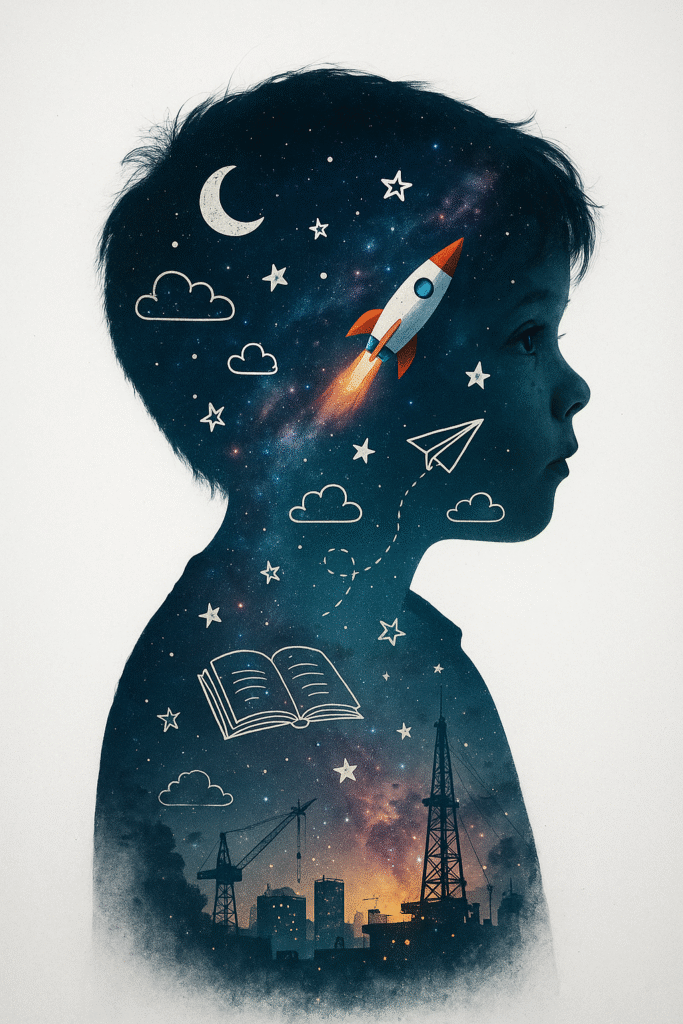
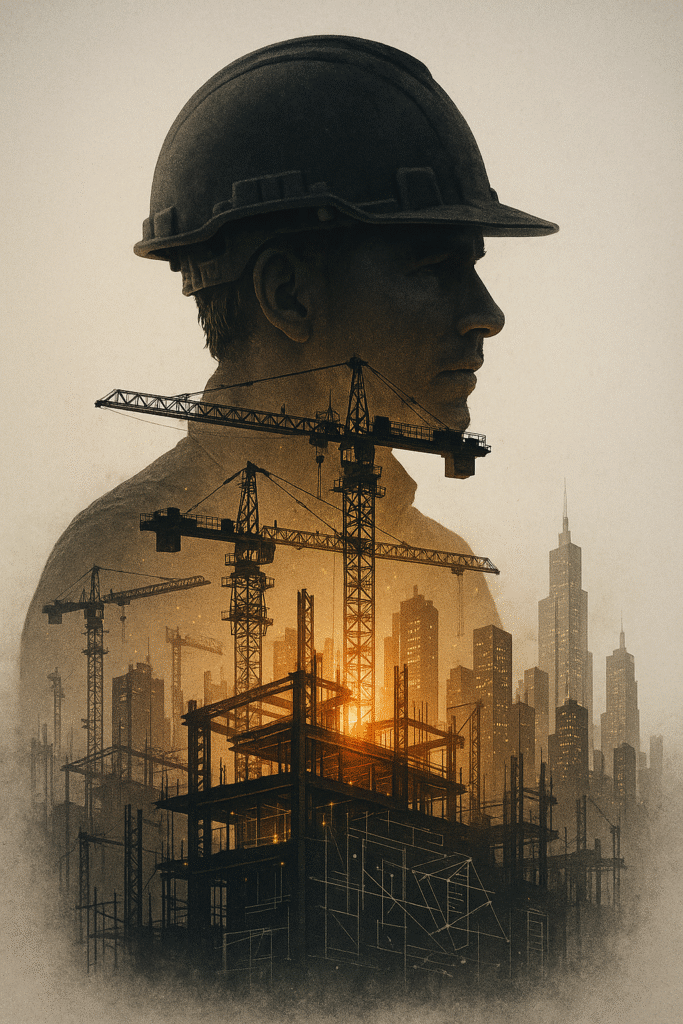
8. Double Exposure Images
Double exposure? Double the wow.
Use two subjects: e.g., a face + a cityscape
ChatGPT merges them beautifully
Crisp details, artistic layering
Double Exposure
Double exposure, Midjourney style, merging, blending, overlay double exposure image, Double Exposure style, An exceptional masterpiece by Yukisakura revealing a fantastic double exposure composition of (Subject/person) body silhouette harmoniously intertwined with the visually striking details of a ( Another subject and other details like how you want what you want), beautiful tension climbs as the contrasting use of monochrome in the background maintains razor-sharp focus on the remarkable double exposure image. Characterized by its vibrant full-color scheme and crisp lines that shadow the contours just as meticulously. (Detailed:1.45). (Detailed background:1.4).
Use for album covers, storytelling visuals, or profile art.
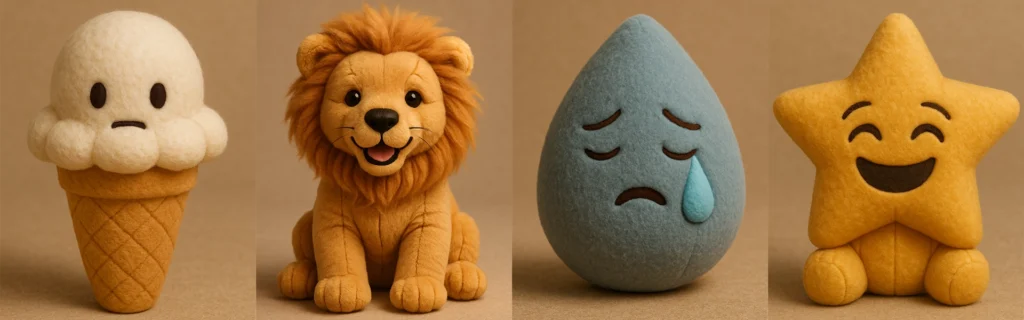
9. Plush Toy Style Emojis or Images
Want your image to look like a cuddly plush toy?
Use the plush-style JSON prompt
Swap emojis or upload your own image (e.g., a car)
Get soft, huggable results perfect for kids’ content
Recreate Attached Image. Understand it first like what emoji this is and recreate same. using the parameters from the JSON provided.
{
“style”: “Plushform”,
“description”: “Transform the emoji/image into a soft, realistic plush object with high-quality
fabric and detailed construction. Do not anthropomorphize the emoji — avoid adding faces or cartoon features. Focus on accurate textures, natural forms, and subtle design to give the plush object character.”,
“features”: {
“shape”: “matching the emoji/image’s form, with soft, slightly rounded plush adaptation”, “texture”: “realistic plush fabric with visible fiber detail and natural fabric folds”,
“color”: “faithful to the emoji/image’s palette, using slightly muted, tactile tones”, “material”: “stuffed toy fabric with visible stitching, seams, and high-quality finishing”, “background”: “neutral or softly textured to emphasize the plush object’s form”, “lighting”: “soft professional studio lighting with subtle shadows and depth”
},
“examples”: [
“👌 becomes a plush hand in the OK gesture, with realistic fabric folds and seams.”,
“🎯 becomes a soft plush bullseye with layered fuzzy rings and slight dimensional padding.”, “🎁 becomes a cube-shaped plush box with fabric ribbon, visible stitching, and realistic fabric
texture.”,
“🌊 becomes a wave-shaped plush with curled foam tips, crafted in textured ocean blue fabrics.”
]
}
[media pointer=”file-service://file-5UEJu4CzvnPqfnuAiNCGhG”] retexture the image attached based on the JSON aesthetic below
{
“style”: “photorealistic 3D render”,
“material”: “glass with transparent and iridescent effects”,
“surface_texture”: “smooth, polished with subtle reflections and refractive effects”, “lighting”: {
Also works well with webpages—yes, even your brand’s homepage!
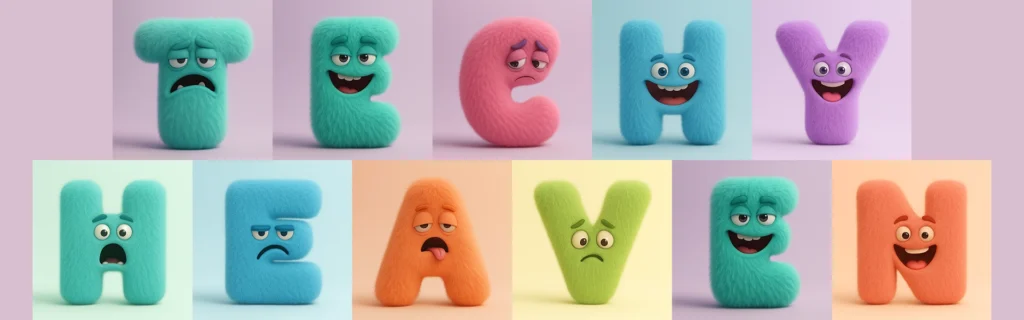
10. Monster Letters with Emotions
Create lovable monster-themed alphabets.
Change the letter
Add an emotion (e.g., happy, grumpy)
Choose colors
Cute Monster Letters
A highly realistic 3D render of the letter [A-Z] designed as a full-body fluffy monster. The letter shape itself is the creature’s body — no separate head or limbs. The eyes, mouth, and other monster features are embedded naturally into the letter form. The monster expresses a [mischievous / grumpy / shy / joyful / sleepy / surprised / confident] emotion through its eyes and mouth shape. The texture is dense, soft, and realistic fur, with subtle volume and shadow. The color palette is bold but clean — solid vibrant tones like mint, lilac, sky blue, or coral (avoid rainbow gradients). Studio lighting on a simple pastel background. No hats, no party props — just a minimal, high-quality character design with playful expression.
These are great for children’s books, classroom materials, and animations.
Generate Ideas Automatically
Not feeling inspired? Paste the full doodle ad prompt into ChatGPT and provide your product details. It will generate:
Unique ad ideas
Visual metaphors
Even taglines!
Pro Tip: Start a new chat for each generation to avoid prompt bleed from previous images.
Final Thoughts
ChatGPT Image Generator isn’t just a tool—it’s a creative assistant, design studio, and idea factory all rolled into one. Whether you’re building a brand, teaching a lesson, or just having fun, there’s no limit to what you can do.
Don’t let blank pages stop your visual storytelling. Instead, use these 10+ styles to generate stunning visuals, wow your audience, and stand out online.
FAQs
Can I use these ChatGPT image prompts commercially?
Yes, but always double-check OpenAI’s licensing terms and consult legal advice if needed.
Do I need to use JSON prompts for the best results?
Not always, but for certain styles like plush or iridescent glass, JSON prompts improve consistency.
What if my image output isn’t accurate?
Start a new chat, add more details, or upload a reference image to guide ChatGPT better.
Can I recreate styles I see in someone else’s image?
Yes! Upload the image and ask ChatGPT to replicate the style. Just respect copyright laws.
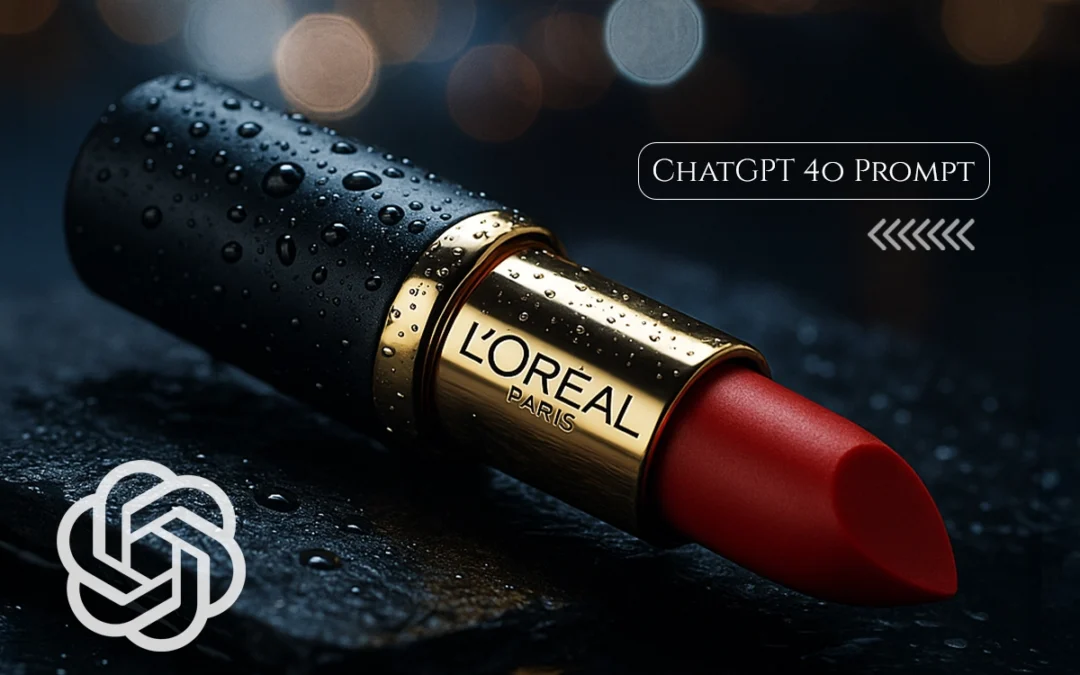
Here’s how I made ads for high-end lipstick without a studio, a team, or a design degree. AI only.
Have you ever stared at a beauty ad and thought, “How do they make it look so powerful?” The lighting is perfect. The product position is sensual and captivating. The balance of the text is just right.
I used to think those pictures needed a studio, a director, and someone who was really good at Photoshop.
Attention is key, whether you’re selling lipstick, perfume, or a handcrafted ceramic mug.
I learned that you don’t have to be a designer or a marketer to make a product ad that appears like it originated from L’Oréal’s creative boardroom with ChatGPT-4o.
All you need is the appropriate prompt.
L’Oréal Lipstick: The Perfect AI Prompt Subject
L’Oréal’s branding combines:
Luxury & accessibility
Visual drama through macro beauty shots
Empowerment themes like “Bold is Beautiful”
These characteristics help shape creative prompts that ChatGPT can turn into visual scripts, captions, or campaign ideas.
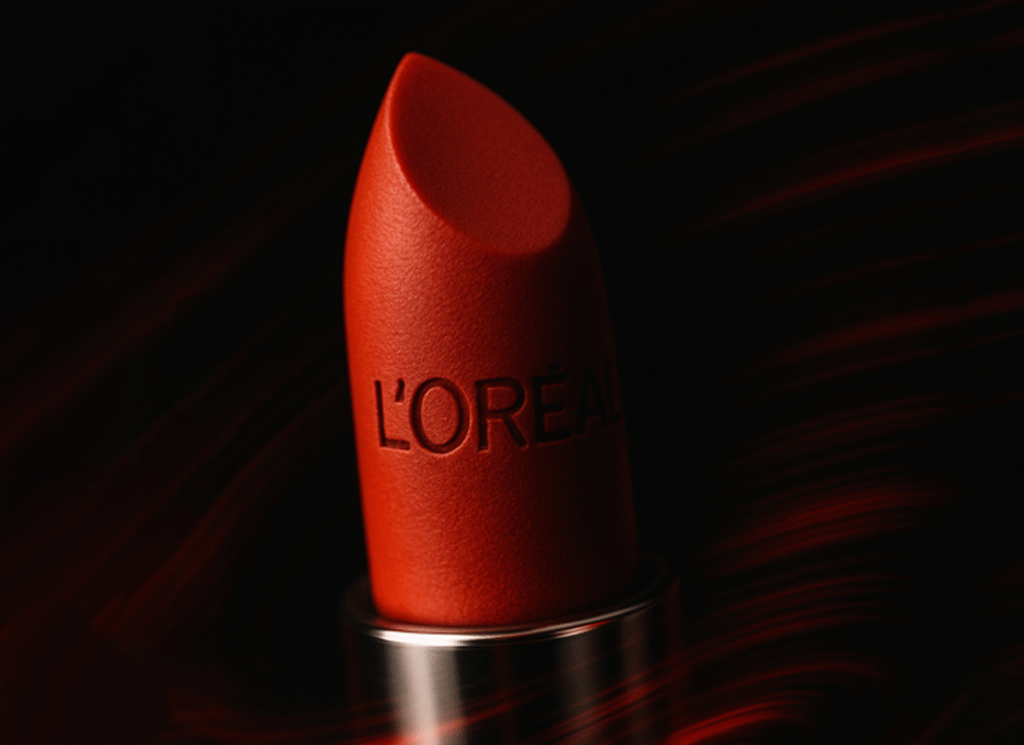
Prompt: ““An extreme close-up of the L’Oréal lipstick tip in sharp focus, while the background and chrome base spin in motion blur as if captured in a rotating lens effect. The L’Oréal emboss is crisp and matte, surrounded by red streaks of dynamic light trails in the black void. Camera: 100mm macro, f/4, handheld feel with spin motion blur Style: dramatic, intense, focused energy”“
Clean. Confident. Scroll-stopping.
Note: More ChatGPT prompts with visuals at end of the article
Why This Works
Here’s why ChatGPT-4o is so good for advertising products:
It knows how to read brand tone (L’Oréal = luxury and confidence) It gives you organized stuff, such ad copy, a scenario breakdown, and a tagline. It helps you see things in your mind, even if you don’t usually do it. This means you can make:
Ad headlines Instagram captions and visual hints for shoots or AI art Descriptions of products Even scripts for whole videos
Steal These 3 Prompts and Try Them Yourself
🎯 For Instagram Ad:
“Create a caption for a luxury lipstick close-up. Theme: bold elegance. Mood: cinematic. Keep it under 15 words.“
🎯 For Reels Script:
“Describe L’Oréal lipstick in 2 lines — focus on confidence and premium texture.“
🎯 For Product Page Copy:
“Write a 15-second script for an Instagram reel showcasing red lipstick with a slow-motion swipe and a powerful voiceover..“
7. Tools to Pair with ChatGPT
To turn prompts into assets, combine with:
Midjourney / DALL·E → for AI image generation
Canva / Photoshop → for final design
Copy.ai or Jasper → for variations of ad copy
ChatGPT Prompts for L’Oréal Lipstick Ad
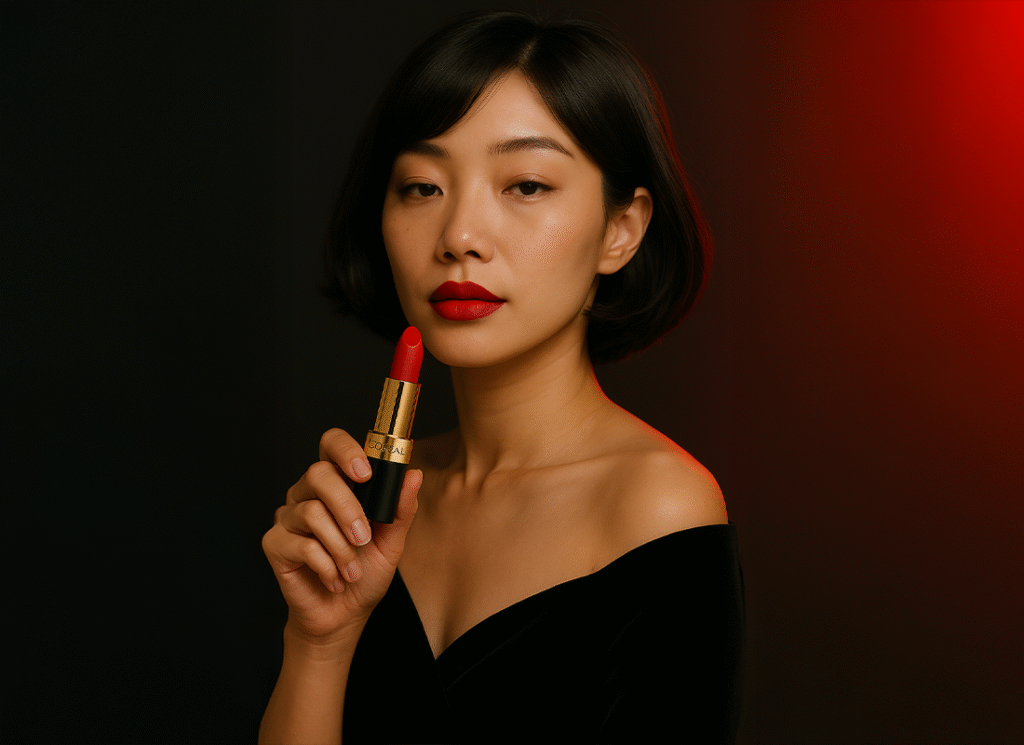
“A cinematic close-up portrait of a Japanese woman with a soft bob haircut and elegant expression, matching the reference model’s face. She wears a black velvet off-shoulder long-sleeve dress. Her hand gently holds a Rouge L’Oréal Lipstick near her jawline, positioned diagonally beside her face. The lipstick is proportionally accurate, showing a matte red tip, embossed L’Oréal logo, and chrome CD ring. Her gaze is calm and angled slightly downward. The background is a smooth gradient from black to deep red, with cinematic soft shadows. Camera: 85mm lens, f/2.5, side close-up angle Lighting: soft frontal key + red back rim”
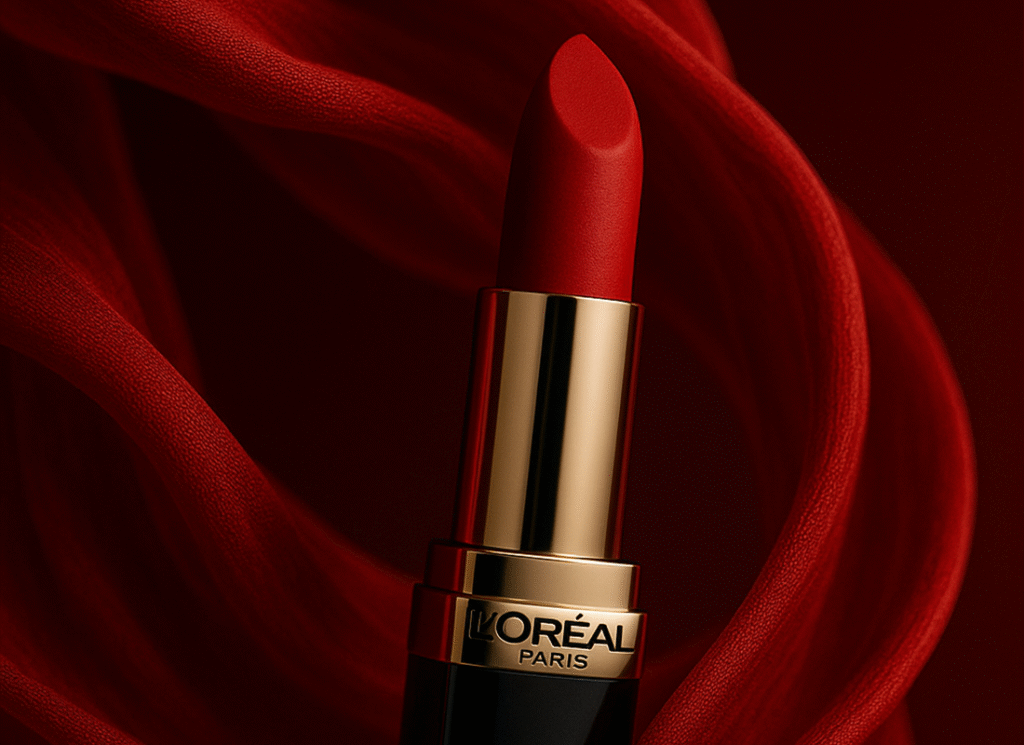
“Red silk fabric flows around a hovering L’Oréal lipstick in an elegant spiral. Soft backlight catches the folds of the fabric while the chrome base reflects red tones. Camera: 35mm lens, f/2.2, dynamic side angle”
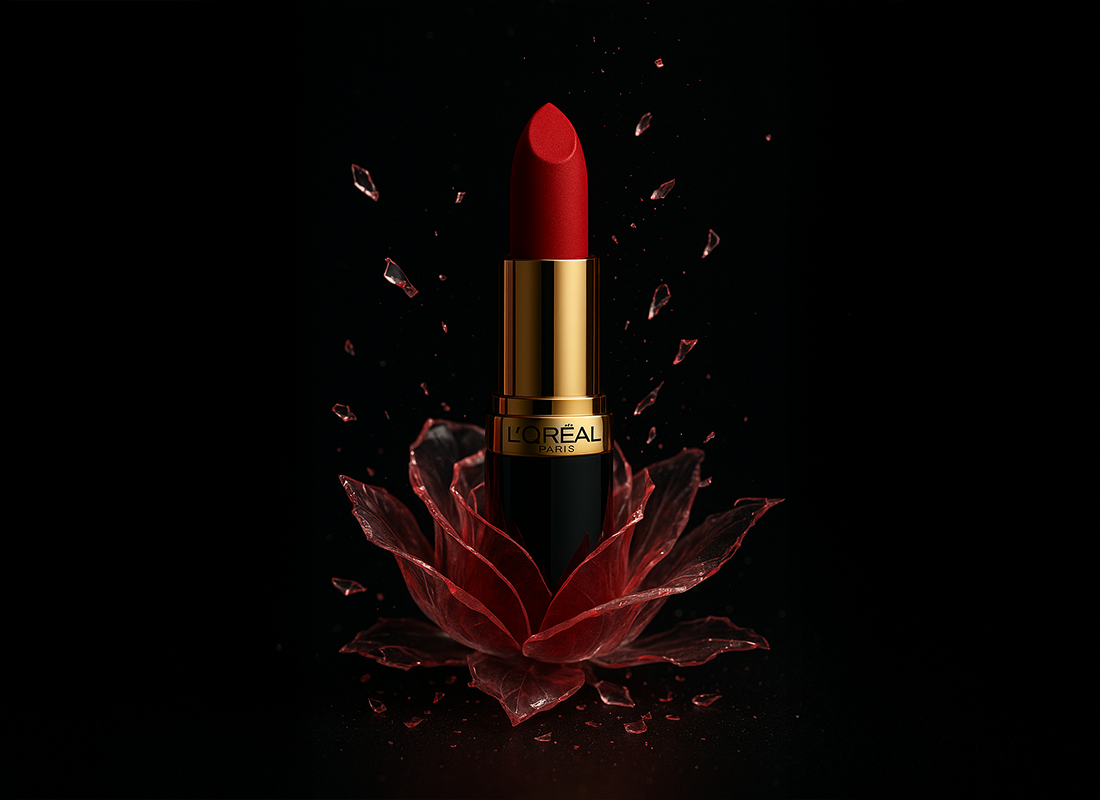
“A L’Oréal Paris red lipstick stands upright inside a delicate, shattered rose made of translucent glass petals. Sharp shards float mid-air around the base, catching glints of light. The lipstick has a luxurious black and gold casing with the L’Oréal Paris logo clearly visible. Background is matte black with subtle glitter particles. Lighting is dramatic — focused top spotlight with soft reflections on glass and lipstick, evoking premium elegance and fragility.”
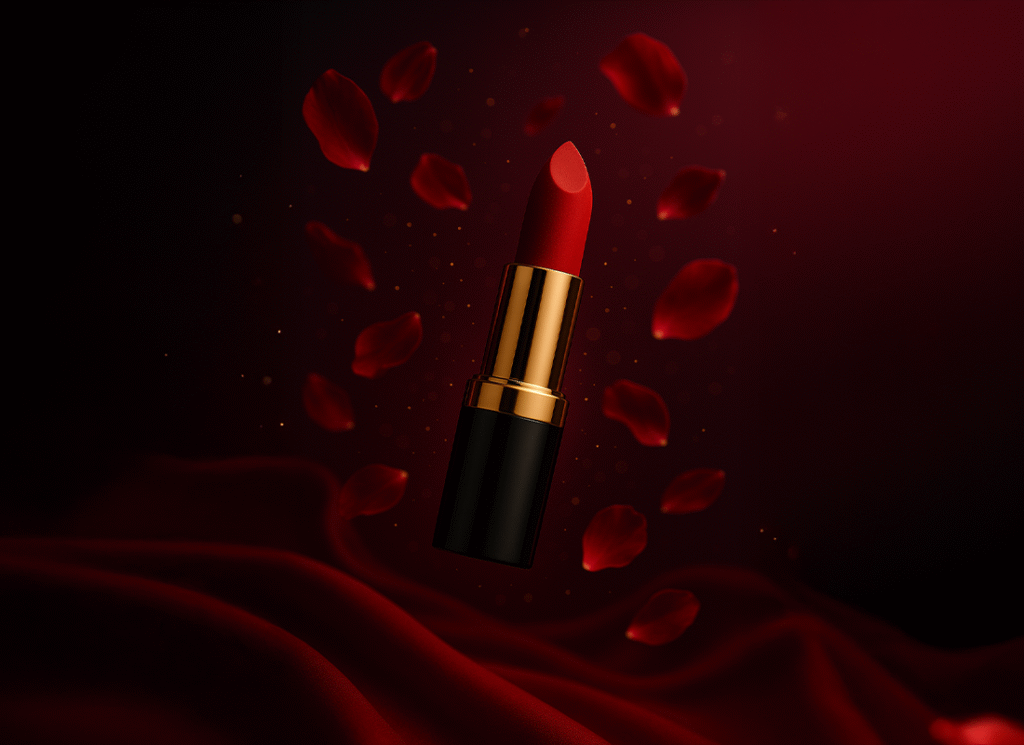
“A L’Oréal Paris red lipstick floats mid-air in a surreal, dreamlike space. Around it, deep red rose petals and golden shimmer particles drift slowly, suspended in motion. The background is a smooth gradient from crimson to violet. A soft halo glow surrounds the lipstick, and rim lighting subtly illuminates the tube edges, creating a magical, romantic, futuristic feel.”
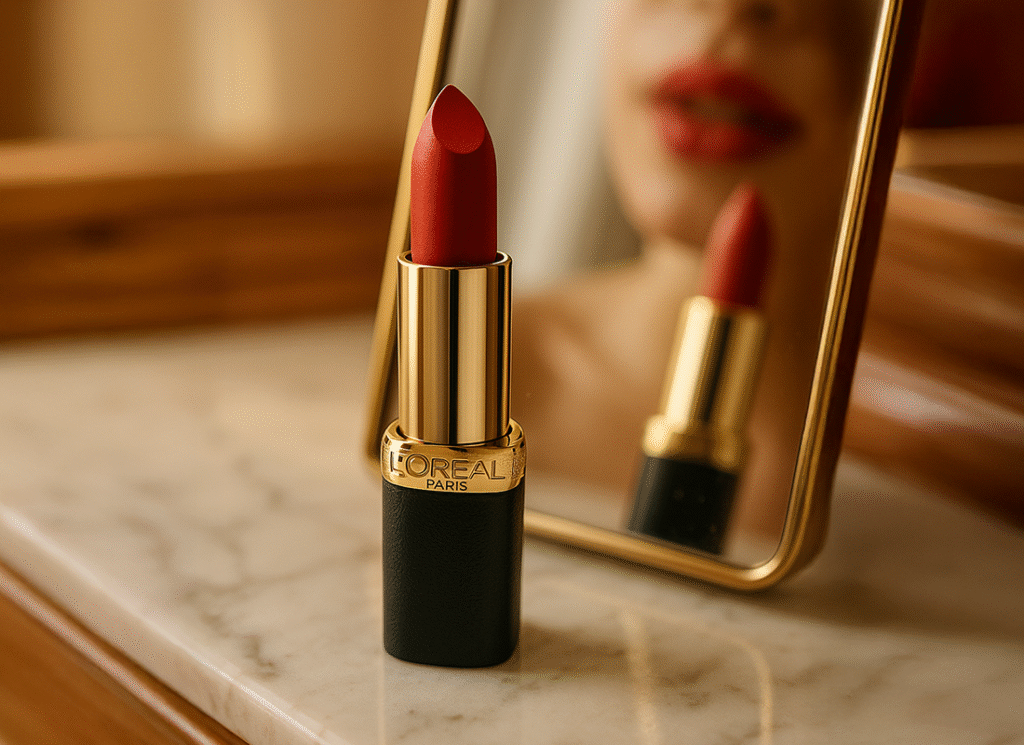
“A L’Oréal Paris red lipstick stands vertically on a white marble vanity with faint gray veins. Behind it, a tilted vanity mirror reflects the lipstick and a blurred close-up of a woman’s lips mid-application. The background includes a softly lit classic dressing table setup with warm natural lighting. Gentle sunlight streams through the mirror area, and the gold band on the lipstick catches the light softly.”
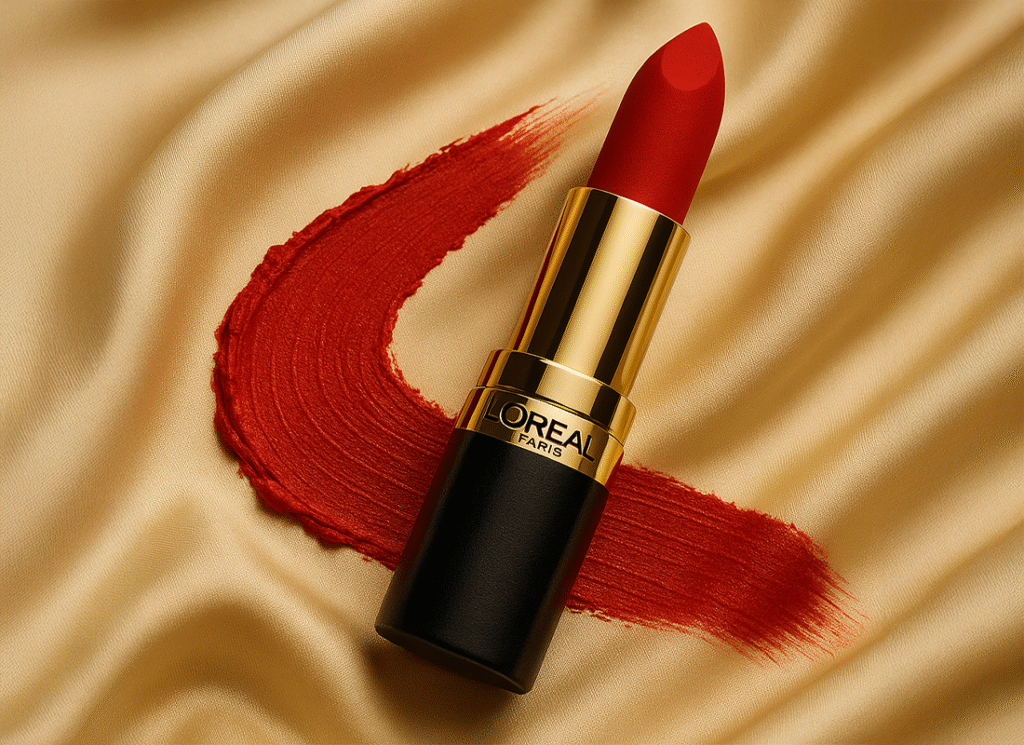
“A bold red L’Oréal lipstick lies at the end of a dynamic lipstick stroke drawn across a smooth, cream-gold silk fabric. The matte swipe is thick and slightly textured, curving powerfully across the luxurious folds. The lipstick rests partially over the stroke, angled slightly, with gold accents catching warm side lighting. The background is rich silk texture with soft shadows and an under-silk glow for dimension.“
How to Structure a Winning Prompt for Any Product
Element
What to Specify
Example (L’Oréal)
Product
Name, form, material
L’Oréal red lipstick with gold casing
Style/Mood
Bold, dreamy, premium, etc.
Bold + luxurious
Camera/Visual Details
Angle, focus, motion
45° angle, macro lens, red light arcs
Brand Essence
Slogan, emotion
“Because You’re Worth It”, empowerment
Final Thoughts
Tools don’t hold us back anymore; how we ask does.
I learned that the secret isn’t in being a copywriter or a designer with ChatGPT-4o. It’s all about conquering the prompt.
This is your creative edge, whether you’re establishing your brand or just trying things out.
Give it a go. Prompt it. Put it up.
FAQ: ChatGPT Prompt for Product Advertisement
How do I make my product prompt more specific?
Use brand details, emotional tone, lighting, and camera angles.
Can I use these prompts for other products?
Yes—adapt the tone, angle, and emotion for each product category.
Is this useful for small brands too?
Absolutely. AI prompts level the playing field by giving small brands access to big-brand style assets.
Let’s Connect
If you enjoy AI-powered creative workflows and product marketing ideas, I share more content like this on:
AI Capsule Image Trend: How to Create Stunning Miniature Visuals (Guide for 2025)
In This Post
What is the AI Capsule Image Trend?
The AI capsule image trend is one of the most engaging and creative visual formats in 2025. Whether you’re a gamer, entrepreneur, product owner, or content creator — this trend lets you transform any idea into a mini 3D cinematic moment inside a transparent capsule. Inspired by Japanese gashapon toys, these images blend storytelling and aesthetic appeal in a uniquely shareable way.
Why the AI Capsule Visuals Are Trending
Nostalgic and unique: Feels like opening a collectible toy capsule.
Perfect for personal and brand storytelling: Use it to showcase yourself, a product, or a team.
Incredibly shareable: Designed for viral engagement on Instagram, Threads, and TikTok.
What You Need to Create an AI Capsule Image
ChatGPT with image generation (GPT-4o)
A creative idea or theme (business, gaming, product, personal)
Optional: brand logo, photo reference, or product label
Prompt template (see below)
Step-by-Step Guide to Creating a Capsule Visual
Step 1: Pick Your Theme
🎮 Gaming: e.g., GTA VI, Valorant, Tekken 8
🏢 Business/Office: A miniature office setup or team brainstorm scene
📸 Personal Branding: A chibi version of yourself or your audience avatar
Step 2: Use This Prompt Template
Create a hyper-realistic scene of a transparent pill capsule lying on a [surface/location] at [time of day], lit with [style of lighting].
Inside the capsule, place miniature, 3D-detailed versions of [subject/character/product] posed in [activity].
The capsule should display the [brand name or logo] and reflect the aesthetic of [industry or theme].
Surround the background with elements like [props or scenery] to amplify the story.
Step 3: Generate with ChatGPT
Paste your prompt into ChatGPT’s image generator and include any visuals. It’s easy — and highly customizable.
Step 4: Publish & Share
Post to Instagram, Threads, or Pinterest
Create reels or TikToks showing “prompt to image” transitions
Use it in blog headers, product promos, and personal portfolio sites
Create a hyper-realistic scene of a transparent capsule on a neon-lit street.
Inside: Jason and Lucia from GTA VI in their signature poses.
Palm trees, cars, and Vice City skyline behind. Branded with GTA VI logo in pink-purple.
Business Capsule
Transparent capsule on a wooden desk with sunlight glow.
Inside: 3D design team brainstorming on laptops, whiteboards, coffee mugs.
Include “BrandOrbit Studio” on the capsule side.
Product Showcase Capsule
Capsule on a marble surface under spot lighting.
Inside: a lavender-scented candle with floating flowers and herbs.
Branding: “Glow & Co.” in gold-foil type.
Personal Branding Capsule
Capsule on a photography backdrop setup.
Inside: chibi photographer with DSLR and studio lights.
Add handwritten logo: “ClicksByRhea.”
Rich Media Tip
Final Thoughts
The AI capsule image trend isn’t just for fun — it’s a powerful way to blend branding, design, and storytelling. Whether you’re launching a product, promoting a service, or building your digital presence, this format is simple to create and impossible to ignore.
Try your own capsule today — and tag us when you share it online so we can feature your creation!