
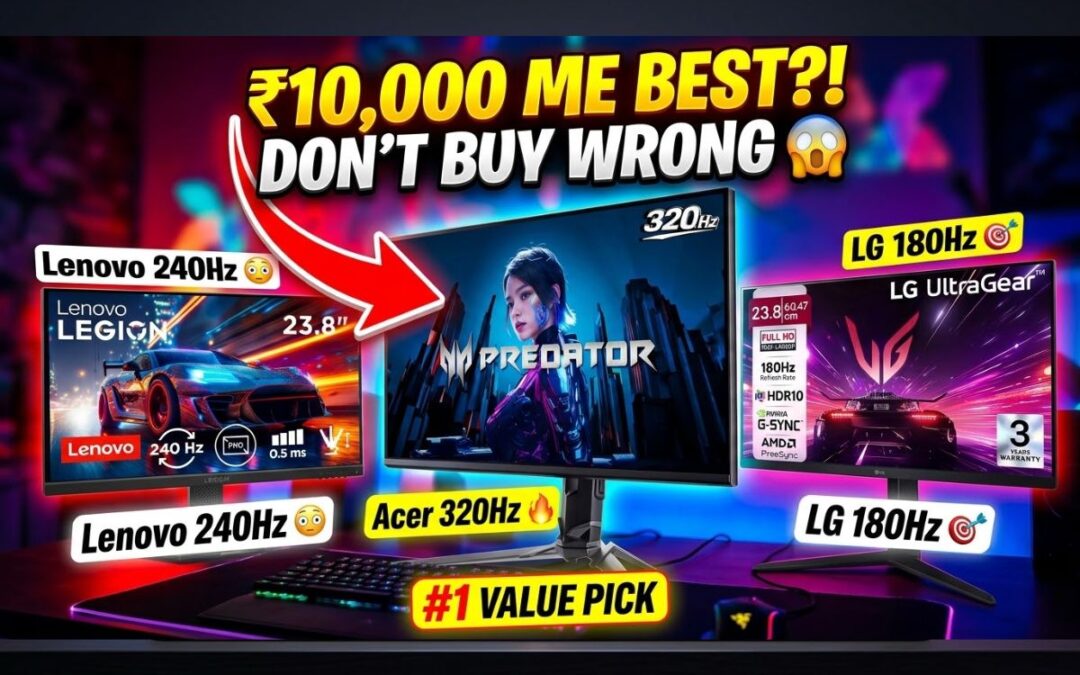
Best Gaming Monitor Under 10000 (2026) – Simple Guide for Beginners 🎮
Best gaming monitor under 10000… यही तुम ढूंढ रहे हो, सही ना?
Alright, listen.
You have ₹10,000.
You want a gaming monitor.
Shop वाला बोलेगा – “ये ले लो भाई, सब हो जाएगा इसमें।”
You buy it.
Then after 3 days…
Game lag
Blur
Enemy दिखता ही नहीं
Frustration level = 100
So let’s fix this once and for all.
I’ll explain in the simplest way possible. No tech nonsense.
In This Post
First Thing You MUST Understand
Before buying any monitor, ask yourself:
“Main kya karunga ispe?”
If answer = gaming, then STOP looking at editing monitors.
Because:
- Editing monitor = good colors
- Gaming monitor = fast performance
You need SPEED, not just pretty colors.
What Actually Matters in a Gaming Monitor
Simple language:
1. Refresh Rate (Sabse Important)
- 60Hz = slow
- 120Hz+ = smooth
- 144Hz+ = proper gaming
More Hz = you see enemy faster
2. Response Time
- 1ms = best
- 5ms = okay
Lower = less ghosting (no blur)
3. Panel Type
- IPS = best overall
- TN = fast but bad colors
Go for IPS always if possible
Best Gaming Monitor Under 10000 (Top Picks)
For gamers, speed is everything. When you’re playing competitive shooters on a basic 60Hz monitor, you’re already at a disadvantage. Someone using a 144Hz monitor will see movements earlier, react faster, and land shots before you even realize what happened. In simple terms, a faster monitor gives you a real edge in-game.
Now let’s get to the real stuff.
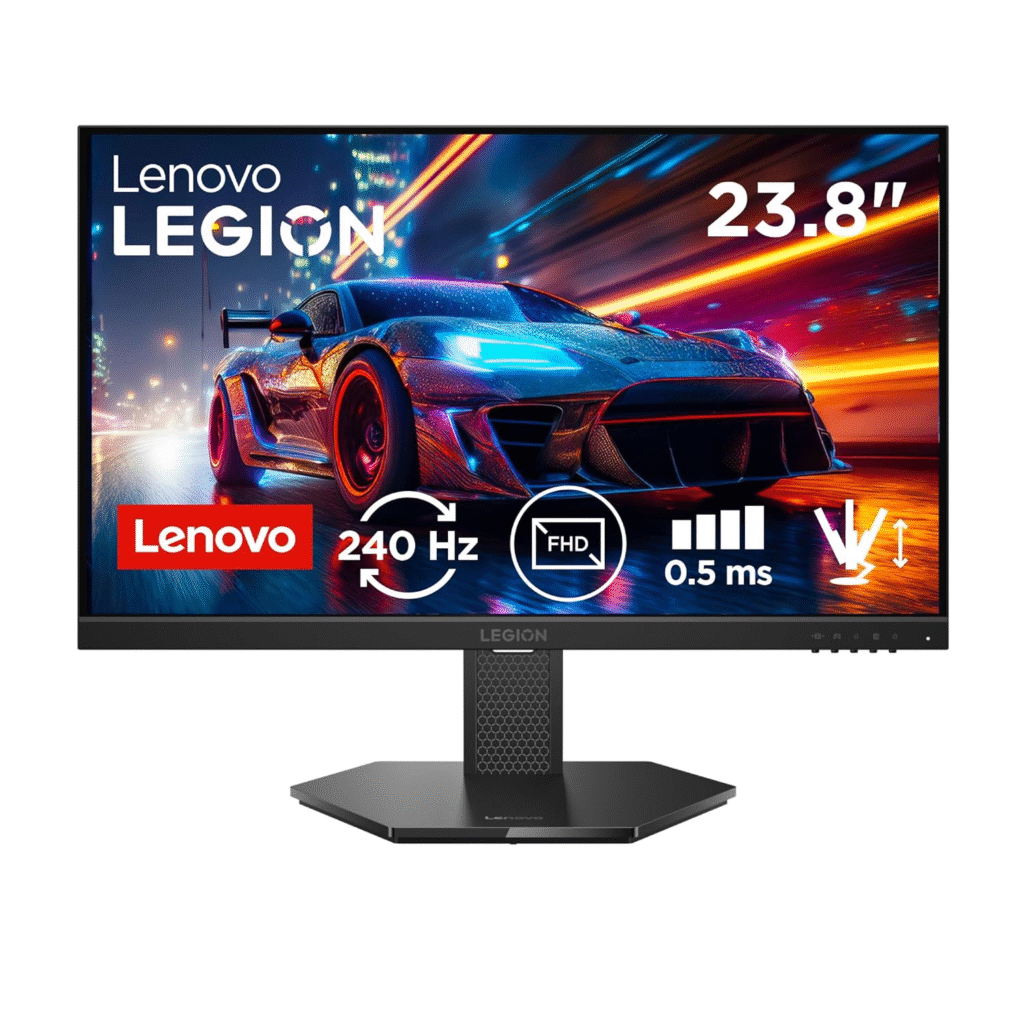
1. Lenovo Gaming Monitor (Best Budget Beast 🔥)
Lenovo Legion 24-Inch
Price: ₹10,798
Refresh Rate: 240Hz
Why this is crazy good:
- 180Hz at this price 😳
- Super smooth gameplay
- Supports G-Sync + FreeSync
- HDMI 2.1 + DisplayPort
Problem:
- No speakers (but who cares for gaming?)
Best For:
- Valorant
- CS2
- BGMI / FPS games
Buy Now: Lenovo Gaming Monitor on Amazon Click Here
Honestly, this is the best gaming monitor under 10000 right now
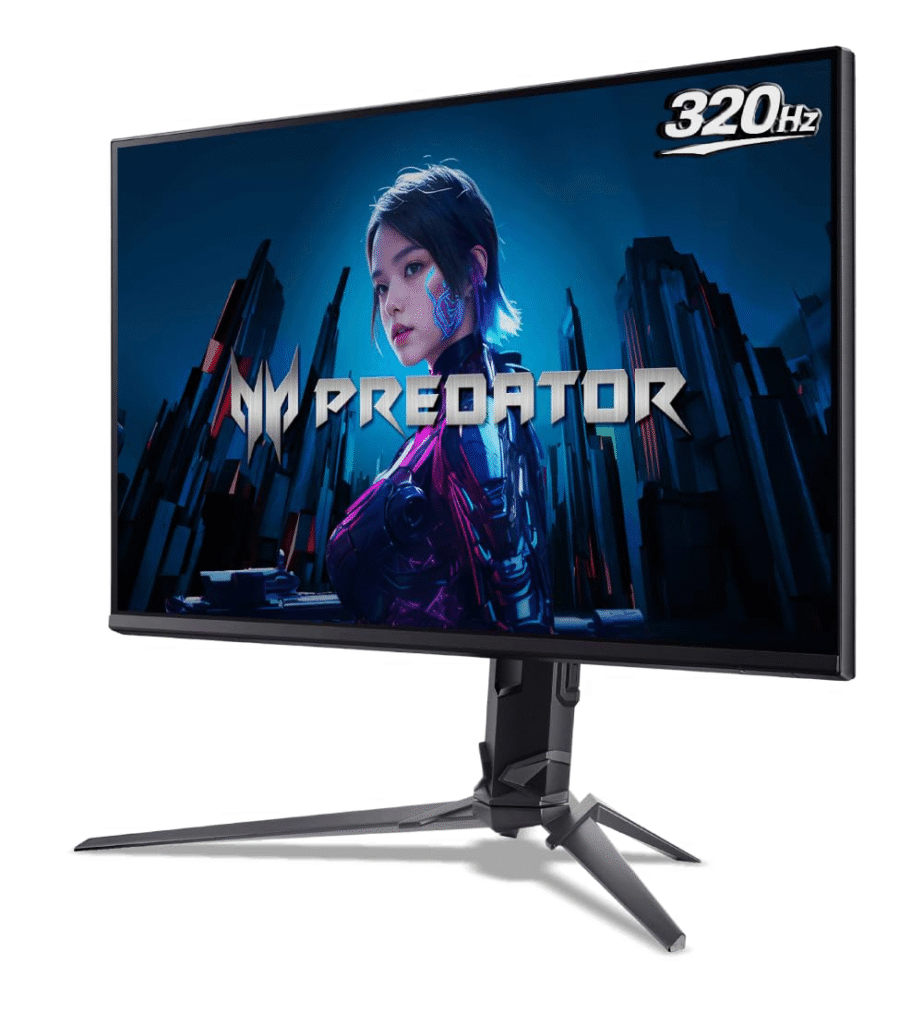
2. Acer Predator (If You Can Stretch Budget)
Acer Predator 25-Inch
Price: ₹13,000
Refresh Rate: 320Hz
Why gamers love it:
- Ultra smooth gameplay
- 1ms response time
- HDR10 support
- Built-in speakers
Buy Now: Acer Predator Gaming Monitor on Amazon Click Here
If you are serious about gaming… just go for this.
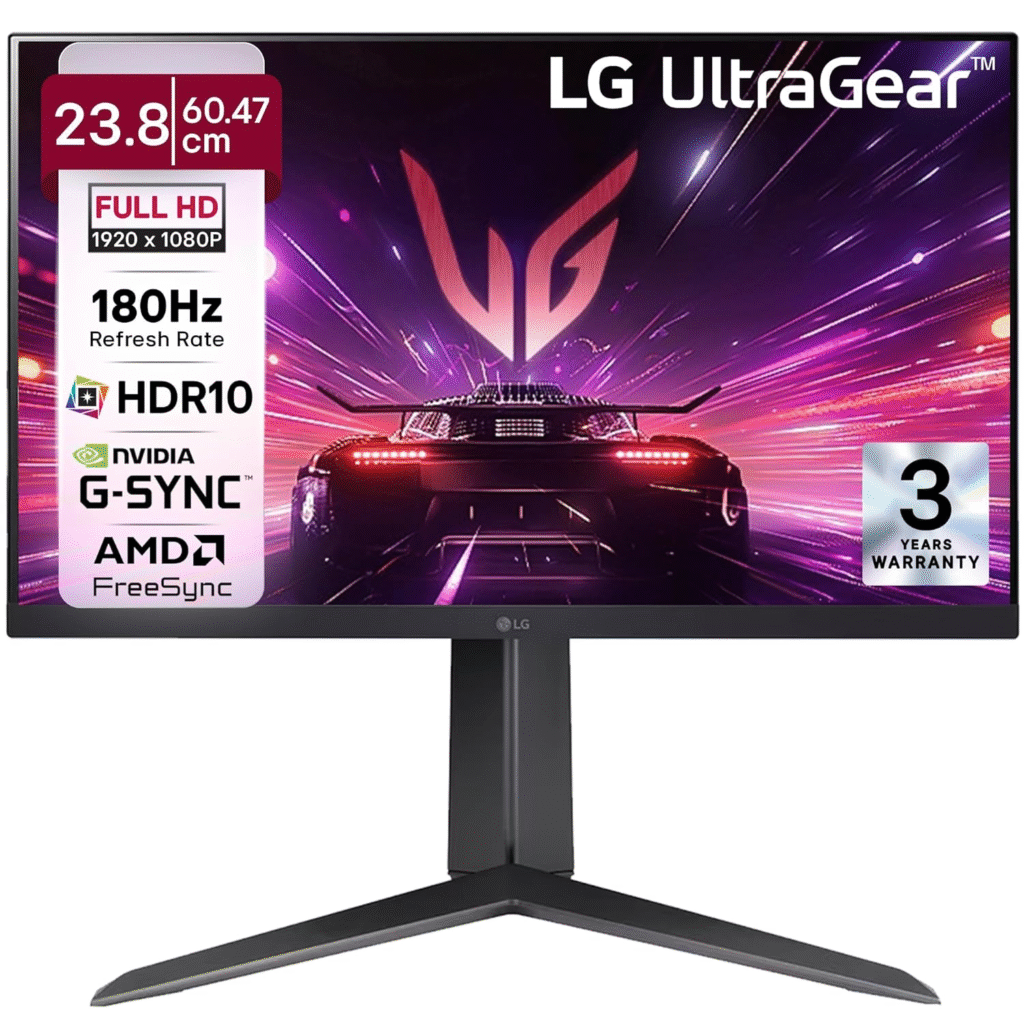
3. LG Ultragear (Balanced Option)
LG Ultragear 23.8-Inch
Price: ₹10,999
Refresh Rate: 180Hz
Why it’s solid:
- IPS panel (good colors + gaming)
- G-Sync + FreeSync
- Adjustable stand
Best For:
- Story games
- PC + Console gaming
Buy Now: LG Ultragear Gaming Monitor on Amazon Click Here
Real Talk (Very Important)
Let me be honest with you.
Under ₹10,000, perfect gaming monitor milna tough hai.
But…
Lenovo wala option = BEST VALUE
Don’t overthink.
Quick Comparison Table (Best Gaming Monitor Under 10000)
If you’re confused, just look at this table and decide fast.
| Monitor Name | Price | Refresh Rate | Response Time | Panel | Best For | Verdict |
|---|---|---|---|---|---|---|
| Lenovo Gaming | ₹9,000 | 240Hz | 5ms | IPS | Competitive FPS gaming | Best Value |
| Acer Predator | ₹13,000 | 320Hz | 1ms | IPS | Serious gamers | Best Overall |
| LG Ultragear | ₹11,500 | 180Hz | 1ms | IPS | Balanced gaming + visuals | All-Rounder |
Mistakes People Make (Don’t Do This)
❌ Buying 60Hz monitor for gaming
❌ Choosing big screen but low refresh rate
❌ Ignoring response time
❌ Listening blindly to shopkeeper
Simple Final Advice
If you just want a clear answer:
- Best gaming monitor under 10000 → Lenovo (240Hz)
- Slight budget increase → Acer Predator
- Balanced use → LG Ultragear
Done.
No confusion.
Conclusion
Gaming monitor is not about size or brand.
It’s about SPEED.
If your monitor is slow, you lose fights before they even start.
So choose smart.
Spend once. Buy right.
KREO Obsidian vs LG UltraGear Review: The Ultimate 1440p Monitor Showdown
Read this blog Click Here
FAQs
1. Which is the best gaming monitor under 10000?
Lenovo 240Hz monitor is the best option right now in this budget.
2. Is 60Hz good for gaming?
No. For proper gaming, at least 120Hz or higher is needed.
3. 24-inch or 27-inch for gaming?
24-inch is better for competitive gaming.
4. Do I need 1ms response time?
Yes, especially for FPS games. It reduces blur.
5. Can I use gaming monitor for editing?
Yes, but colors won’t be perfect.