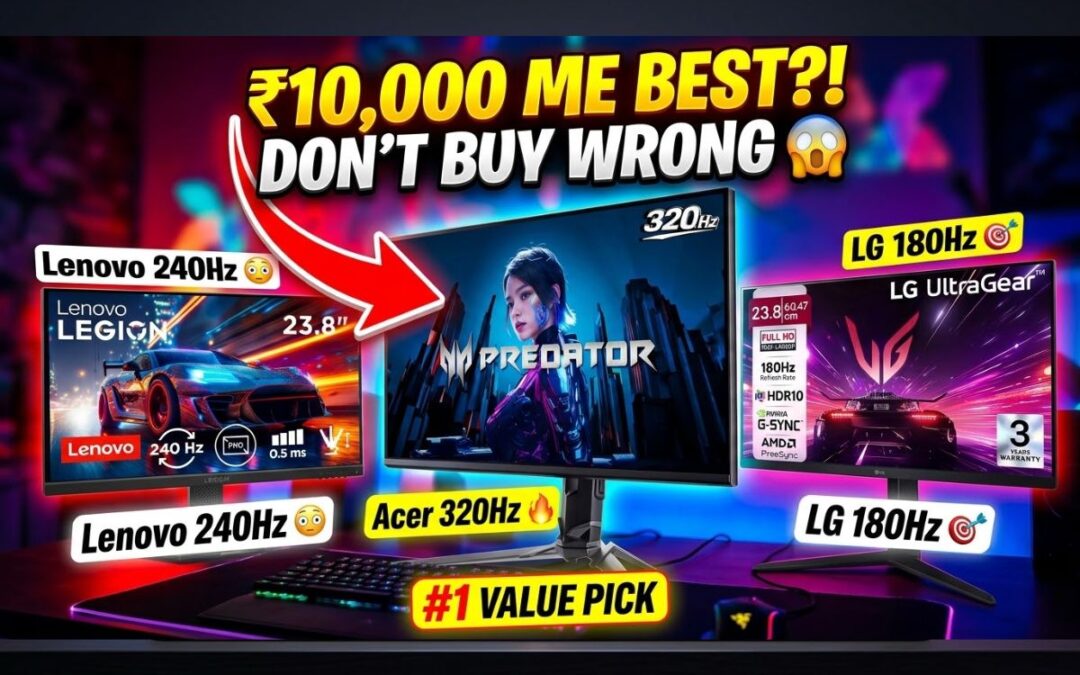
Best gaming monitor under 10000… यही तुम ढूंढ रहे हो, सही ना?
Alright, listen.
You have ₹10,000. You want a gaming monitor. Shop वाला बोलेगा – “ये ले लो भाई, सब हो जाएगा इसमें।”
You buy it. Then after 3 days…
Game lag Blur Enemy दिखता ही नहीं
Frustration level = 100
So let’s fix this once and for all.
I’ll explain in the simplest way possible. No tech nonsense.
In This Post
First Thing You MUST Understand
Before buying any monitor, ask yourself:
“Main kya karunga ispe?”
If answer = gaming, then STOP looking at editing monitors.
Because:
Editing monitor = good colors
Gaming monitor = fast performance
You need SPEED, not just pretty colors.
What Actually Matters in a Gaming Monitor
Simple language:
1. Refresh Rate (Sabse Important)
60Hz = slow
120Hz+ = smooth
144Hz+ = proper gaming
More Hz = you see enemy faster
2. Response Time
1ms = best
5ms = okay
Lower = less ghosting (no blur)
3. Panel Type
IPS = best overall
TN = fast but bad colors
Go for IPS always if possible
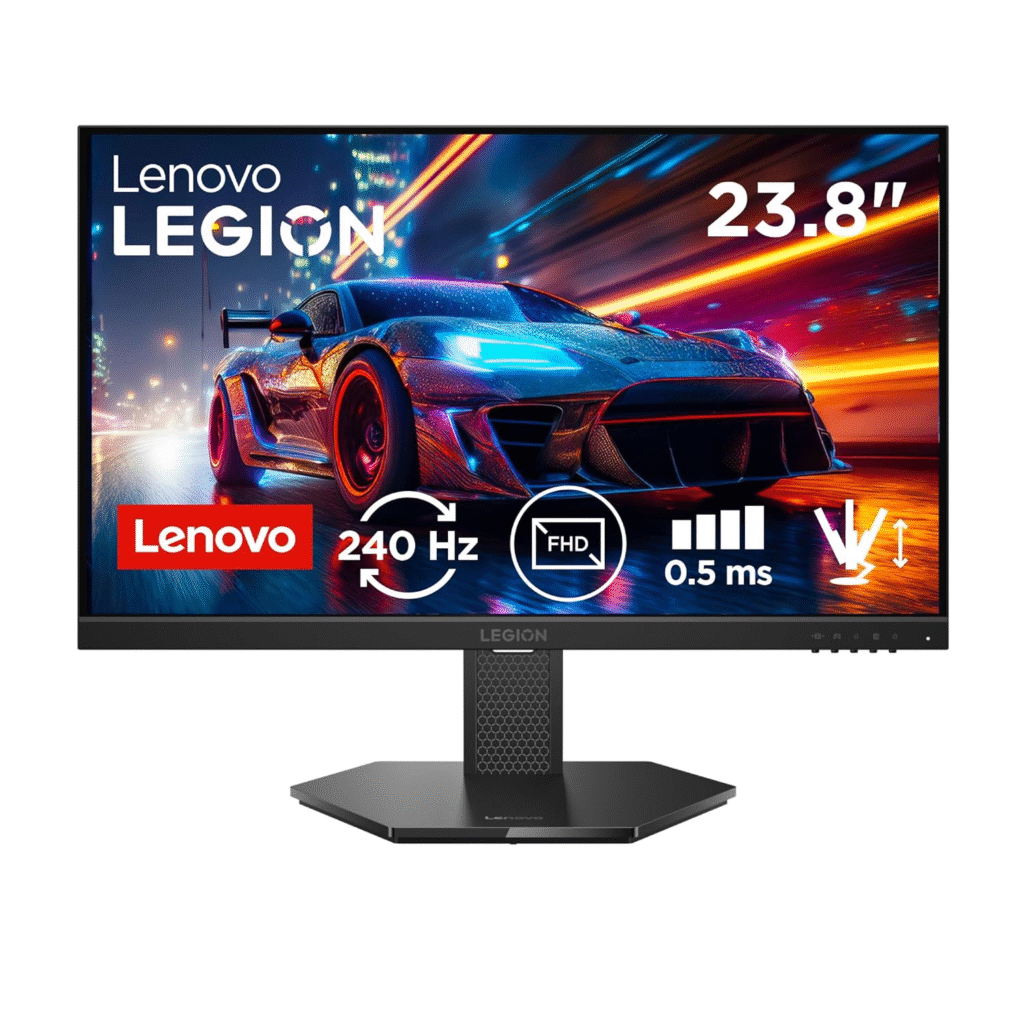
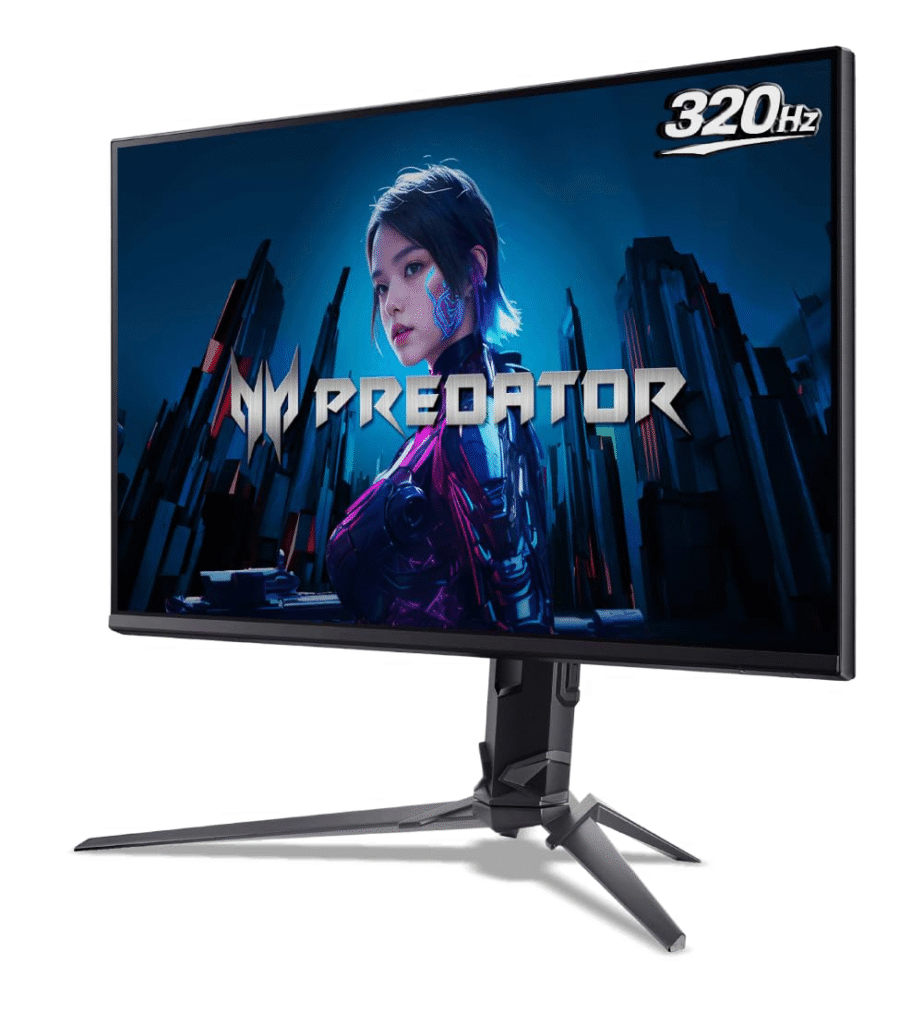
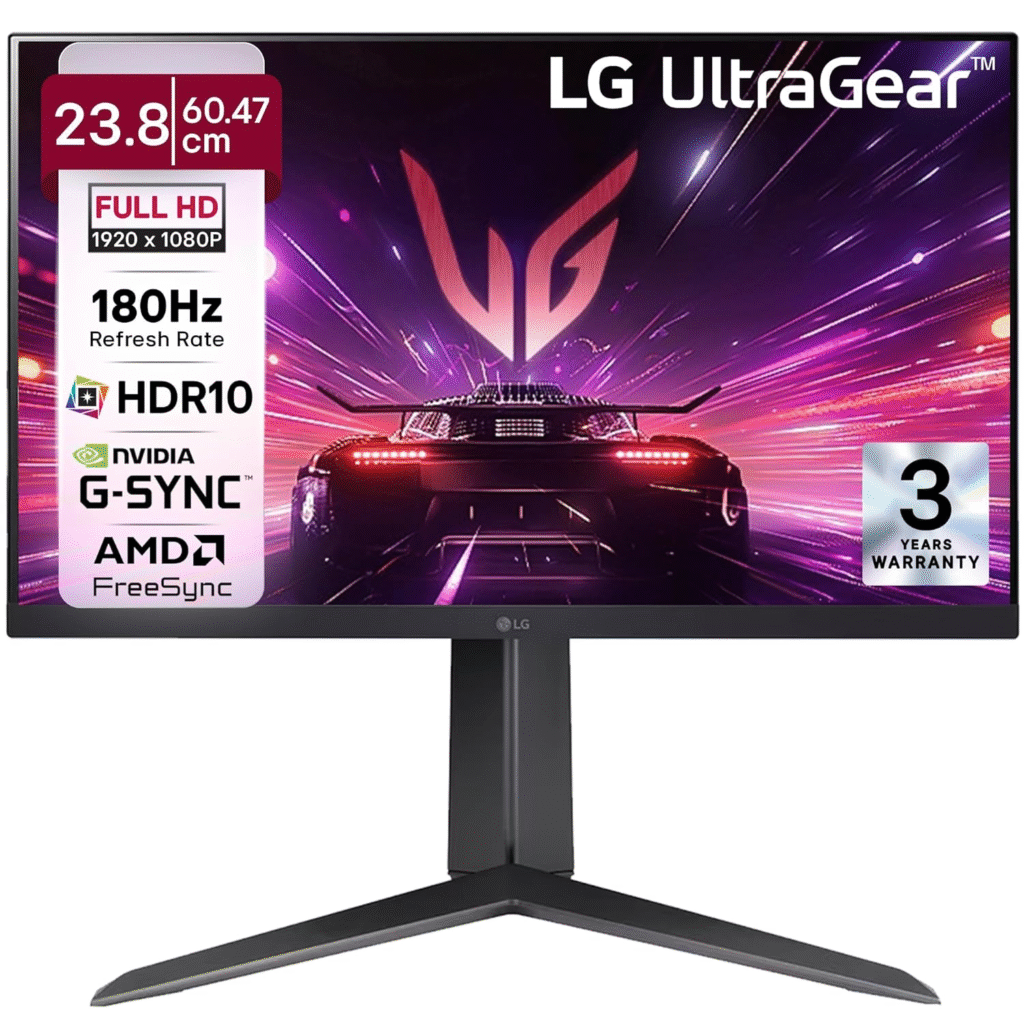
Best Gaming Monitor Under 10000 (Top Picks)
For gamers, speed is everything. When you’re playing competitive shooters on a basic 60Hz monitor, you’re already at a disadvantage. Someone using a 144Hz monitor will see movements earlier, react faster, and land shots before you even realize what happened. In simple terms, a faster monitor gives you a real edge in-game.
Real-world tested. No hype. Straight buying advice.
Gaming controllers don’t launch every month. That’s why when a proper update drops, it matters. This guide covers 10 gaming controllers from Rs. 800 to Rs. 5000, tested across PC, PlayStation, Android, iOS, and more. If you’re tired of fake reviews and brand bias, this is for you.
In This Post
Things You Must Know Before Buying a Controller
Let’s clear the basics first.
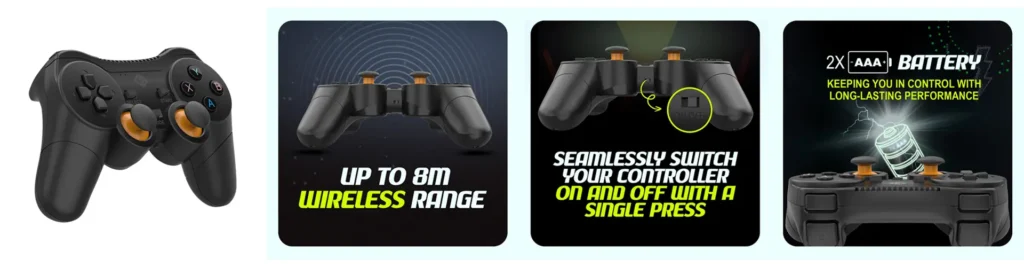
Battery backup: Most wireless controllers give 5–10 hours. Some do more, some less. Brands rarely mention it honestly.
Wireless range: 8–15 meters. No normal gamer will face issues.
Pressure-sensitive triggers: Every controller in this list has them unless stated.
Xbox compatibility: Only licensed controllers officially work on Xbox.
PS4 on PS5: PS4-compatible controllers run PS4 games on PS5, not PS5 titles.
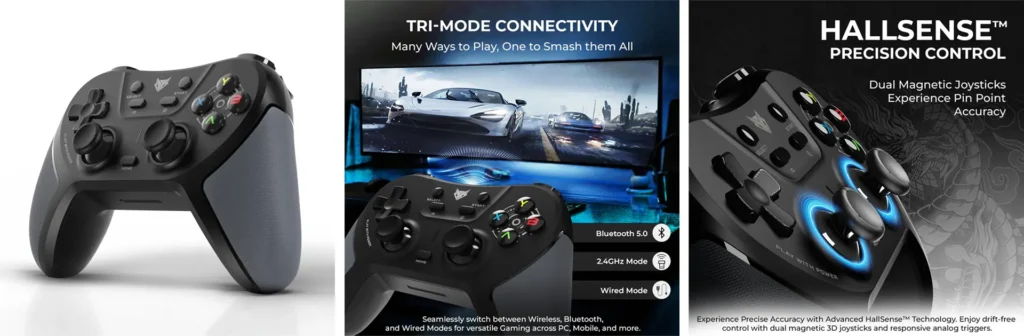
Apple devices: Best experience comes from tri-mode controllers (Bluetooth + dongle + wired).
Now let’s get into the real stuff.
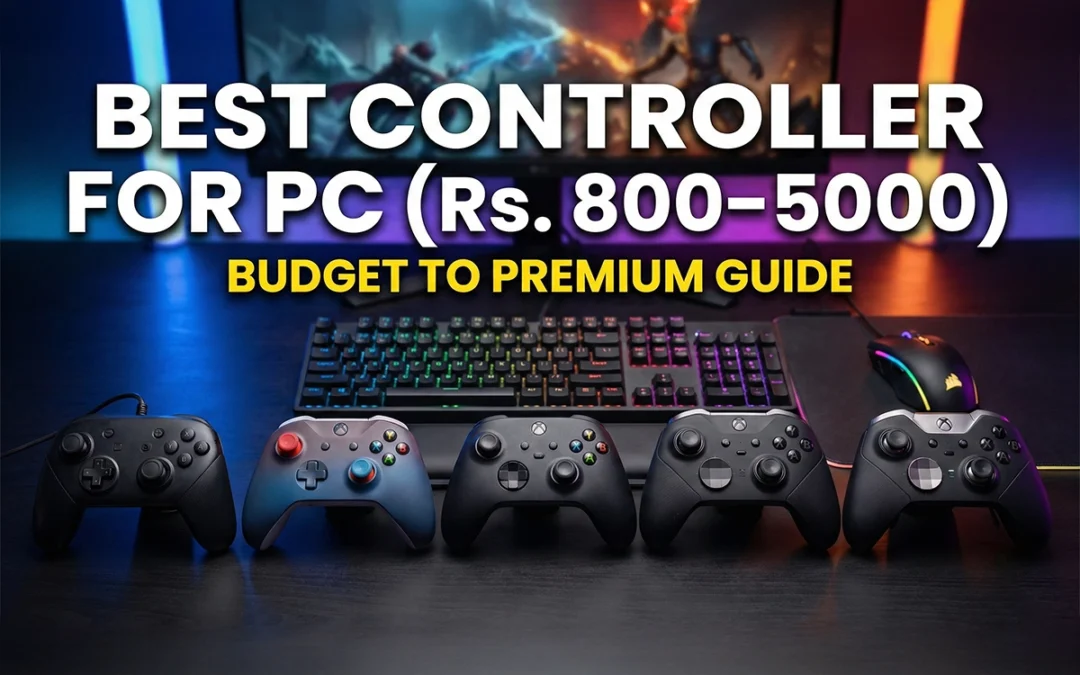
Best Controller for PC – Budget to Premium Buying Guide
Ant Esports GP365 Pro (Rs. 1,429) – Amazon Link – Click here
This is where value starts.
Dongle + wired support
Good grip with textured sides
Turbo button for shooters
Smooth vibration
Works on Windows, PS3, Android, iOS, Mac
If you’re choosing between Rs. 1000–1500, this makes sense.
EvoFox EvoFox One S (Rs. 1,599) – Amazon Link – Click here
This was the most demanded controller, and it delivered.
Dongle + wired
Hall Effect joysticks (no stick drift)
Macro buttons at the back
Excellent grip and in-hand feel
Works on PS3, PS4, PS5 (PS4 games), PC, Android, iOS
Even works on Nintendo Switch
No trackpad. No gyro. That’s why it’s cheaper. But the performance is solid.
Verdict: Best all-rounder under Rs. 2000.
Controllers Around Rs. 2200–2800
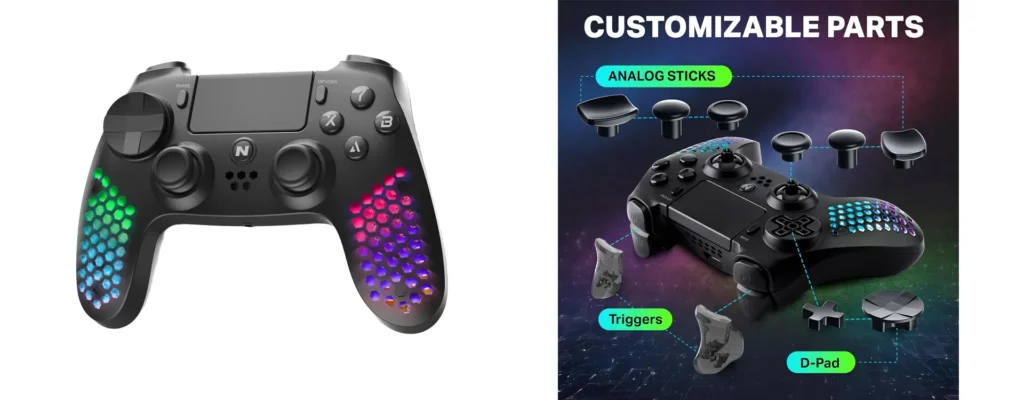
Nitho Hexagon (Rs. 2,099) – Amazon Link – Click here
Very lightweight. Long gaming sessions feel easier.
Bluetooth only (no dongle)
PS4-style layout
Trackpad + speaker + headphone jack
RGB lighting
Tons of attachments for sticks and triggers
Downside? Vibration feels cheap. If vibration matters to you, skip it.
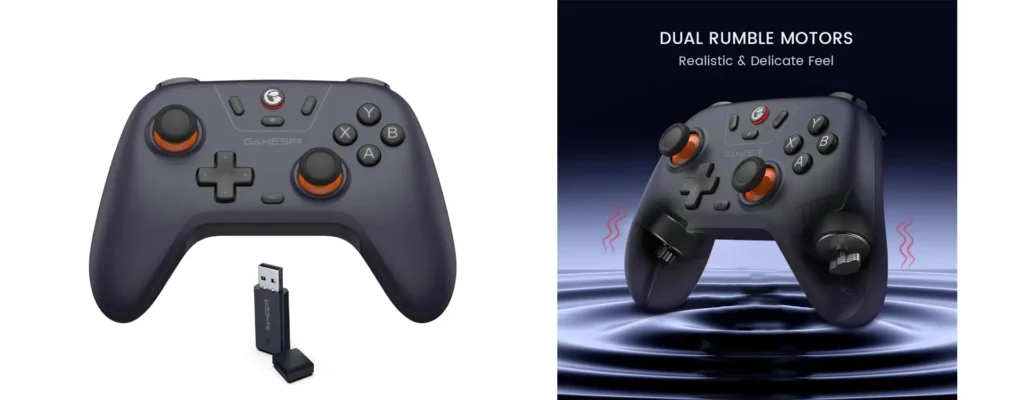
GameSir Nova Lite (Rs. 2,804) – Amazon Link – Click here
Premium feel starts here.
Comes with a hard carrying case
Hall Effect joysticks
Excellent grip and plastic quality
Works best with Windows, Android, iOS, Nintendo Switch
Not for PS3 or PS4 users
If you’re a PC gamer and want durability, this is solid.
Rs. 3000+ Controllers (Premium Zone)
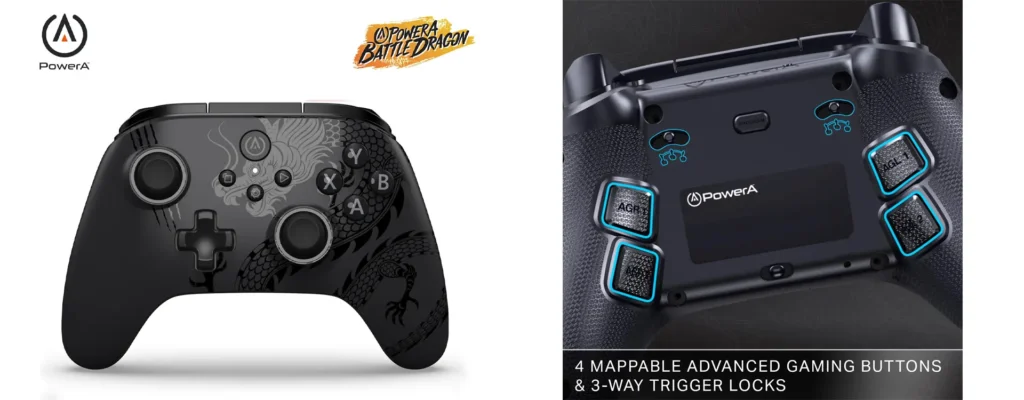
PowerA Battle Dragon / Ops V1 (Rs. 2900–3200) – Amazon Link – Click here
Same controller. Different skins.
Hall Effect triggers + joysticks
Trigger locks (FPS lovers will like this)
Macro buttons
Turbo support
Xbox-style layout
Important: Works properly only on Windows and Android. No PS or Apple reliability here.
Official Xbox Controller (Wired but Licensed)
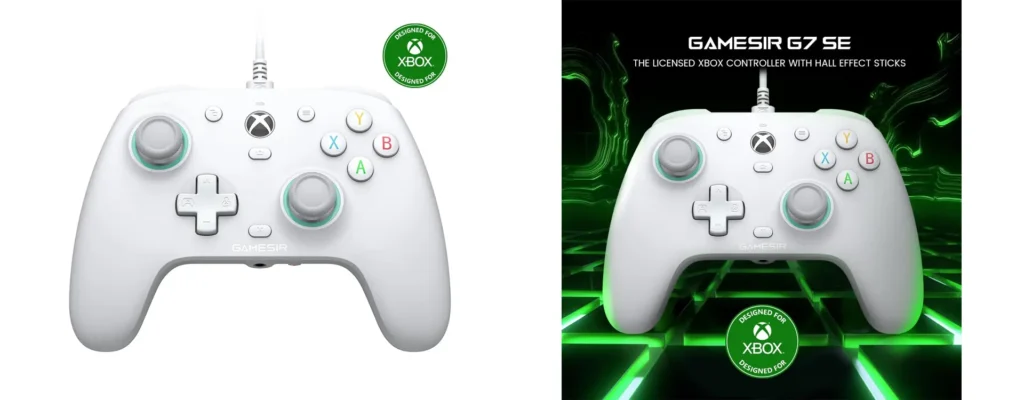
GameSir G7 SE (Rs. 5,099) – Amazon Link – Click here
Expensive. Wired. But licensed.
Official Xbox certification
Hall Effect sticks
Excellent vibration and haptics
Swappable magnetic faceplates
Dedicated mic mute button
Only buy this if:
You are an Xbox user
You care about faceplates and official support
For PC users, better options exist below.
Absolute Premium Controller for PC Gamers
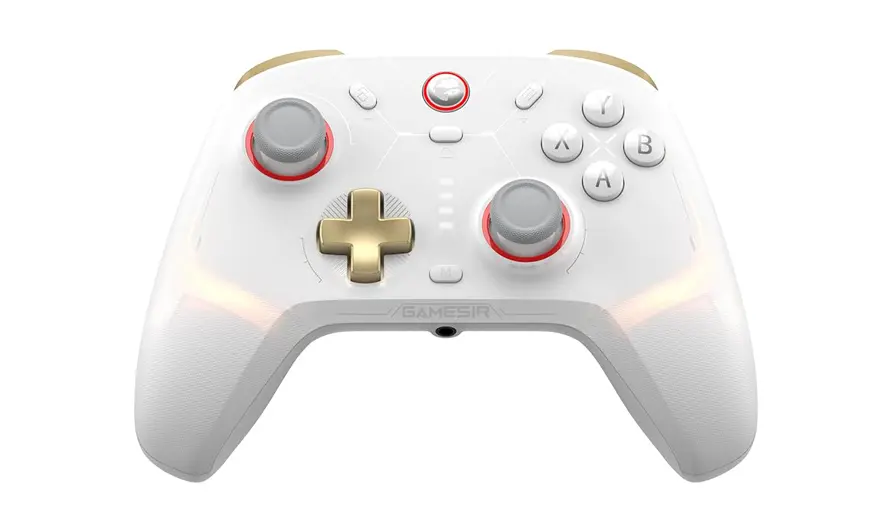
GameSir Cyclone 2 (Rs. 5,099) – Amazon Link – Click here
This is not for casual players.
Hall Effect triggers + joysticks
Mechanical face buttons and D-pad
1000Hz polling rate
Macro buttons + turbo modes
Gyro support
Massive 860mAh battery
Full RGB with software control
Targets PC esports players only. No PS support. No Xbox license.
Verdict: If you want the most advanced controller under Rs. 5000, this is it.
Final Buying Recommendations (No Confusion)
Under Rs. 1000 → Cosmic Byte Nexus
Rs. 1500–2000 → EvoFox One S (best value)
Rs. 2500–3000 → GameSir Nova Lite
Xbox users → GameSir G7 SE
Premium PC gamers → GameSir Cyclone 2
Conclusion
Controllers don’t need flashy marketing. They need comfort, compatibility, and durability. Most people overspend or buy the wrong platform controller. Now you won’t.
Choose based on your device, not brand hype. And yes, Hall Effect joysticks are worth it.
FAQs
1. Which is the best controller under Rs. 2000?
EvoFox One S. Best compatibility and Hall Effect sticks.
2. Are Hall Effect joysticks really better?
Yes. They reduce stick drift and last longer.
3. Can these controllers run PS5 games?
Only PS4 games on PS5. For PS5 titles, DualSense is mandatory.
4. Which controller is best for PC esports?
GameSir Cyclone 2 due to 1000Hz polling and mechanical buttons.
5. Should I buy wired controllers in 2026?
Only if it’s officially licensed for Xbox. Otherwise, wireless is better.