Look, I’ve been a designer for over a decade. I’ve ground out projects for Lots of brands. I know the struggle of spending days on tasks that should take hours.
But recently? Everything changed.
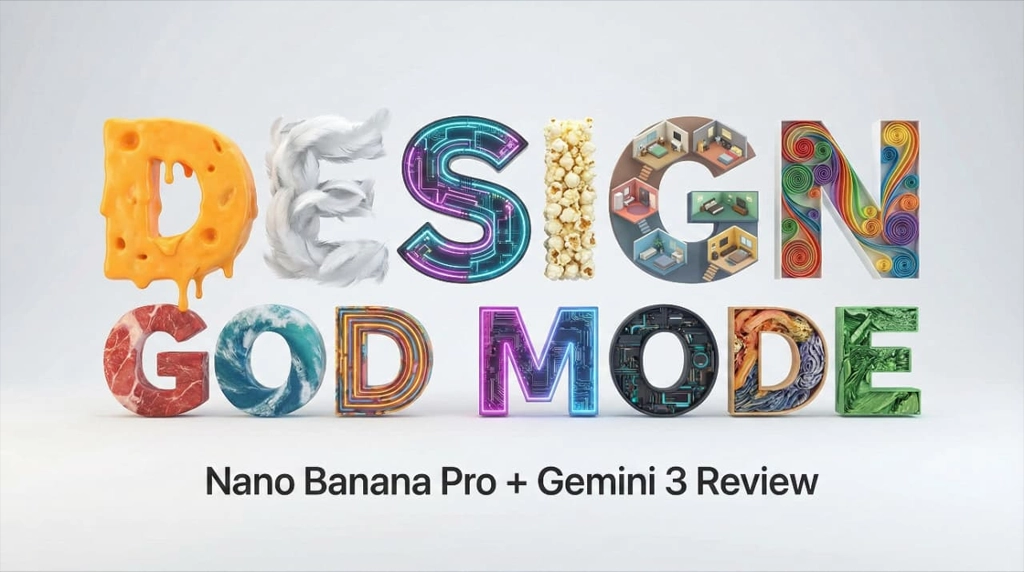
I’ve been testing Nano Banana Pro paired with Gemini 3, and I’m not throwing this term around lightly: it is absolute God Mode for designers. We are talking about five breakthrough features that take tasks that used to take me three full days and finishing them in seconds.
If you want to know how to create epic designs, perfect text, and mind-blowing 4K renders, keep reading. Here is how Nano Banana Pro changes graphic design forever.
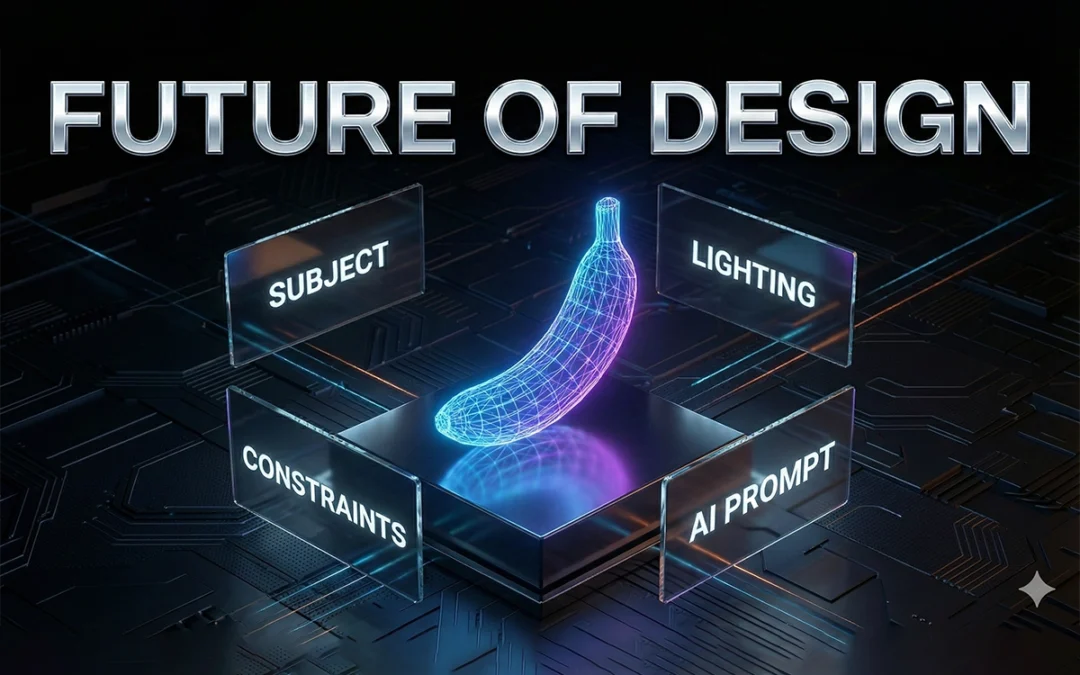
Nano Banana Pro is an advanced multimodal AI design model capable of reasoning across text, images, layout, and visual hierarchy. When grounded by Gemini 3, it becomes far more than an image generator.
It understands: – What text means, not just how it looks – How images relate spatially and semantically – How design systems stay consistent – How real-world information should appear visually
This combination moves AI design from generation to design intelligence.
Why Gemini 3 Changes Everything
Gemini 3 provides grounding, reasoning, and verification.
Instead of guessing, Nano Banana Pro can: – Research before designing – Validate information after output – Understand instructions at a structural level
This drastically reduces hallucination and increases professional reliability.
Breakthrough 1: Perfect Text Rendering With Real Content
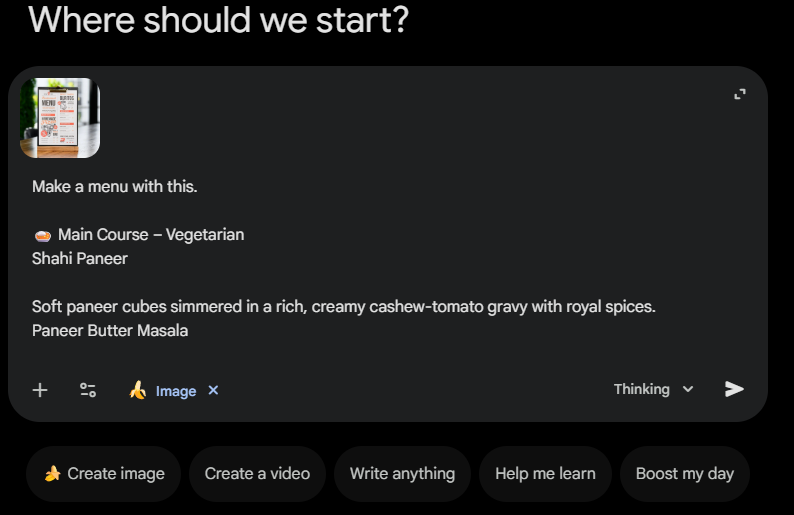
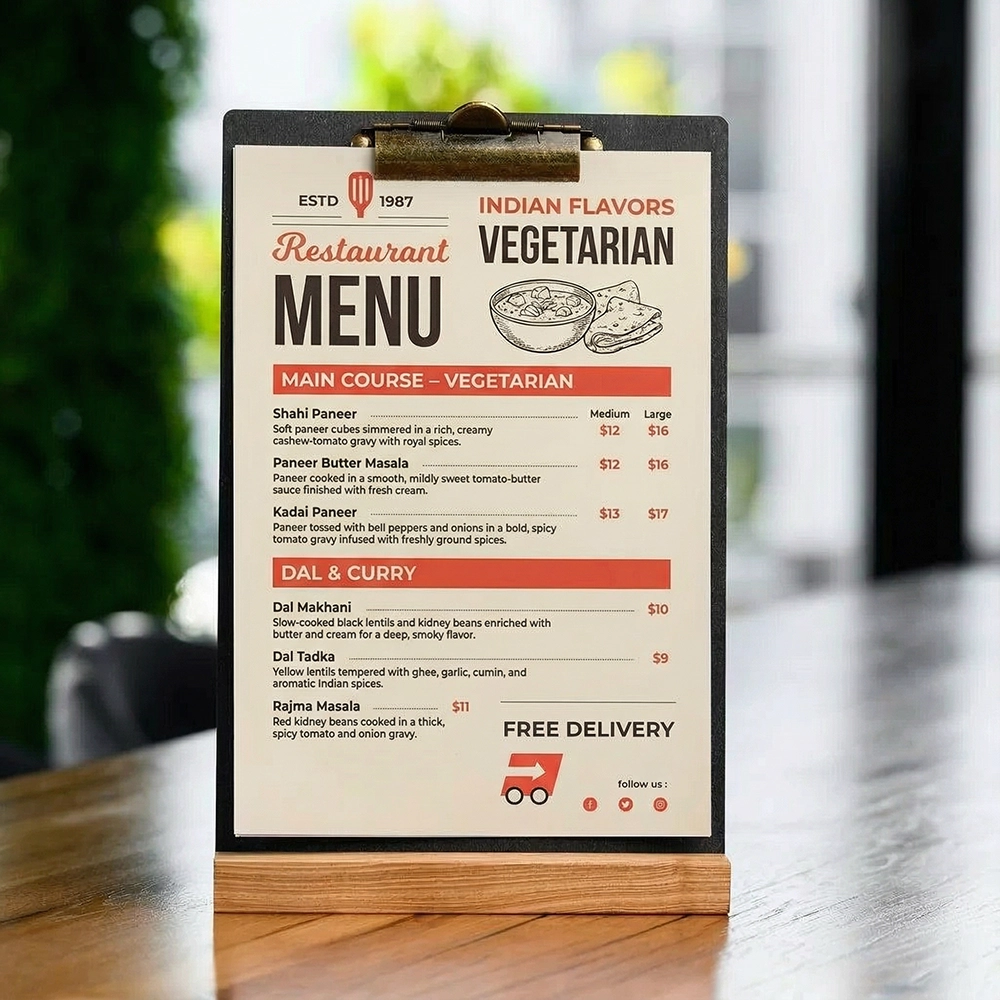
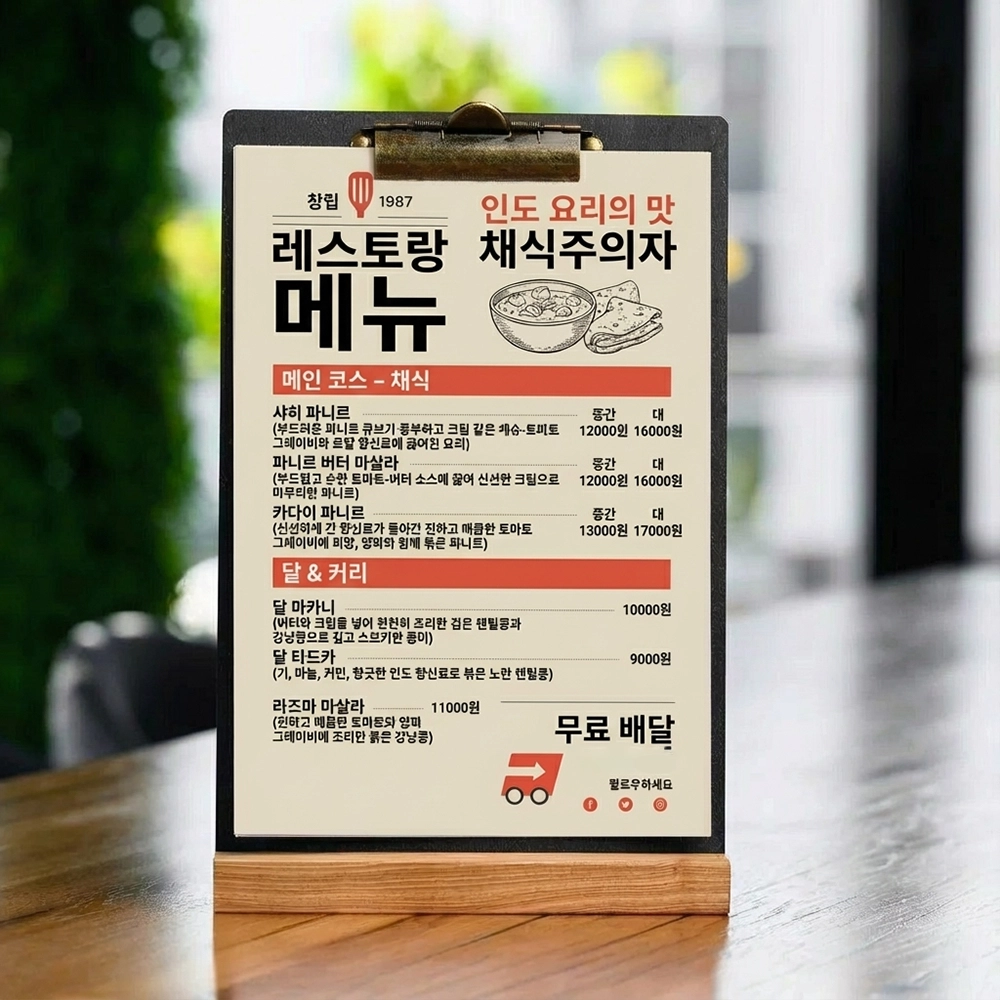
This is the most important update because it allows us to output highly dense, specific pieces of text. I tested this by feeding it a prompt for a street food menu with 10 clean, modern items.
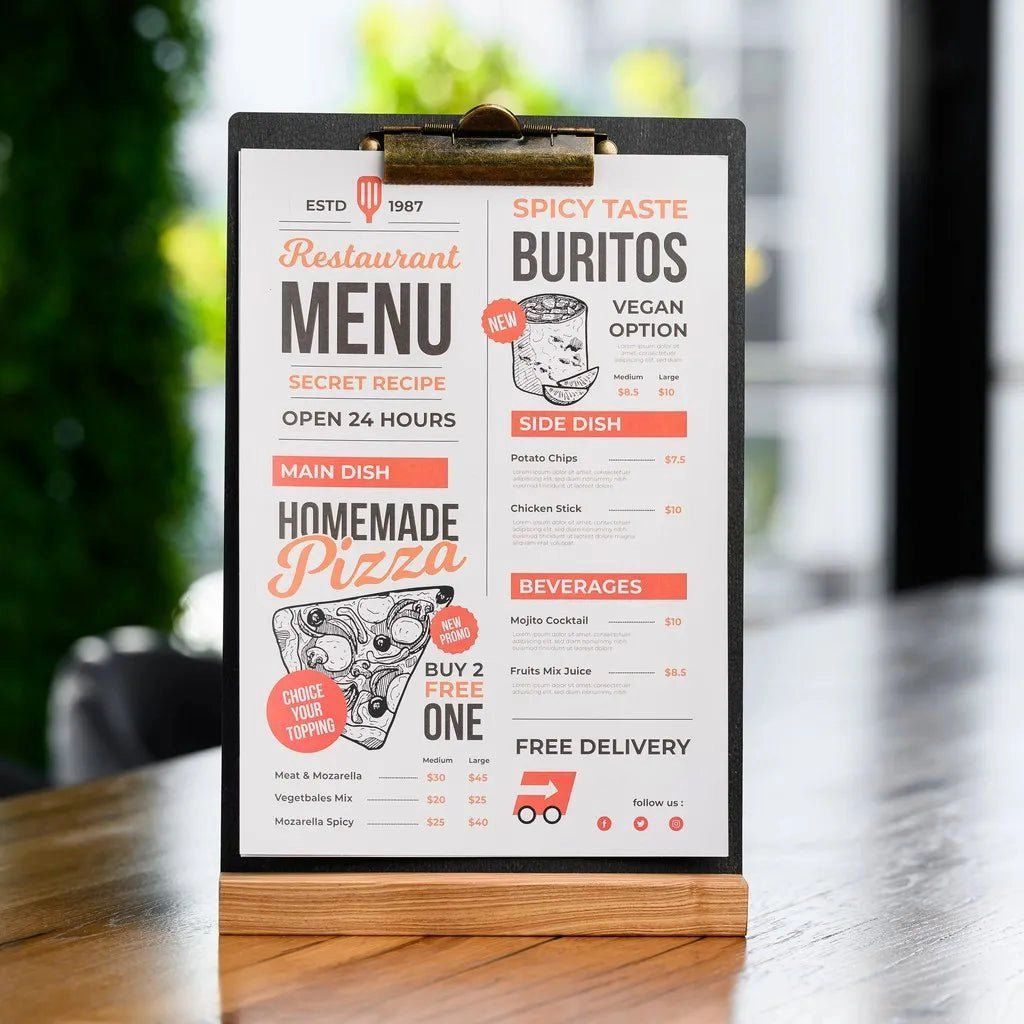
I gave it an image reference and said,
Prompt: “Make a menu with this.
🍛 Main Course – Vegetarian
Shahi Paneer Soft paneer cubes simmered in a rich, creamy cashew-tomato gravy with royal spices.
Paneer Butter Masala Paneer cooked in a smooth, mildly sweet tomato-butter sauce finished with fresh cream.
Kadai Paneer Paneer tossed with bell peppers and onions in a bold, spicy tomato gravy infused with freshly ground spices.
Dal Mak….“
The result?
Zero typos.
Perfect formatting.
Instant output.
The Translation Hack Here is where it gets crazy. You can take that same design and ask it to translate it instantly while keeping the exact design aesthetic.
I asked it to translate the menu to Korean. Now, my Korean is a little rusty, but it performed the task with absolute expertise. Imagine the time you save designing for international markets without having to rebuild the layout from scratch.
Breakthrough 2: Infinite Typography and Custom Font Creation
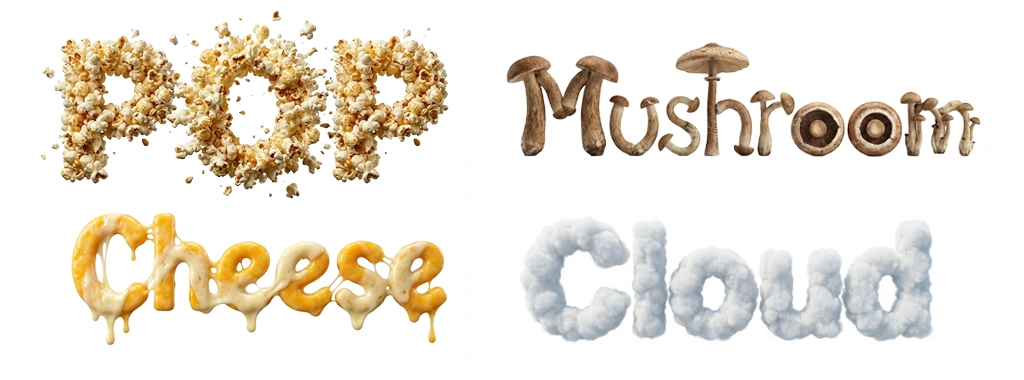
Nano Banana Pro can generate typography as designed objects, not font files alone.
I played around with this and the results were stunning:
The word “Cheese” made of melting cheese.
“Pop” made of exploding popcorn.
“Mushroom” using the mushroom cap to form the letter ‘O’.
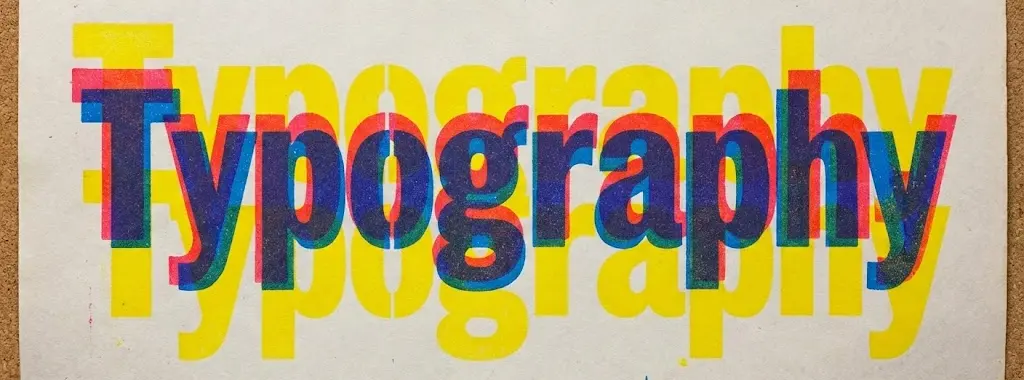
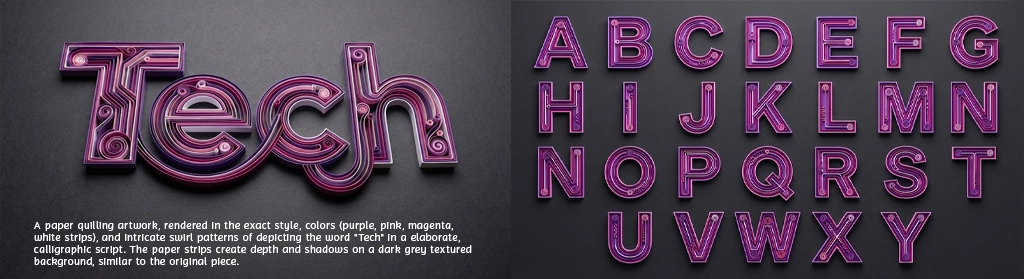
We can even do “impossible” shapes or specific artistic styles like paper quilling (rendered in purple, pink, and magenta) or Rizograph print styles with that beautiful, authentic grain.
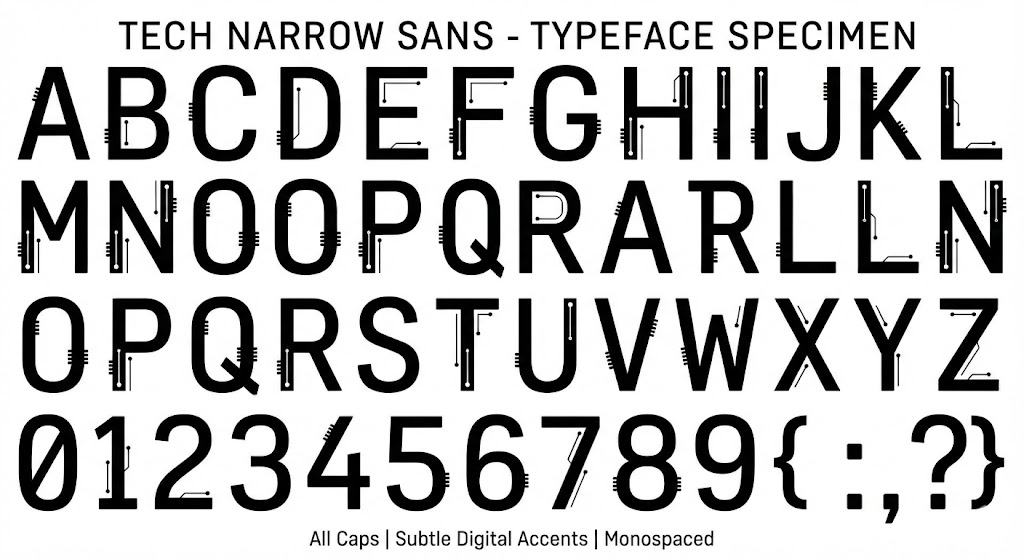
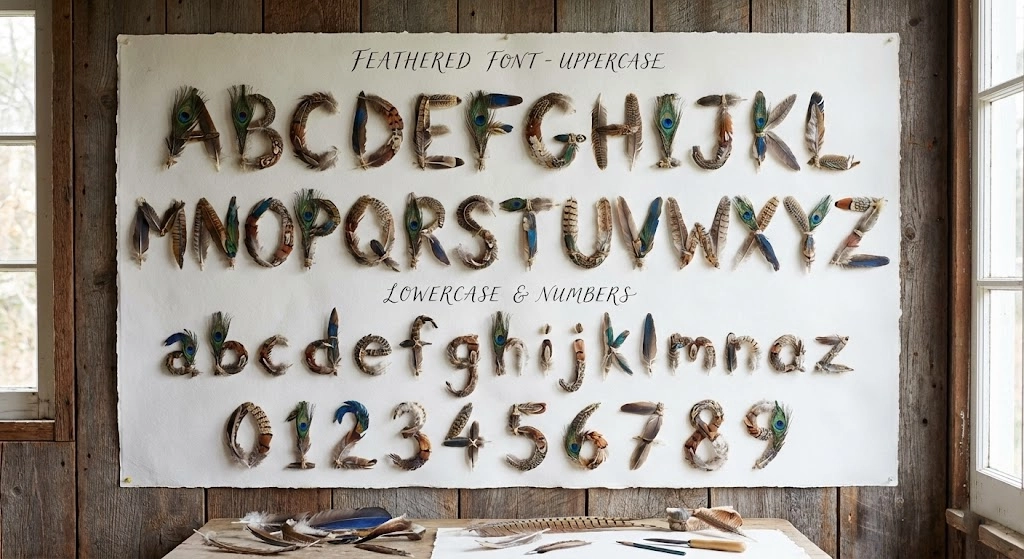
Pro Tip: You can generate entire font sheets. I made a “feathery font” and a futuristic tech font in seconds. In the past, creating a custom brand font would have taken me weeks.
This allows rapid creation of brand-specific typographic systems that previously took weeks.
Breakthrough 3: Multi-Image Reference Reasoning (Up to 14 Images)
Nano Banana Pro can ingest up to 14 reference images and reason across them contextually.
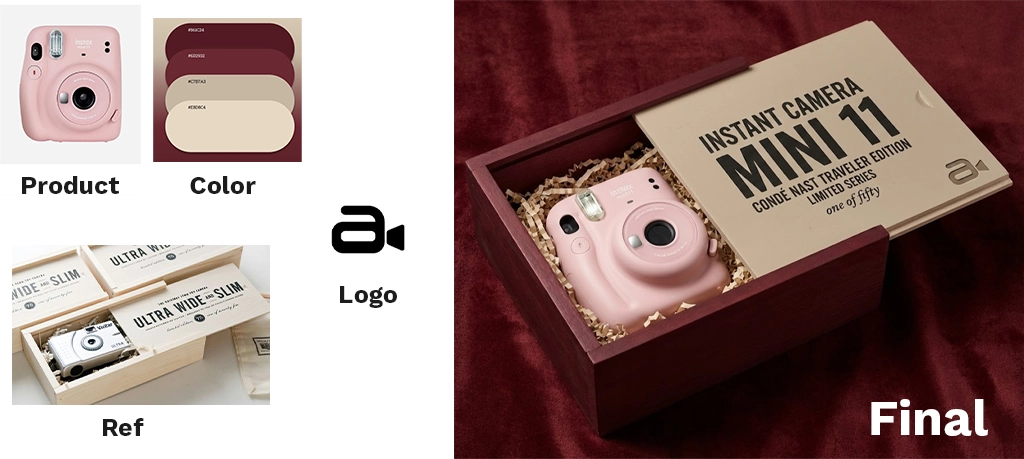
I wanted to design premium product packaging artwork for a new physical product.
I uploaded four reference images:
A photograph of the actual product (shape, proportions, materials).
A luxury packaging design from a different brand (typography, spacing, hierarchy).
A color palette + texture reference (matte black, foil accents).
A brand symbol / logo used on older collateral.
Then I instructed the AI:
“Create a premium box packaging design using the product’s exact shape from Image 1, apply the visual language and typography system from Image 2, use the color and material finish from Image 3, and integrate the logo from Image 4 subtly on the front panel.”
Image 2 = design system reference (grid, font scale, whitespace)
Image 3 = material & finish direction
Image 4 = brand identity asset
It did not randomly blend visuals.
It:
Placed branding with intent and hierarchy
Preserved product proportions
Applied the correct typography rhythm
Used materials realistically (foil, emboss, matte)
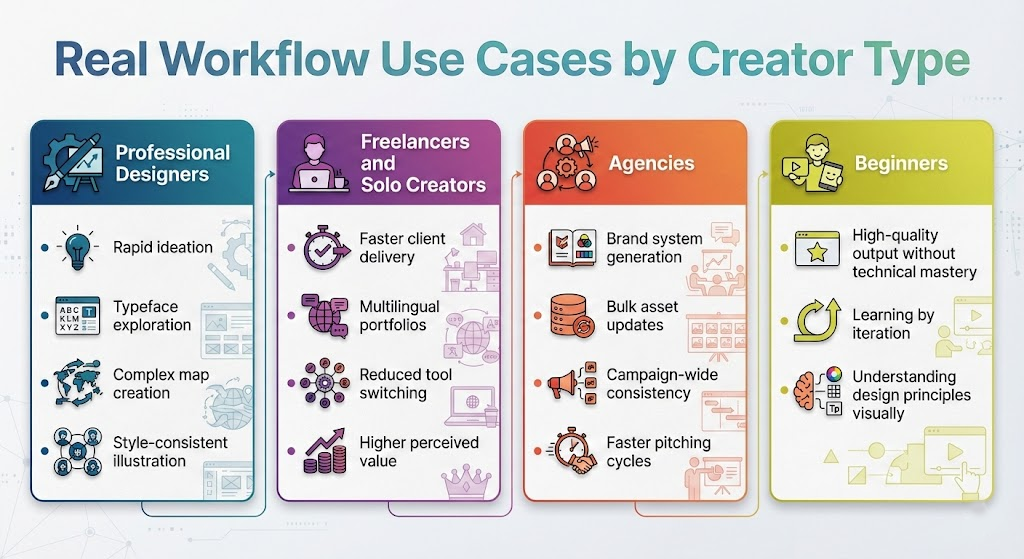
Real Workflow Use Cases by Creator Type
Professional Designers
Rapid ideation
Typeface exploration
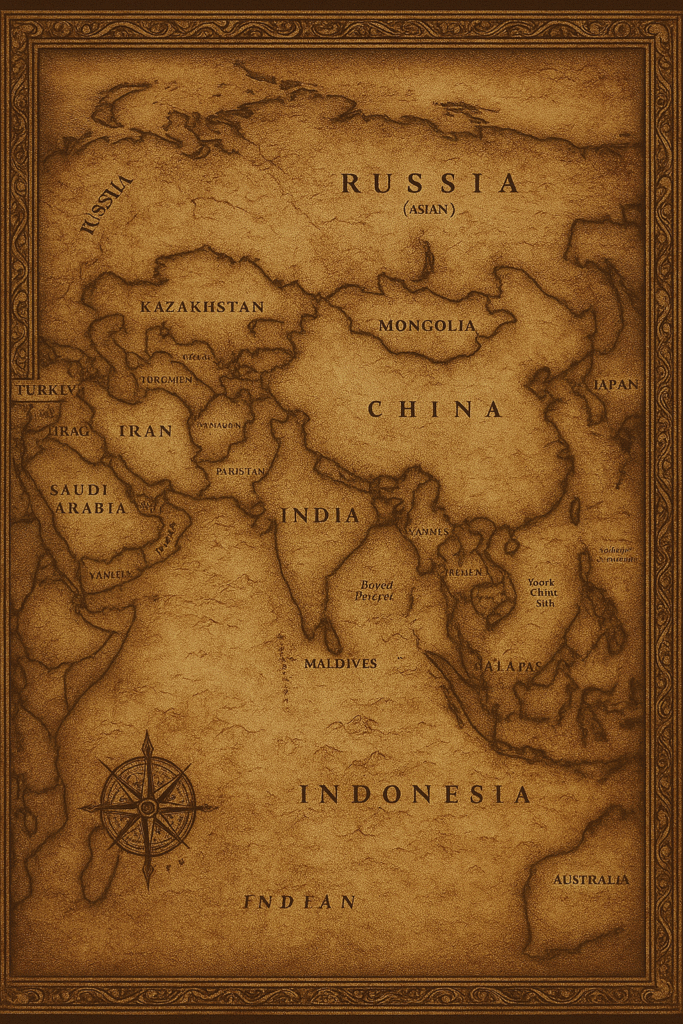
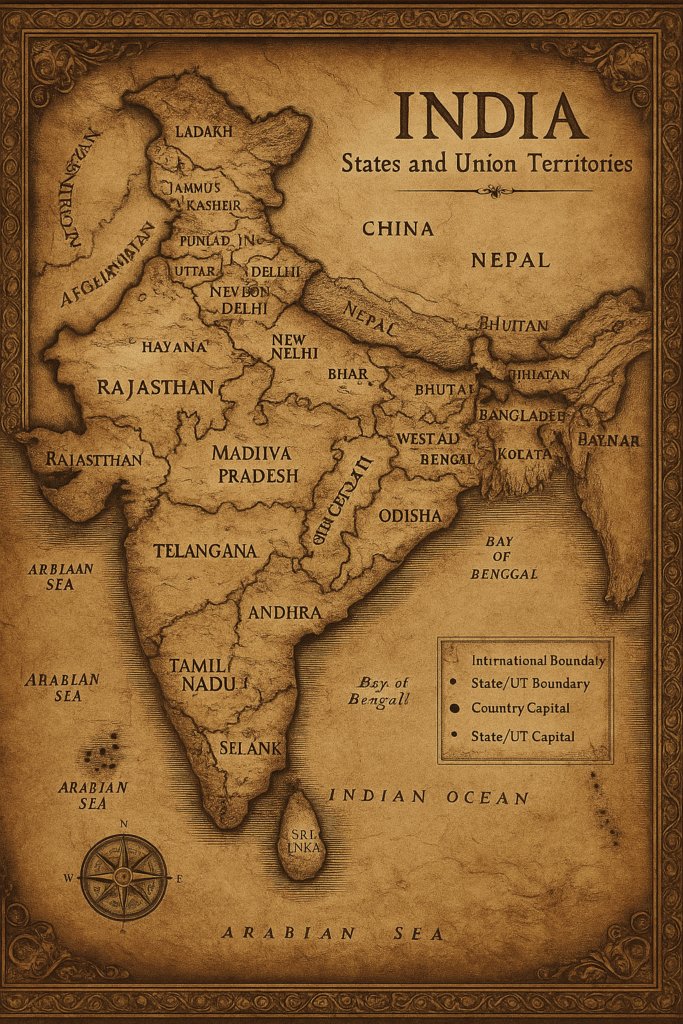
Complex map creation
Style-consistent illustration
Freelancers and Solo Creators
Faster client delivery
Multilingual portfolios
Reduced tool switching
Higher perceived value
Agencies
Brand system generation
Bulk asset updates
Campaign-wide consistency
Faster pitching cycles
Beginners
High-quality output without technical mastery
Learning by iteration
Understanding design principles visually
Layer Control and Practical Workarounds
Full layer editing is limited, but usable workarounds exist.
You can: – Export isolated elements – Use white or green backgrounds – Rebuild layers in traditional tools
This allows Nano Banana Pro to fit into professional pipelines today.
Advanced Applications: Maps, Logos, and Systems
Nano Banana Pro excels at traditionally complex tasks: – Illustrated and recolored maps – GTA-style city layouts – Negative space logos – Symbol-letter hybrids
It understands both readability and symbolism.
Meta Prompting: Designing the Prompt Before the Design
A powerful workflow: 1. Write a rough idea 2. Ask Gemini 3 to refine it 3. Send the refined prompt to Nano Banana Pro
This dramatically improves consistency and output quality.
From Single Images to Design Systems
When used inside design agents, Nano Banana Pro scales to full brand systems.
You can generate and update: – Logos – Websites – Social media assets – Posters – Merchandise
Changes can propagate across all assets via natural language.
Industry Implications
This shifts the designer’s role.
Execution is automated. Direction becomes critical. Taste becomes leverage.
The designer becomes a systems thinker, not a production machine.
Nano Banana Pro is an advanced AI design model that generates high-resolution visuals with accurate text, custom typography, and multi-image reasoning, especially when paired with Gemini 3.
How does Gemini 3 improve AI graphic design
Gemini 3 grounds AI-generated designs in real-world knowledge, improves prompt understanding, reduces hallucinations, and enables verification of text and data inside images.
Is Nano Banana Pro better than Midjourney or DALL·E
Nano Banana Pro focuses on accurate text, layout control, and design systems, while tools like Midjourney emphasize artistic imagery over production-ready design.
Can Nano Banana Pro be used for professional client work
Yes. It is suitable for branding, typography, infographics, maps, and concept design when combined with human review and verification.
What are the limitations of Nano Banana Pro
Current limitations include limited native layer editing and the need for human verification of critical data, despite Gemini 3 grounding.
There is something timeless about Christmas portraits. They capture warmth, joy, and emotion in a way no other season can. From glowing lights to cozy textures, holiday portraits tell a story people want to revisit year after year.
The problem is consistency. Many holiday portraits feel staged, flat, or overly artificial.
That is where Gemini changes everything.
With Google’s latest image model, you can create Christmas portraits that feel cinematic, personal, and professionally lit without a studio or complex setup.
This guide gives you 15 ready-to-use Gemini prompts designed specifically for realistic, high-impact Christmas portraits.
In This Post
How to Create Your Perfect Christmas Portrait With Gemini
Before using the prompts, follow this exact setup for best results.
Copy and paste each prompt without changing wording for consistent output quality.
15 Gemini Christmas Portrait Prompts
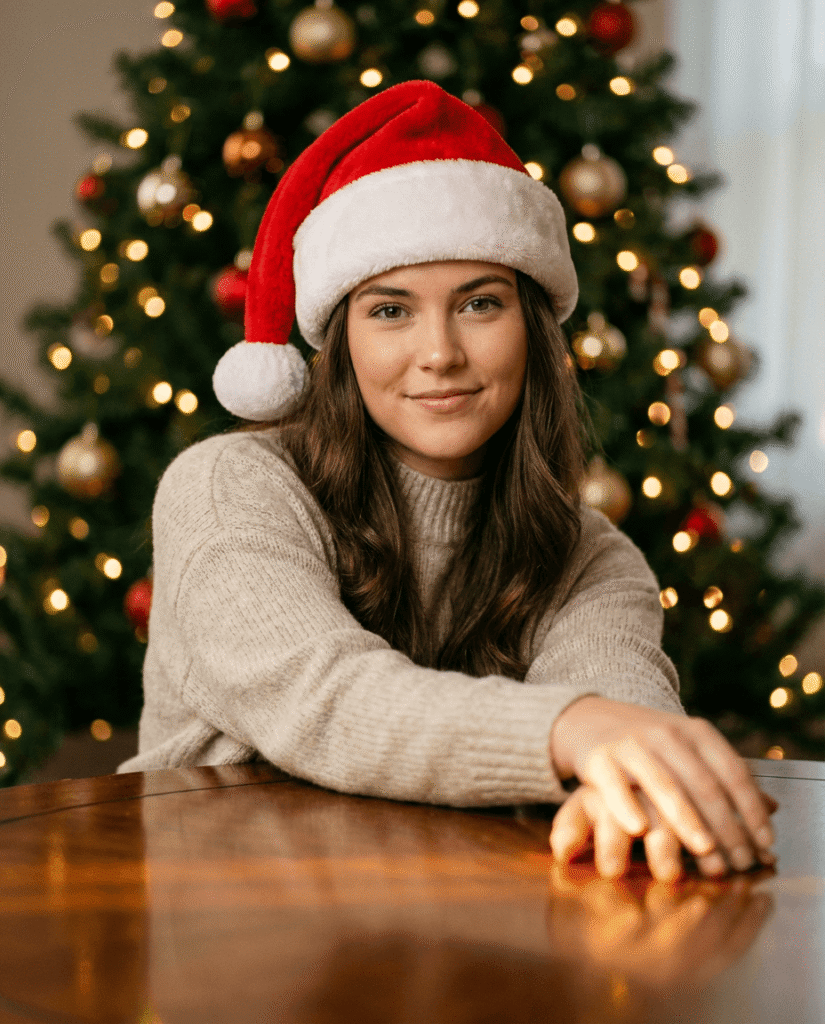
1. Cozy Tabletop Glow Portrait
Create a warm Christmas portrait of a young woman sitting at a wooden table, leaning slightly forward with relaxed hands resting on the surface. She wears a soft neutral knit sweater and a red Santa hat. The table has a subtle reflective finish catching soft light. A Christmas tree glows gently behind her with warm lights blurred into bokeh. Her expression is calm, confident, and natural. Lighting is soft and cinematic. Aspect ratio 4:5.
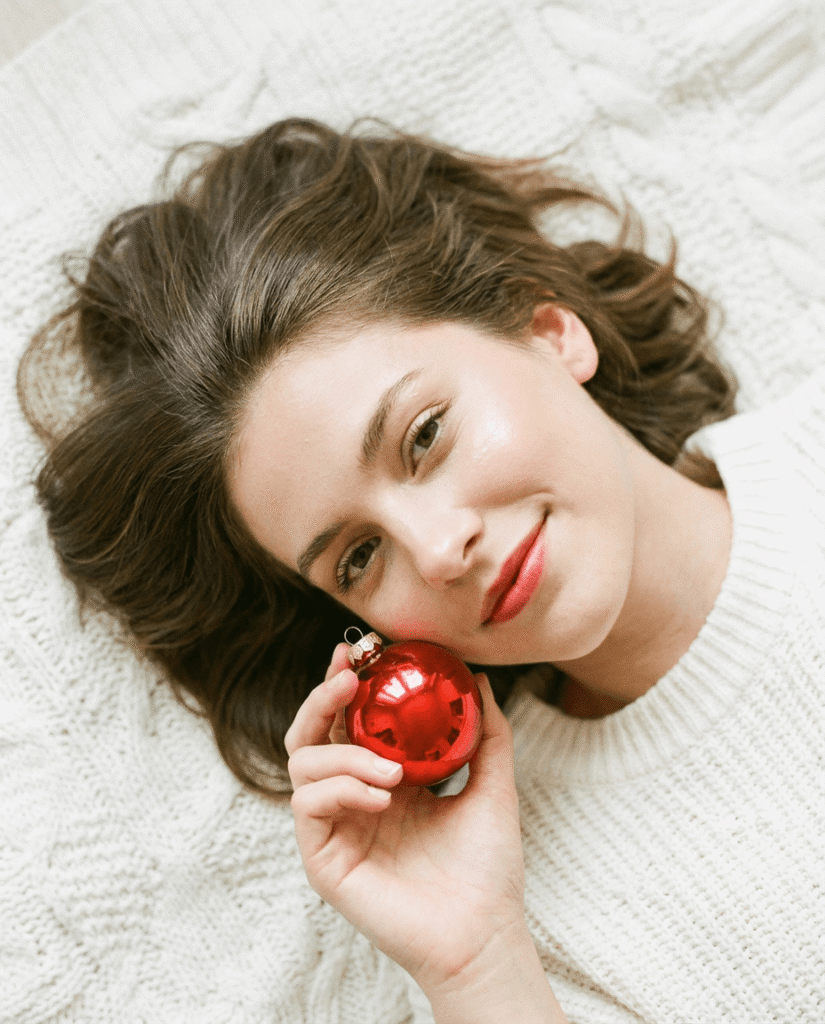
2. Minimal Beauty With Holiday Accent
Create a clean Christmas beauty portrait photographed from above. A young woman lies on a white textured surface with her hair spread naturally around her head. She holds a single red Christmas ornament near her cheek. Her expression is peaceful with direct eye contact. Makeup is minimal and elegant. The mood is bright, soft, and refined. Aspect ratio 4:5.
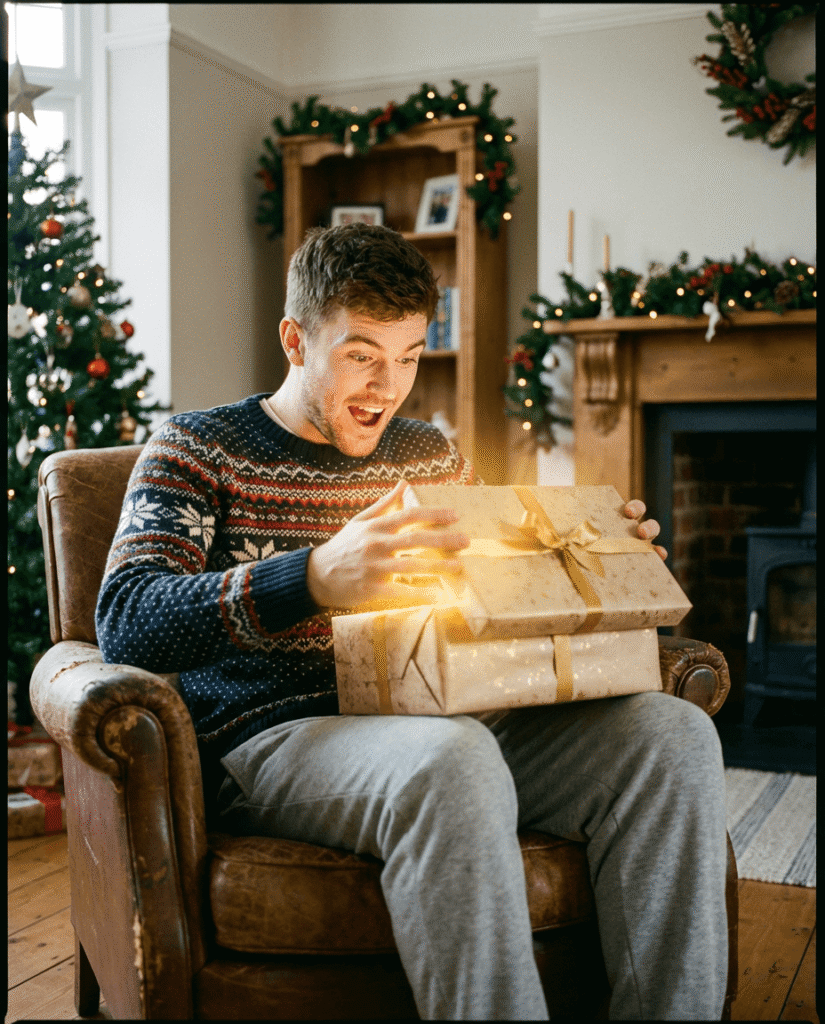
3. Gift Surprise Moment
Create a lifestyle Christmas portrait of a young man sitting comfortably in a cozy living room chair. He is opening a wrapped gift on his lap and reacting with genuine surprise. Warm golden light spills from the box, lighting his face and hands. He wears a festive knit sweater and relaxed lounge pants. The scene feels candid and joyful. Aspect ratio 4:5.
4. Over-the-Shoulder Holiday Glam
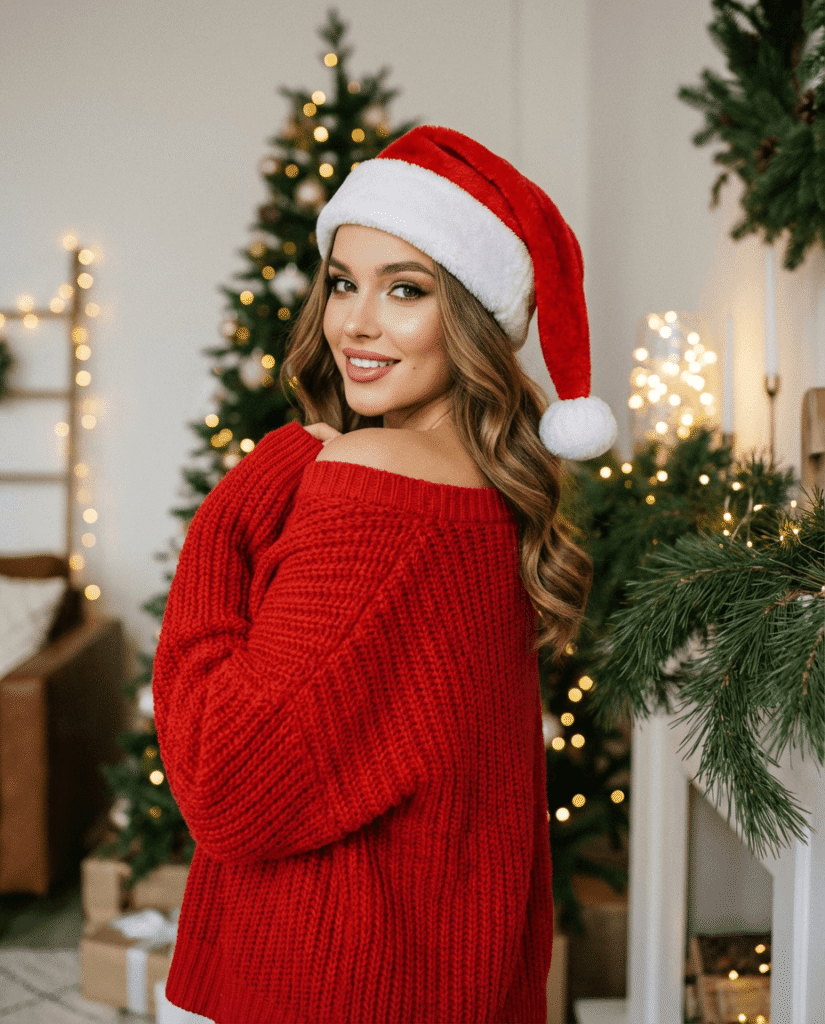
Create a stylish Christmas portrait of a young woman captured mid-turn, looking back over her shoulder toward the camera. She wears a red knit sweater slightly draped off one shoulder and a Santa hat. Her hair is styled in smooth flowing waves. Expression is confident and polished. Lighting is soft with gentle highlights. Aspect ratio 4:5.
5. Classic Car Winter Portrait
Create a festive winter portrait of a young man leaning out of the window of a vintage car parked during snowfall. He smiles warmly at the camera. He wears a plaid winter coat, gloves, and a dark turtleneck. Snowflakes fall naturally through the scene, adding movement and depth. Aspect ratio 4:5.
6. Indoor Wreath Portrait
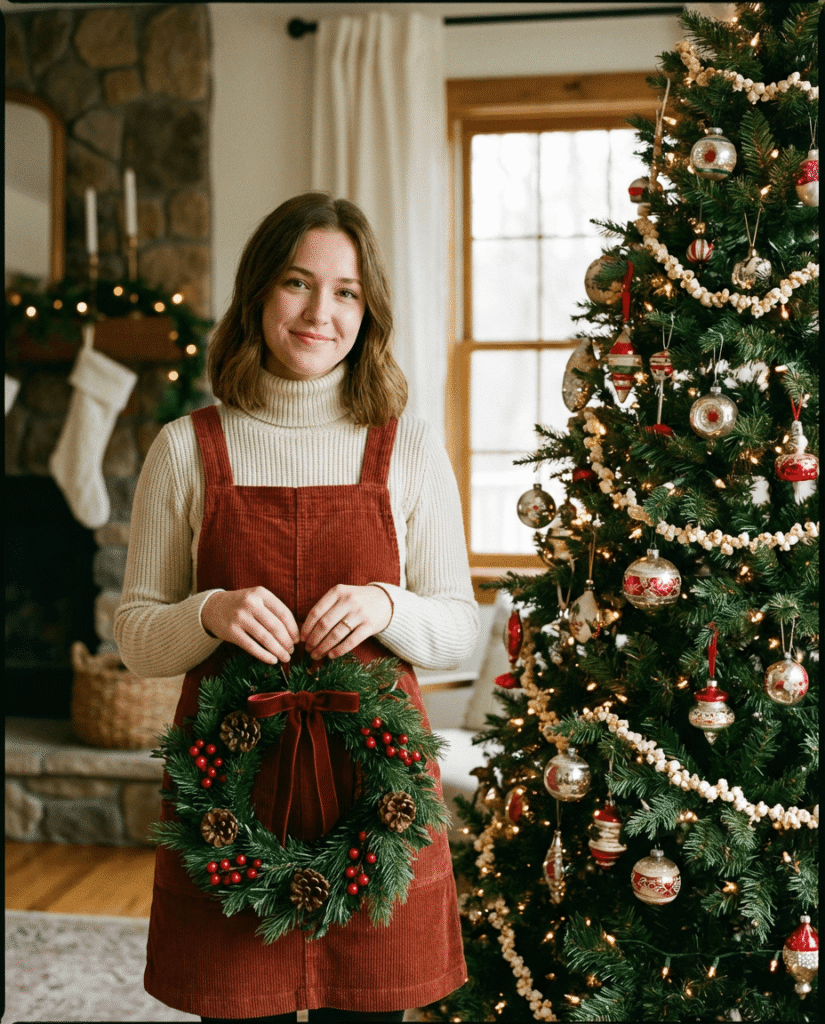
Create a cozy indoor Christmas portrait of a young woman standing beside a decorated tree. She holds a small green wreath with red accents at waist height. She wears a fitted turtleneck layered under a simple pinafore dress. Her posture is relaxed and welcoming. Lighting is warm and natural. Aspect ratio 4:5.
7. Snow Globe Magic Moment
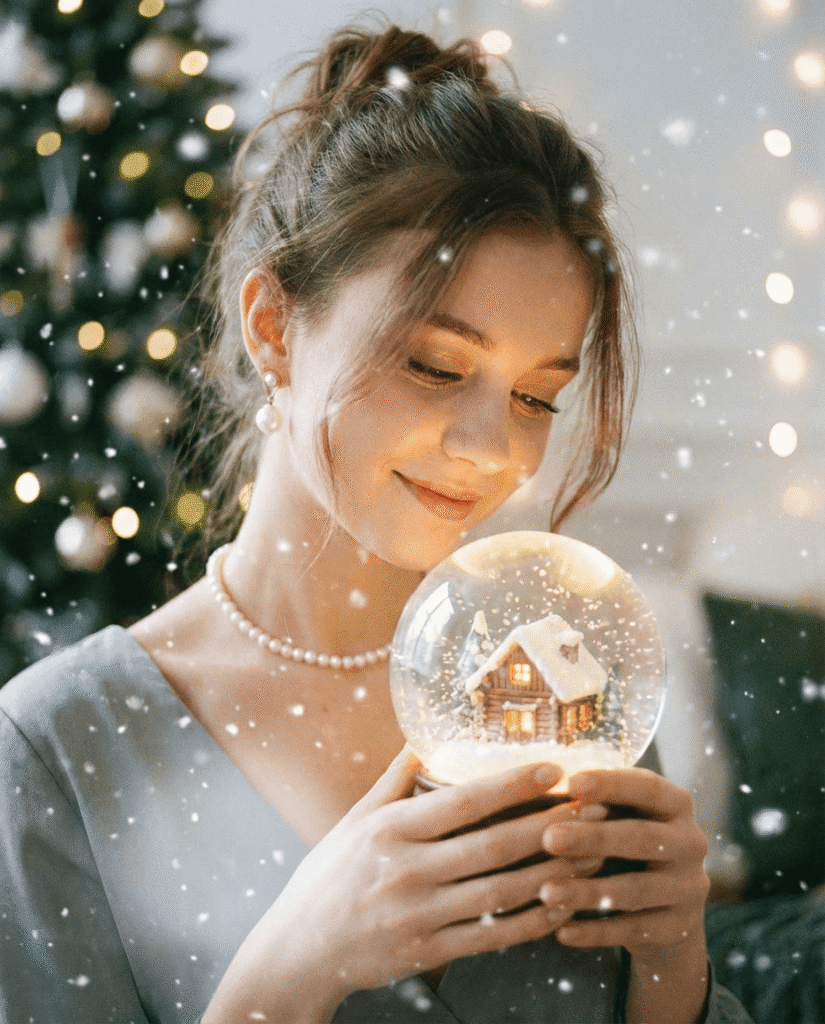
Create a dreamy Christmas portrait of a young woman holding a softly glowing snow globe close to her chest. Inside the globe is a tiny winter cabin scene lit from within. She looks down at it with a gentle smile. Soft floating snow particles surround her. She wears elegant pearl accessories. Aspect ratio 4:5.
8. Playful Snow Day Scene
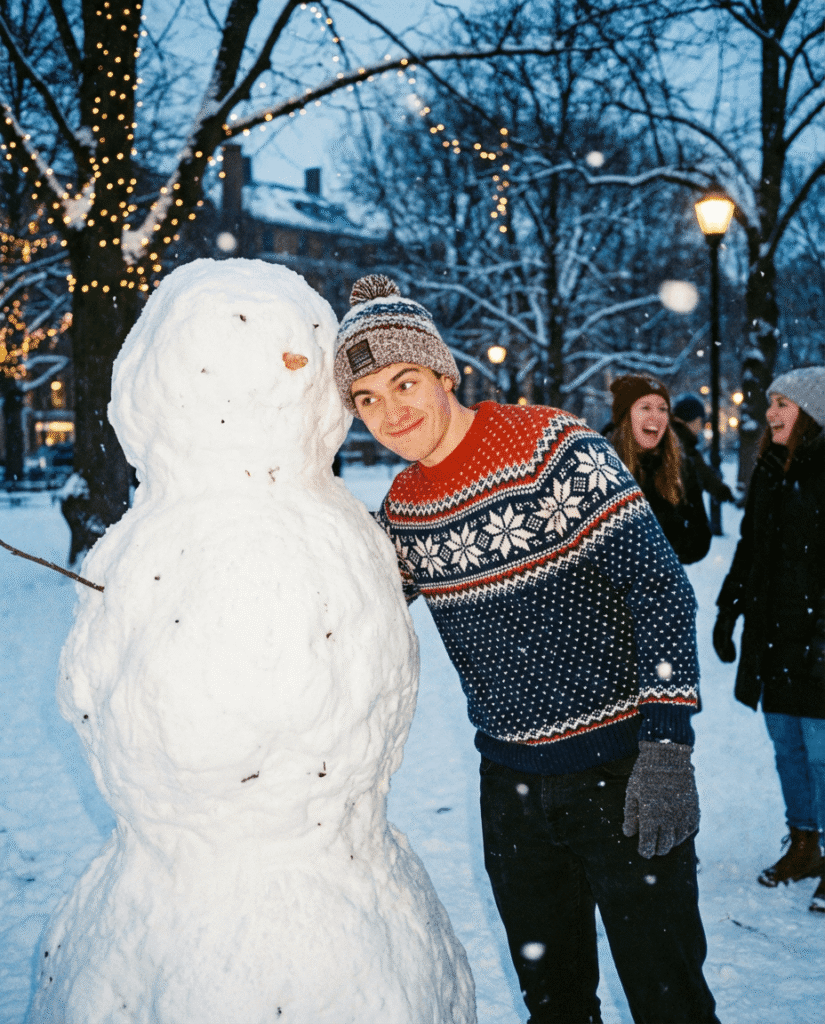
Create an outdoor Christmas portrait in a snowy park during early evening. A young man leans playfully toward a snowman and smiles with a mischievous expression. He wears a patterned Nordic sweater and winter accessories. The scene feels lighthearted and fun. Aspect ratio 4:5.
9. Hygge Lifestyle Portrait
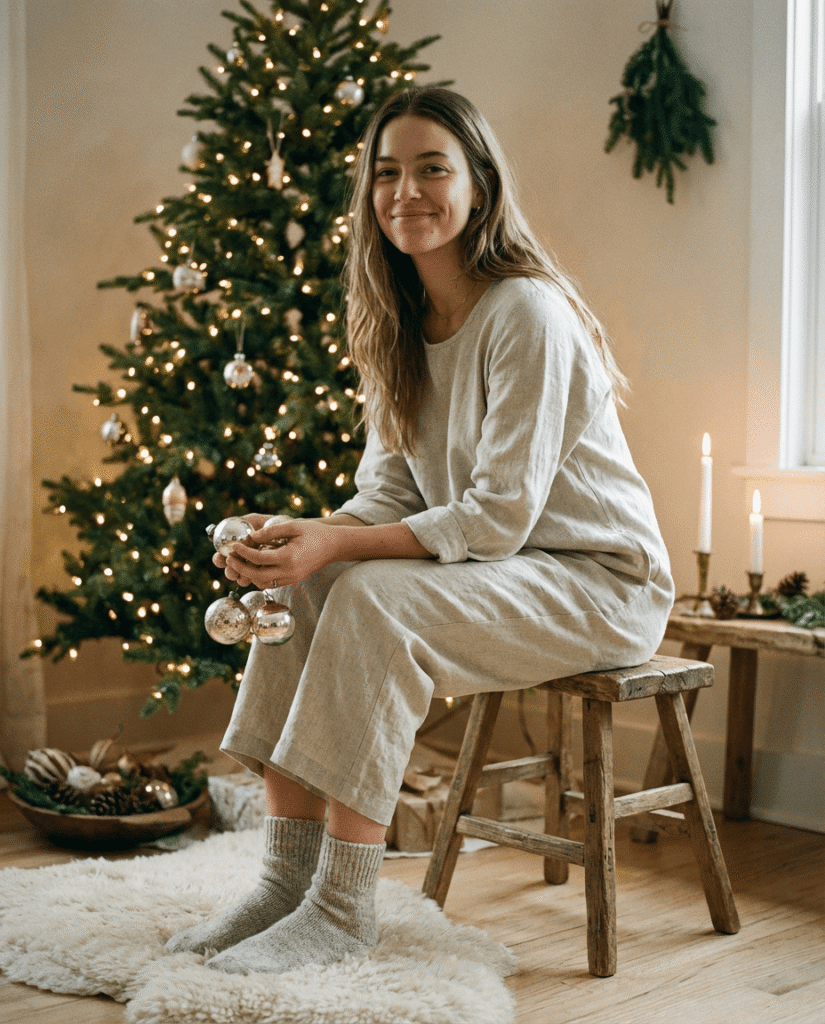
Create a calm Christmas lifestyle portrait of a young woman seated on a small stool beside a softly lit Christmas tree. She wears loose neutral clothing with knit socks. She holds a few ornaments casually in her hands. Expression is relaxed and content. Lighting is warm and minimal. Aspect ratio 4:5.
10. Candlelit Window Scene
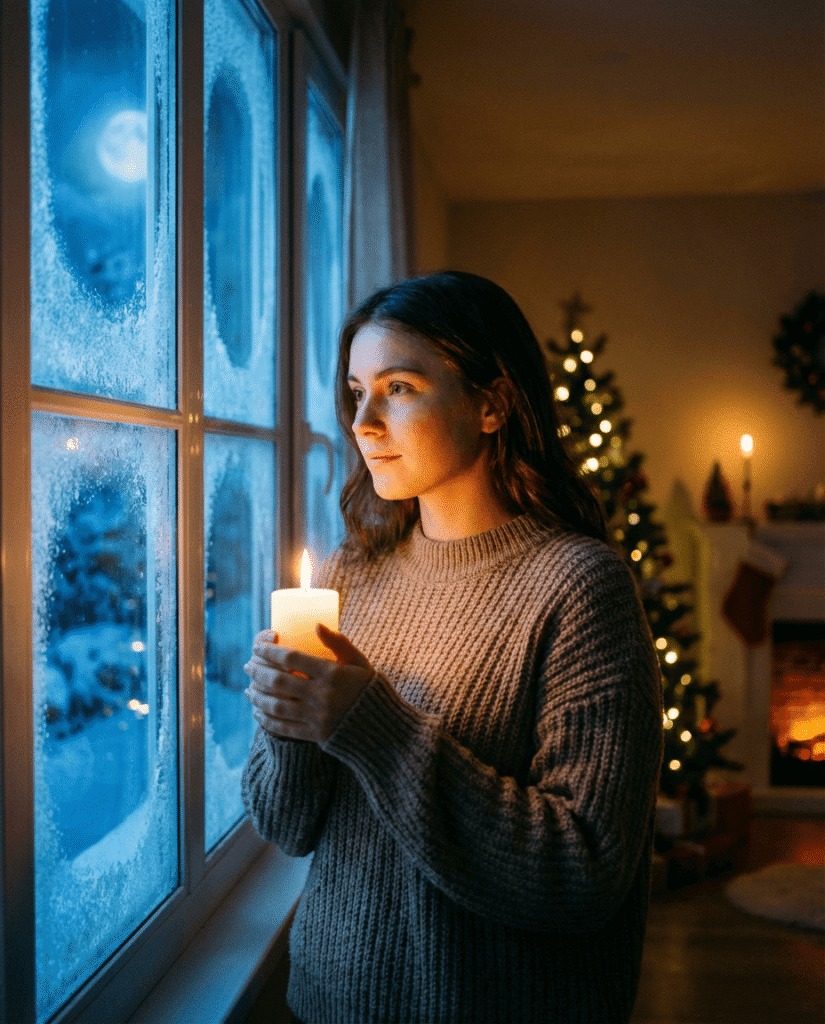
Create an intimate Christmas portrait of a young woman standing near a frosted window at night. She holds a lit candle that softly illuminates her face. Cool winter light contrasts with warm candle glow. Her expression is thoughtful and peaceful. Aspect ratio 4:5.
11. Fireplace Reading Portrait
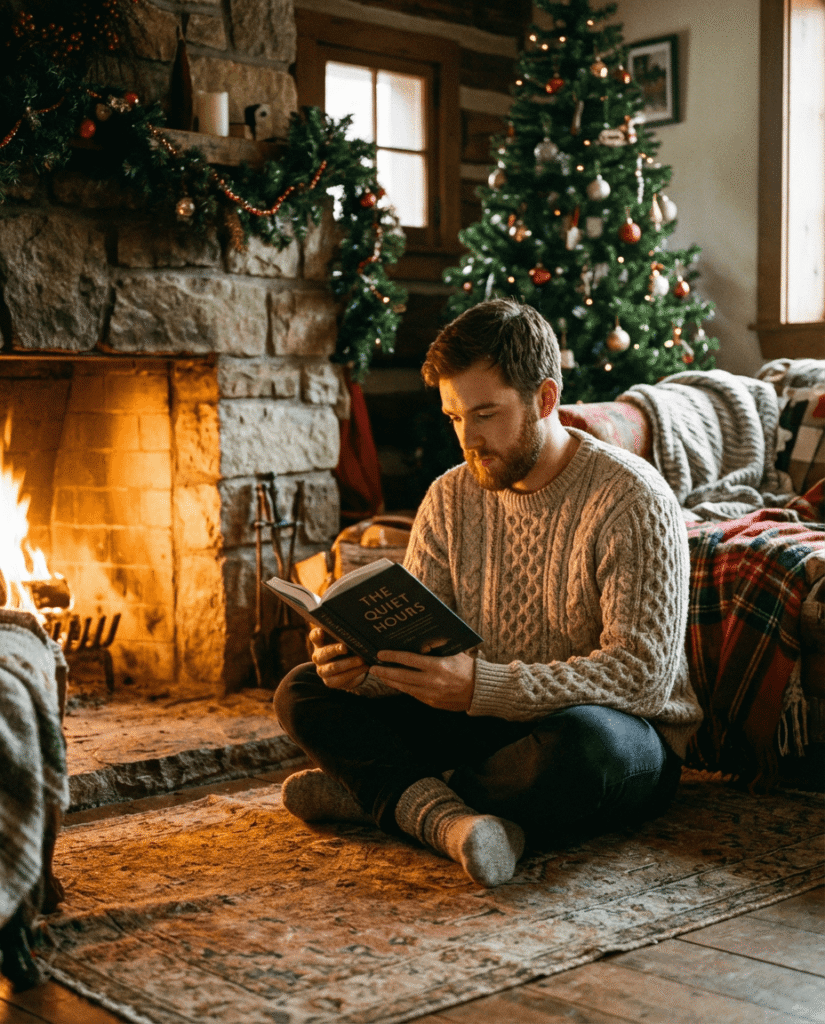
Create a cozy Christmas portrait of a young man sitting on the floor near a fireplace, reading a book. Firelight casts warm highlights on his face. He wears a thick knit sweater and socks. The scene feels quiet and reflective. Aspect ratio 4:5.
12. Cozy Couple Holiday Moment
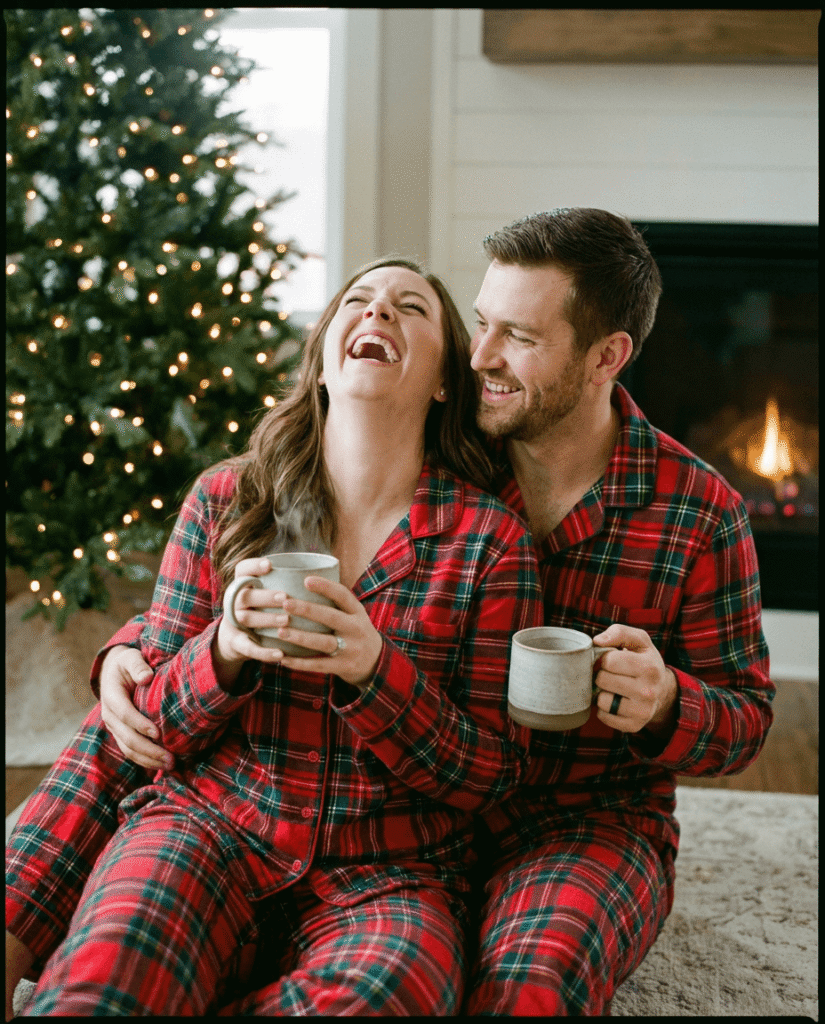
Create a natural Christmas couple portrait of two people sitting near a Christmas tree wearing matching holiday pajamas. They laugh together while holding warm drinks. The moment feels candid and intimate. Soft tree lights glow in the background. Aspect ratio 4:5.
13. Elegant Evening Christmas Look
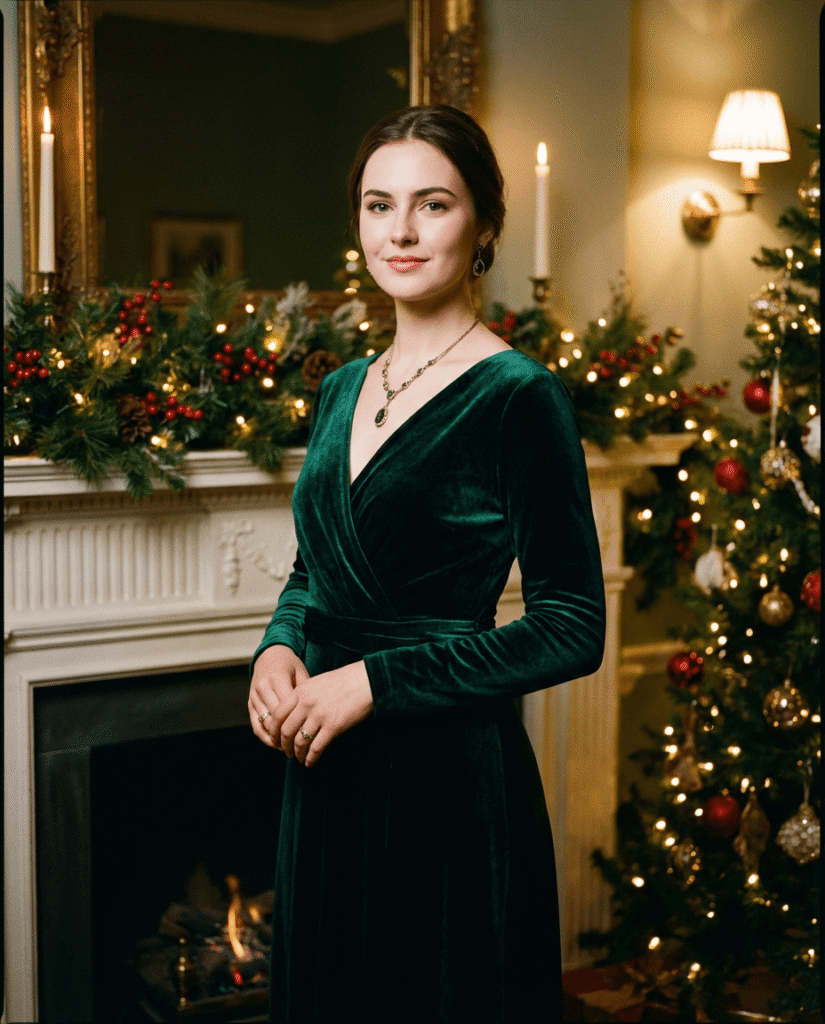
Create a refined Christmas portrait of a young woman dressed in a dark velvet evening outfit. She stands in front of softly lit holiday decorations. Her expression is poised and confident. Lighting is dramatic but soft. Aspect ratio 4:5.
14. Child Wrapped in Lights
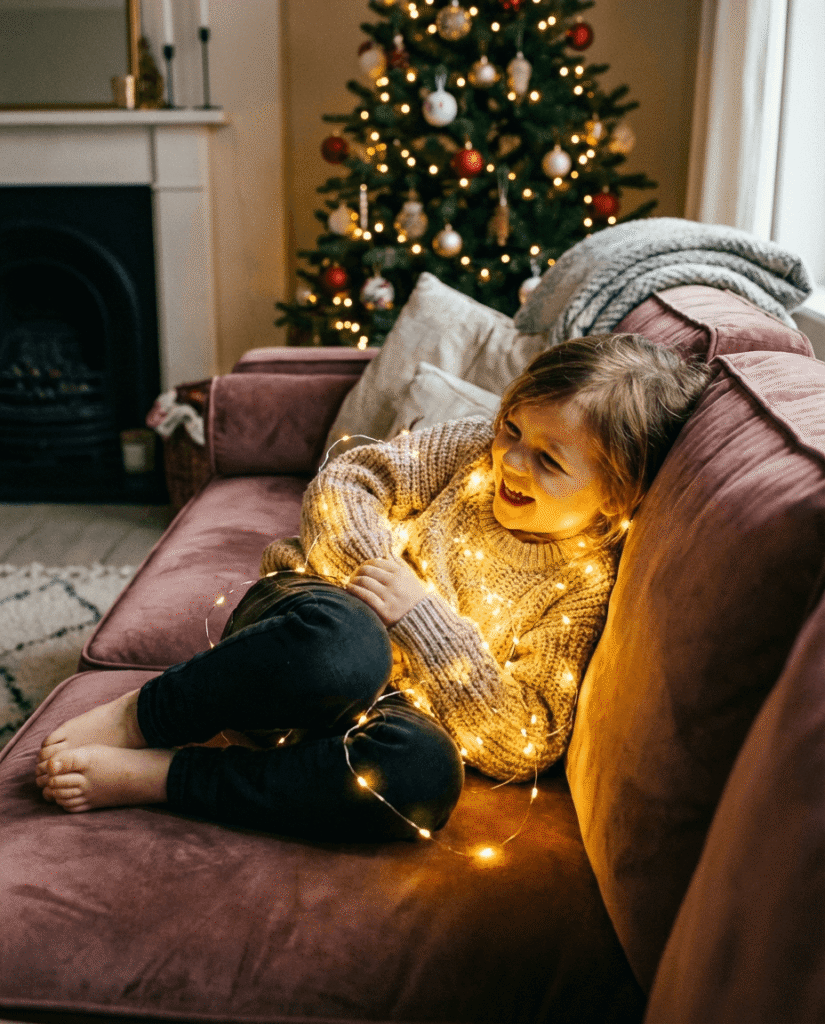
Create a heartwarming Christmas portrait of a child sitting comfortably on a couch, gently wrapped in warm white string lights. The lights softly illuminate their face. Expression is joyful and curious. The background feels cozy and safe. Aspect ratio 4:5.
15. Winter Morning Balcony Portrait
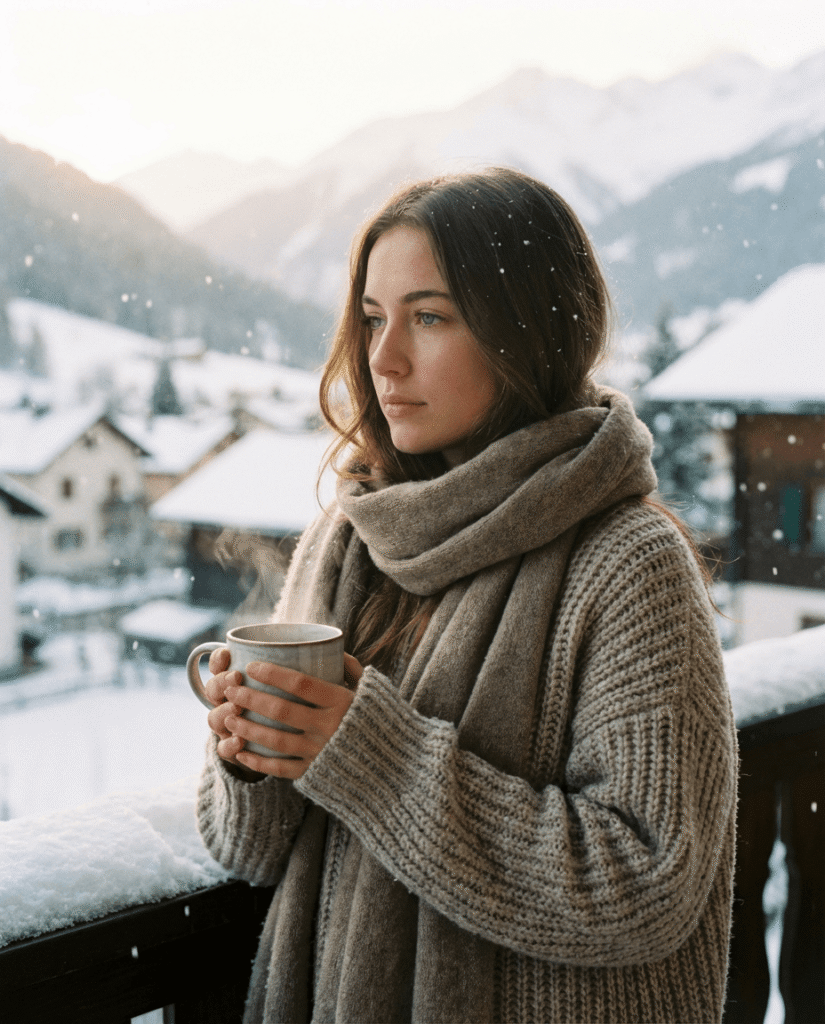
Create a peaceful Christmas morning portrait of a young woman standing on a snowy balcony holding a warm mug. Steam rises gently. She wears a thick sweater and scarf. Snow falls lightly around her. Mood is quiet and reflective. Aspect ratio 4:5.
What Makes These Prompts Work
Natural language instead of technical clutter
Clear lighting direction
Emotional cues built into posture and expression
No over-styling or exaggerated effects
This is how you get portraits that feel real instead of AI-generated.
Conclusion
Good Christmas portraits are not about props. They are about mood, light, and subtle emotion.
Gemini can produce stunning results if you guide it with intention instead of overloading it with instructions. Use these prompts as-is, tweak gently if needed, and let the model handle the rest.
This is how you create holiday portraits people actually want to keep.
FAQs
1. Can I change outfits or colors in these prompts?
Yes. Change one detail at a time to avoid breaking realism.
2. Should I always upload a reference photo?
If you want facial accuracy, yes. For generic portraits, it is optional.
3. Why is 3:4 aspect ratio recommended?
It works best for portraits, prints, and social platforms.
4. Can these prompts work outside Christmas?
Yes. Remove holiday elements and keep lighting and emotion.
5. Do these prompts work on other AI models?
They are optimized for Gemini but can be adapted elsewhere.
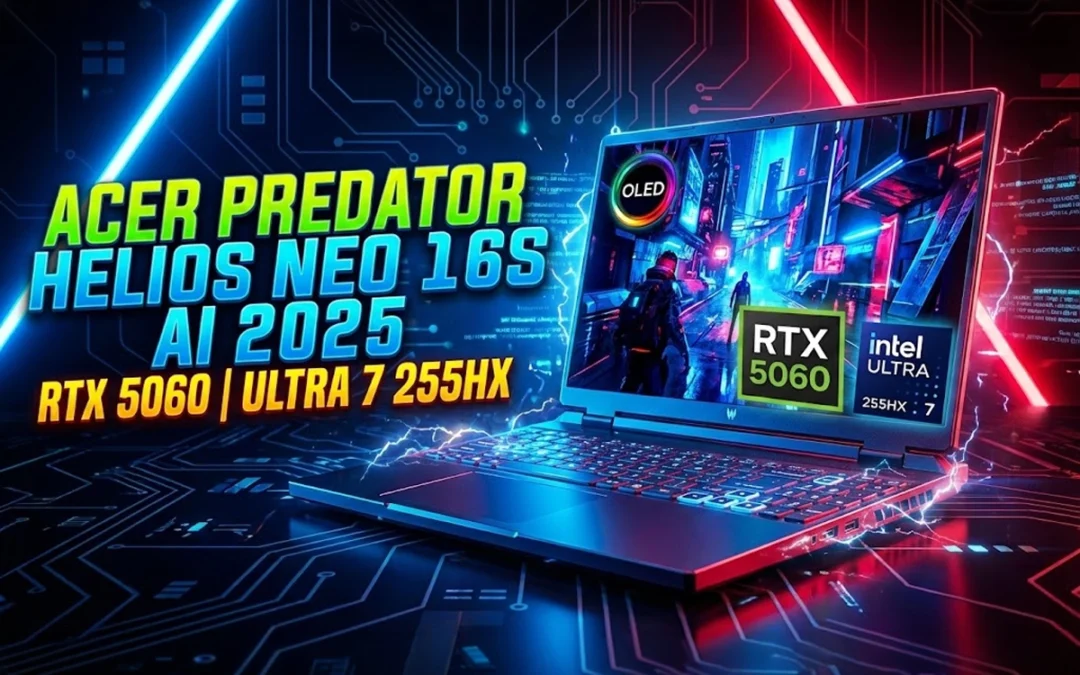
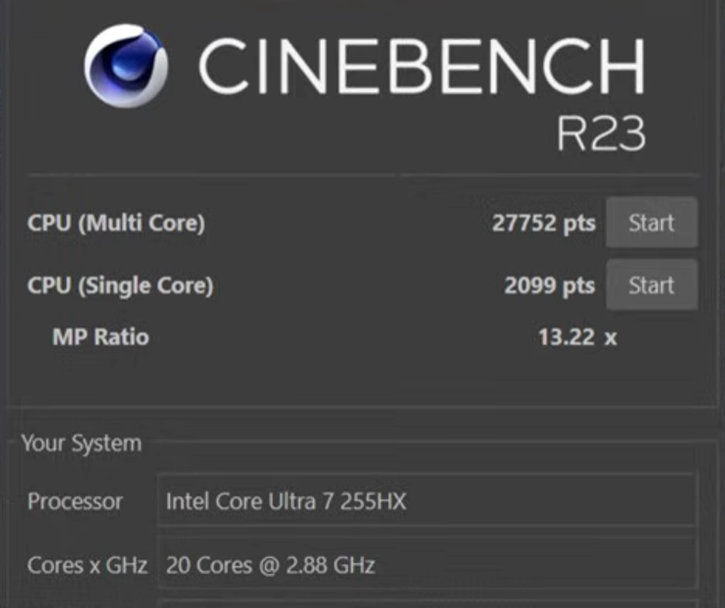
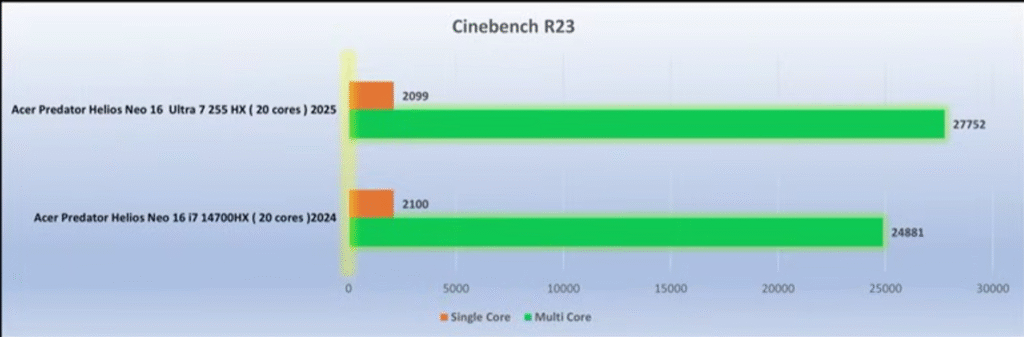
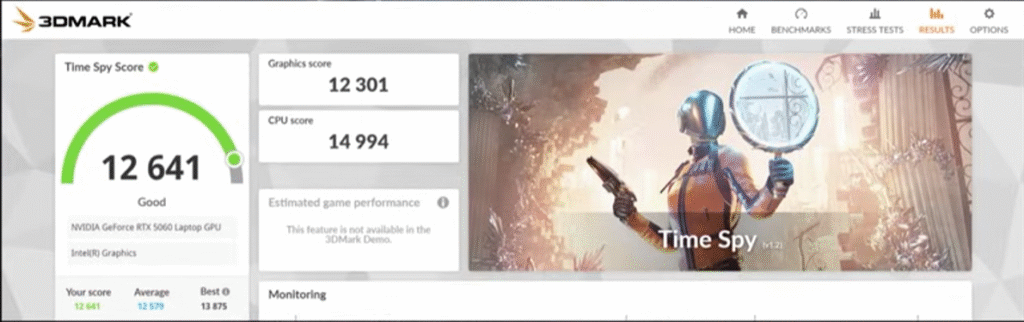
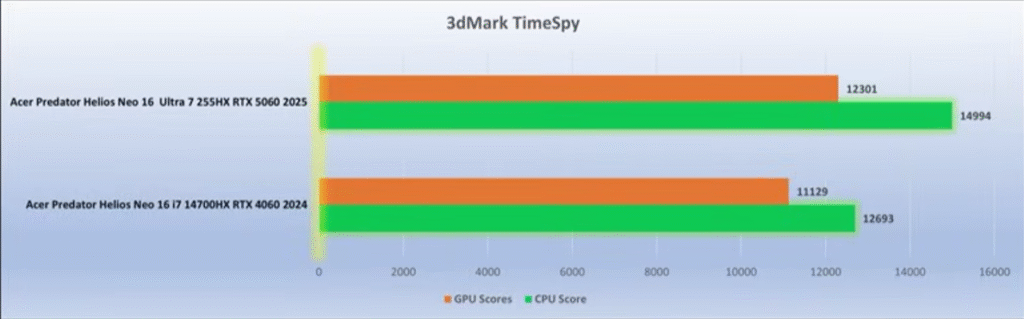
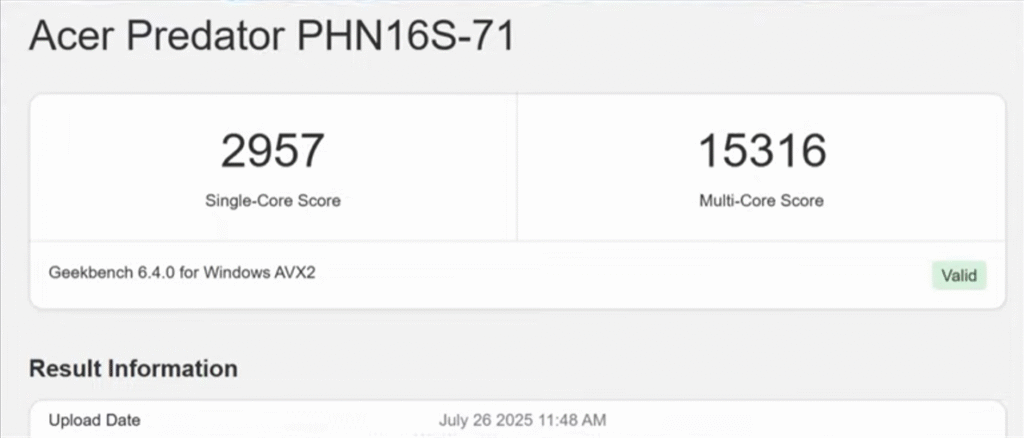
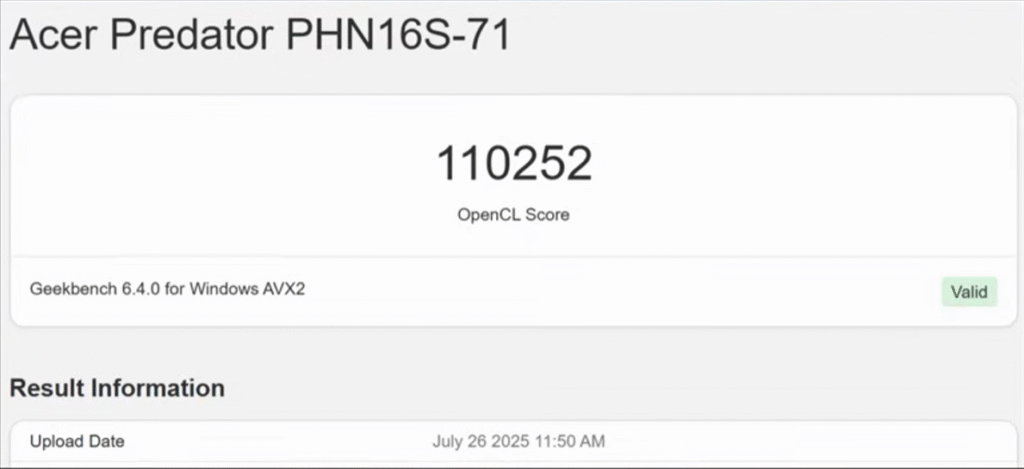
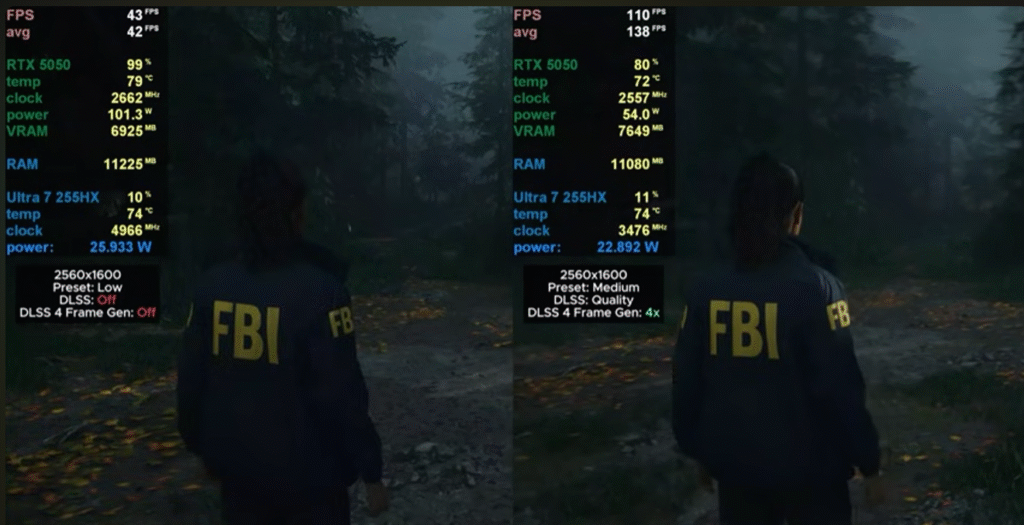
Acer finally fixed almost everything that held last year’s Helios Neo back. So here is Acer Predator Helios Neo 16S AI review. The 2025 Predator Helios Neo 16S AI is lighter, faster, cooler, and now ships with a true 2K OLED 240Hz panel — the kind of upgrade you normally don’t see in refresh cycles. After extensive testing across AAA titles, 2K gaming, productivity, thermals, and battery life, here’s the straight, reviewer-grade breakdown of what this machine does right, where it still lags, and whether it deserves your money.
In This Post
Quick Verdict (TL;DR)
If you want a lightweight, high-performance 16-inch gaming laptop with a flagship-level OLED display, strong CPU/GPU output, fast memory, and dramatically improved thermals, the Helios Neo 16S AI (2025) is worth buying. The only real compromises: 8GB VRAM, no webcam shutter, and occasional SSD write inconsistencies.
Last year’s Helios Neo was bulky, thermally inconsistent, and saddled with an unimpressive display. Acer cleaned up almost everything.
Slimmer chassis + metal lid and bottom panel
The 2025 model uses a metal top lid and metal base plate with a polycarbonate keyboard deck. Flex is minimal unless you intentionally push hard on the deck.
RGB Predator logo
The Predator logo glows in sync with keyboard lighting — a small but expensive-looking touch.
Improved exhaust & intake layout
Four exhaust vents (two rear, two sides) plus a large open-bottom intake dramatically improve airflow.
Hinge is smoother but not 180°
You can open it with one hand, but it stops short of fully flat.
Should You Buy It? Final Verdict for Gamers & Creators
This year, Acer finally delivered the Predator Helios Neo people wanted.
Buy it if you want:
A 2K OLED 240Hz panel
Strong 2K gaming performance
Major thermal improvements over 2024
Fast 6400MHz RAM
Lightweight chassis with big power
Skip it if you need:
More than 8GB VRAM
A hardware webcam shutter
Longer battery life for travel-heavy workflows
Final Verdict: The Acer Predator Helios Neo 16S AI (2025) is one of the best-balanced gaming laptops in its range, especially if you value OLED quality and consistent thermals. It’s an easy recommendation.
If you’ve ever used an AI image or video generator and felt like you were pulling a lever on a slot machine, this guide is for you. Most beginners hit “generate,” hope for a good output, then regenerate until something decent shows up.
That approach kills quality, wastes time, and makes you think AI tools are inconsistent.
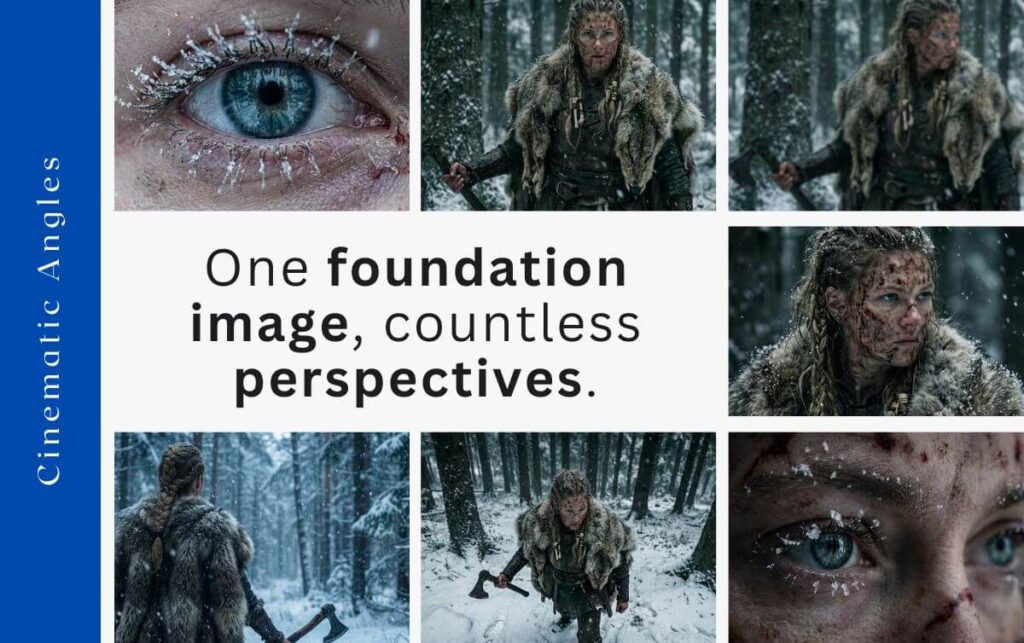
This complete beginner’s guide shows you how to direct AI tools instead of gambling with them. You’ll take a single image and generate infinite camera angles, all with character consistency and full aesthetic control using Nano Banana Pro and other modern AI tools.
Let’s turn luck into a predictable creative workflow.
In This Post
What Is Nano Banana Pro Camera Control?
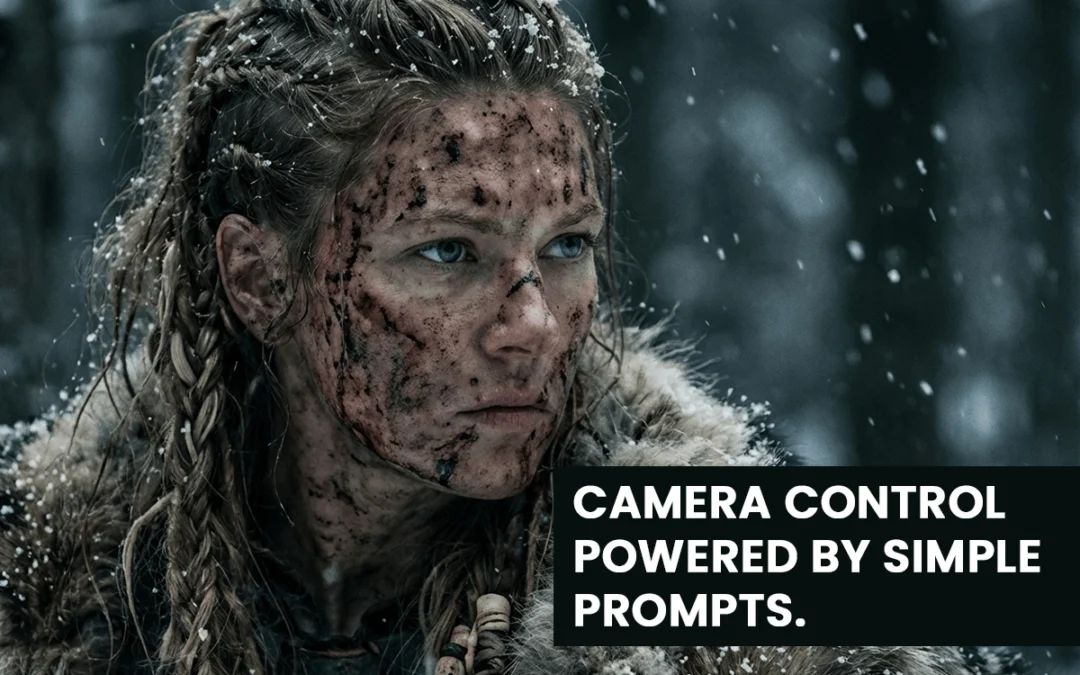
Nano Banana Pro camera control lets you create new camera angles, perspectives, and cinematic shots from a single foundation image. You direct the movement — not the model.
With the right workflow, you can generate:
Bird’s-eye views
Dutch angles
Macro close-ups
High angles
Over-the-shoulder shots
Dolly movements
Rack focus transitions
Slow zooms …and many more.
The key is starting with one strong foundation image, then guiding your variations through simple, precise prompts.
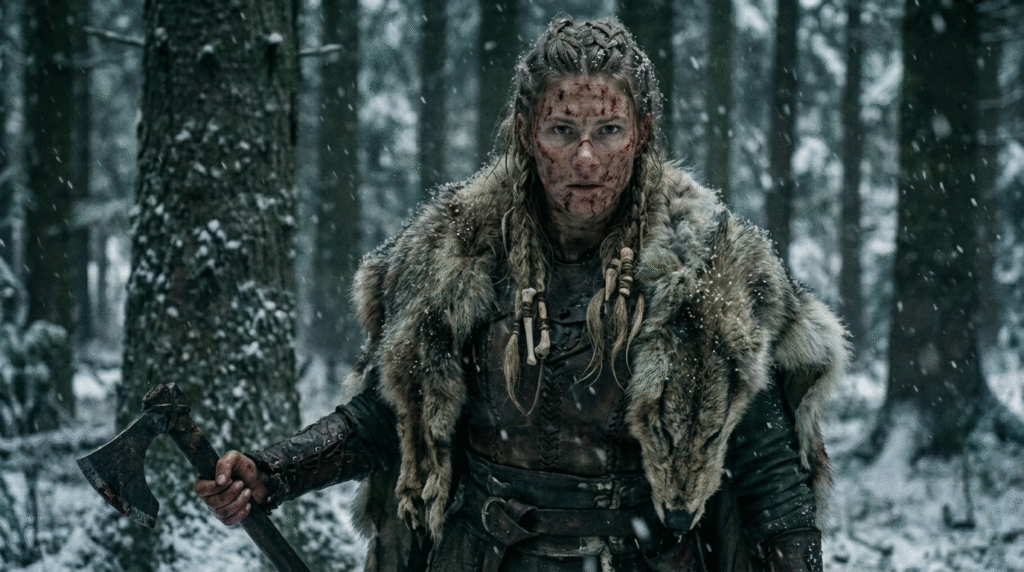
Step 1: Create the Foundation Image
Prompt: Frontal medium shot of image 1 designed for a dolly-in effect. Centered, balanced, snowy environment consistent
The foundation image is the DNA of your project. Every future shot and video will inherit its:
Character identity
Aesthetic and vibe
Lighting style
Color palette
Environment
If your foundation image is weak or inconsistent, all later angles will break.
Craft a clear vision: Who is your character? What world? What mood? What aesthetic?
Example Prompt: A hyper-realistic female Viking in snowy woods — gritty, dark, green/white/gray tones.
Your prompt should define:
Character
Setting
Aesthetic
Tone
Once you get the perfect image, lock it in. That image now becomes your “reference” for every other shot.
Step 2: Generate Infinite Variations With Consistency
This is where most beginners fail.
They try to create new angles by rewriting huge prompts. That breaks character consistency.
Instead, you use the foundation image + a simple camera-angle prompt.
Why Simple Prompts Work
Nano Banana Pro already understands:
Lighting
Texture
Character features
Environment details
Color palette
Your job is not to restate all this.
Your job is to tell it the camera angle.
The Prompt Library (Over 40 Shots)
The creator in the video uses a free prompt library with 40+ camera angles. You don’t need to reinvent terminology like:
Dutch angle
Bird’s-eye view
Macro shot
High angle
Over-the-shoulder
Static wide
Dolly in/out
Handheld
Just pick the camera type → copy prompt → paste → attach foundation image.
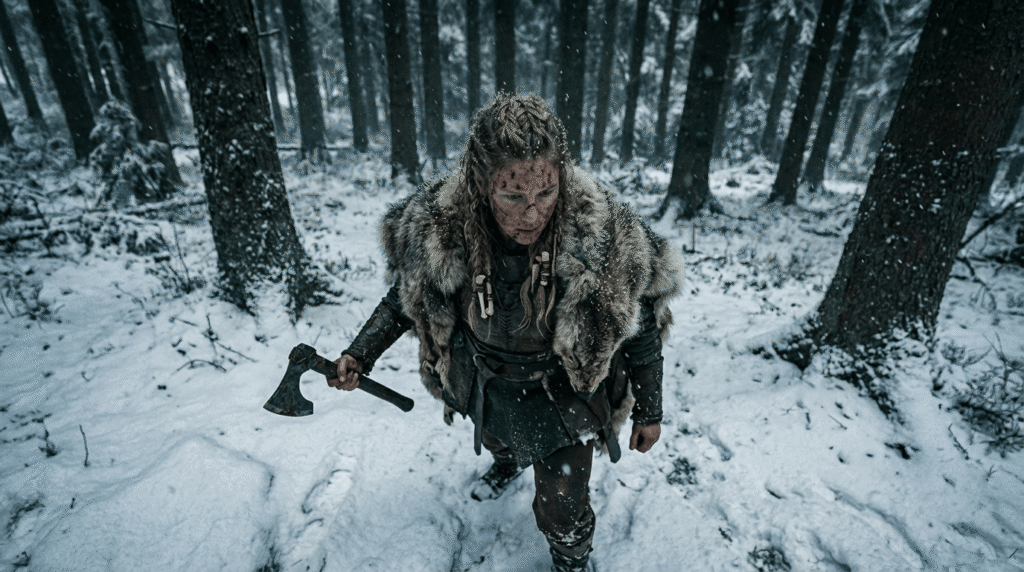
Example: High Angle View Prompt
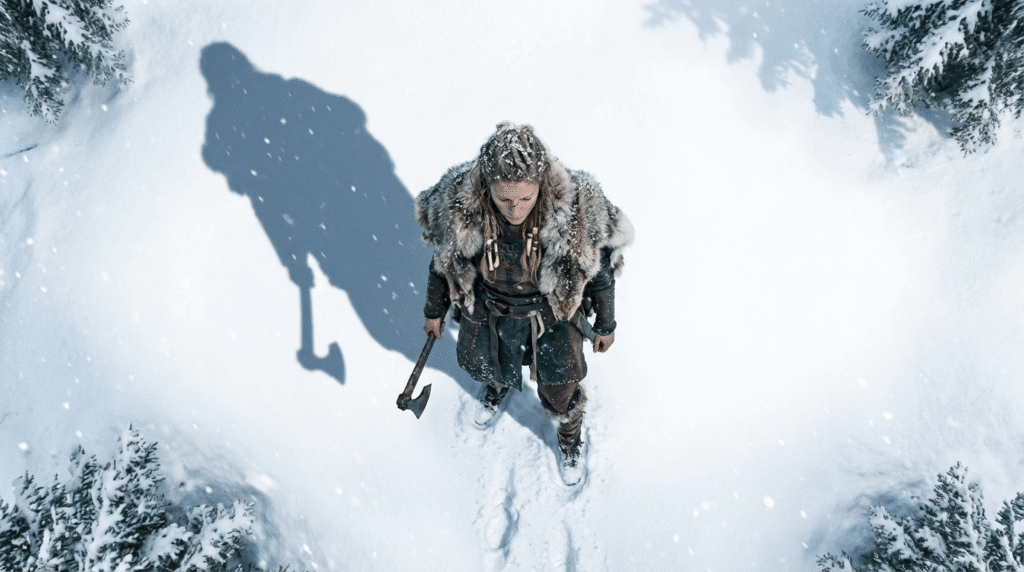
High-angle shot of image 1. Camera positioned above the subject, looking downward. Keep the same snowy environment and gritty style.
Attach your foundation image as image 1.
That’s it.
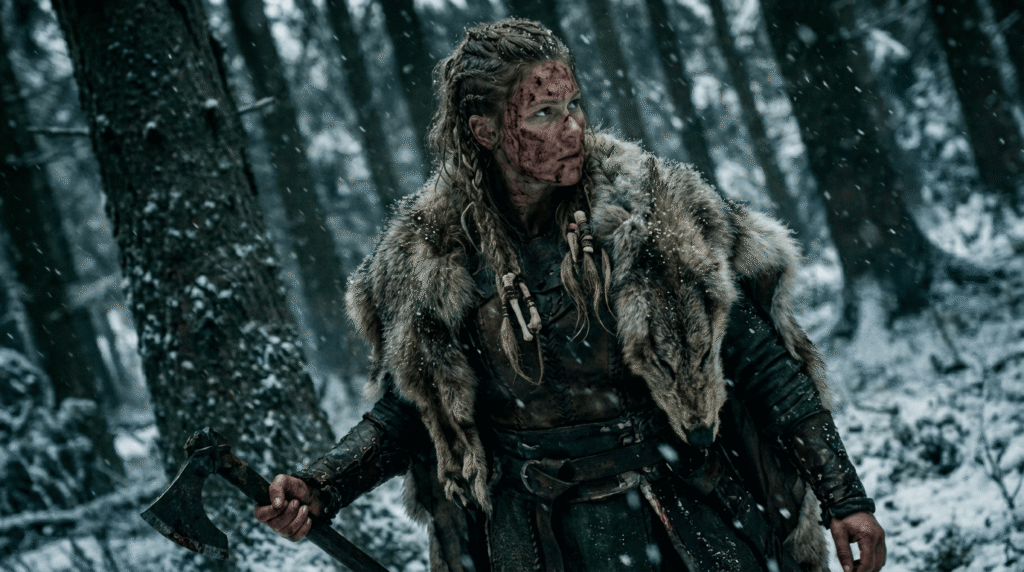
Example: Dutch Angle Prompt
Create a Dutch angle shot of image 1. Tilted horizon, subject in foreground, background slightly blurred, same lighting and environment
Nano Banana knows the term “Dutch angle,” so you don’t need technical descriptions.
Example: Macro Shot Example
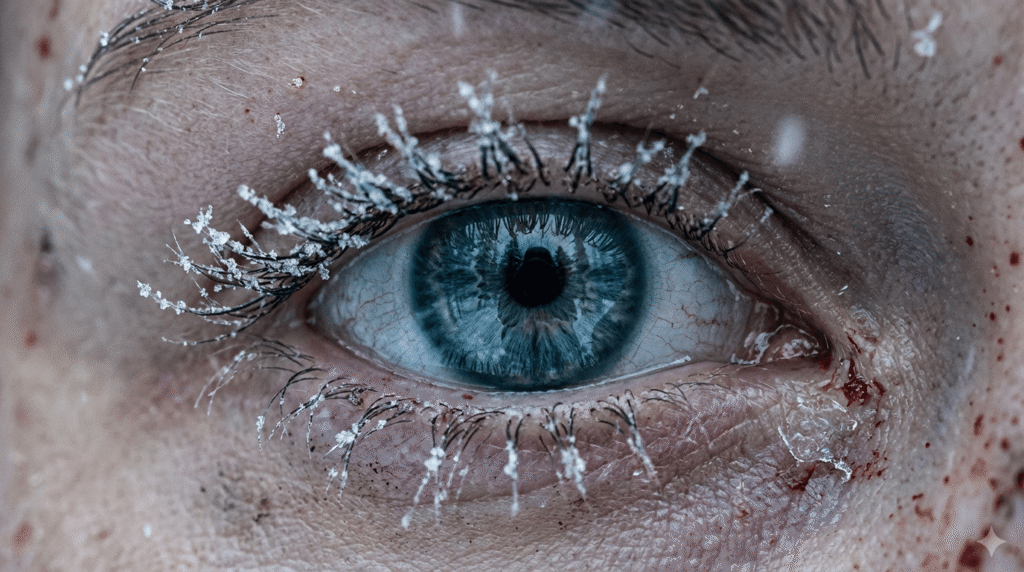
Macro close-up shot of image 1 focusing on the eyes. Ultra-detailed skin texture, snow reflections, shallow depth of field.
Example: Bird’s-Eye View
Direct overhead bird’s-eye view of image 1 standing in the snow. Camera top-down, showing long shadow on the ground.
Nano Banana knows the term “Dutch angle,” so you don’t need technical descriptions.
Example: Macro Eye Prompt
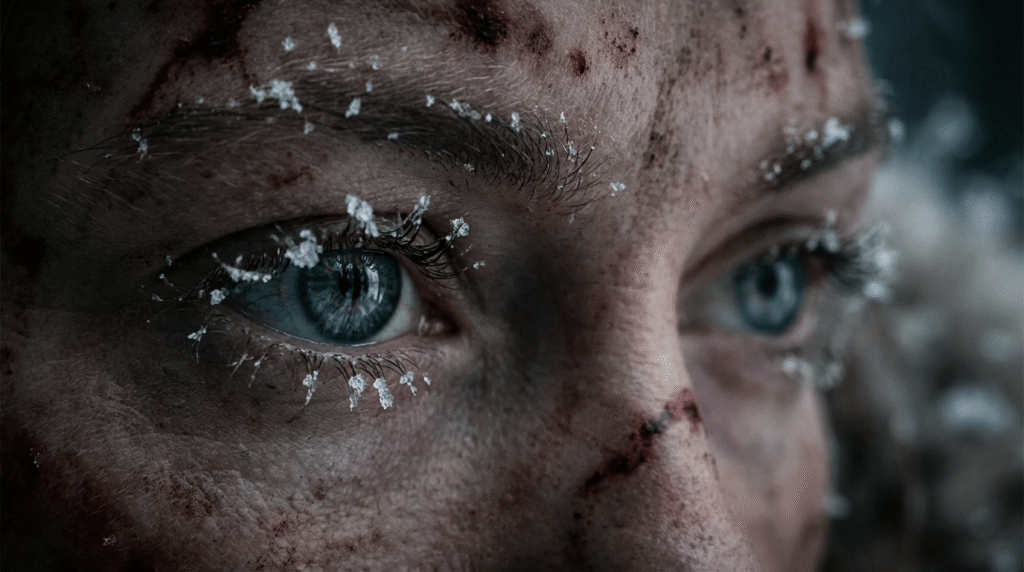
Macro cinematic close-up of image 1’s eyes. Snowflakes clinging to eyelashes. Extremely shallow depth of field. Dramatic lighting.
Why This Works
The foundation image carries:
Character
Details
Clothing
Textures
Lighting
Scene aesthetics
You only describe:
Camera angle
Small contextual differences (snow, trees, direction of light if needed)
This gives you clean, consistent outputs every time.
Step 3: Turn Variations Into Cinematic AI Videos
Now that you have multiple angles, you can turn them into videos using tools like:
VO 3.1 (recommended)
VO 3.1 Fast (cheaper + nearly identical quality)
Nano Banana Pro also supports video editing workflows
Why VO 3.1 Fast Works Best
High cinematic quality
Supports first frame + last frame
Fast rendering
Low cost
Consistent movement
When You Need a First Frame Only
Example: slow zoom in on the Viking’s eyes.
Slowly zoom in.
Attach the macro-eye shot as the first frame.
When You Need First + Last Frame
Use both frames if:
There is a focus shift
The character moves dramatically
The environment must match exactly
You want to avoid character drift
Example: Rack Focus Scene
Blurry → sharp transition on the Viking’s face.
If you only provide the blurry first frame, the model invents a random Viking woman at the end.
But with both frames, the output matches perfectly.
How to Generate Perfect Video Prompts
You can use AI to help you write prompts.
Simple Workflow
Upload first frame
Upload last frame
Tell AI: Give me a text prompt for an image-to-video generator that moves from the first frame to the last frame.
Models like Claude, Gemini, or ChatGPT will generate a perfect camera-movement prompt.
Example Output
“A slow cinematic rack-focus pull from blurred foreground trees to the woman’s sharp, detailed face.”
That phrasing is correct — and you didn’t need to know the term “rack focus.”
How It All Comes Together
By now you understand the three steps:
1. Create a strong foundation image
The project’s visual DNA.
2. Create infinite variations using simple camera-angle prompts
The foundation carries the style. You describe only the camera.
3. Generate cinematic videos using first/last frame control
This gives you the exact movement and consistency you want.
This workflow lets beginners produce professional-level AI videos with zero guesswork.
Conclusion
Nano Banana Pro camera control changes everything for beginners. Instead of rolling the dice with AI generation, you now have a clear workflow that gives you predictable, cinematic, consistent results.
You can turn one foundation image into:
Dozens of photographic angles
Controlled cinematic movements
First-frame and last-frame–driven video scenes
Fully consistent characters across every shot
The limit truly does not exist. Once you master foundation images and camera-angle prompting, you can create entire AI films with complete control.
Your next step is simple: choose a vision, build your foundation image, and start experimenting.
Camera control is powerful, but it only works when your character stays consistent across every angle.
If your character changes from shot to shot, the entire scene breaks.
If you’re using Nano Banana Pro and still getting hit-or-miss results, you’re not alone. Most creators rely on weak prompts, vague instructions, and random guessing. Then they wonder why their images look nothing like the high-end examples flooding social feeds.
You deserve better. This guide gives you the exact expert-level prompt formulas you can steal, adapt, and use instantly for pro-grade outputs—based on the framework shown in the source article .
No fluff. No theory. Just practical prompts that deliver.
Let’s upgrade your results fast.
In This Post
Why Expert Prompts Actually Matter
Here’s the truth: Nano Banana Pro is powerful, but it’s not psychic. If you feed it vague inputs, it gives you generic images. If you feed it structured prompts, it performs like an elite artist.
According to the original guide’s breakdown on expert prompting (page 1) , the biggest difference between average users and advanced creators comes down to one thing:
Experts control variables. Beginners react to mistakes.
You get clean character consistency, stable lighting, correct anatomy, and brand-ready results when your prompt includes:
subject
context
camera language
style hierarchy
color and lighting control
composition rules
action or intent
You’ll see all of these wrapped into the expert templates below.
Quick Start: How to Prompt Nano Banana Pro Like a Pro
Before we hit the 10 expert prompts, here’s the stripped-down version of what Nano Banana Pro wants (shown in the guide’s “pro workflow”), page 1–2 :
Keep it tight. Every bracket is a lever you can control.
Now let’s move into the 10 upgraded expert prompts.
The 10 Best Expert Prompts for Nano Banana Pro
Each prompt pulls from the original list (pages 2–5) but is rewritten for clarity, power, and modern workflows.
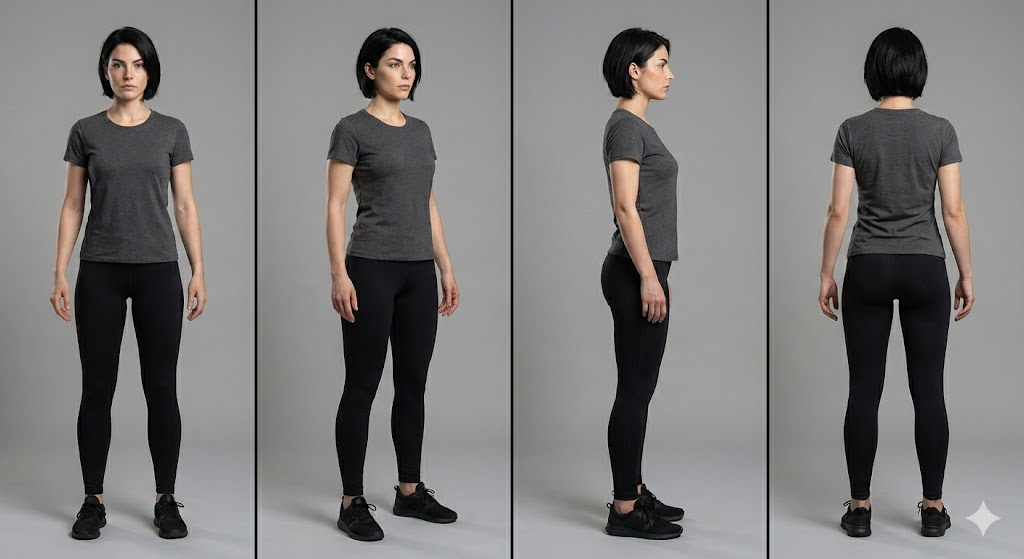
1. Consistent Character at Every Angle
Nano Banana Pro is great at single images but falls apart if you don’t anchor identity. Fix that.
Prompt:
A recurring character: [description], consistent facial structure, same hairstyle and proportions, full-body rotation sequence (front, 3/4, profile, back), neutral pose, studio lighting, 50mm lens, clean background for clarity,hyper-consistent details preserved, professional concept art style.
Prompt Example:
A recurring character, an athletic woman in her 20s with a sharp jawline and short black hair. Keep the same face, same proportions, and same anatomy. Show her from the front, 3/4 view, profile, and back. Neutral pose, studio lighting, 50mm lens, clean gray background, high-resolution concept art style.
Why it works: You explicitly lock identity. No drift. No mutated anatomy.
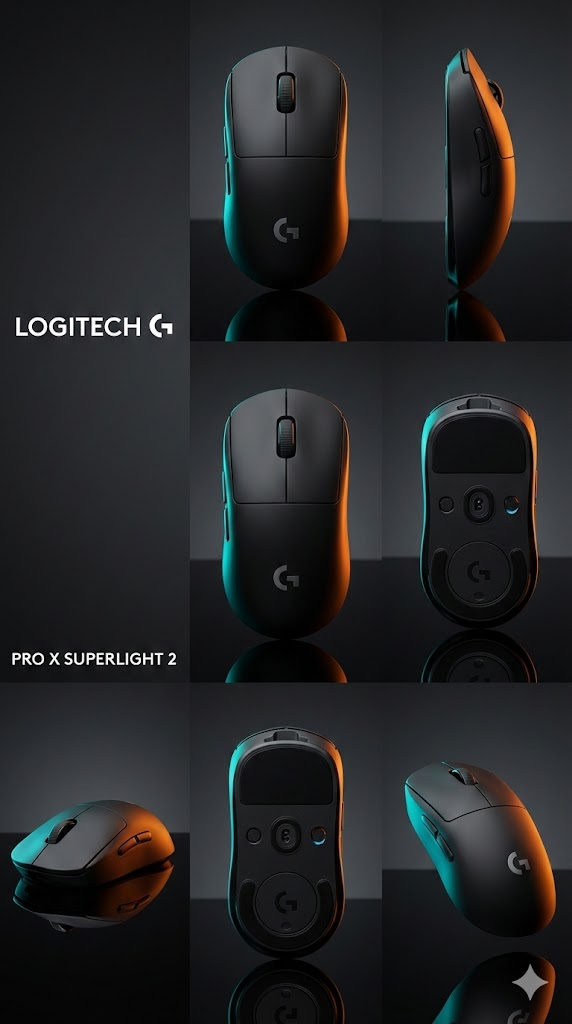
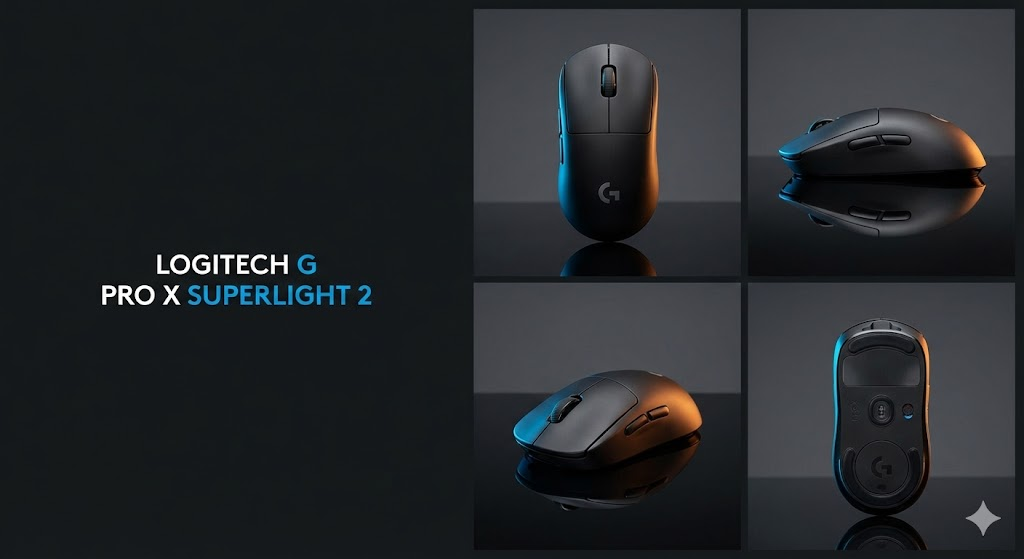
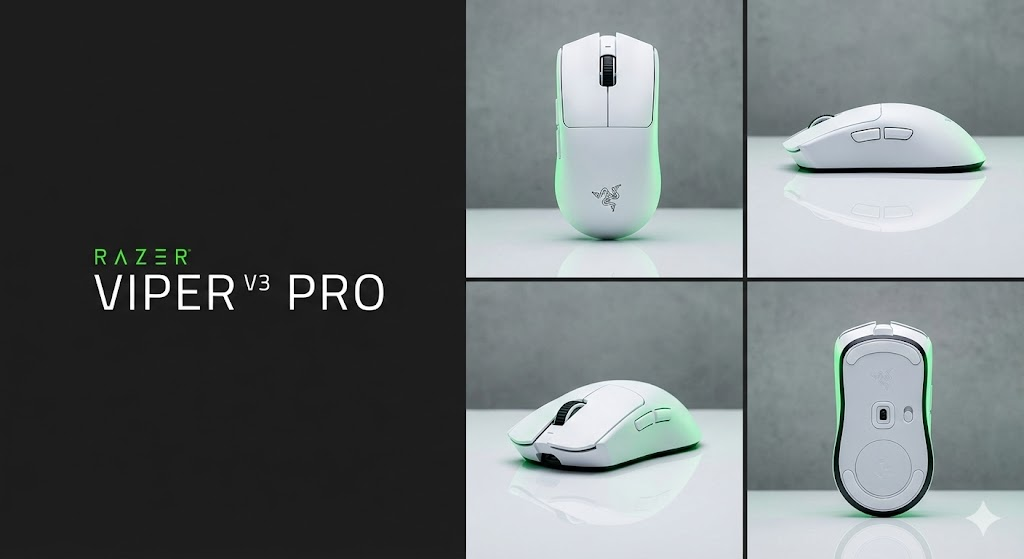
2. Product Poster With Grid Layout + CTA Space
The source guide showcased layout-driven prompts (page 3) . Here’s the improved version.
Prompt:
Hero product shot of [item], centered grid layout, left area reserved for text, bold lighting for contrast, soft rim light, sharp focus on product edges, brand-ready color palette, clean background,
modern commercial poster style.
Prompt Example:
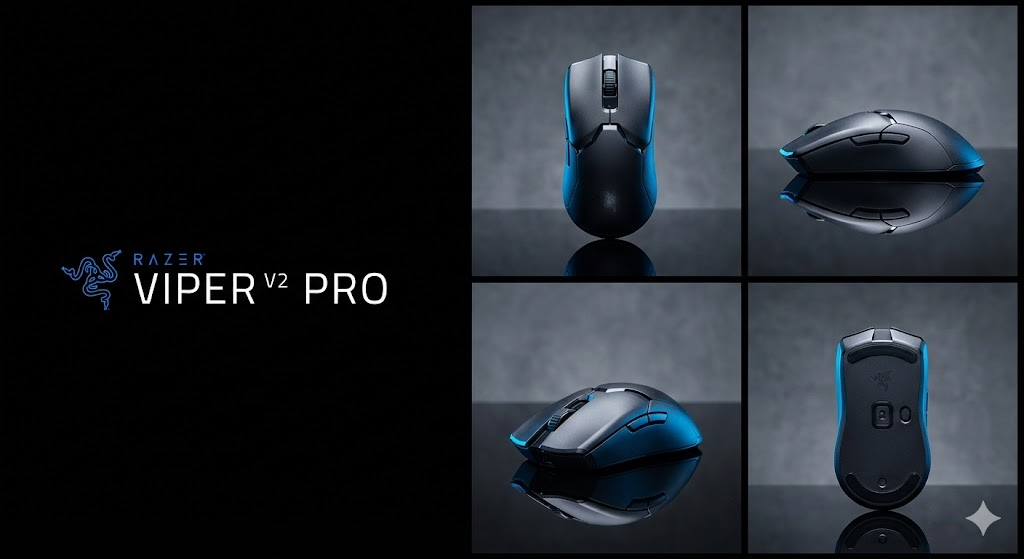
A matte black wireless mouse as the hero product. Use a centered grid layout with empty space on the left for text. Add sharp rim lighting, crisp edges, clean reflections, and a minimal background. Commercial poster style with brand-ready colors.
Use this for ads, Amazon assets, landing pages, or packaging drafts.
Based on the original “before/after transformation” prompt (page 3) .
Prompt:
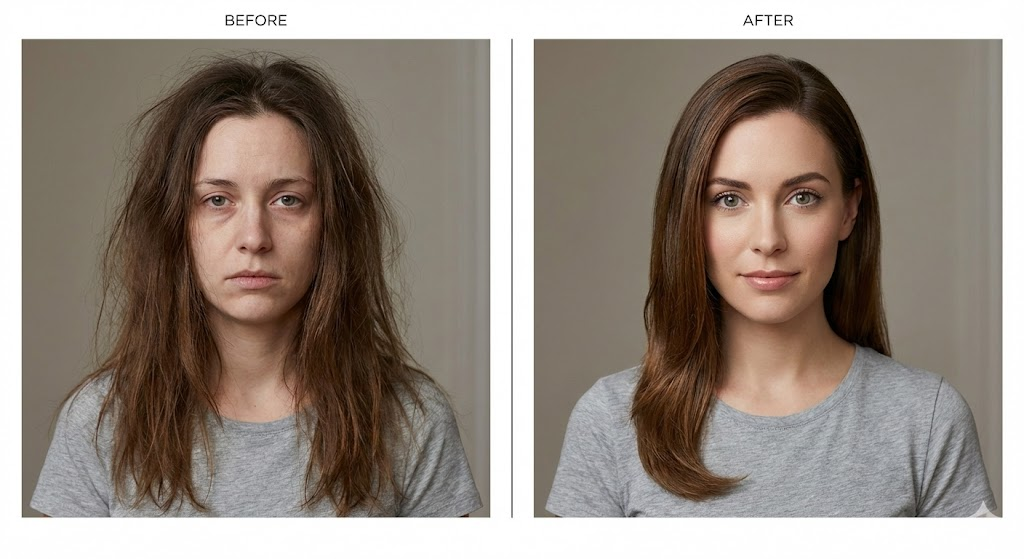
Side-by-side layout: left “before,” right “after,” same character, same camera angle, controlled lighting, identical framing, accurate transformation differences, clear visual contrast but realistic execution,editorial demonstration style.
Prompt Example:
Two-panel layout with a before image on the left and after on the right. Same woman, same camera angle, same lighting, and same framing. Before version shows messy hair and tired expression. After version looks refreshed with clean makeup and bright eyes. Clear editorial comparison style.
Nano Banana Pro loves symmetry. This prompt gives it structure.
4. Cinematic Editorial Portrait (Mood + Grade)
The PDF’s cinematic prompt concepts (page 3–4) turned into a cleaner expert template.
Prompt:
Cinematic portrait of [subject], moody color grade, volumetric light, shallow depth of field, soft shadows, 85mm lens, editorial magazine energy, highly detailed textures, natural skin realism.
Prompt Example:
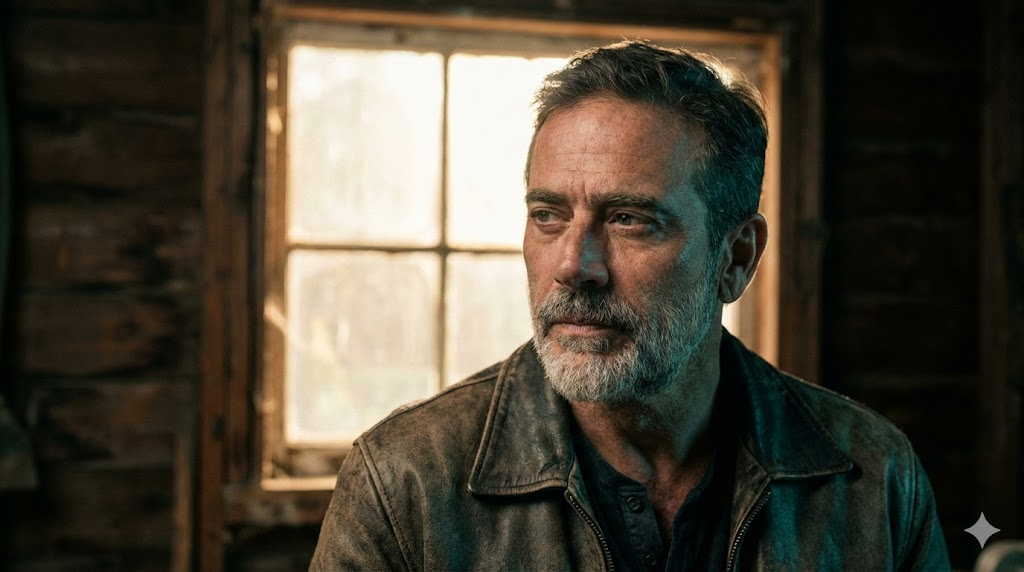
A cinematic portrait of a rugged middle-aged man. Use a moody teal-orange grade, soft volumetric backlight, shallow depth of field, and an 85mm lens. Keep natural skin texture and an editorial magazine feel.
Perfect for character sheets, talent profiles, and hero banners.
5. UI Screenshot Mockup (Text-Safe)
Want readable UI? You need structure.
Prompt:
High-fidelity UI mockup inside a clean device frame, flat overhead angle, proper spacing for text readability, sharp lines, accurate proportions, professional product design aesthetic.
Prompt Example:
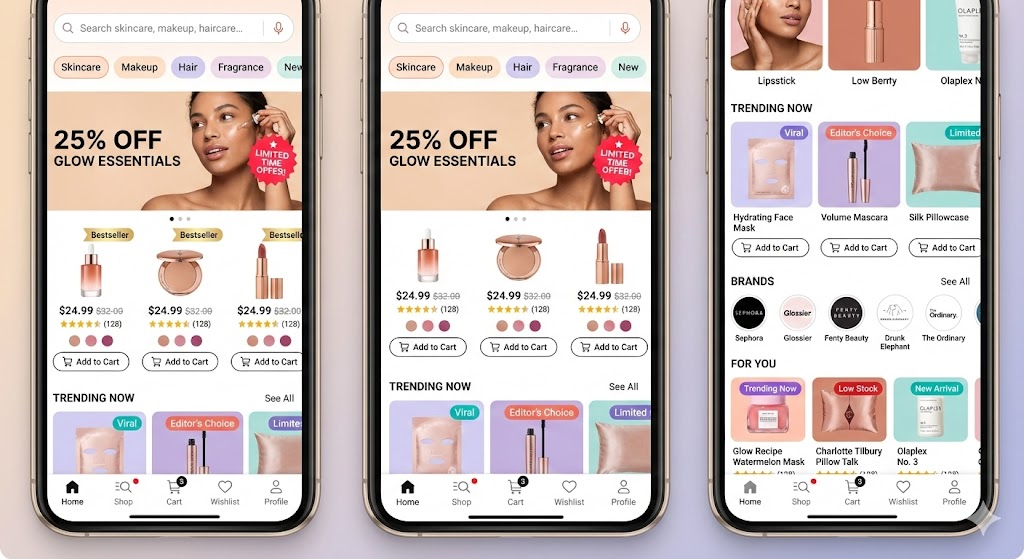
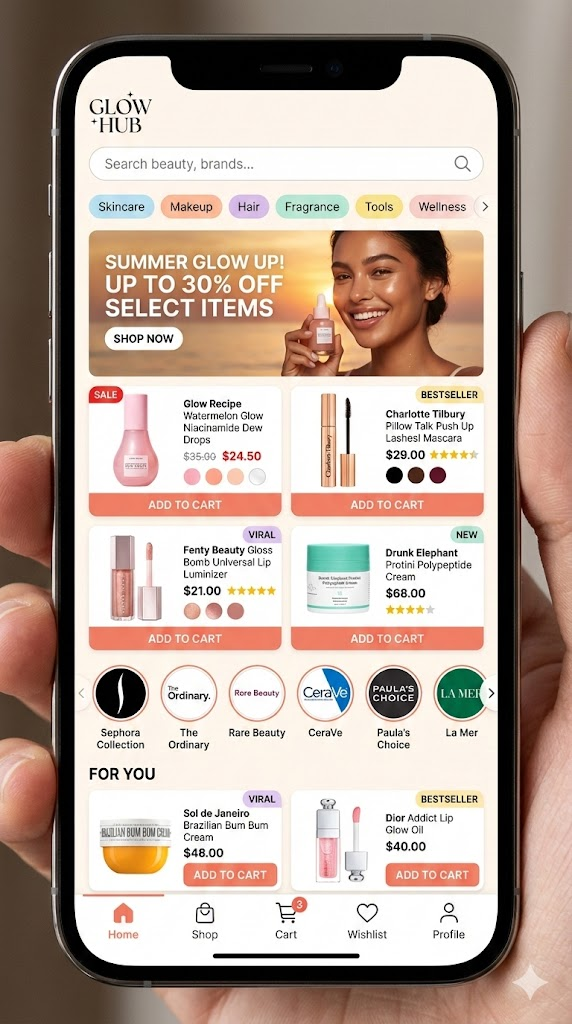
Beauty marketplace mobile app screen inside a smartphone frame. Show a busy homepage with a search bar, category chips (Skincare, Makeup, Hair, Fragrance), and a promo banner with a model photo and discount text. Product grid with beauty items showing image, price, rating stars, shade dots, sale badges, and “Add to Cart” buttons. Include brand logo carousel and a “For You” section with tags like “Bestseller” and “Viral.” Bottom nav bar with Home, Shop, Cart, Wishlist, and Profile. Warm colors, glossy product shots, notification dots, slight screen reflections, detailed and active layout.
This prevents warped buttons and stretched panels.
6. Technical Diagram With Real Labels
According to page 4 of the PDF, diagrams with labels work only if you force clarity. Here’s the upgraded version.
Prompt:
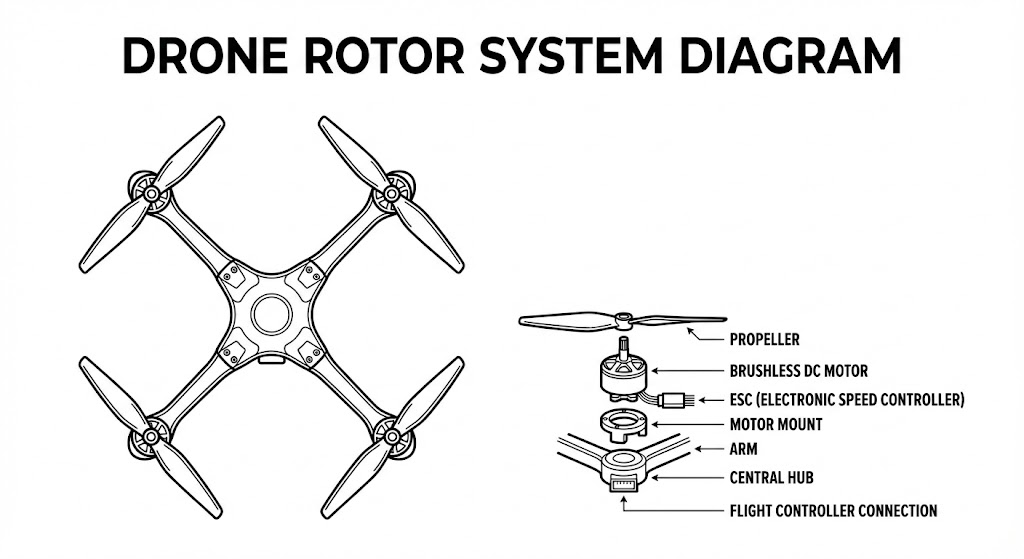
Precision technical diagram of [object], labeled parts, minimalistic vector line style, clean white background, accurate proportions, sharp contrast lines, structured layout for educational clarity.
Prompt Example:
A precise technical diagram of a drone rotor system. Minimal vector line style on a white background. Keep accurate proportions and clear labeled parts. High contrast lines and a structured teaching layout.
Nano Banana Pro respects vector constraints when you define the style.
7. Style Transfer That Protects Identity
You want a stylized output without melting the face. This solves it.
Prompt:
[Subject], core identity preserved, stylized in [desired art style], same proportions, same facial landmarks, consistent lighting, clean contour control, high-resolution detailing, art-directed style transfer.
Prompt Example:
A portrait of a young woman with the same facial structure, eye shape, and hair as the original. Apply a painterly oil-brush style while keeping her identity intact. Use consistent lighting, high detail, and clean contours.
When you say “preserved,” the model listens.
8. 6-Panel Storyboard Strip
Inspired by the storyboard guidance on page 4–5 of the source blog .
Prompt:
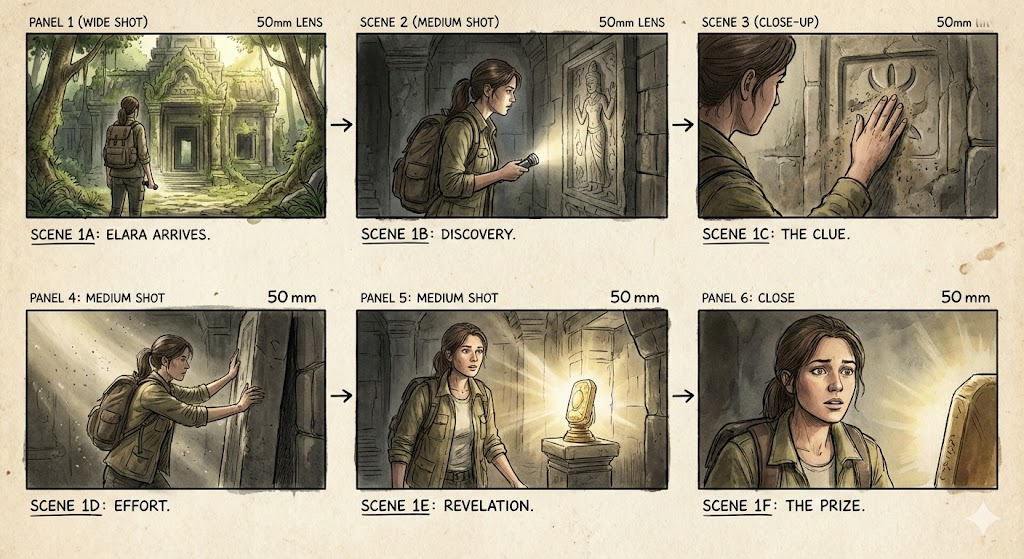
Six-panel storyboard, sequential actions, consistent character design, matching camera lens across all frames, coherent lighting, film-style visual grammar, clean composition alignment.
Prompt Example:
A six-shot storyboard of a man entering a futuristic train. First the exterior, then walking up steps, scanning a ticket, doors opening, entering the train, and finally sitting down. Keep his design, outfit, camera lens, and lighting consistent across all panels.
This is the fastest way to go from idea to draft scene.
9. Viral Toy / Figurine Mockup
Social media loves these.
Prompt:
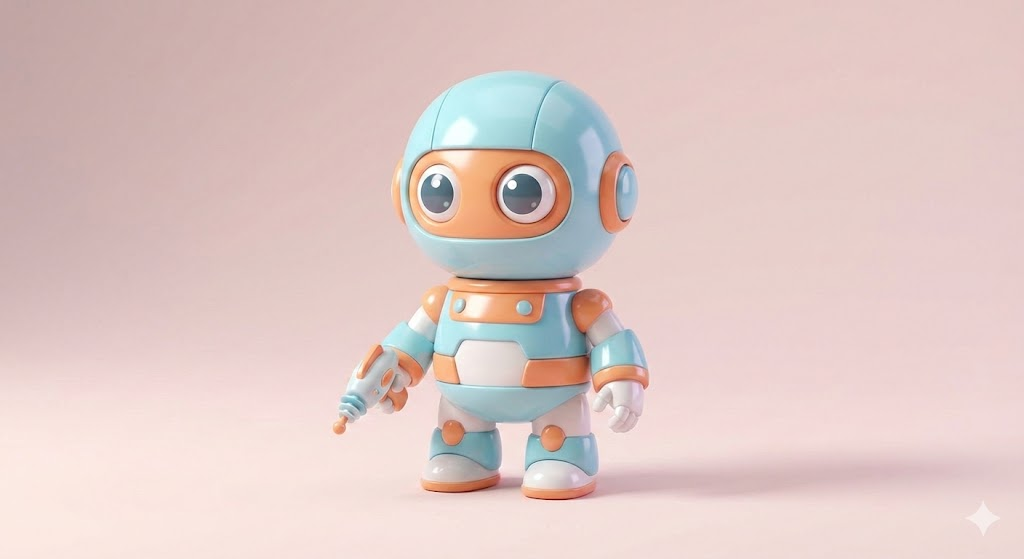
Cute collectible figurine of [character], stylized proportions, studio product lighting, soft shadows, glossy material finish, centered composition, commercial toy photography style.
Prompt Example:
A cute vinyl-style figurine of a sci-fi robot. Exaggerated proportions, glossy plastic, soft studio shadows, centered composition, toy photography style.
Great for merch previews or campaign teasers.
10. Realistic Portrait With Perfect Lighting
This is your “never fails” portrait formula.
Prompt:
Ultra-realistic portrait of [subject], three-point lighting, balanced highlights, soft shadows, crisp textures, clean color temperature, subtle specular detail, professional photography look.
Prompt Example:
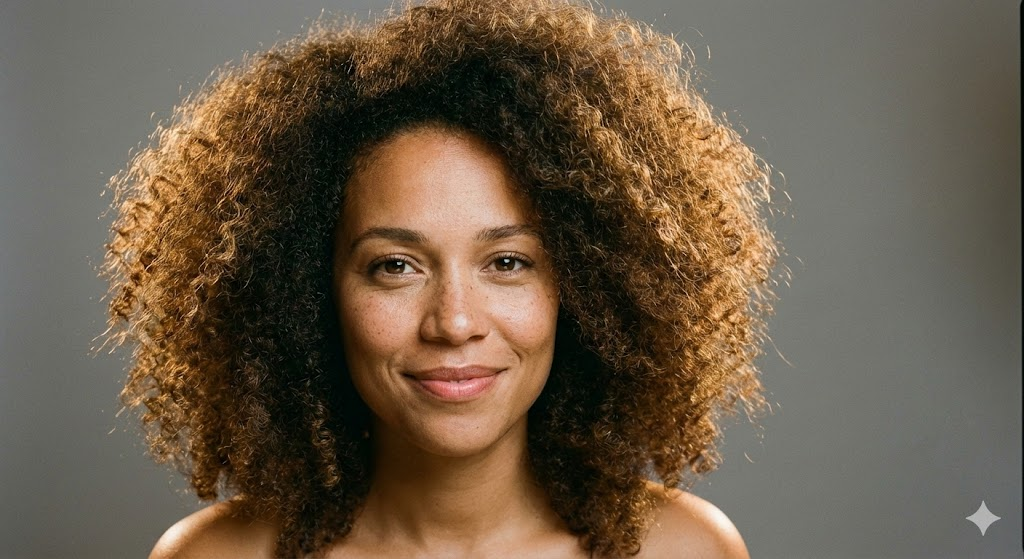
A realistic portrait of a woman with curly hair. Use a three-point lighting setup with clean highlights and soft shadows. Warm skin tone, crisp texture, neutral background, professional photography look.
It produces stable, flattering results across subjects.
Pro-Level Prompting Tips That Actually Matter
The PDF included a troubleshooting section (page 5) . Here’s the sharper version—what you should actually do:
Tip 1: Use “preserve” language when you need accuracy
Identity, shape, and proportions stay stable when you explicitly protect them.
Tip 2: Stack clarity in three passes
Describe the subject
Describe the scene
Describe the structure
This fixes 80% of issues.
Tip 3: Short prompts outperform long rambling ones
Nano Banana Pro doesn’t reward essays. It rewards precision.
Troubleshooting: Fast Fixes for Common AI Failures
The original list (page 5) included the right issues. Here’s the faster, more actionable version:
Conclusion: Stop Guessing. Start Creating With Control.
Most people use AI like a slot machine. They hope the model magically understands their intent. You’re not doing that anymore.
With the templates and pro prompts in this guide, you’ll generate cleaner, sharper, more consistent outputs every time. Nano Banana Pro responds to structure. If you give it direction, it performs at an expert level.
Use these prompts. Refine them. Build your own library.
Your results will change fast.
FAQs
Can these prompts work across all Nano Banana Pro models?
Yes. Some styles vary, but the structure works everywhere. Derived from the source article’s universal template .
Do I need long prompts for better results?
No. Clear prompts beat long prompts every time.
How do I fix character drift?
Lock identity with anatomy, proportions, hair, and facial landmarks.
Can I use these prompts for commercial work?
Yes. They’re built for branding, product visuals, and content pipelines.
What’s the fastest way to improve my outputs?
Use the expert template. Then tweak lighting, style, and layout only when needed.
ChatGPT Image Generator is at the center of this creative renaissance, where artificial intelligence has advanced to breathtaking new heights. It’s time to wake up if you haven’t been using this tool lately because there are some really amazing and revolutionary ways to use it.
With real-world examples and detailed instructions, we’ll show you how to use ChatGPT Image Generator in tens of creative and useful ways in this guide. This is your new playground, regardless of whether you work as a marketer, designer, educator, or simply enjoy working with images.
In This Post
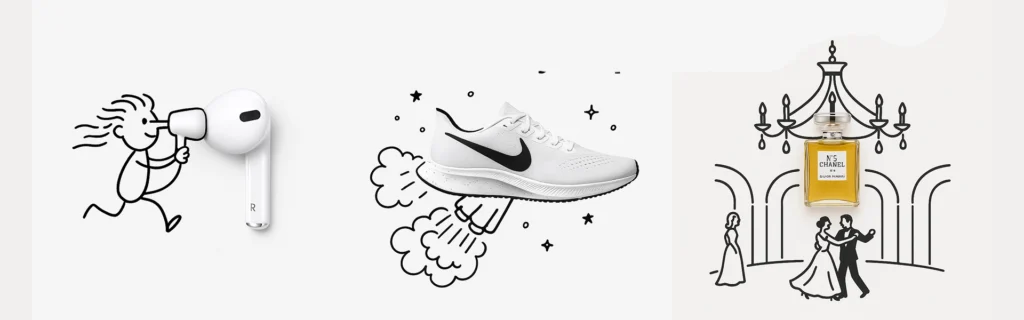
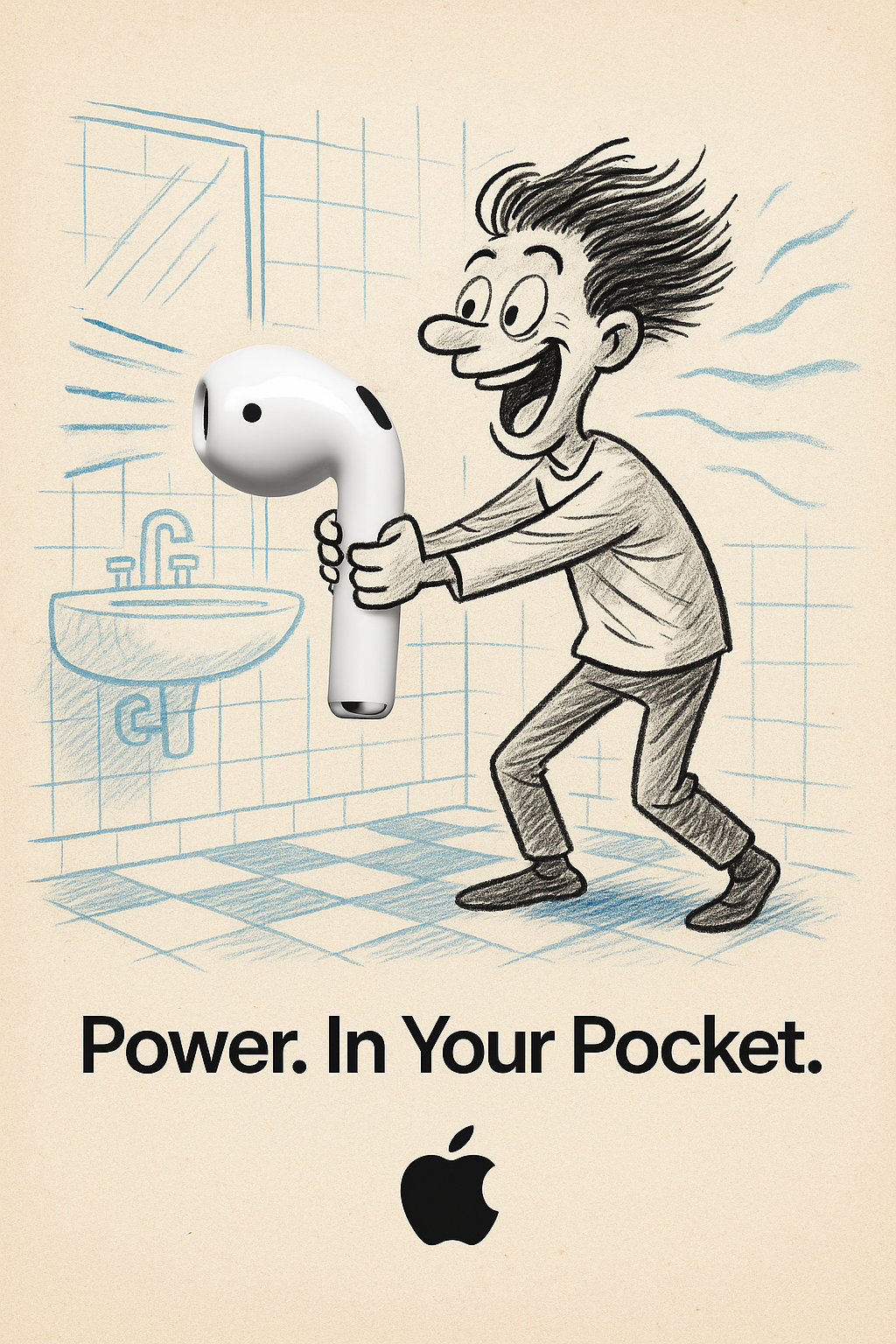
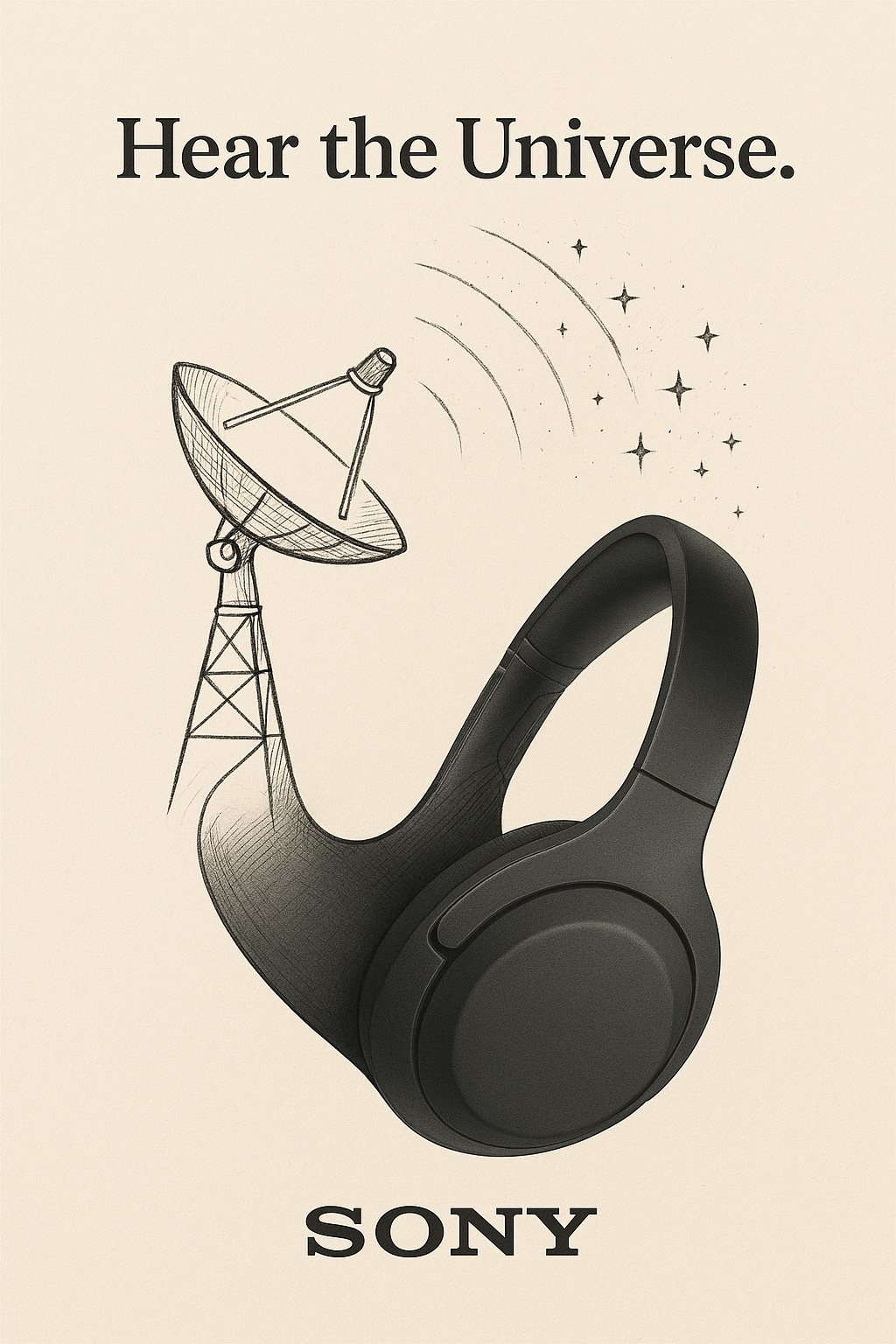
1. Design Minimalist Doodle-Style Ads
Minimalistic Creative Advertisement
A minimalist and creative advertisement set on a clean white background. A real [Real Object] is integrated into a hand-drawn black ink doodle, using loose, playful lines. The [Doodle Concept] interacts with the object in a clever, imaginative way. Include bold black [Ad Copy] text at the top or center. Place the [Brand Logo] clearly at the bottom. The visual should be clean, fun,high-contrast, and conceptually smart.
Want ads that look like they belong in a museum? Try this:
Prompt Style: Minimalist doodle on a white background
Real Object: Your product (e.g., a slice of toast with Nutella)
Doodle Concept: Something quirky, like a painter painting on the toast
Ad Copy: A short slogan like “Spread the art”
Use this formula for social media creatives, product launches, or email banners. Change only the highlighted parts and boom—you’ve got a brand new visual in seconds.
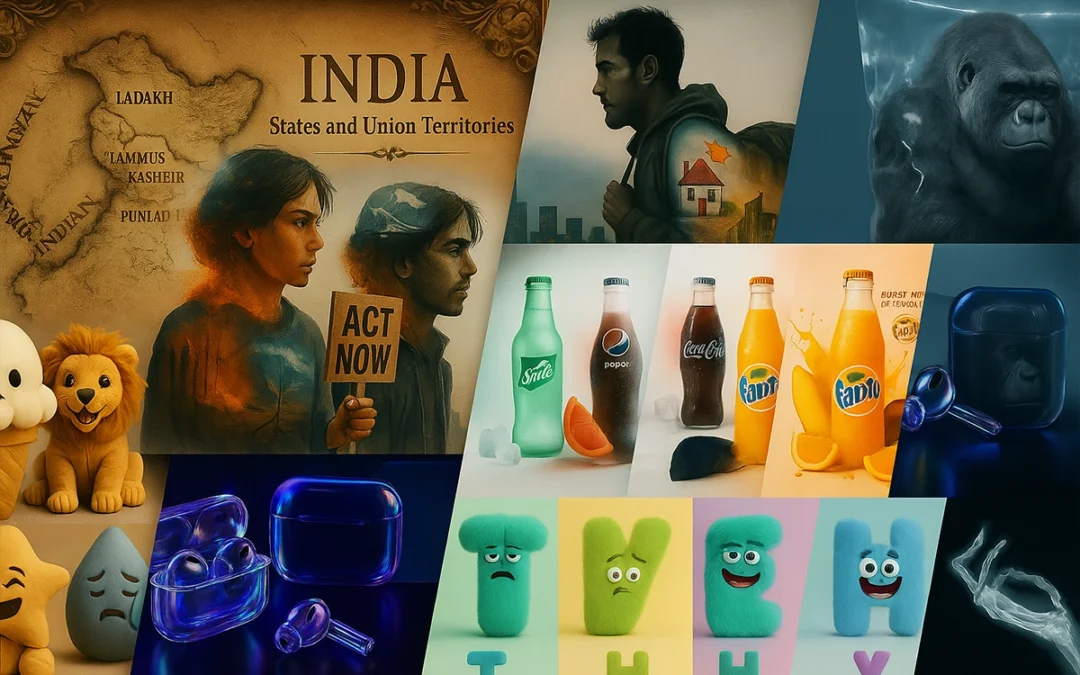
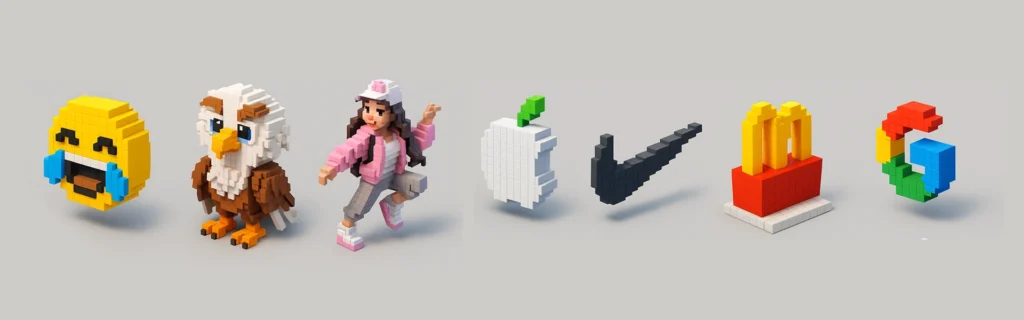
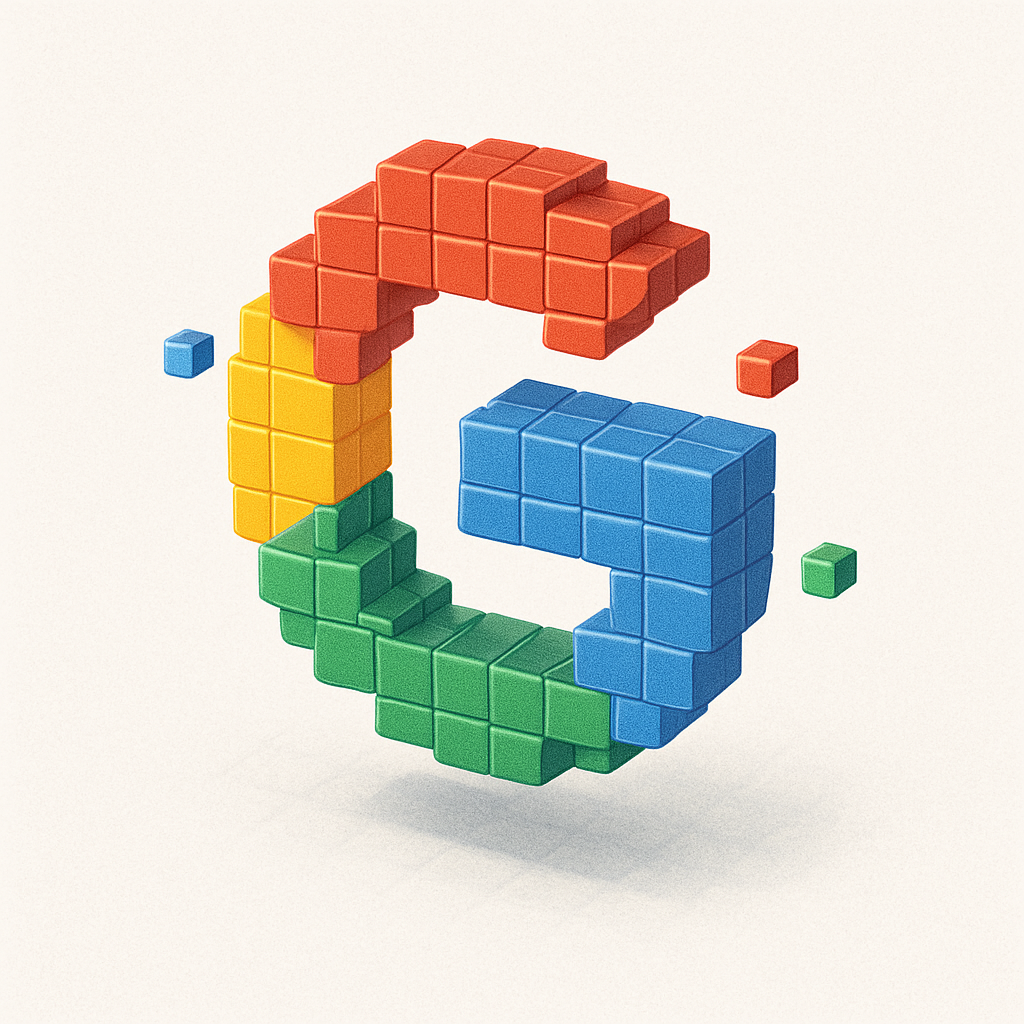
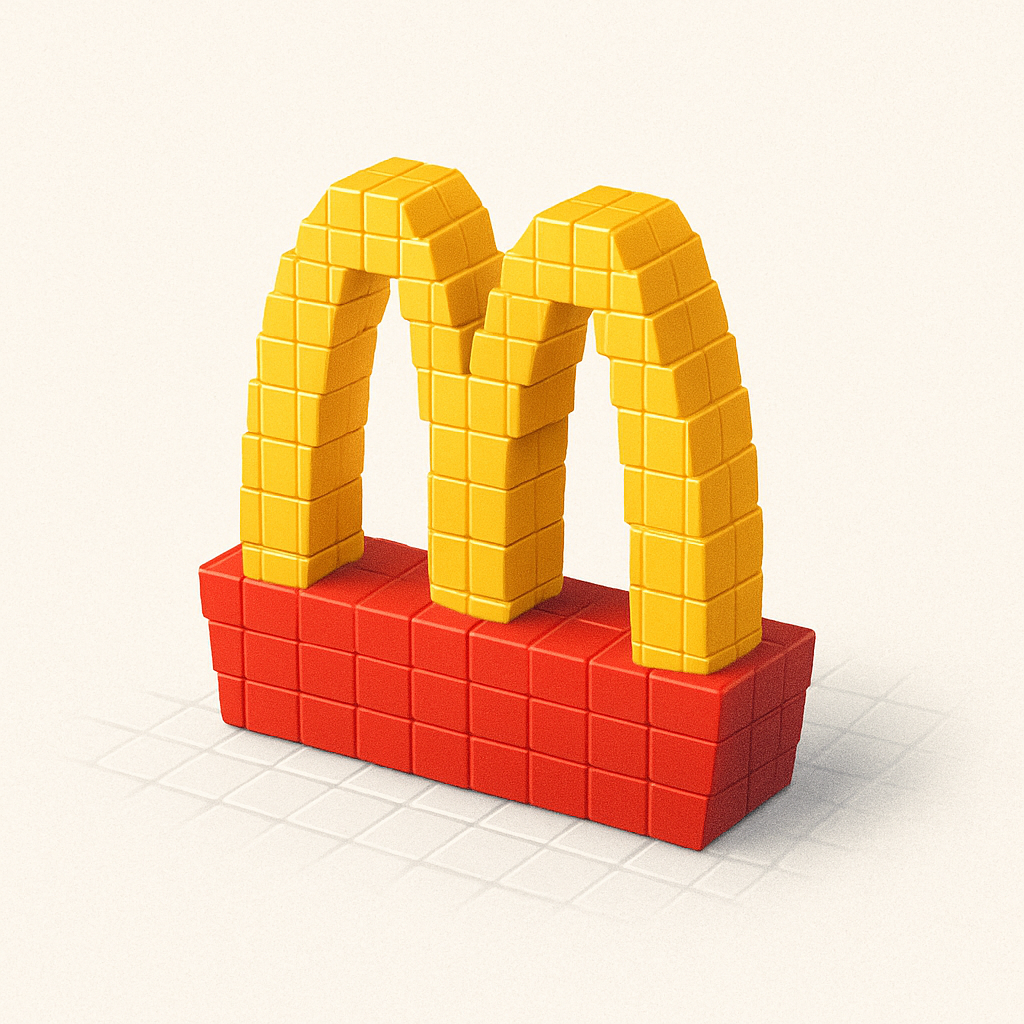
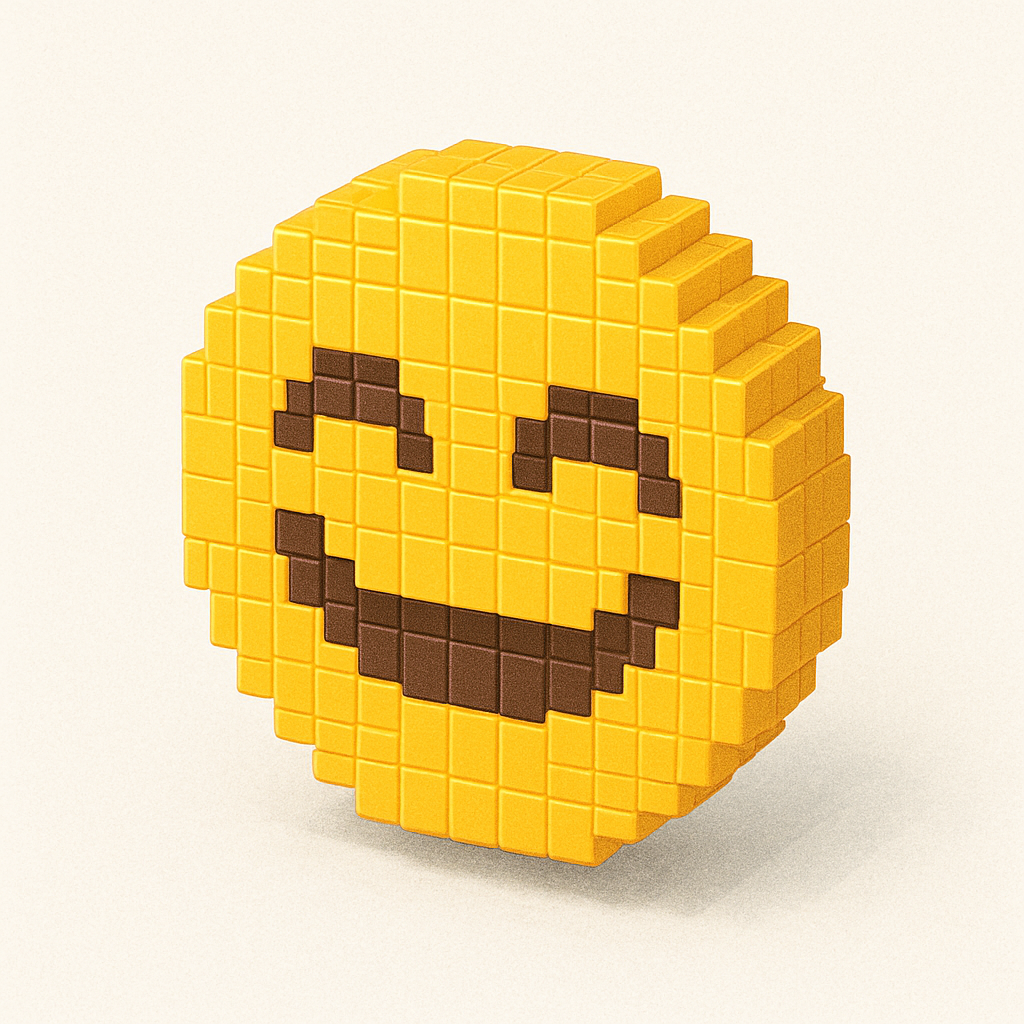
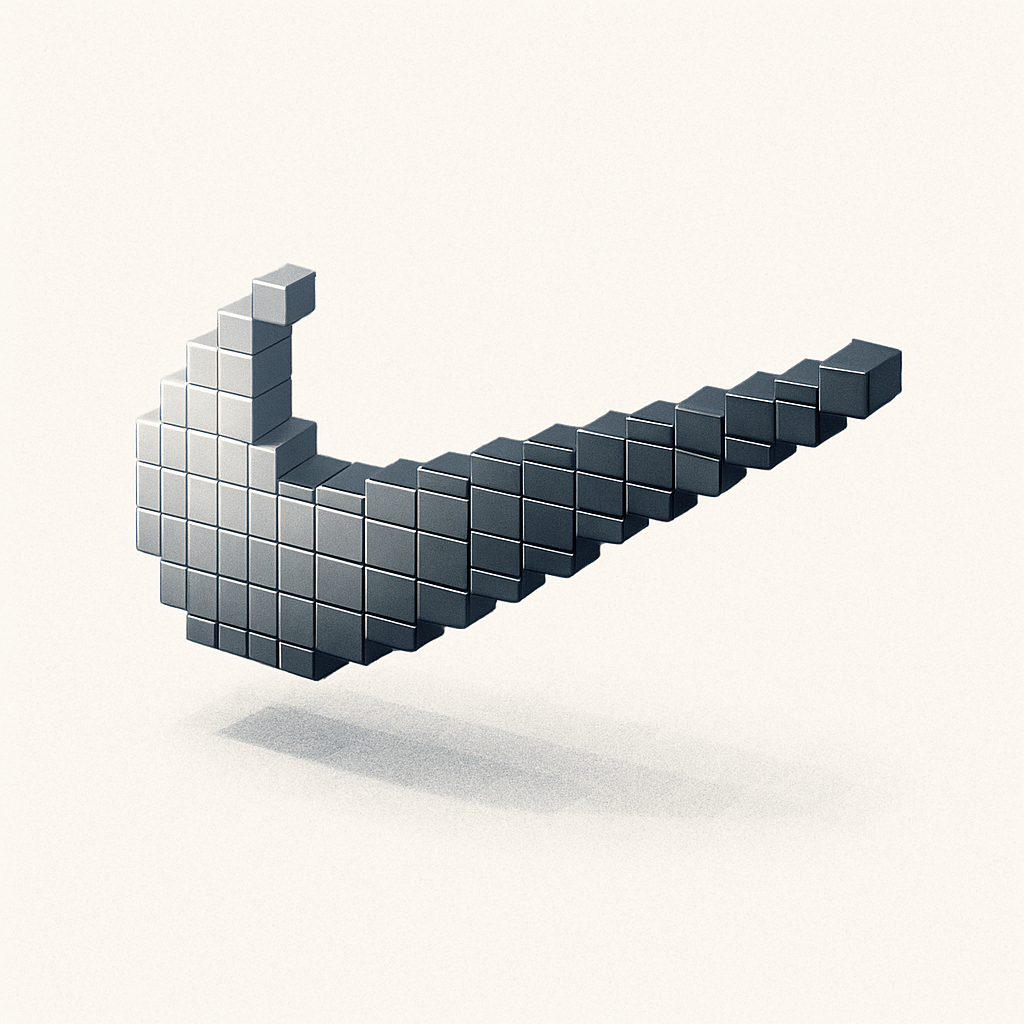
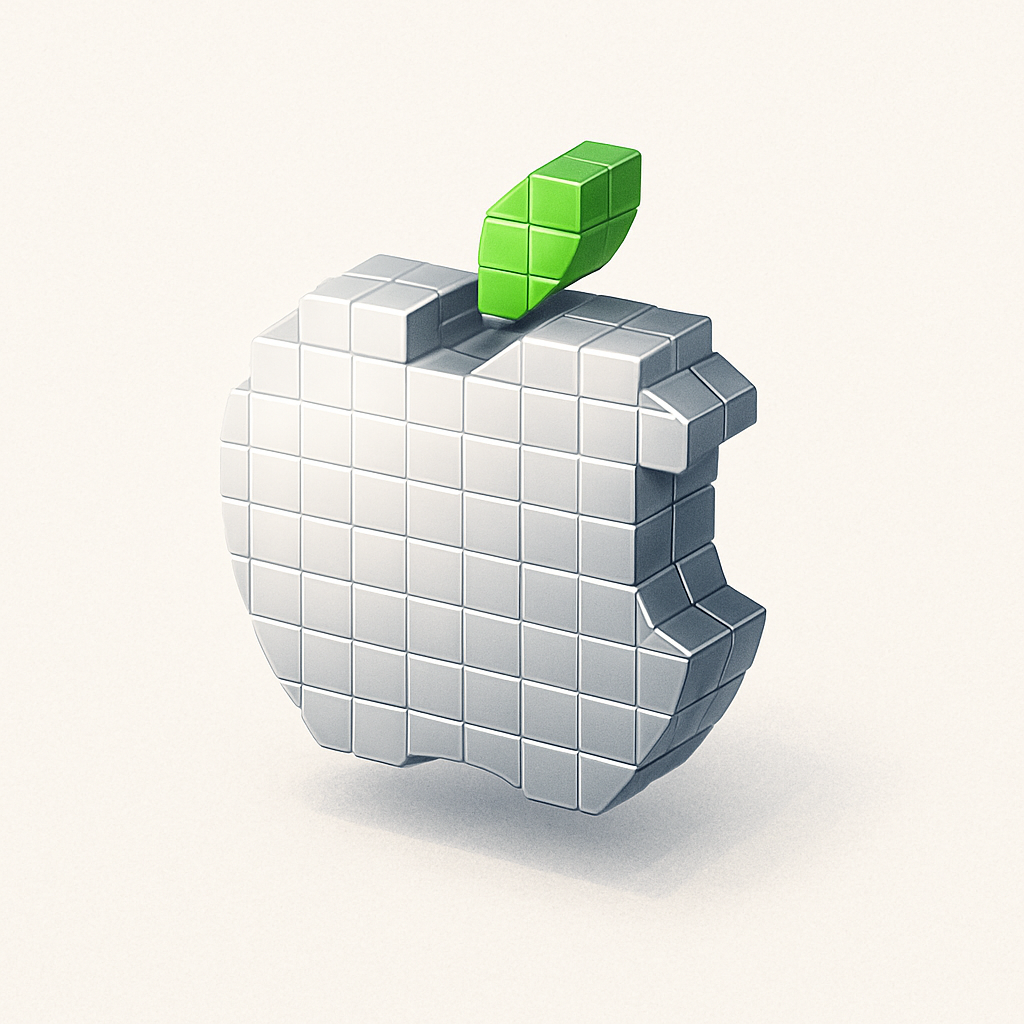
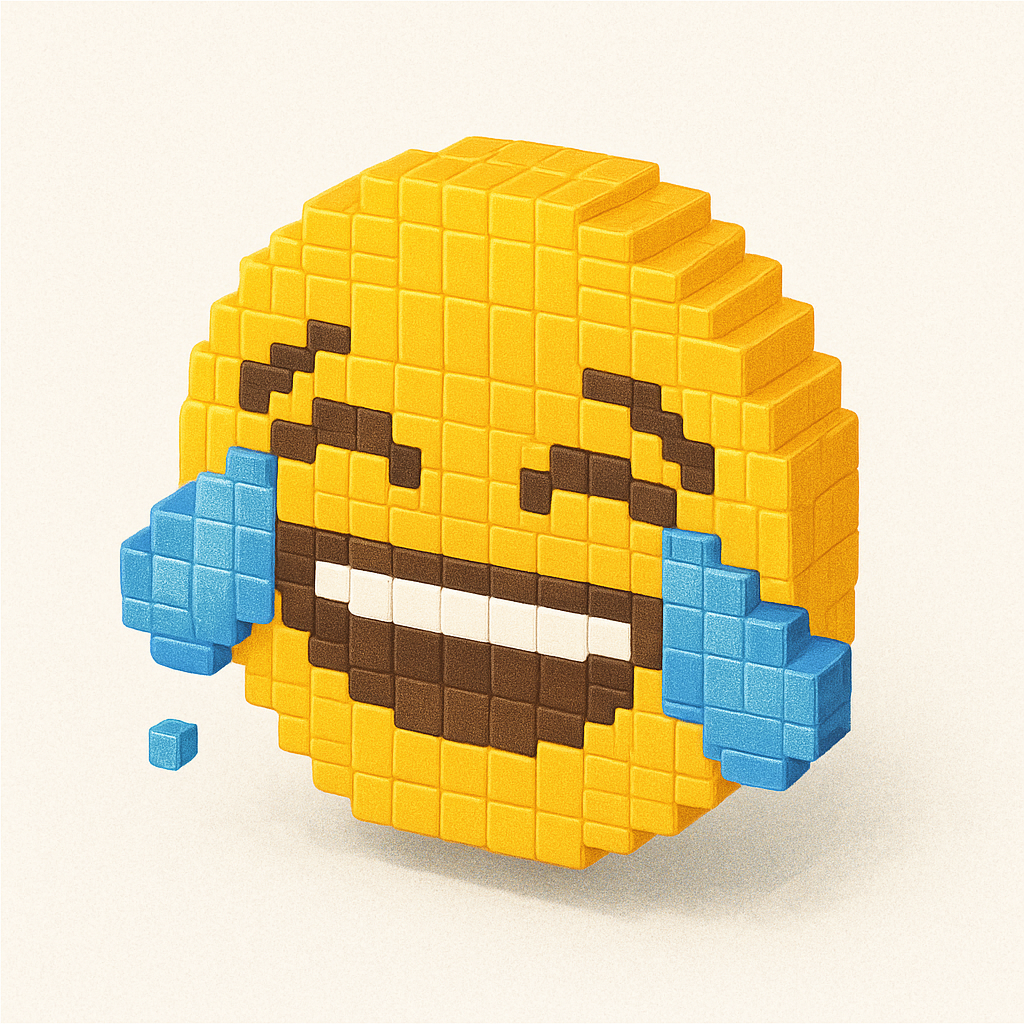
2. Create Voxel Art (like Minecraft-Style 3D Blocks)
Voxel art is a fan favorite—and yes, you can recreate emojis, characters, or logos in this playful blocky style.
Upload an emoji or custom image
Use the voxel prompt
Enjoy pixelated masterpieces!
Voxel 3D
Create a detailed Voxel 3D style icon of [EMOJI/ATTACHED IMAGE], with colorful pixels and shadow, floating randomly on a plain white background.
Perfect for game developers, branding mockups, and NFT-style art.
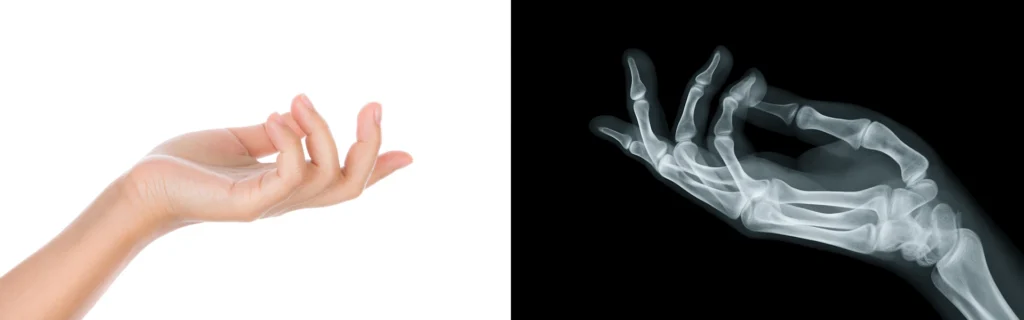
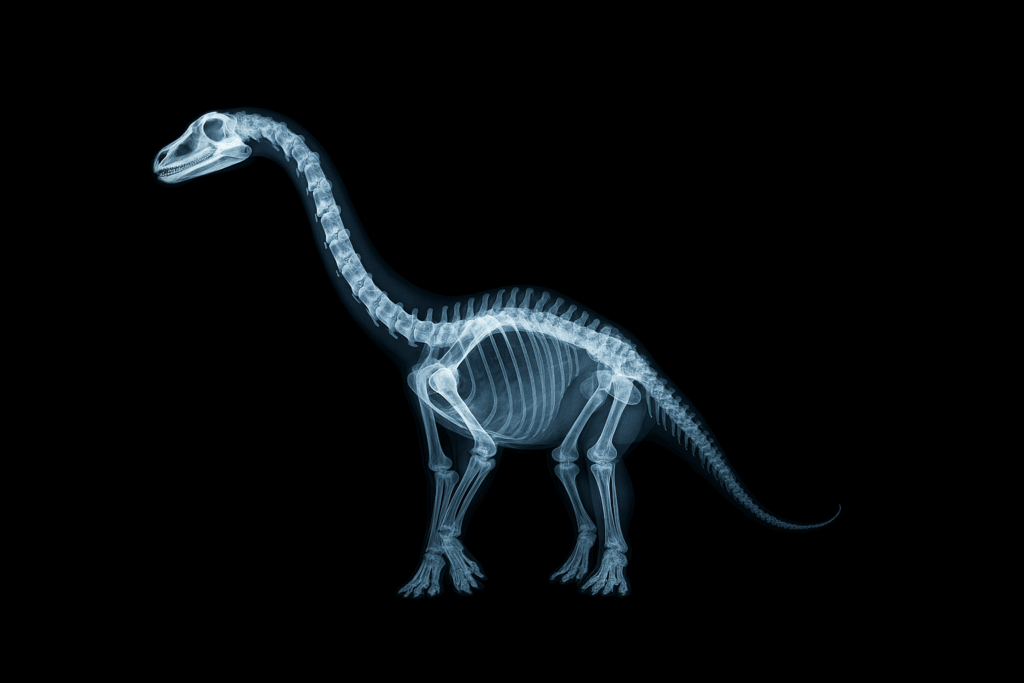
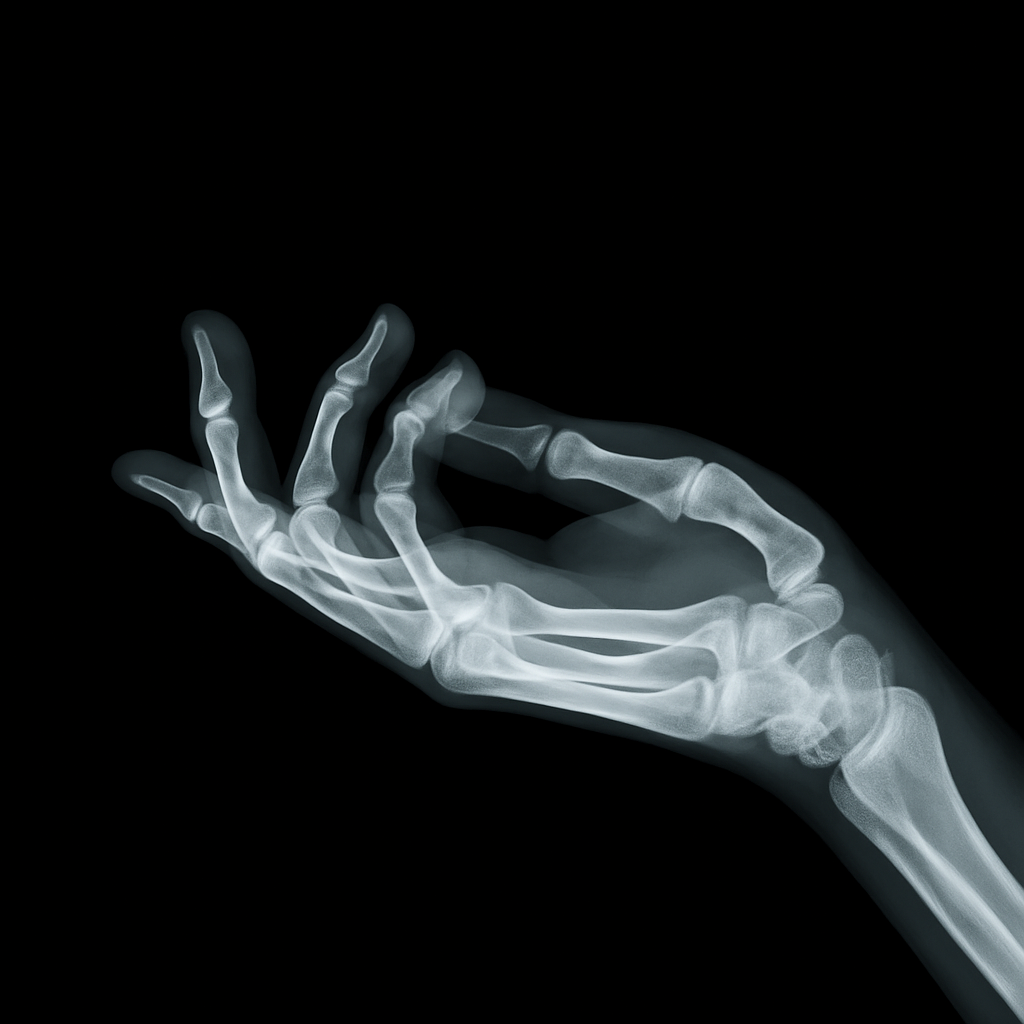
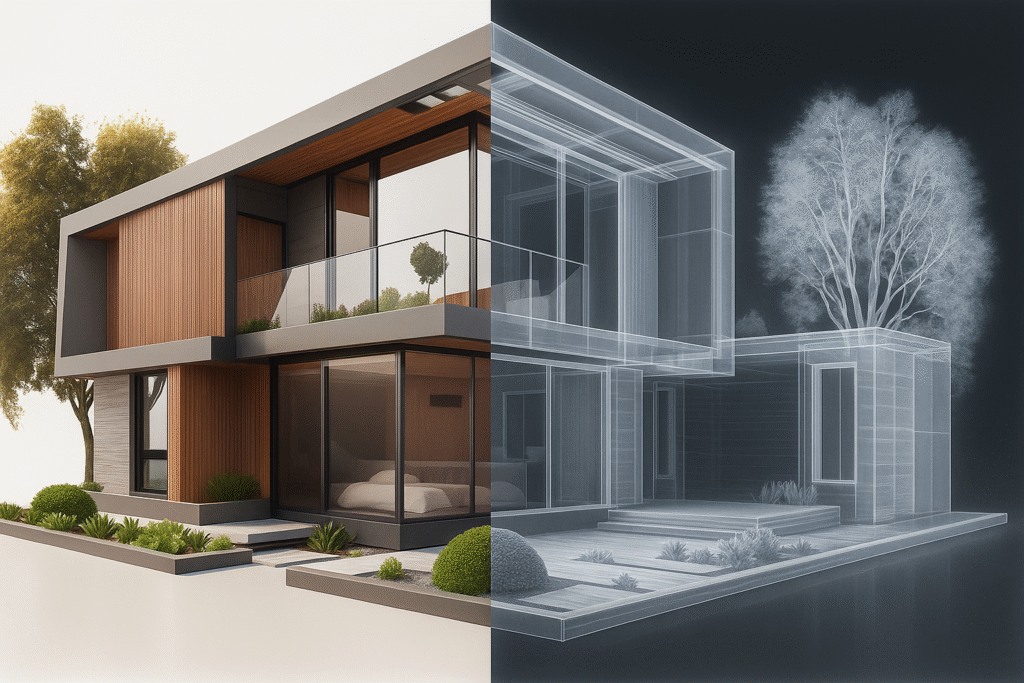
3. Make X-Ray Style Images
Yep, you can turn images into mock X-rays:
Works with pets, products, or even body parts
Great for medical projects, edgy designs, or sci-fi art
Just upload your image and use the X-ray prompt
X-ray
Realistic x-ray of attached image medical scan, clinical realism, mention ratio.
These visuals are so realistic they’ll stop scrollers in their tracks.
4. Frozen Miniature Product Packs
Want to showcase your product in a jaw-dropping style? Try frozen sealed packs.
Upload product image
Add bold label and price
Style it like it’s inside a cryo pack
Vacuum Packaging
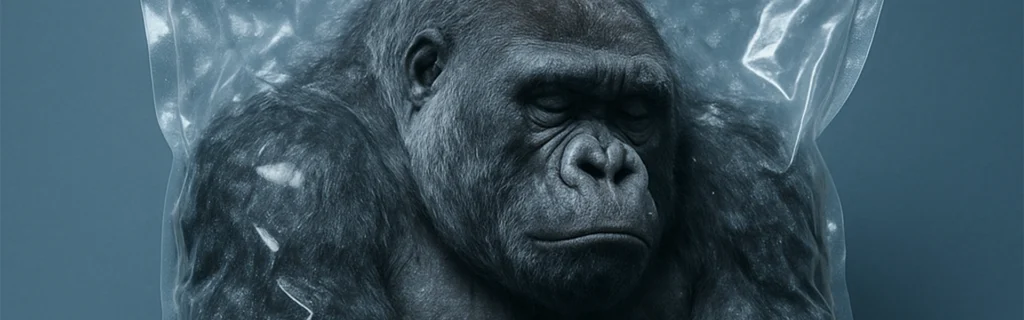
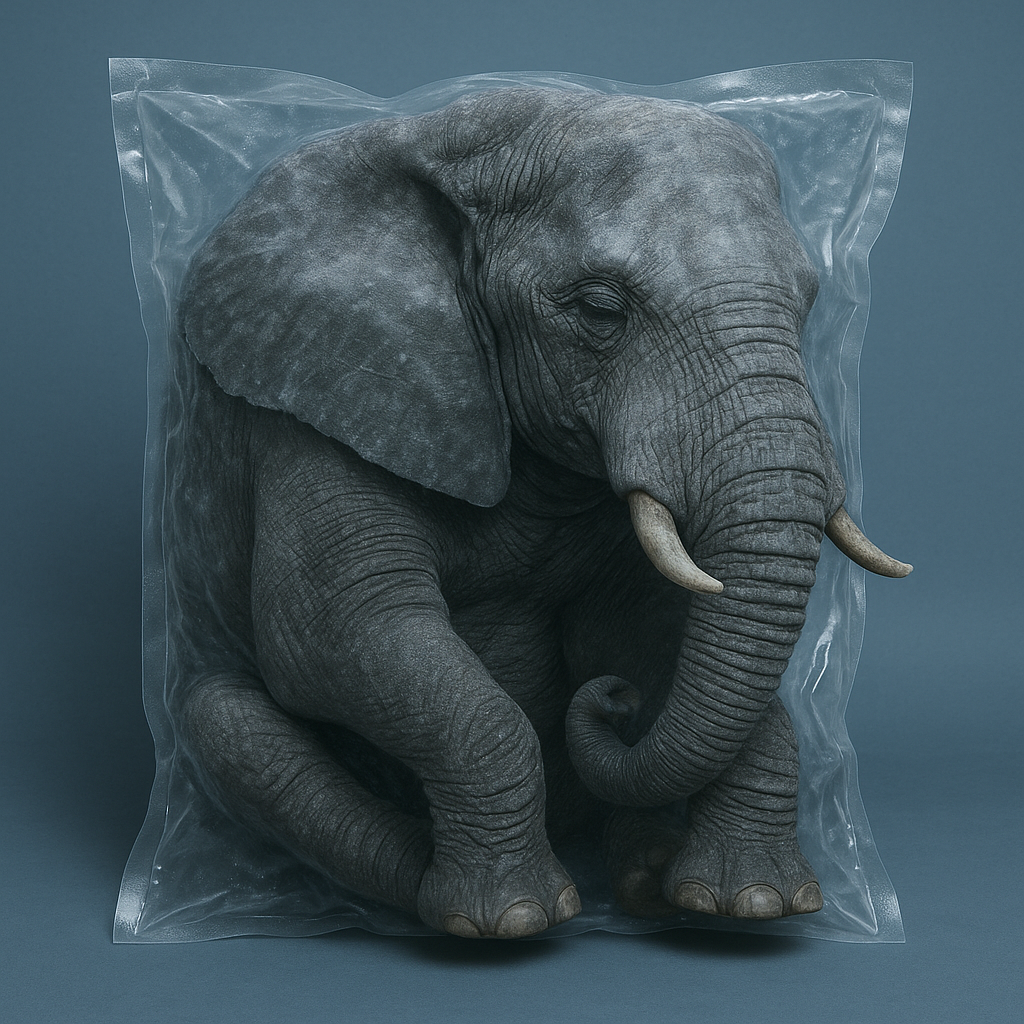
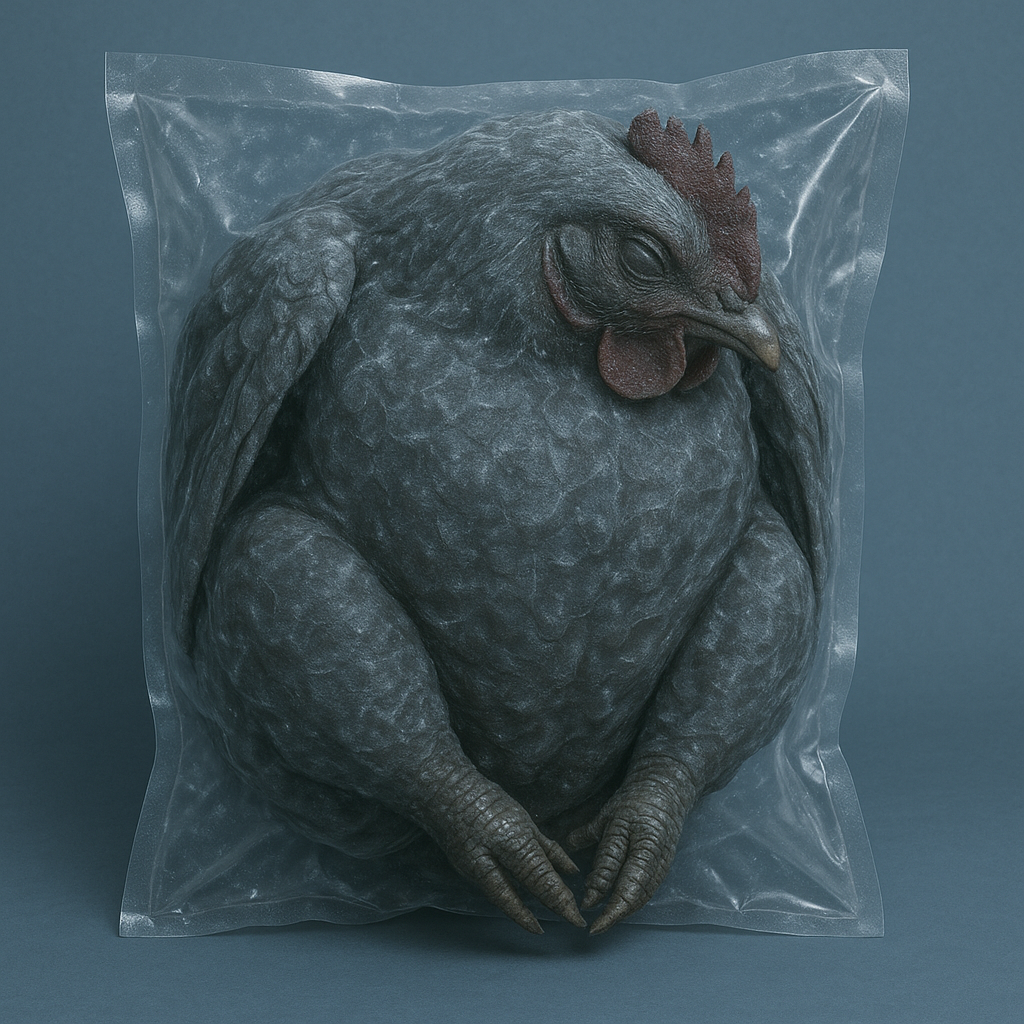
In the industrial vacuum packaging, you can see a wrinkled bag, compressed and vacuum-sealed in the freezer, containing a huge, whole, deep-frozen (subject) make it realistic. with closed eyes. The background is plain blueish and the color contrast is intense. The vacuum-sealed stands out.
Miniature Packaging
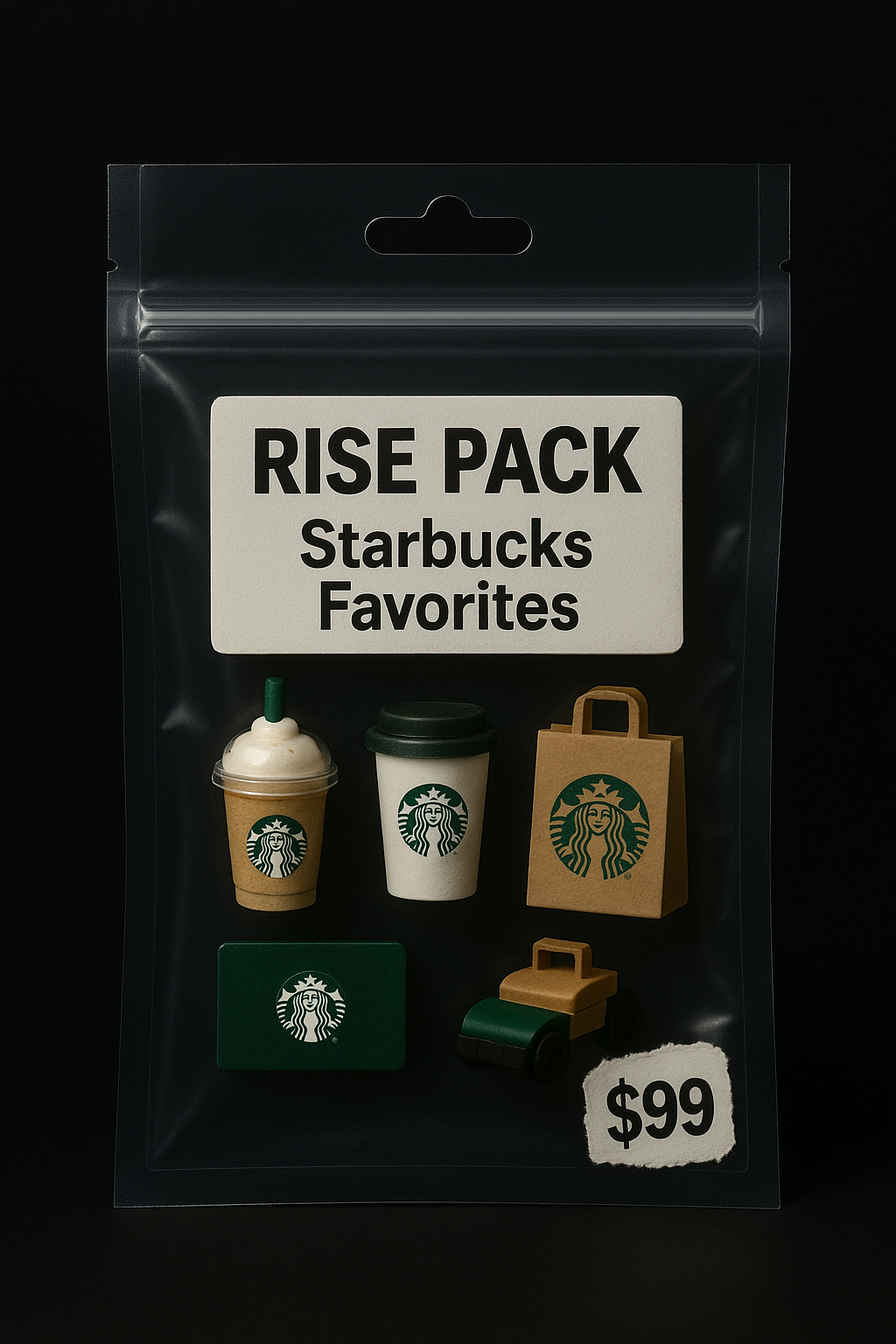
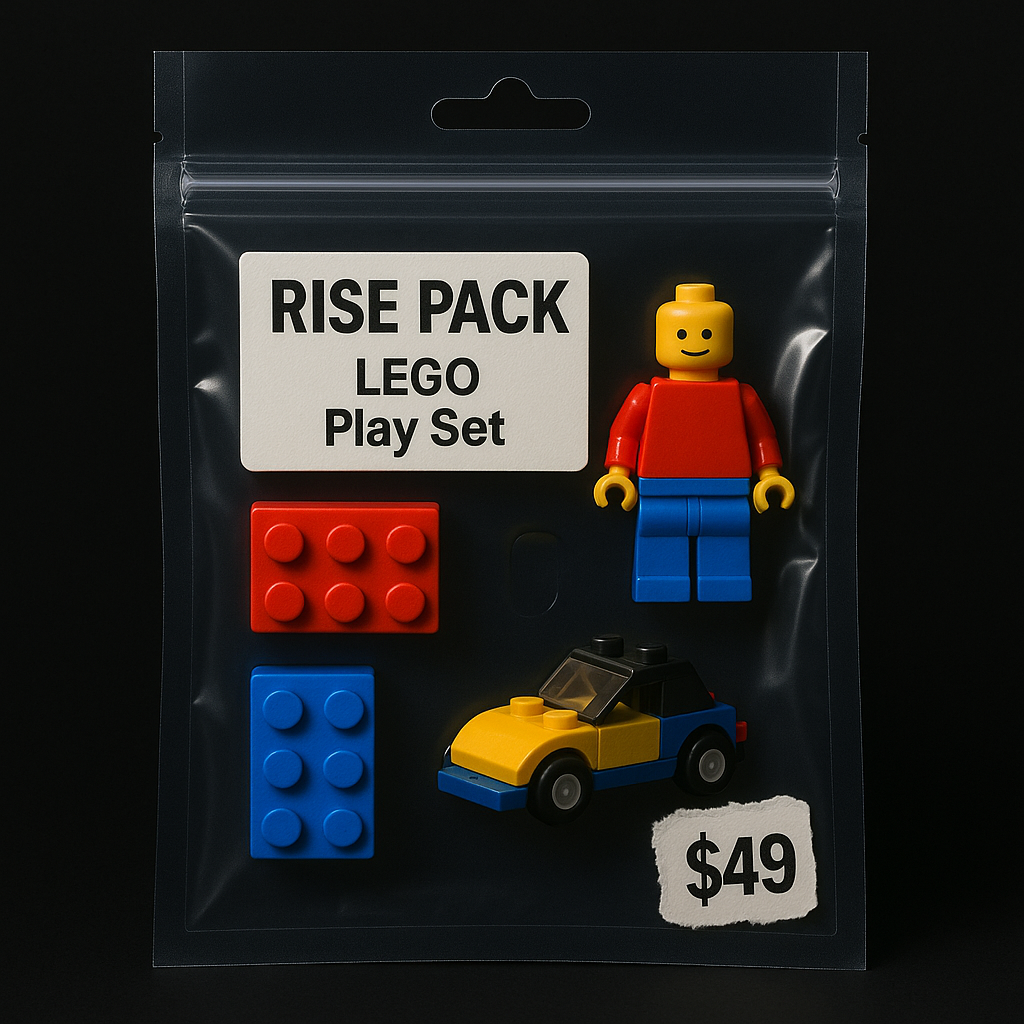
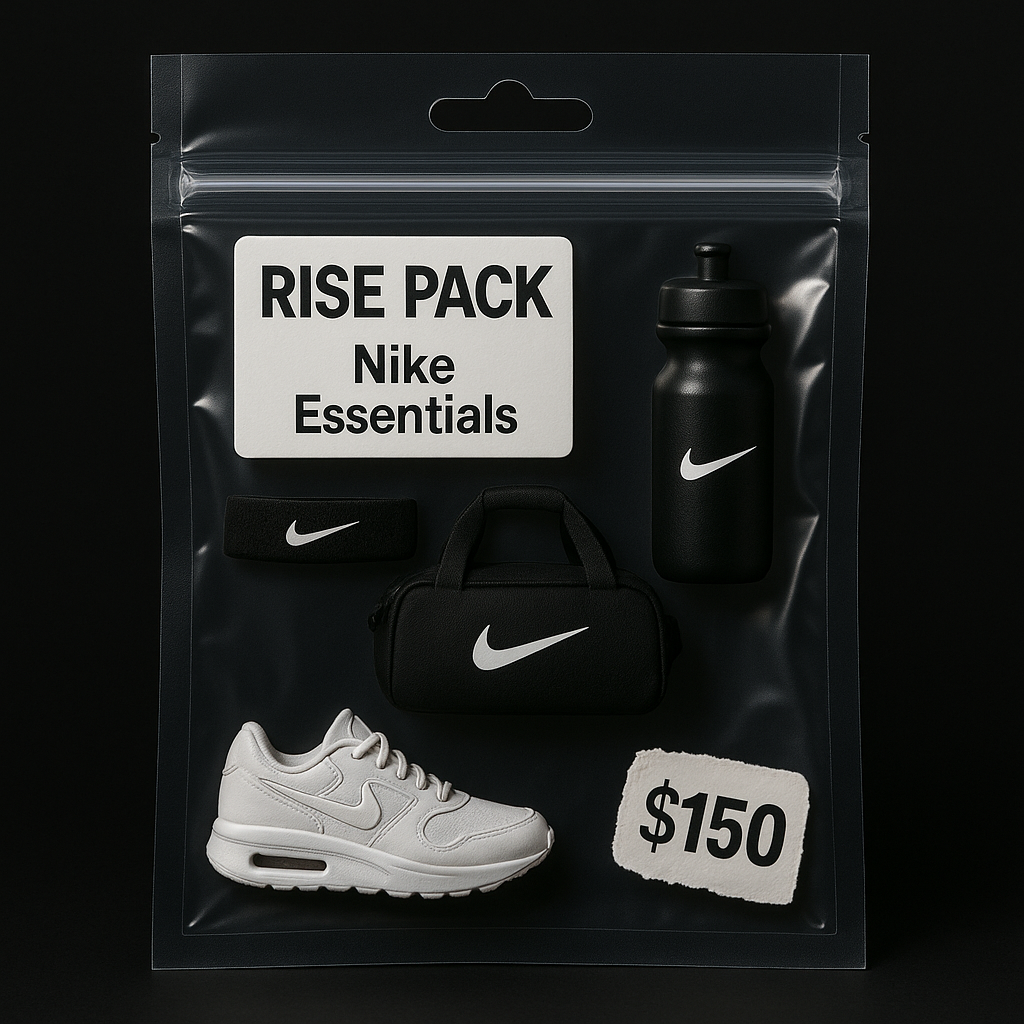
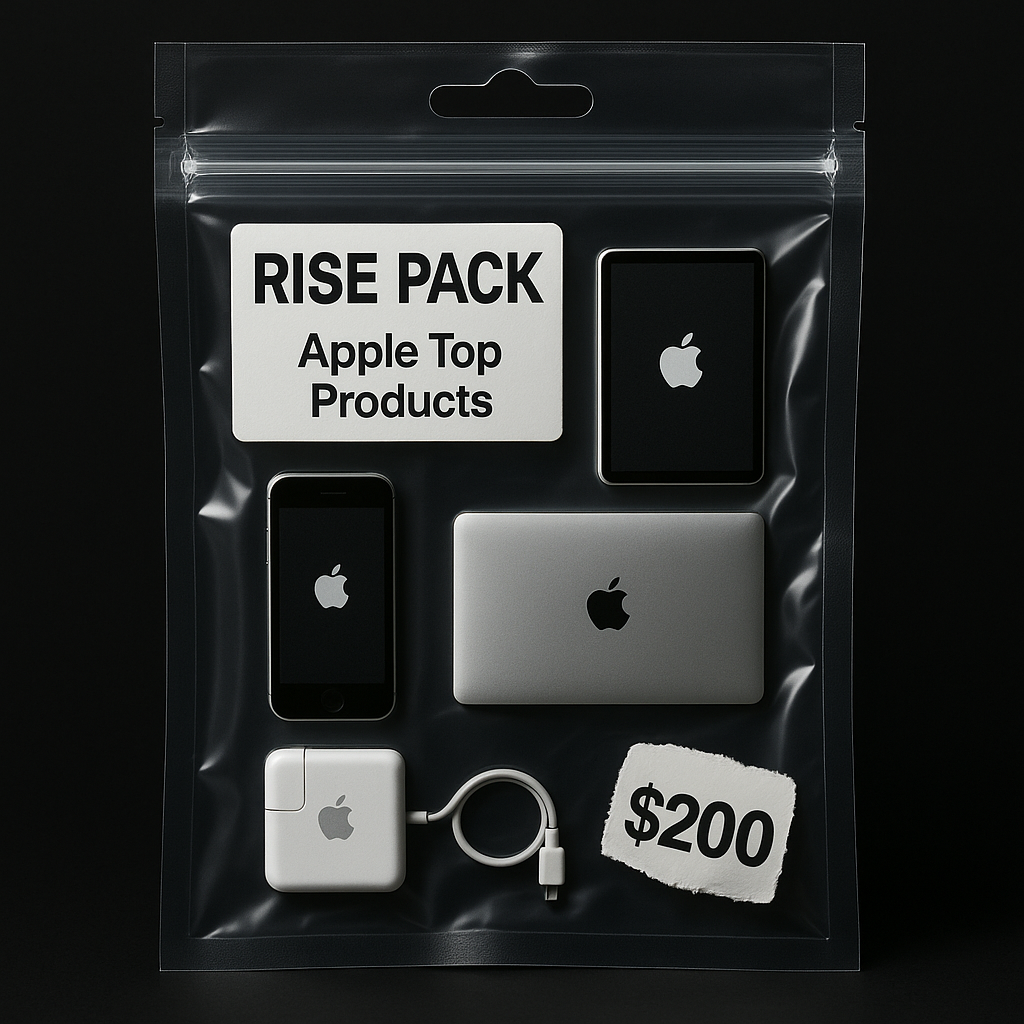
A transparent zip-sealed plastic bag with a die-cut hanging hole, containing miniature sculptural objects themed around [breakfast/ your theme], such as [ change the text or upload your images – a sunny-side-up egg, a tiny croissant, a steaming coffee cup icon, a buttered toast slice, a small orange juice carton, and a strawberry], arranged neatly inside, shot in premium product photography style. The label reads [change this – “RISE PACK: BREAKFAST ESSENTIALS”] in bold text, and a price tag sticker says “$6.49” in a torn style, placed at the corner. The background is solid black, with soft studio lighting and subtle rim lights for a sleek, cinematic look. Toy packaging meets conceptual art mockup aesthetic.
This is high-impact advertising without the high-budget shoot.
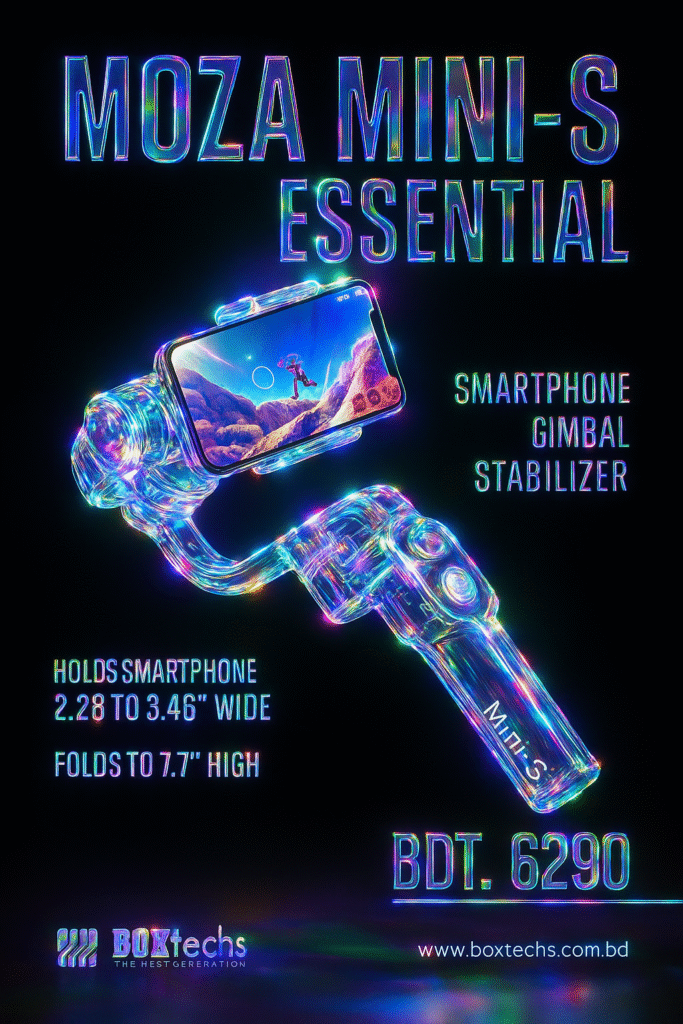
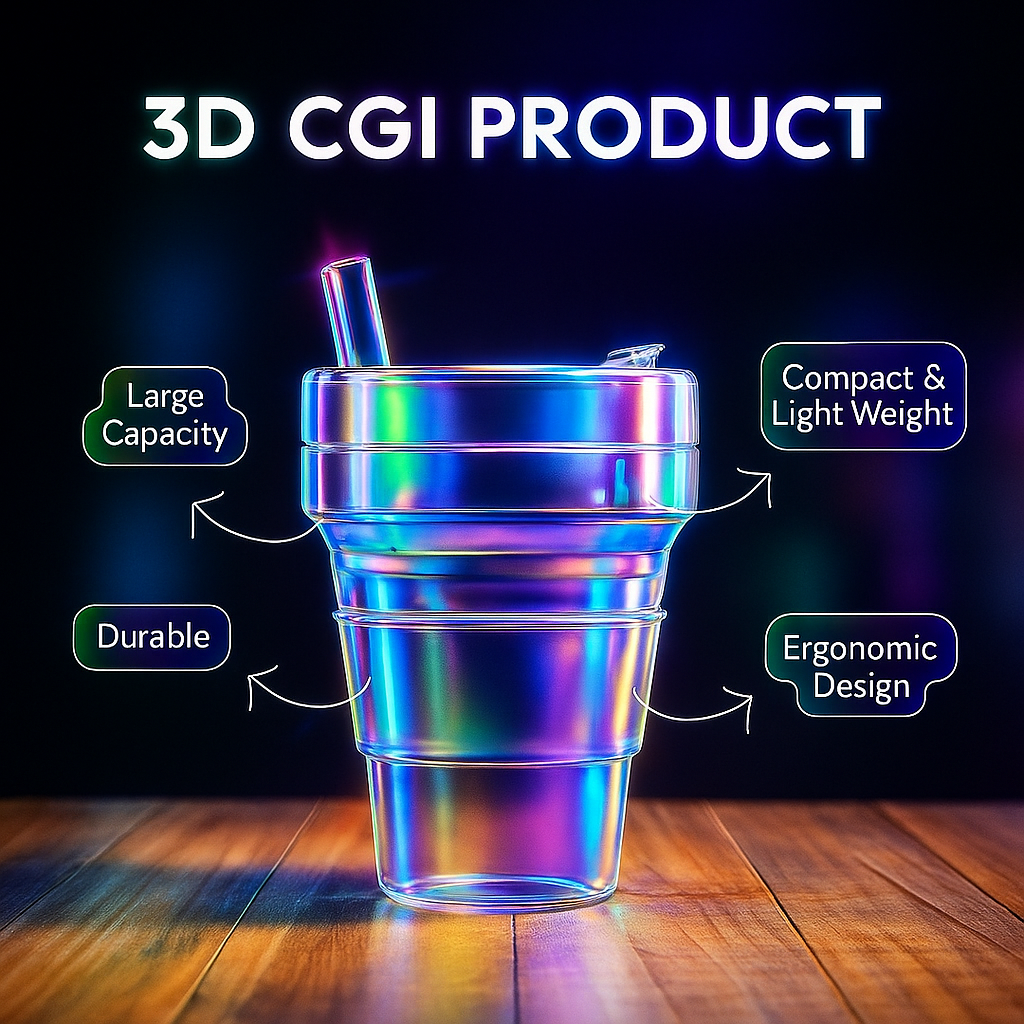
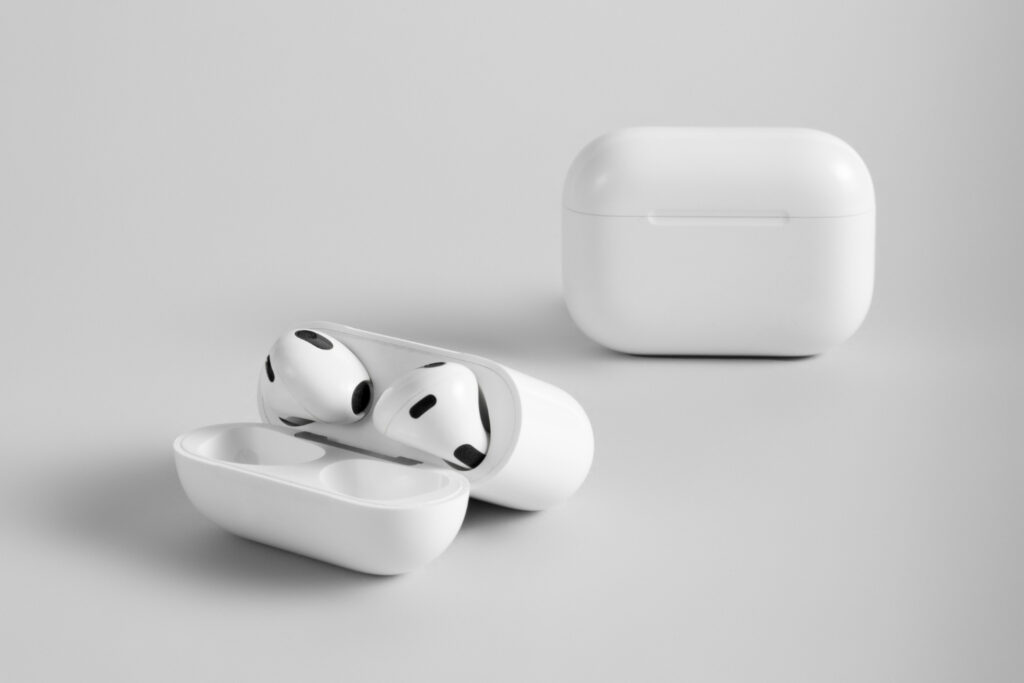
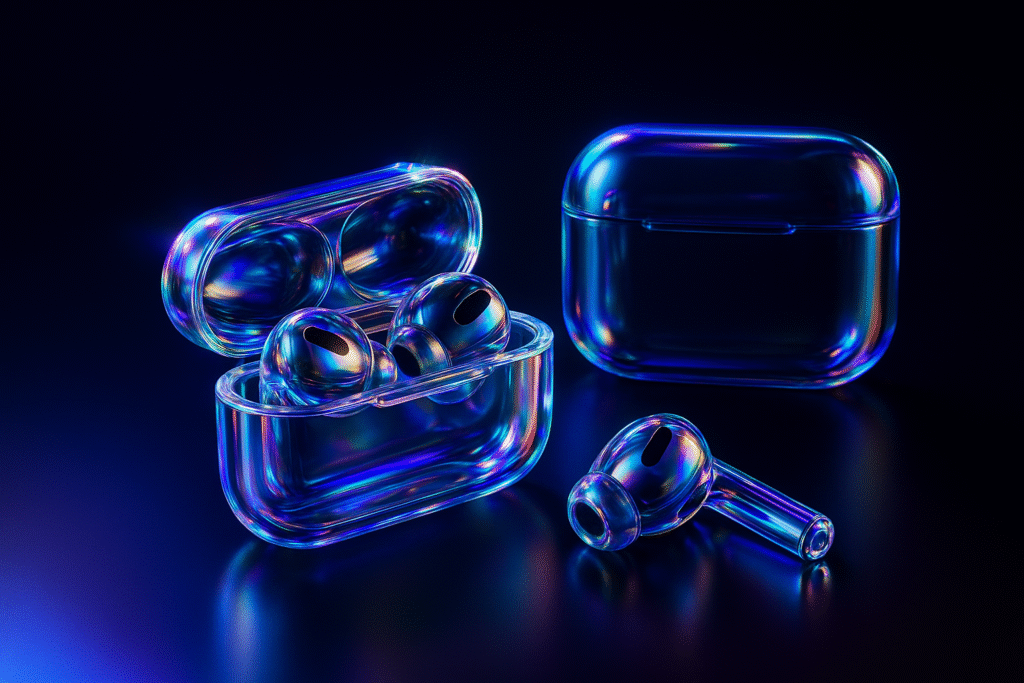
5. Iridescent Glass Style Re-texturing
Think pastel glows and shimmering surfaces.
Upload any image (like a logo or a webpage)
Paste the JSON prompt
Enjoy the futuristic, soft, glassy vibe
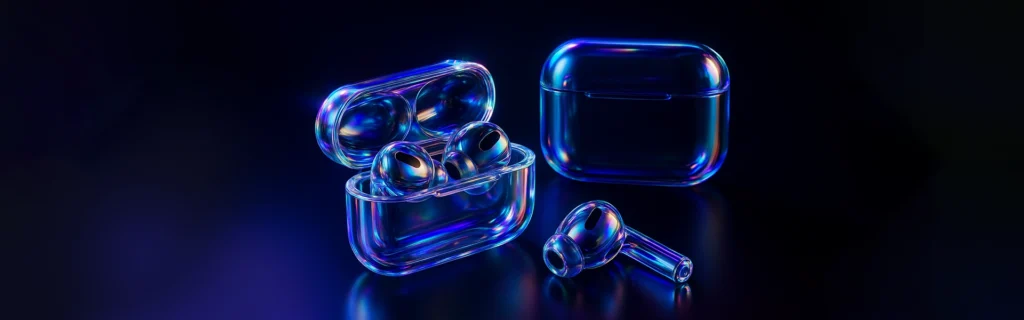
Iridescent Glass
Prompt: retexture the image attached based on the JSON aesthetic below
{
“style”: “photorealistic 3D render”,
“material”: “glass with transparent and iridescent effects”,
“surface_texture”: “smooth, polished with subtle reflections and refractive effects”, “lighting”: {
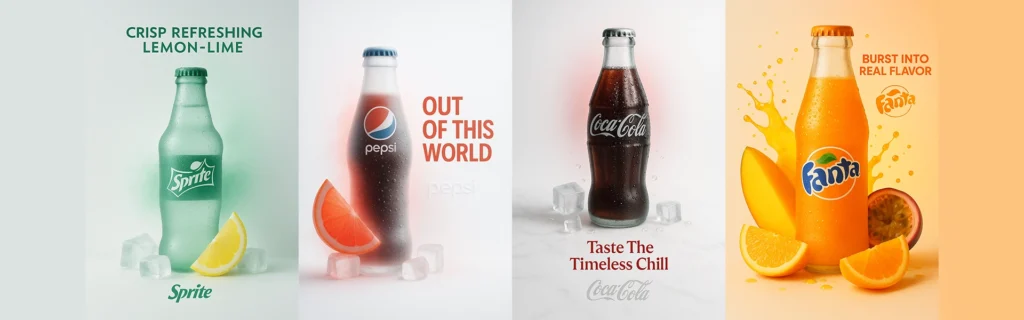
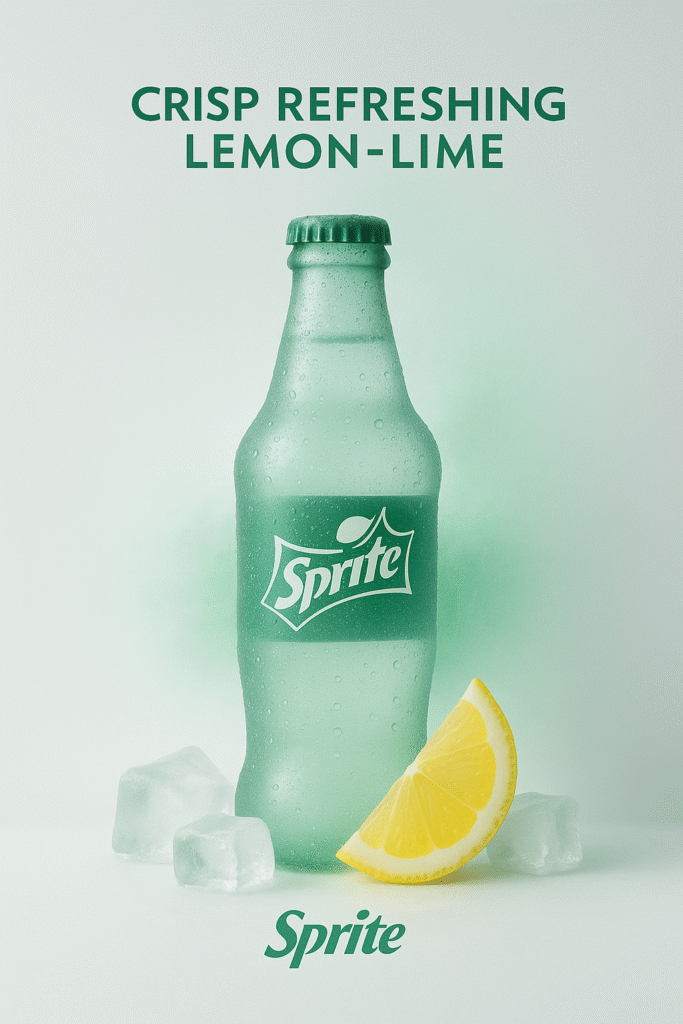
A real sprite bottle with lemon and ice cubes, in a surreal, minimalist frosted-glass style advertisement.
The product is real and centered, placed against a clean white or softly tinted background.
Soft cinematic lighting creates gentle contrast and ambient shadows.
A single brand color subtly interacts with the scene through glow, mist, liquid, or foam.
Include a bold, elegant 4-word slogan near the product, in the brands color.
The brand logo appears subtly etched, glowing, or printed in a refined manner near the slogan.
Vertical or square aspect ratio, ultra-detailed, poster-quality, visually soothing and conceptually refined.
Use this style to elevate Instagram feeds or landing pages.
7. Custom Retextured Maps
Need a historical map? Or maybe one with a fantasy twist?
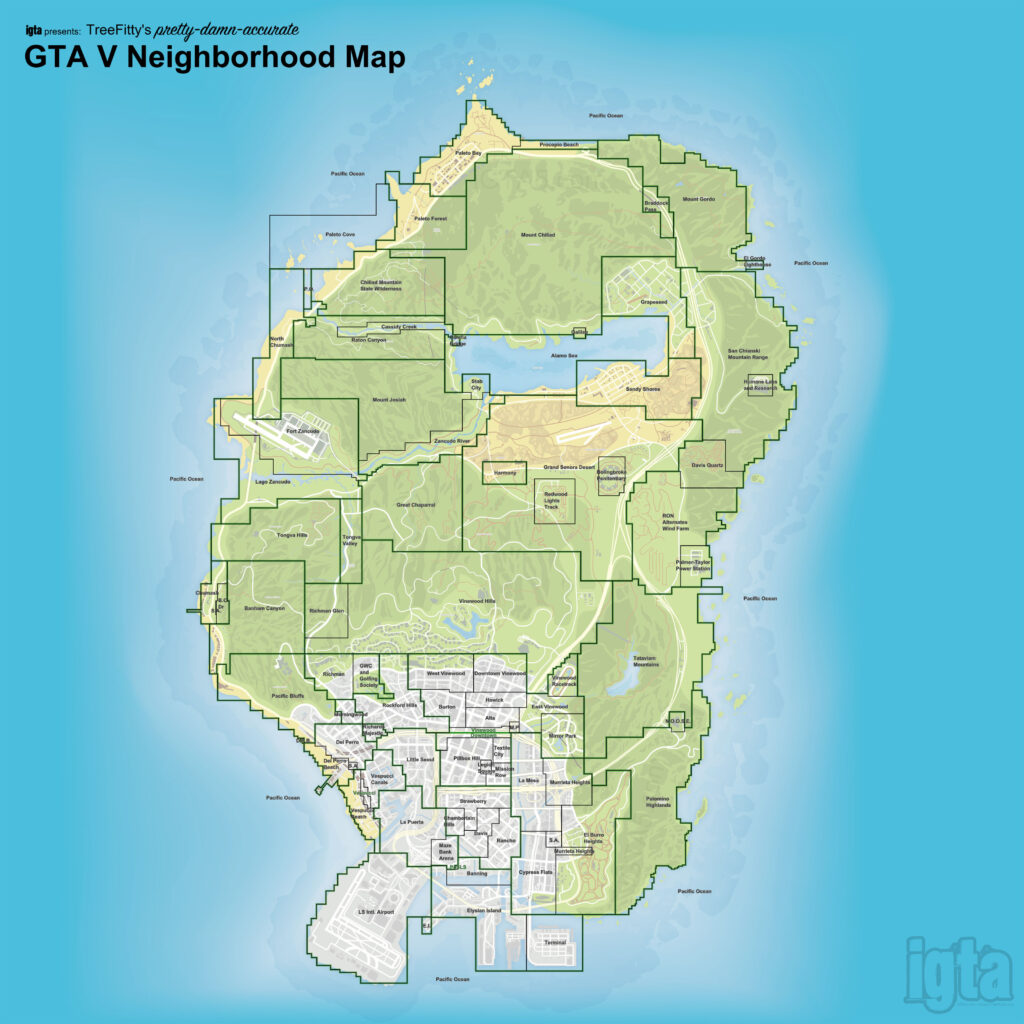
Upload a map image
Ask ChatGPT to retexture it in your desired era/style
Touch up text in Photoshop for accuracy
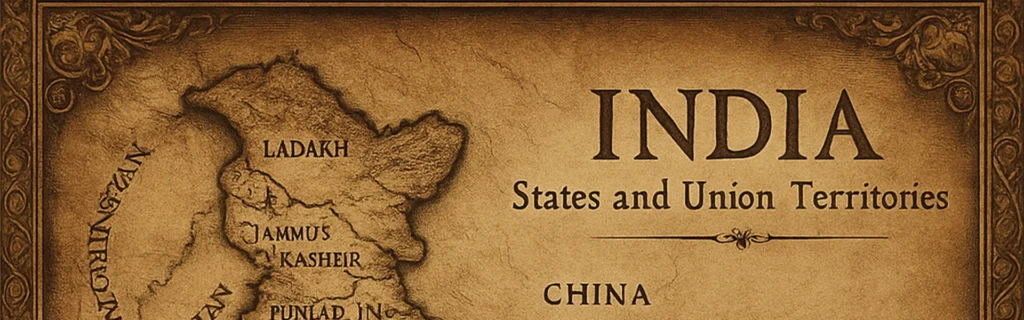
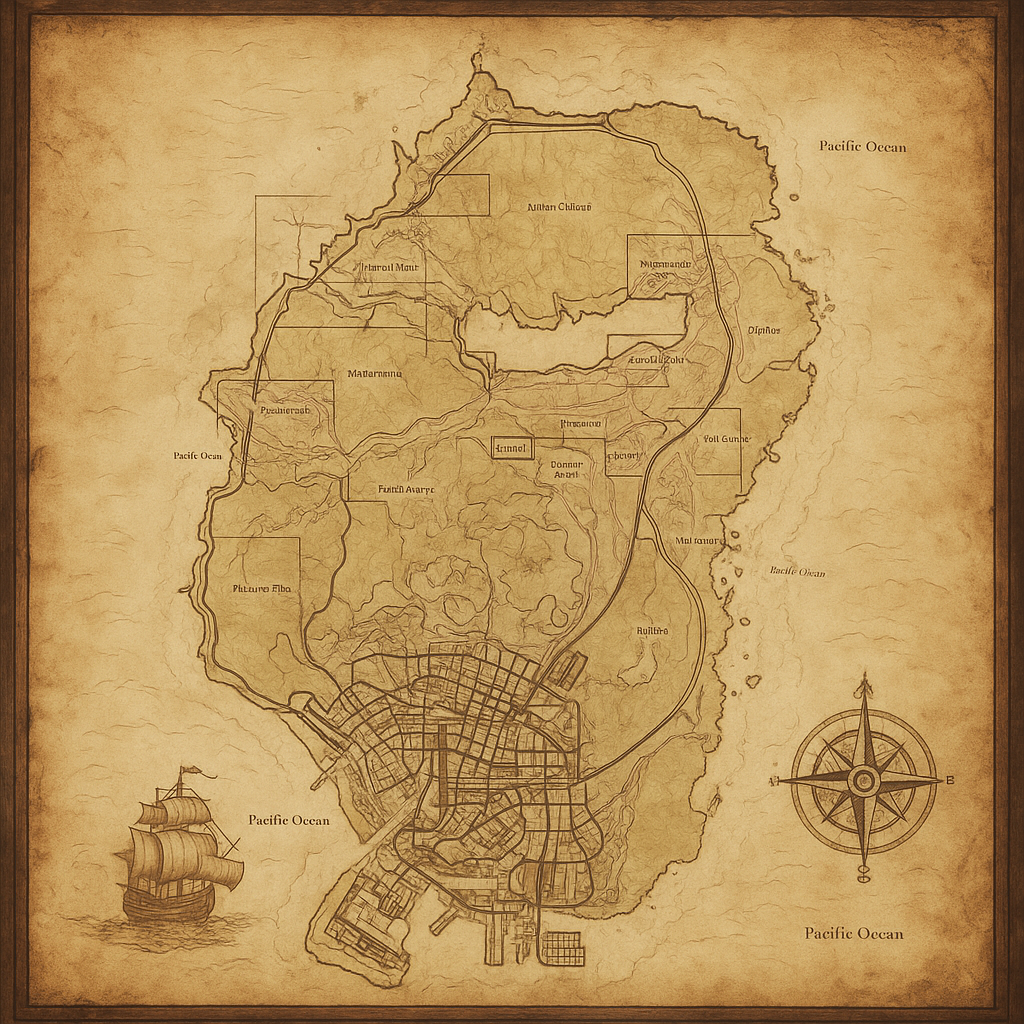
Map Retexture
Transform the image to an ancient historic map drawn on aged parchment. The map includes detailed elements. The overall style is reminiscent of old pirate adventure films. wide image
These are fantastic for educators, game developers, and history buffs.
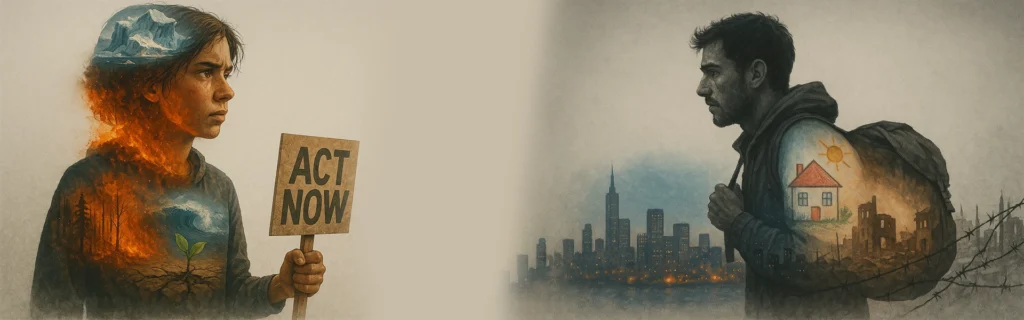
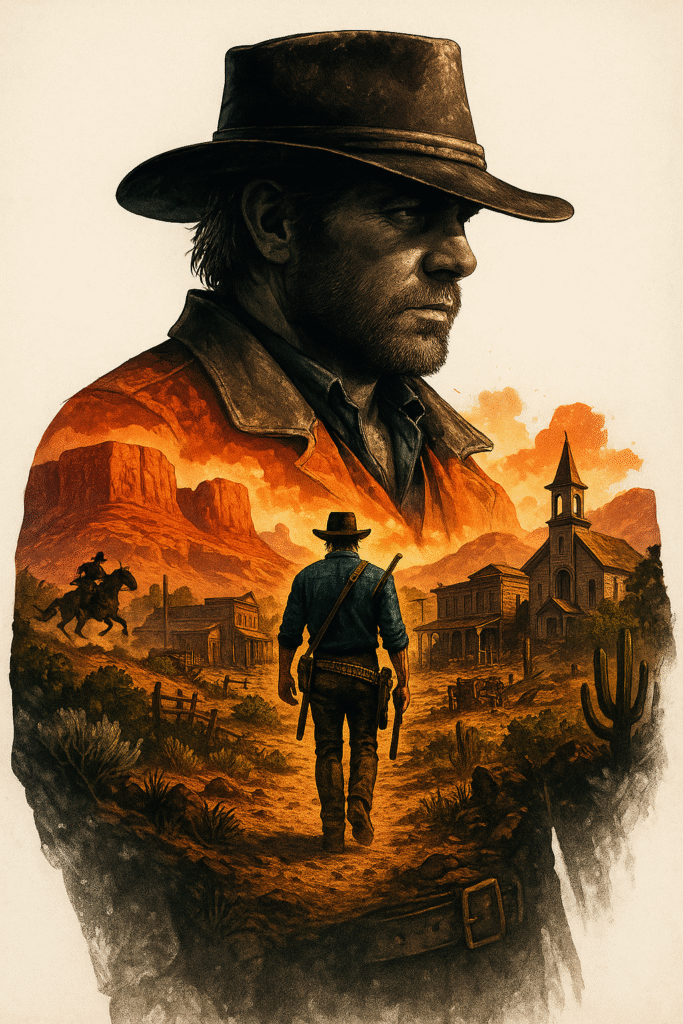
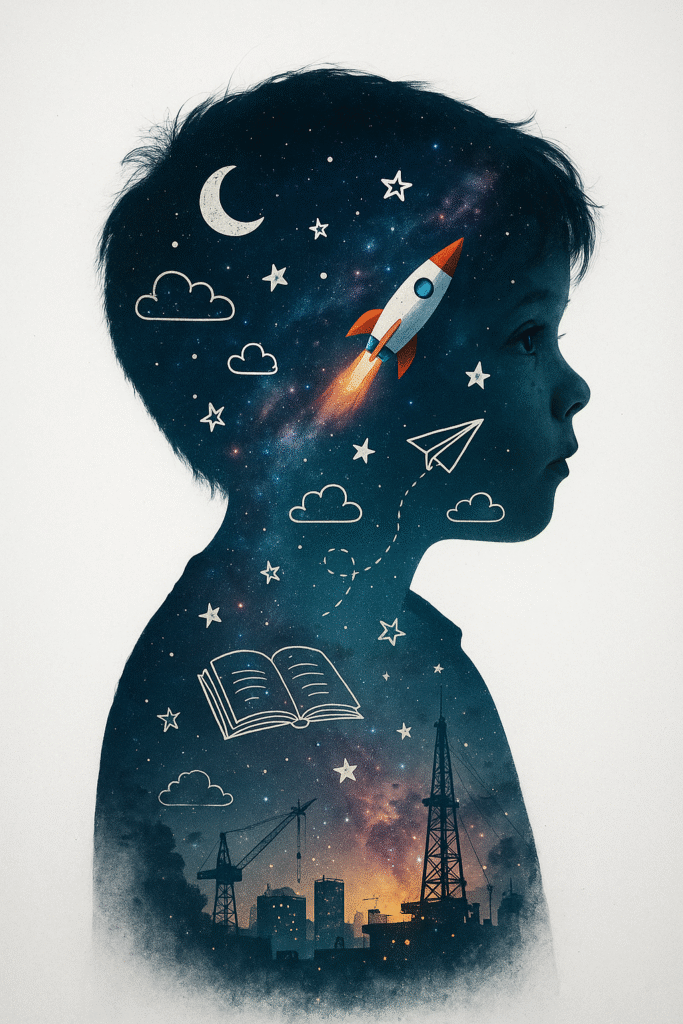
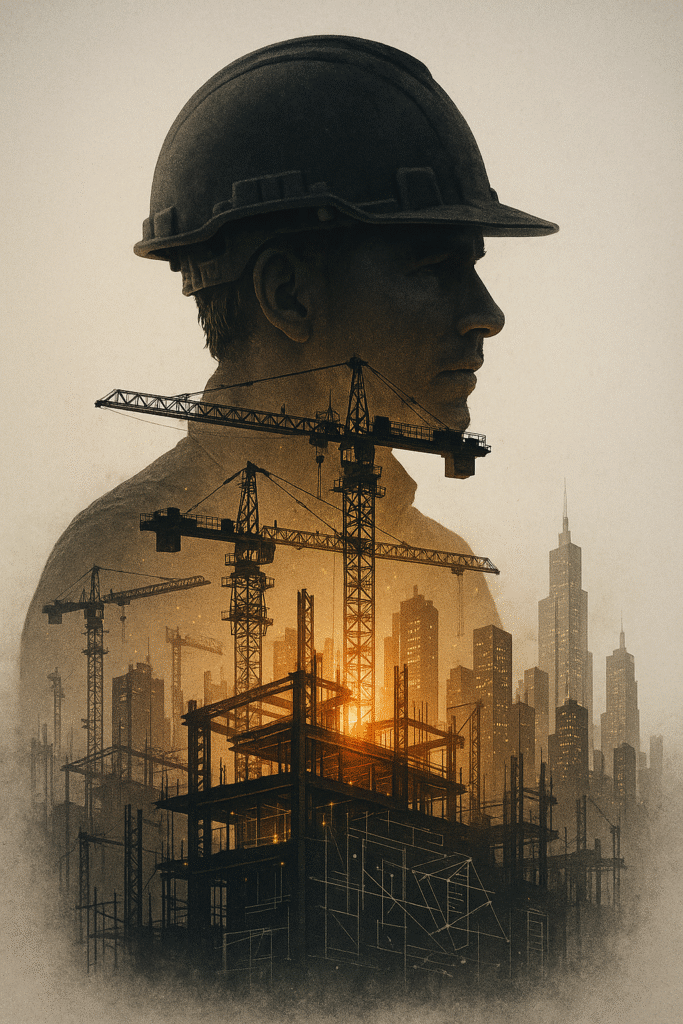
8. Double Exposure Images
Double exposure? Double the wow.
Use two subjects: e.g., a face + a cityscape
ChatGPT merges them beautifully
Crisp details, artistic layering
Double Exposure
Double exposure, Midjourney style, merging, blending, overlay double exposure image, Double Exposure style, An exceptional masterpiece by Yukisakura revealing a fantastic double exposure composition of (Subject/person) body silhouette harmoniously intertwined with the visually striking details of a ( Another subject and other details like how you want what you want), beautiful tension climbs as the contrasting use of monochrome in the background maintains razor-sharp focus on the remarkable double exposure image. Characterized by its vibrant full-color scheme and crisp lines that shadow the contours just as meticulously. (Detailed:1.45). (Detailed background:1.4).
Use for album covers, storytelling visuals, or profile art.
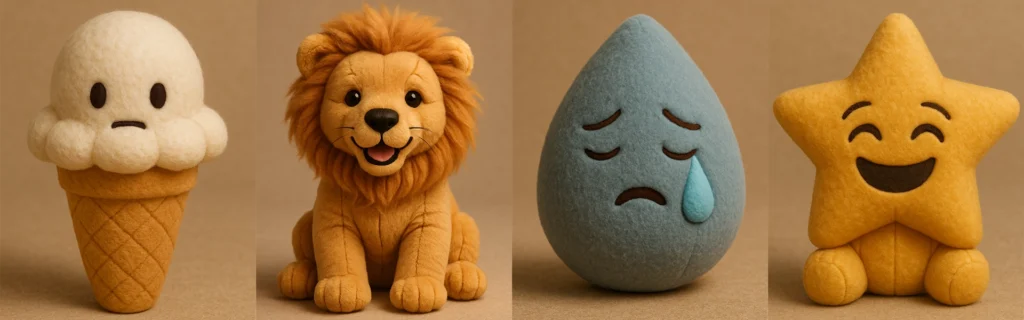
9. Plush Toy Style Emojis or Images
Want your image to look like a cuddly plush toy?
Use the plush-style JSON prompt
Swap emojis or upload your own image (e.g., a car)
Get soft, huggable results perfect for kids’ content
Recreate Attached Image. Understand it first like what emoji this is and recreate same. using the parameters from the JSON provided.
{
“style”: “Plushform”,
“description”: “Transform the emoji/image into a soft, realistic plush object with high-quality
fabric and detailed construction. Do not anthropomorphize the emoji — avoid adding faces or cartoon features. Focus on accurate textures, natural forms, and subtle design to give the plush object character.”,
“features”: {
“shape”: “matching the emoji/image’s form, with soft, slightly rounded plush adaptation”, “texture”: “realistic plush fabric with visible fiber detail and natural fabric folds”,
“color”: “faithful to the emoji/image’s palette, using slightly muted, tactile tones”, “material”: “stuffed toy fabric with visible stitching, seams, and high-quality finishing”, “background”: “neutral or softly textured to emphasize the plush object’s form”, “lighting”: “soft professional studio lighting with subtle shadows and depth”
},
“examples”: [
“👌 becomes a plush hand in the OK gesture, with realistic fabric folds and seams.”,
“🎯 becomes a soft plush bullseye with layered fuzzy rings and slight dimensional padding.”, “🎁 becomes a cube-shaped plush box with fabric ribbon, visible stitching, and realistic fabric
texture.”,
“🌊 becomes a wave-shaped plush with curled foam tips, crafted in textured ocean blue fabrics.”
]
}
[media pointer=”file-service://file-5UEJu4CzvnPqfnuAiNCGhG”] retexture the image attached based on the JSON aesthetic below
{
“style”: “photorealistic 3D render”,
“material”: “glass with transparent and iridescent effects”,
“surface_texture”: “smooth, polished with subtle reflections and refractive effects”, “lighting”: {
Also works well with webpages—yes, even your brand’s homepage!
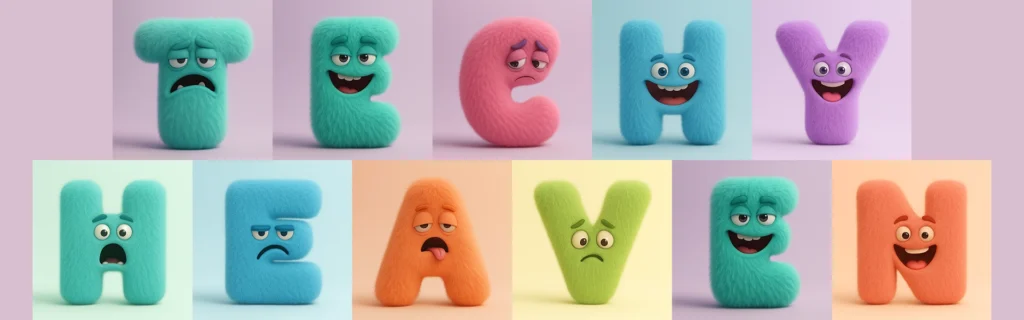
10. Monster Letters with Emotions
Create lovable monster-themed alphabets.
Change the letter
Add an emotion (e.g., happy, grumpy)
Choose colors
Cute Monster Letters
A highly realistic 3D render of the letter [A-Z] designed as a full-body fluffy monster. The letter shape itself is the creature’s body — no separate head or limbs. The eyes, mouth, and other monster features are embedded naturally into the letter form. The monster expresses a [mischievous / grumpy / shy / joyful / sleepy / surprised / confident] emotion through its eyes and mouth shape. The texture is dense, soft, and realistic fur, with subtle volume and shadow. The color palette is bold but clean — solid vibrant tones like mint, lilac, sky blue, or coral (avoid rainbow gradients). Studio lighting on a simple pastel background. No hats, no party props — just a minimal, high-quality character design with playful expression.
These are great for children’s books, classroom materials, and animations.
Generate Ideas Automatically
Not feeling inspired? Paste the full doodle ad prompt into ChatGPT and provide your product details. It will generate:
Unique ad ideas
Visual metaphors
Even taglines!
Pro Tip: Start a new chat for each generation to avoid prompt bleed from previous images.
Final Thoughts
ChatGPT Image Generator isn’t just a tool—it’s a creative assistant, design studio, and idea factory all rolled into one. Whether you’re building a brand, teaching a lesson, or just having fun, there’s no limit to what you can do.
Don’t let blank pages stop your visual storytelling. Instead, use these 10+ styles to generate stunning visuals, wow your audience, and stand out online.
FAQs
Can I use these ChatGPT image prompts commercially?
Yes, but always double-check OpenAI’s licensing terms and consult legal advice if needed.
Do I need to use JSON prompts for the best results?
Not always, but for certain styles like plush or iridescent glass, JSON prompts improve consistency.
What if my image output isn’t accurate?
Start a new chat, add more details, or upload a reference image to guide ChatGPT better.
Can I recreate styles I see in someone else’s image?
Yes! Upload the image and ask ChatGPT to replicate the style. Just respect copyright laws.