
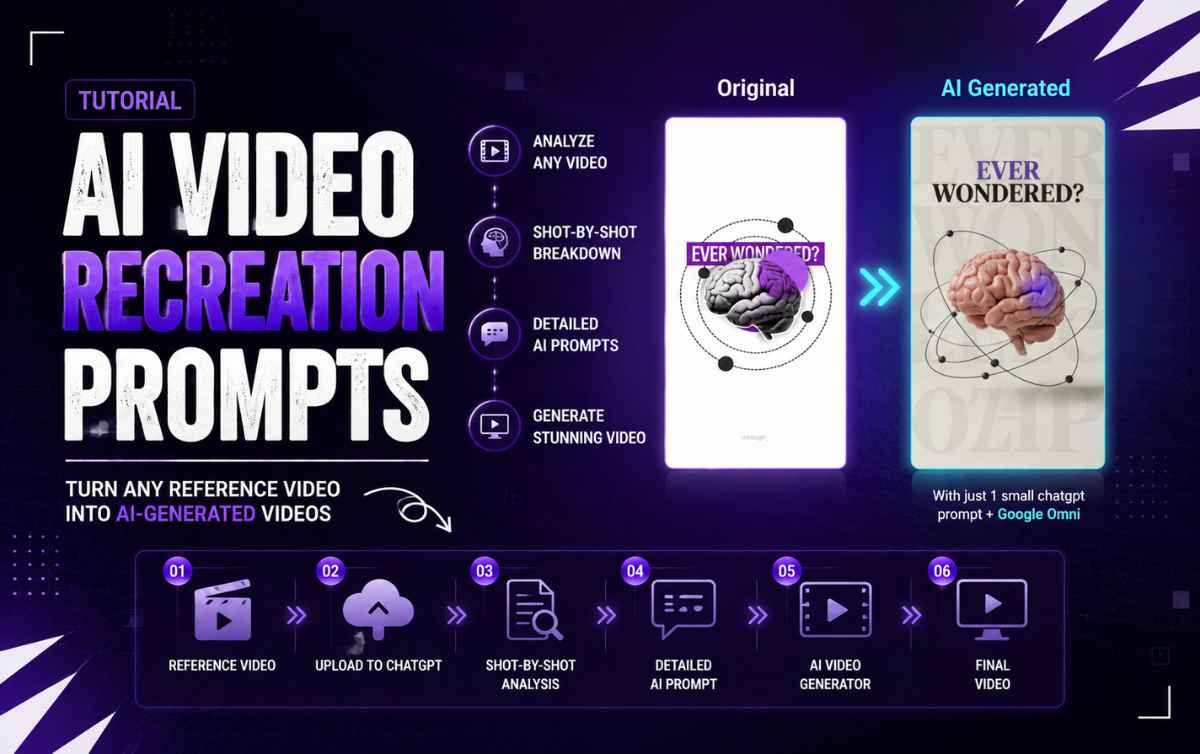

Tutorial / How-To Guide
01. Find a Reference
Find a video you like on Pinterest or any other reference source.
Choose a video with clear:
- Camera movement
- Subject action
- Lighting
- Composition
- Visual style
02. Upload to ChatGPT
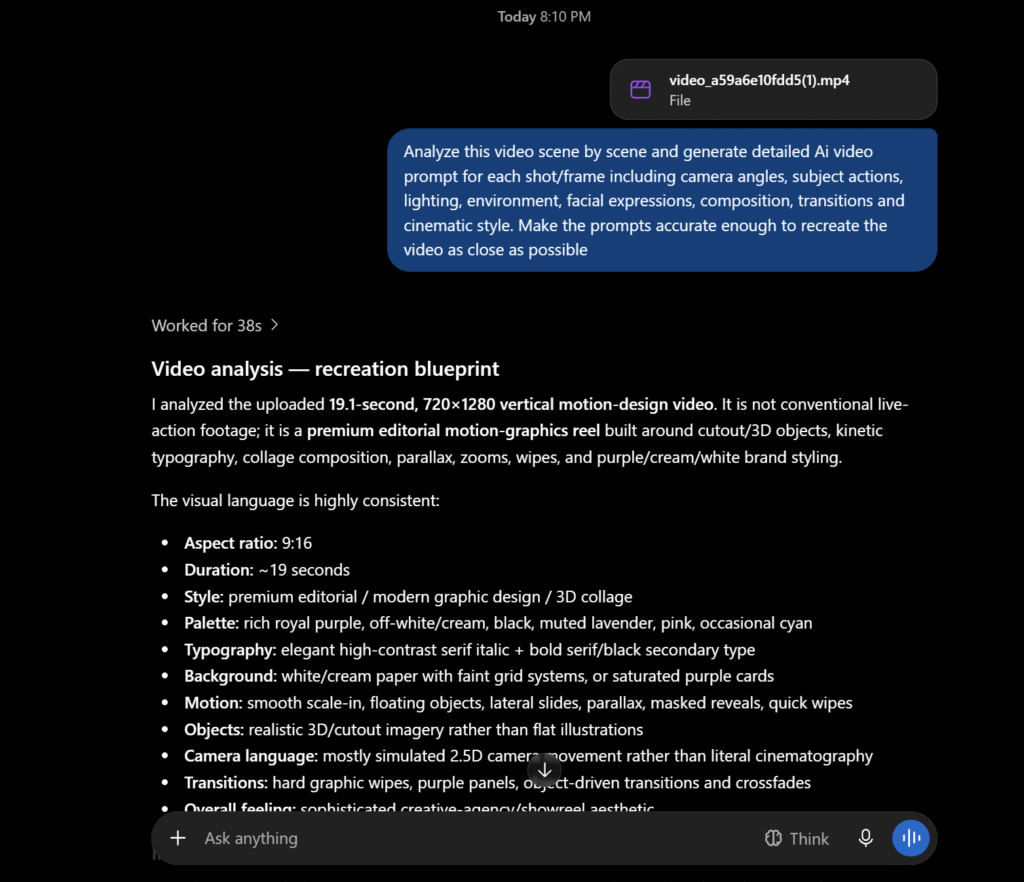
Upload the reference video to ChatGPT.
Video Analysis
Analyze this video scene by scene and generate detailed AI video prompts for each shot/frame including camera angles, subject actions, lighting, environment, facial expressions, composition, transitions and cinematic style. Make the prompts accurate enough to recreate the video as close as possible.
If above “copy prompt” button didn’t work then below in simple text:
Analyze this video scene by scene and generate detailed AI video prompts for each shot/frame including camera angles, subject actions, lighting, environment, facial expressions, composition, transitions and cinematic style. Make the prompts accurate enough to recreate the video as close as possible.
03. Get the AI Prompts
ChatGPT will analyze the video and break it down into individual shots.
Each prompt should describe:
- Camera angle
- Camera movement
- Subject action
- Lighting
- Environment
- Facial expression
- Composition
- Transitions
- Cinematic style
04. Copy the Prompt
Copy the generated prompt for the shot you want to create.
Don’t shorten it too much.
The more useful visual details you keep, the more control you have over the output.
05. Generate the Video
Open your preferred AI video generator.
For example:
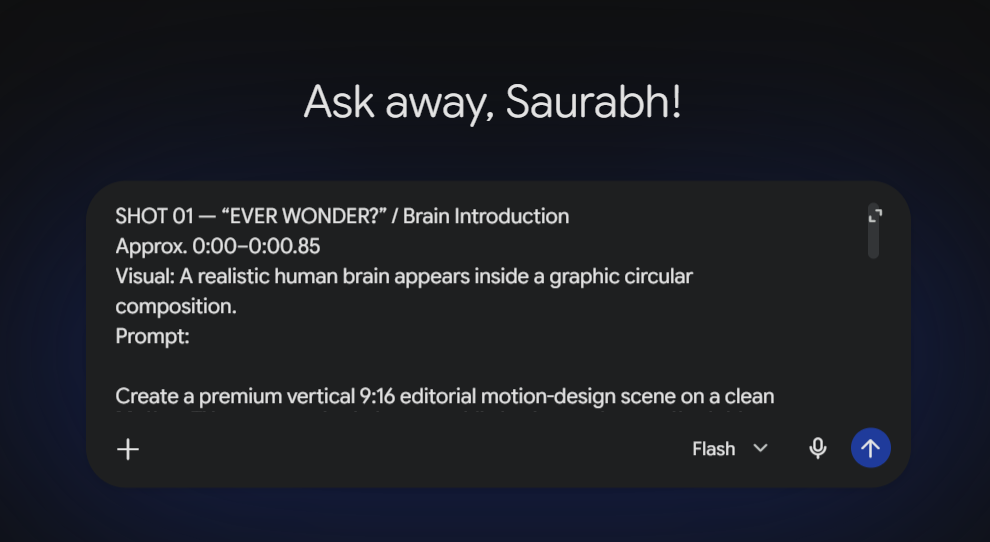
Add your reference image if required, paste the generated prompt, and create the video.
06. Check the Result
Compare the generated video with your reference.
Check:
- Camera movement
- Subject movement
- Framing
- Lighting
- Timing
- Background
If something feels wrong, modify that specific part of the prompt and regenerate.
Quick Workflow
| Step | What You Do | Result |
|---|---|---|
| 01 | Reference Video — Find your visual reference | Starting point |
| 02 | Upload to ChatGPT — Add the video + analysis prompt | Video ready for analysis |
| 03 | Shot-by-Shot Analysis — Analyze camera, action, lighting & composition | Detailed breakdown |
| 04 | Detailed AI Prompt — Convert each shot into a generation prompt | Ready-to-use prompts |
| 05 | AI Video Generator — Paste the prompt and generate | AI-generated shots |
| 06 | Final Video — Review and refine | Finished video |

0 Comments