
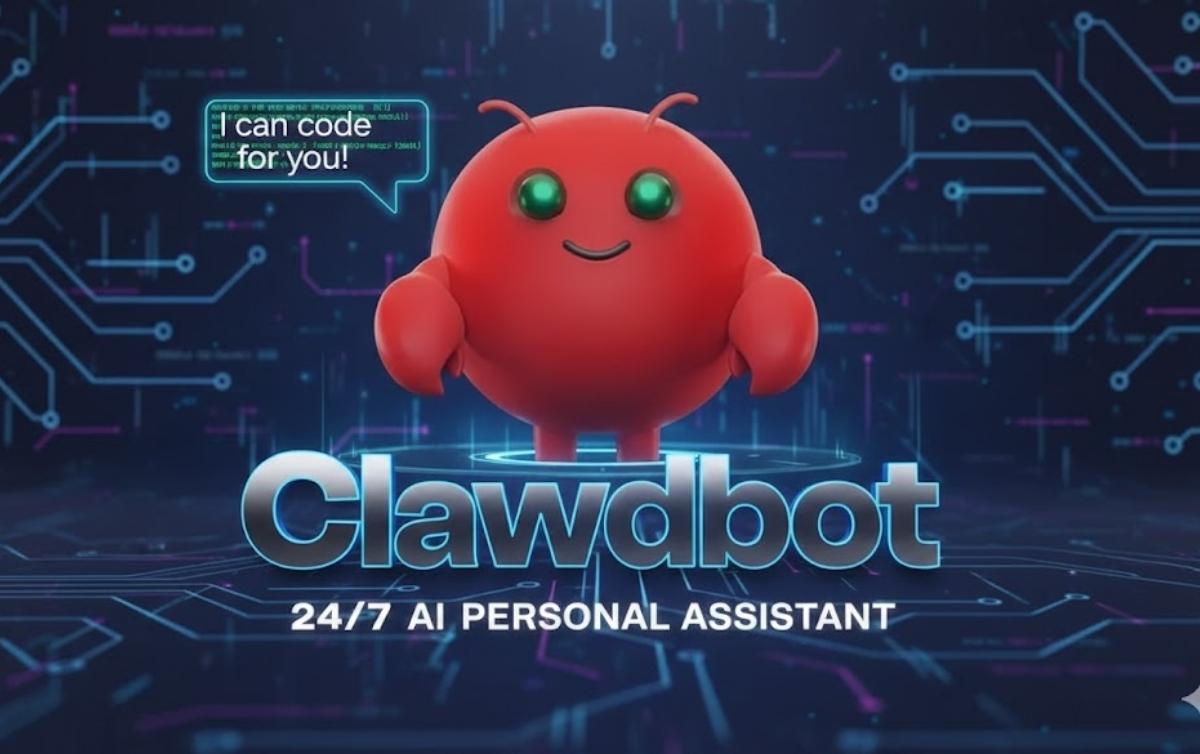

ClawDBot is a self-hosted AI agent designed to do real work, not just talk. Unlike cloud chatbots that answer questions and forget context, ClawDBot runs on your own machine or server and can execute tasks, remember instructions, and automate workflows through chat commands.
This guide explains what ClawDBot is, how it works, how to install it step by step, and whether it’s worth using.
In This Post
What Is ClawDBot?
ClawDBot is an open-source, self-hosted AI assistant that acts like a personal automation agent. You control it through chat platforms, but behind the scenes it can run scripts, manage tasks, browse the web, and maintain long-term memory.
Instead of relying on third-party cloud dashboards, ClawDBot gives you full ownership of data, behavior, and execution. Everything runs locally or on infrastructure you control.
ClawDBot is built for:
- Developers and engineers
- Automation and productivity power users
- Privacy-focused users who want local AI control
How ClawDBot Works
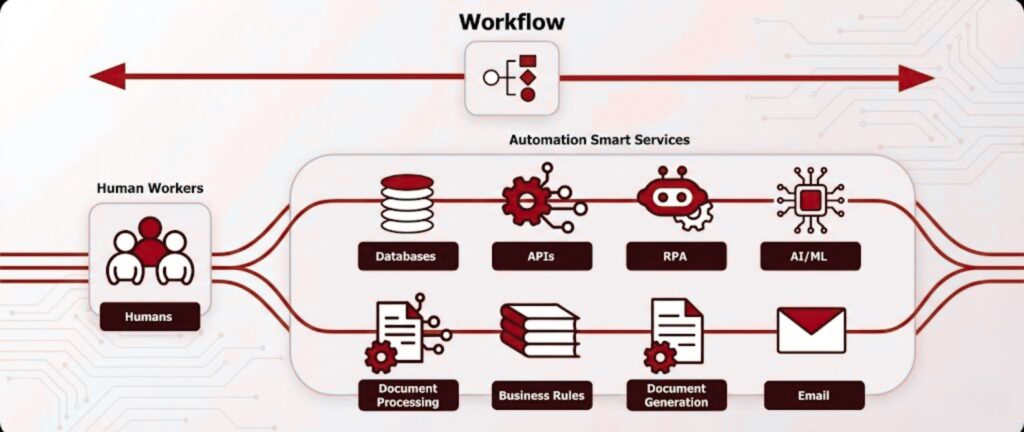
Self-Hosted Architecture
ClawDBot runs on your local computer, home server, or VPS. There is no mandatory cloud dependency. This architecture gives you:
- Full data ownership
- Lower privacy risk
- Customizable permissions
You decide what the bot can access and what actions it can perform.
AI Models and Integrations
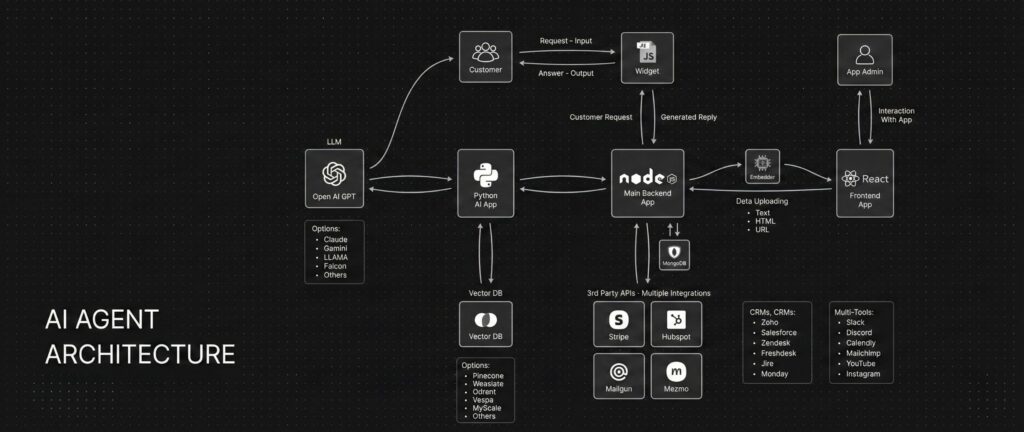
ClawDBot connects to large language models through APIs or local inference setups. The model handles reasoning, while ClawDBot handles execution.
You interact with it through messaging platforms, which act as a command interface rather than a traditional UI.
Persistent Memory and Task Execution
Unlike basic chatbots, ClawDBot stores context across sessions. It remembers:
- Preferences
- Past instructions
- Ongoing tasks
It can also execute actions such as:
- Running scripts
- Scheduling tasks
- Sending messages
- Triggering workflows
This is what makes it an AI agent, not just a chatbot.
Key Features of ClawDBot
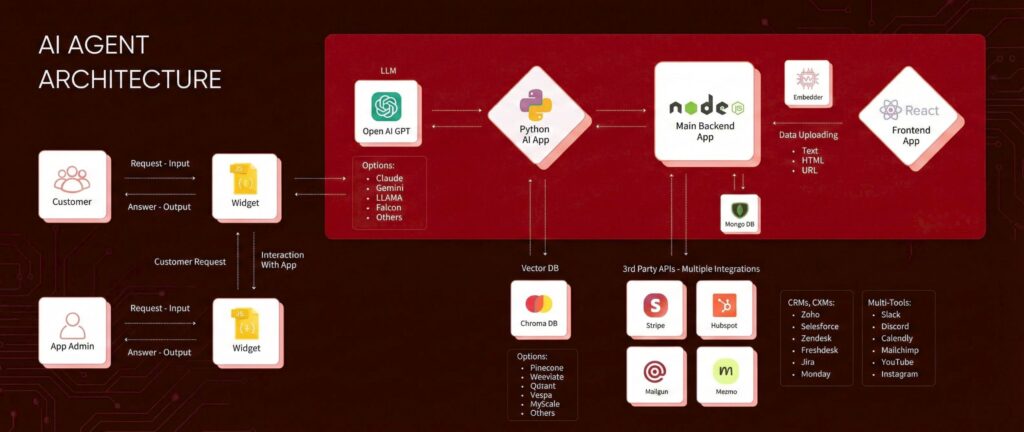
Automation and Workflow Control
ClawDBot can trigger scripts, manage recurring tasks, and coordinate multi-step workflows based on chat commands.
Chat-Based Command Interface
You control everything through simple messages instead of dashboards or command lines.
Customization and Extensibility
Because it’s open source, you can:
- Add plugins
- Modify permissions
- Extend capabilities with APIs
This flexibility is one of ClawDBot’s biggest advantages.
How to Install ClawDBot (Step-by-Step)
System Requirements
- Windows, macOS, or Linux
- Stable internet connection
- Basic command-line familiarity
- Sufficient RAM for AI model usage
A VPS or home server works well for 24/7 operation.
Prerequisites
Before installing ClawDBot, you typically need:
- Python or Docker installed
- Git for cloning repositories
- API keys for your chosen AI model
- A messaging platform account for control
Downloading ClawDBot
Clone the official repository from its source. Always verify the repository to avoid forks with malicious changes.
Installation Methods
Local Installation
- Best for personal use and testing
- Runs directly on your machine
Docker Installation
- Easier dependency management
- Cleaner updates and isolation
Server or VPS Deployment
- Ideal for always-on automation
- Requires stronger security configuration
Initial Configuration
After installation, you configure:
- Environment variables
- AI model credentials
- Messaging platform integration
- Permission limits for execution
This step defines what ClawDBot is allowed to do.
Running ClawDBot for the First Time
Once configured:
- Start the service
- Send a test command via chat
- Confirm responses and task execution
If it responds and executes correctly, your setup is complete.
Common Installation Issues
- Missing dependencies
- Incorrect API keys
- Permission errors
- Messaging platform misconfiguration
Most issues come from skipped setup steps.
ClawDBot vs Traditional Chatbots
AI Agent vs Chatbot
Traditional chatbots respond to text. ClawDBot acts on instructions.
Chatbots are reactive. ClawDBot is proactive.
Control, Privacy, and Trade-Offs
Self-hosting gives control and privacy but requires:
- Maintenance
- Updates
- Security awareness
This trade-off is worth it for advanced users.
Is ClawDBot Safe and Legal to Use?
ClawDBot itself is legal and open source. Safety depends on how you configure it.
Best practices include:
- Restrict execution permissions
- Avoid exposing it publicly
- Use secure API key storage
Misuse comes from poor configuration, not the tool itself.
Who Should Use ClawDBot?
ClawDBot is ideal for:
- Developers
- Automation enthusiasts
- Privacy-conscious users
- AI experimenters
Who Should Avoid It
You should avoid ClawDBot if:
- You want a plug-and-play assistant
- You dislike managing updates
- You are uncomfortable with command-line tools
Real-World Use Cases for ClawDBot
- Personal AI assistant with memory
- Workflow automation
- Research and information management
- Messaging-based system control
These use cases scale with your configuration.
Alternatives to ClawDBot
Alternatives include:
- Other self-hosted AI agents
- Cloud automation platforms
- SaaS virtual assistants
Cloud tools are easier, but they sacrifice control and privacy.
Final Verdict: Is ClawDBot Worth Installing?
ClawDBot is powerful, flexible, and private. It is not beginner-friendly, but for the right user, it offers something most AI tools do not: real control.
If you want an AI that executes tasks and respects data ownership, ClawDBot is worth installing.
Conclusion
ClawDBot represents a shift from conversational AI to action-based AI agents. By running locally and integrating execution, memory, and automation, it fills a gap cloud chatbots cannot.
For users willing to invest time in setup and security, ClawDBot delivers long-term value and unmatched flexibility.
FAQs
Is ClawDBot free to use?
Yes. It is open source, though AI model APIs may have costs.
Do I need coding skills to use ClawDBot?
Basic technical knowledge is required, especially during setup.
Can ClawDBot run on a VPS?
Yes. VPS deployment is common for 24/7 automation.
Is ClawDBot safe for personal data?
Yes, if properly configured and secured.
How often does ClawDBot need updates?
Updates depend on development activity and your configuration.


0 Comments