
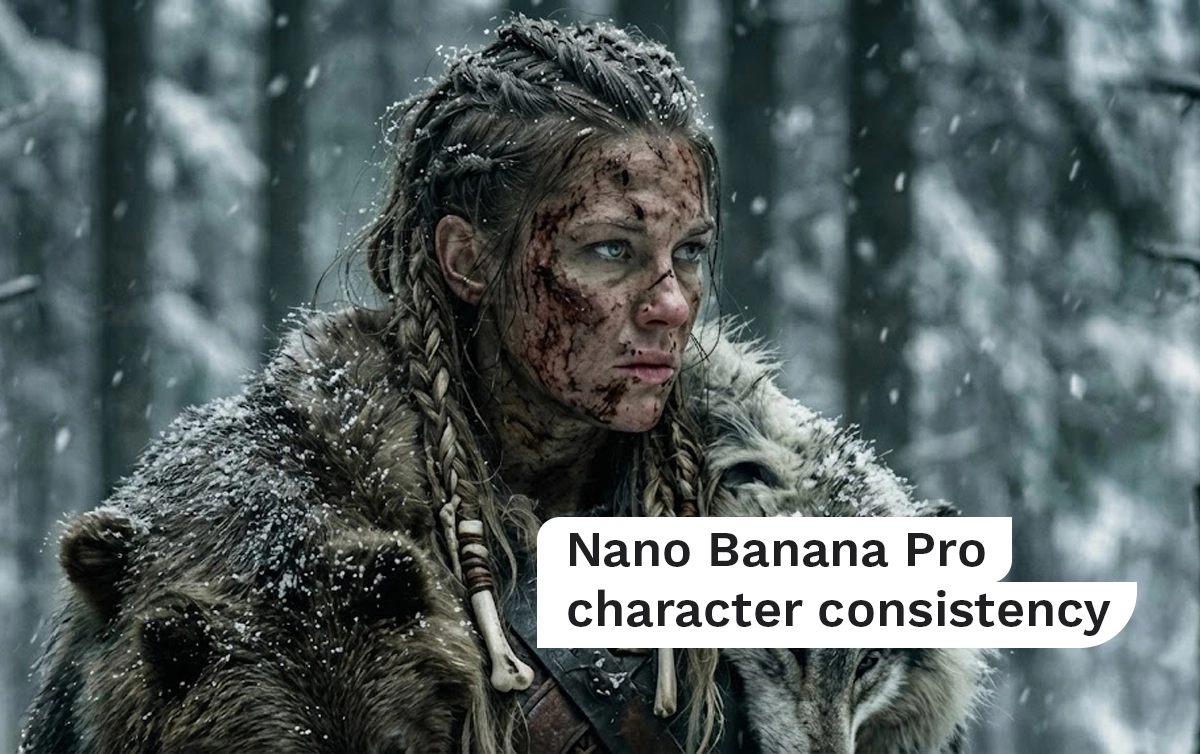

If your AI characters keep changing faces, outfits, or vibes every time you generate a new image, you’re not doing anything “wrong.”
You’re just missing the core workflow that Nano Banana Pro expects you to use.
This beginner-friendly guide explains exactly how to maintain character consistency in Nano Banana Pro, why most people fail, and how to fix it permanently using foundation images, reference logic, and simple prompts.
No jargon. No guessing. Full control. Nano Banana Pro character consistency
In This Post
What Is Character Consistency in Nano Banana Pro?
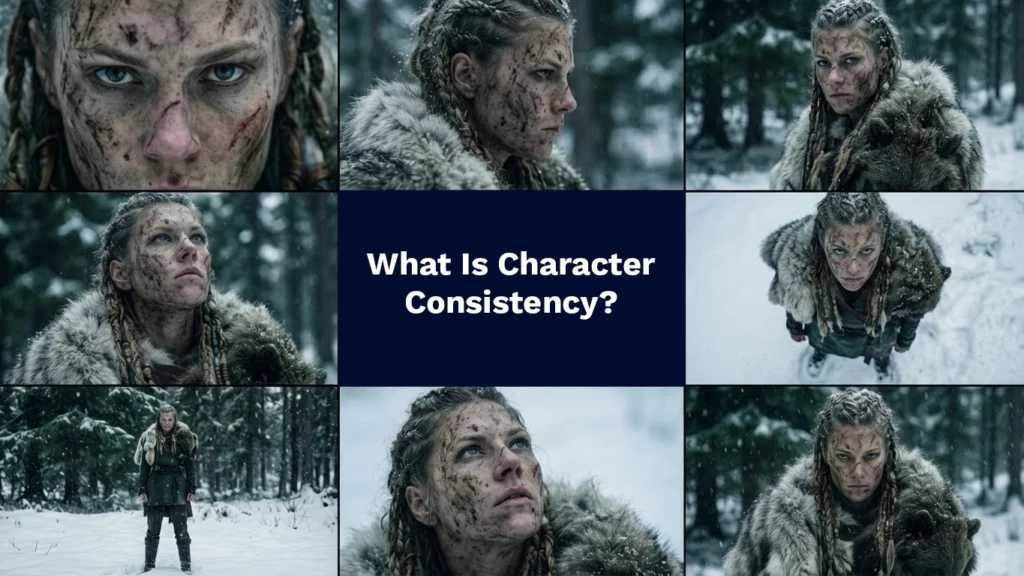
Character consistency means that the same character remains visually identical across:
- Different camera angles
- Different scenes
- Different emotions
- Different image generations
- Images → video workflows
In Nano Banana Pro, consistency is not achieved by longer prompts.
It’s achieved by how you use reference images.
If your character keeps changing, it’s because Nano Banana Pro is being forced to re-invent the character every time.
Why Most AI Characters Break (The Real Reason)
Here’s the hard truth:
Nano Banana Pro does not want you to “describe” your character repeatedly.
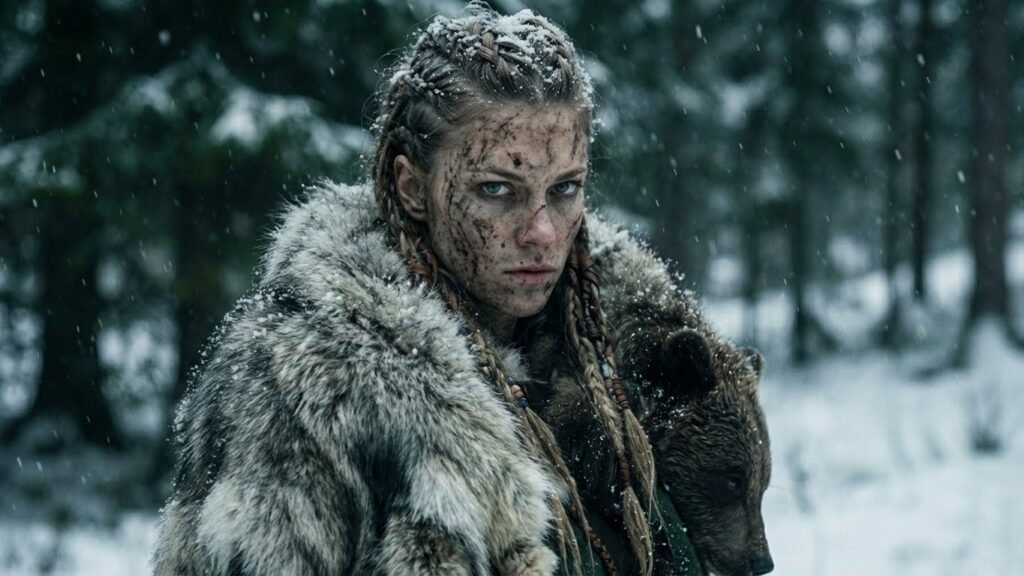
Three-quarter angle cinematic shot of image 1. Same outfit, same lighting, same environment. Camera slightly rotated to show perspective change without altering character identity.
Most beginners do this:
- Add more adjectives
- Add more physical details
- Add more style words
- Rewrite the prompt every time
That works in text-to-image tools.
It fails in image-to-image systems like Nano Banana Pro.
Why?
Because Nano Banana Pro trusts images more than words.
The Foundation Image: The Single Most Important Concept
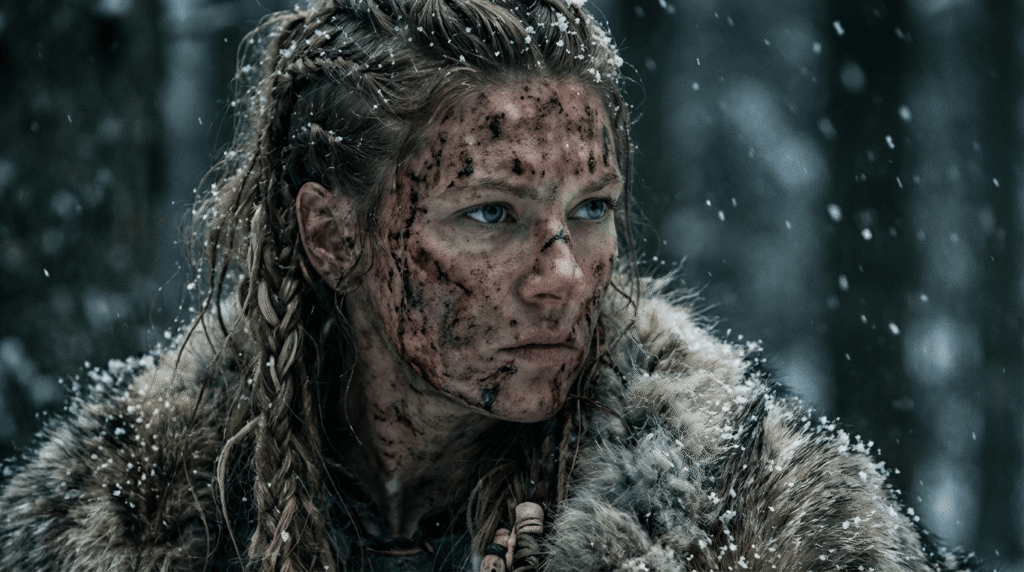
A foundation image is the original image that defines:
- Face structure
- Hair
- Clothing
- Body type
- Lighting
- Color palette
- Environment
- Style
This image becomes Image 1 in Nano Banana Pro.
Everything else you create must reference this image.
If you skip this step, character drift is guaranteed.
How Nano Banana Pro Actually Thinks
Nano Banana Pro works like this:
- It reads Image 1
- It extracts visual identity
- It treats that identity as ground truth
- It applies your new instructions on top of that identity
If you don’t give it Image 1, it fills the gaps itself.
That’s why characters randomly change.
The Correct Workflow for Character Consistency
Step 1: Create One Strong Foundation Image
Your foundation image must be:
- Clear
- High-quality
- Well-lit
- Visually distinct
- Emotionally neutral
Avoid extreme expressions or motion.
You want a stable reference, not a dramatic moment.
Step 2: Lock the Foundation Image as Image 1
Every new generation should:
- Include the foundation image
- Reference it explicitly
- Avoid redefining the character
Your prompts should assume the character already exists.
Step 3: Change Only ONE Thing at a Time
If you want consistency, do not change:
- Face description
- Hair description
- Clothing description
- Style description
Instead, only change:
- Camera angle
- Framing
- Perspective
- Scene context
Example:
“Low-angle cinematic shot of image 1.”
That’s it.
Why Overprompting Breaks Consistency
This is one of the most common mistakes.
Bad prompt:
“A hyper-realistic female Viking with braided hair, sharp cheekbones, fur cloak, cold lighting, cinematic shadows…”
Good prompt:
“Low-angle cinematic shot of image 1 in the snowy forest.”
Why the second works better:
- Nano Banana already knows the character
- You’re not forcing reinterpretation
- The image reference does the heavy lifting
Using Camera Angles Without Breaking the Character
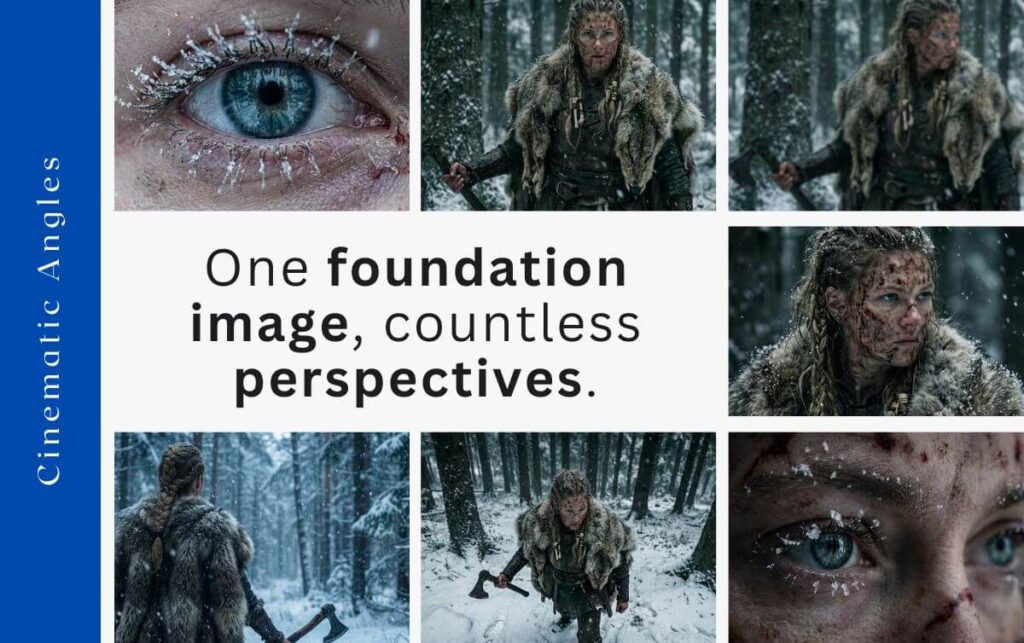
Camera angles are safe changes.
You can generate:
- Dutch angle
- Bird’s-eye view
- Macro eye close-up
- Low-angle hero shot
- Over-the-shoulder
- POV
As long as you reference Image 1, the character stays intact.
This is why camera control scales so well in Nano Banana Pro.
Character Consistency Across Multiple Scenes
Want the same character in:
- Forest → snowfield → village
- Calm → angry → determined
- Day → night
Do this:
- Keep the same foundation image
- Change environment descriptions lightly
- Never redefine facial features
Example:
“Medium cinematic shot of image 1 walking through a snowy village at dusk.”
Not:
“A different Viking woman walking through a village…”
Words like different, new, or re-descriptions invite drift.
Character Consistency in AI Video (Critical)
Consistency matters even more in video.
If you generate video using only a text prompt, Nano Banana Pro must invent:
- The character
- The face
- The proportions
- The style
This causes severe drift.
Correct Video Workflow
- Use a consistent foundation image as the first frame
- Use another consistent image as the last frame if needed
- Let the model interpolate movement
This keeps identity stable from start to finish.
Common Mistakes That Kill Consistency
Avoid these at all costs:
- ❌ Creating a new base image every time
- ❌ Describing the character repeatedly
- ❌ Mixing styles mid-project
- ❌ Using low-quality references
- ❌ Changing lighting + face + outfit at once
Consistency is about restraint, not complexity.
Quick Consistency Checklist
Before generating anything new, ask:
- Am I using the same foundation image?
- Did I reference Image 1?
- Am I only changing camera or scene?
- Did I avoid redefining the character?
If yes → consistency holds.
Why This Matters for Creative & Commercial Work
Character consistency is the difference between:
- AI slop
- Professional cinematic output
If your character changes, the illusion breaks.
If your character stays consistent, AI becomes usable for:
- Films
- Ads
- Social media
- Brand storytelling
- Long-form projects
Nano Banana Pro is designed for this level of control — if you use it correctly.
Once your character identity is locked, you can safely experiment with new perspectives and shots.
The next step is learning how to control the camera itself.
Continue with:
Nano Banana Pro Camera Control: One Image, Infinite Angles
(See how to generate multiple cinematic angles from a single image.)
Conclusion
Maintaining character consistency in Nano Banana Pro is not about writing better prompts.
It’s about using reference images properly.
Create one strong foundation image.
Reference it every time.
Change only camera angles and context.
Let the image do the work.
Once you adopt this workflow, character drift disappears — and Nano Banana Pro becomes a precision tool instead of a guessing game.
FAQs
1. Why does my AI character change every generation?
Because you’re not using a stable foundation image or you’re redefining the character in text.
2. Do I need to describe the character every time?
No. Nano Banana Pro prefers image references over text descriptions.
3. Can I change clothes and still keep consistency?
Yes, but do it gradually and keep the face and structure anchored to Image 1.
4. Does this work for AI video too?
Yes. It’s even more important for video. Always use first and last frames.
5. Is Nano Banana Pro better than text-only tools for consistency?
Yes. Image-to-image workflows are inherently more stable than text-to-image.

0 Comments