
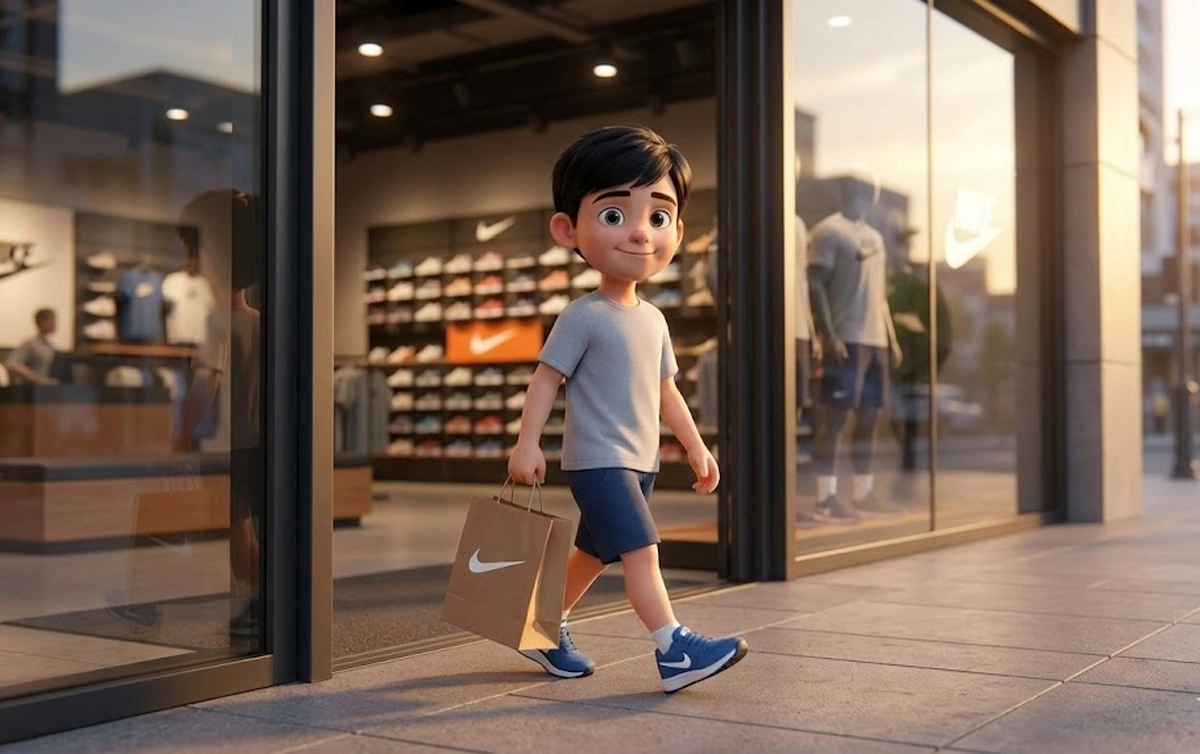

Introduction
Let’s be honest—
AI can generate beautiful visuals, but when it comes to telling a proper story, most creators hit the same wall:
“Why does my character look different in every scene?”
That exact problem is what led me to experiment with a cinematic retail storytelling workflow, using Nano Banana for images and Veo 3.1 for video motion.
In This Post
In this blog, I’ll walk you through exactly how I created a Nike store reel that feels:
- Natural
- Emotional
- Cinematic
- And most importantly… consistent
No film crew.
No expensive gear.
Just the right structure and AI discipline.
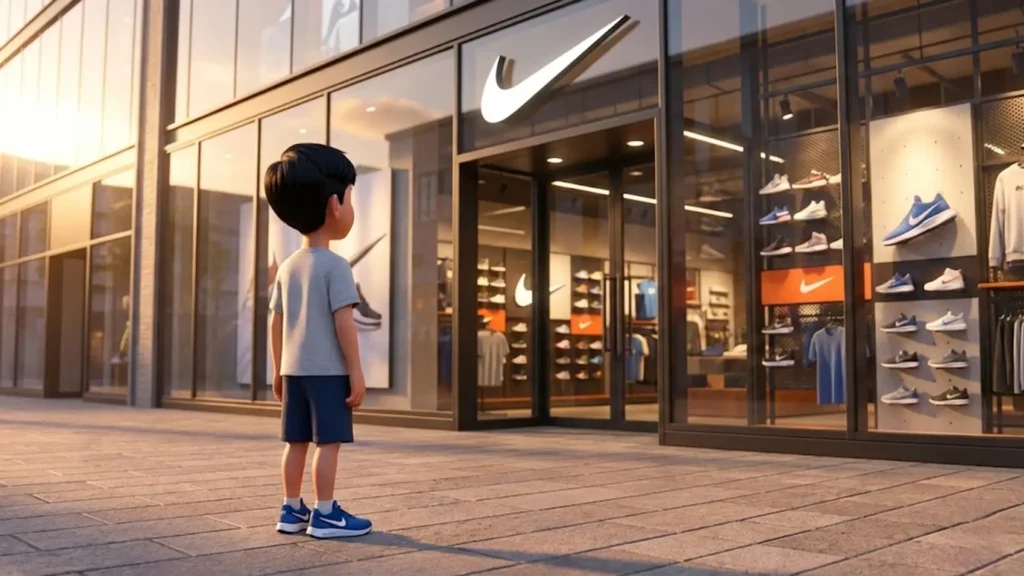
Why This Kind of Storytelling Works So Well
People don’t connect with products.
They connect with moments.
A child walking into a Nike store, thinking, choosing, trying shoes, and walking out happy—that’s a story we’ve all lived in some form.
When you show that journey:
- Viewers watch longer
- Saves increase
- Shares go up
- The brand feels human, not salesy
That’s exactly what short-form platforms like Instagram reward.
Tools Used in This Workflow
Nano Banana (Text-to-Image)
This is where the visual foundation is built.
I used Nano Banana to:
- Lock character identity
- Control lighting and realism
- Create cinematic still frames
Veo 3.1 (Image-to-Video)
Veo 3.1 handles motion beautifully when you don’t over-direct it.
I used Veo 3.1 for:
- Natural walking motion
- Subtle camera push-ins
- Realistic hand and body movement
- Smooth, film-like transitions
Together, these tools let you build something that feels shot, not generated.
The One Thing That Makes or Breaks AI Reels: Character Consistency
If there’s one lesson here, it’s this:
AI storytelling fails when identity changes.
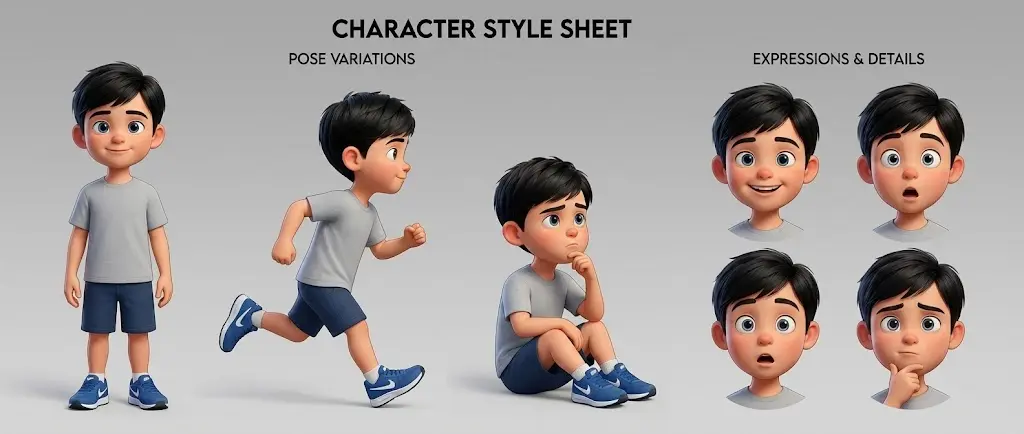
To fix that, you need a Master Character Anchor—a fixed description that you repeat word for word in every image prompt.
No improvising.
No rewriting.
No “I’ll just tweak this a bit”.
Step 1: Create a Master Character Anchor
This anchor is pasted at the top of every Nano Banana prompt.
Example:
- Same young boy across all scenes
- Age 7–8 years
- Slim build, average height for age
- Warm medium skin tone
- Short black hair, slightly side-parted
- Light grey t-shirt, dark blue shorts
- Blue Nike sneakers with white soles
- Natural child proportions
- Disney–Pixar cinematic realism
This single block ensures:
- Same face
- Same body
- Same clothing
- Same vibe
Once this is locked, half your problems disappear.
Step 3: Plan the Story Like a Real Store Visit
Instead of random visuals, I followed a real shopping journey: (Help with ChatGPT)
- Entering the Nike store
- Looking around and thinking
- Picking up shoes
- Trying them on
- Getting help from staff
- Comfort check and decision
- Billing at the counter
- Walking out confidently
This structure feels familiar, which is why it works.
Step 4: Generate Cinematic Images with Nano Banana
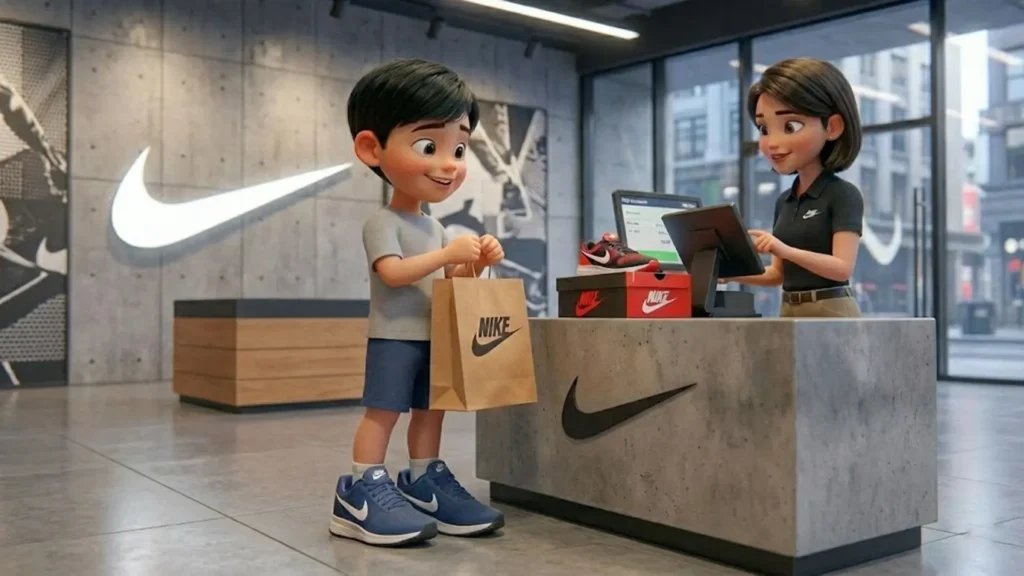
For each scene:
- Paste the Master Character Anchor
- Paste the Style Lock
- Add only what changes in that scene (action, location)
Important rules I followed:
- Never changed the character description
- Only changed footwear when required
- Kept expressions subtle
This gives you film-ready stills, not random AI art.
Step 5: Bring Images to Life with Veo 3.1
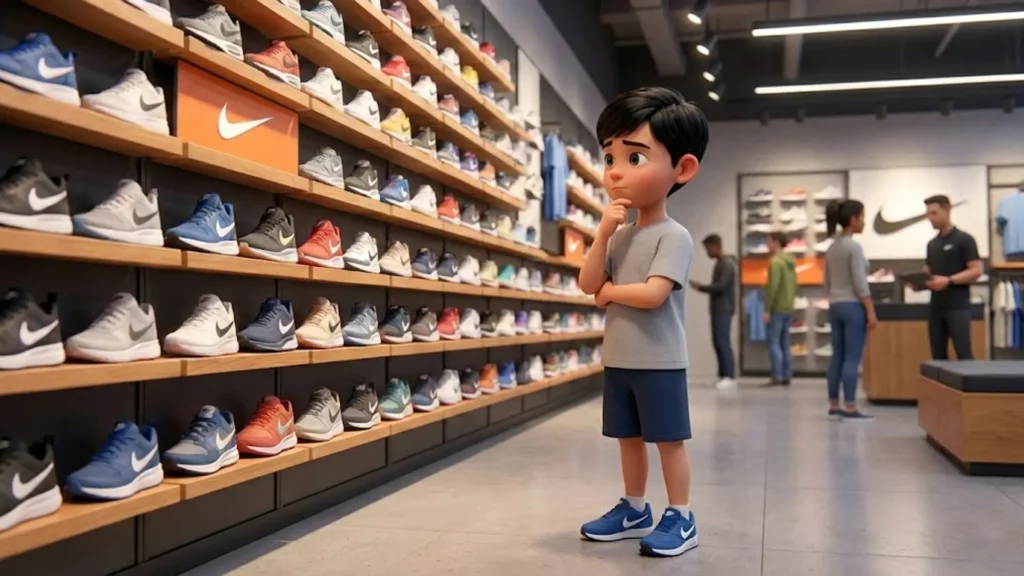
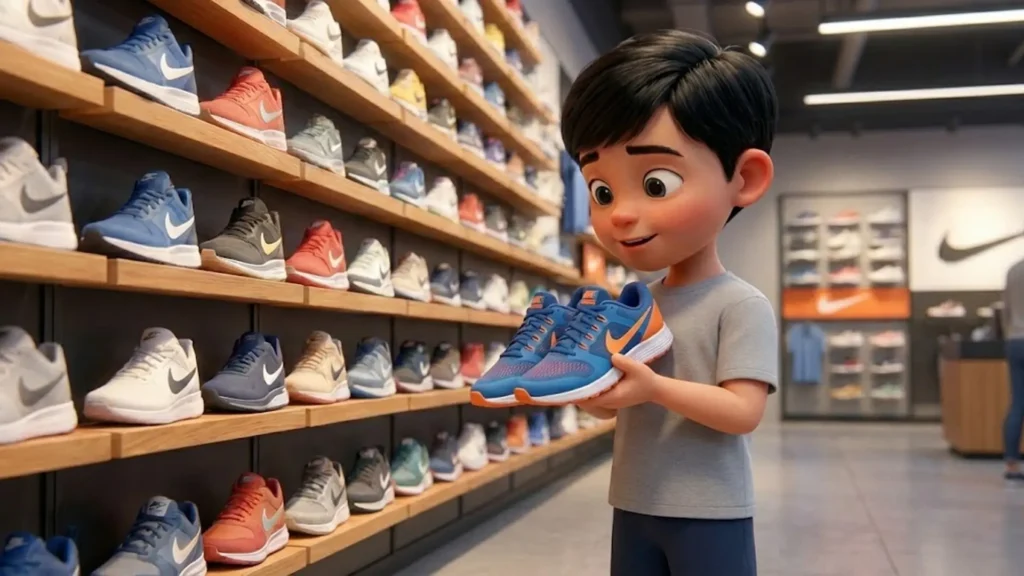
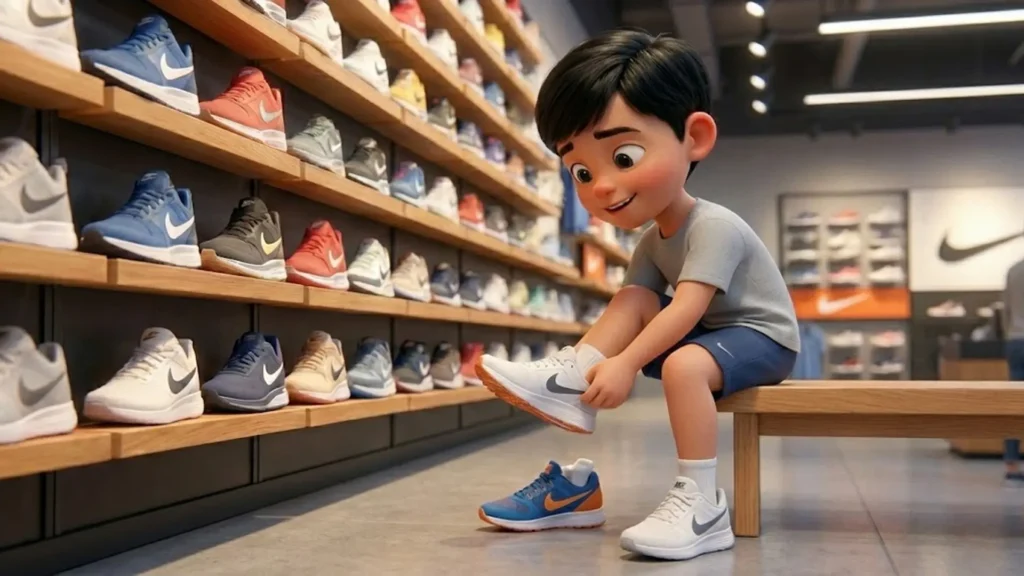
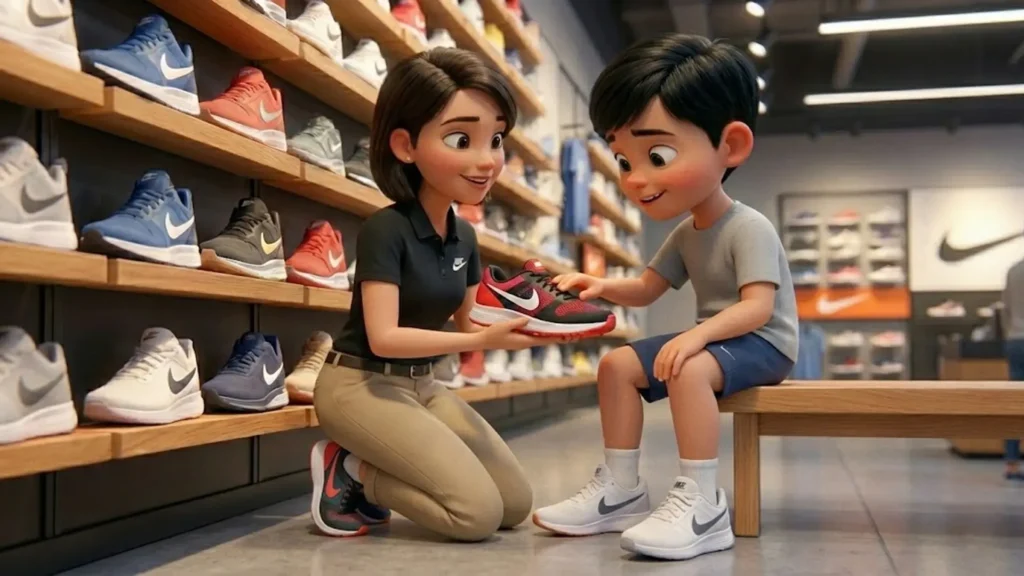
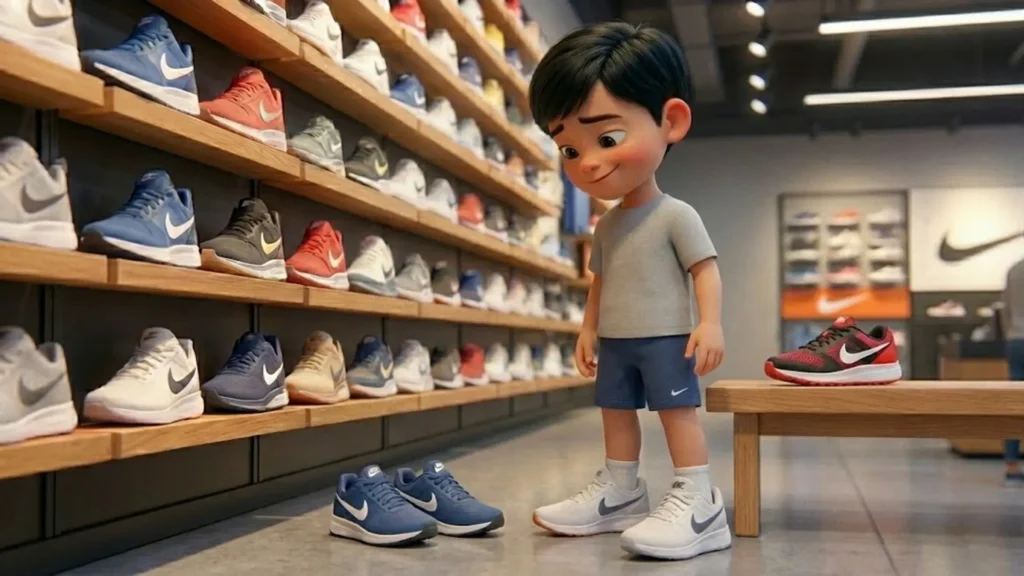
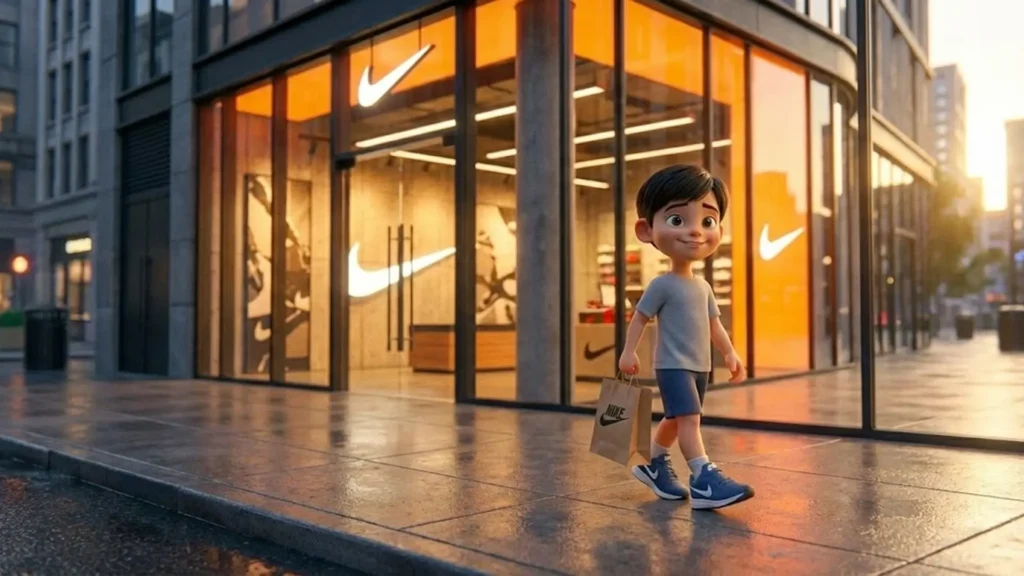
Once images are ready, I upload them to Veo 3.1.
Here’s the key difference:
- Nano Banana decides how things look
- Veo decides how things move
So in Veo prompts, I only describe:
- Movement (walking, shifting weight, hand motion)
- Camera behavior (tracking, push-in)
- Mood (calm, natural, steady)
I never re-describe the character.
This keeps motion clean and realistic.
Step 6: Keep Movements Subtle (This Is Where Most People Fail)
If your video looks “too AI”, it’s usually because:
- Movements are too fast
- Gestures are exaggerated
- Camera motion is aggressive
I treated every shot like a real cinematographer would:
- Slow pacing
- Gentle camera moves
- Natural pauses
Less movement = more realism.
Step 7: Final Assembly for Instagram Reels
Once all clips were ready:
- I stitched them in order
- Total duration stayed around 30–45 seconds
- Added soft background music
- No loud sound effects
The result felt like a mini short film, not an ad.
Why This Works for Brands
This framework is reusable.
You can apply the same method to:
- Sneaker stores
- Kids fashion brands
- Apple or electronics stores
- Lifestyle or retail showrooms
The product changes.
The storytelling stays the same.
More Likes Blogs: How to Maintain Character Consistency in Nano Banana Pro
FAQs
What is a cinematic Nike store reel?
A cinematic Nike store reel is a short-form video that tells a story using natural moments like entering a store, trying shoes, and walking out—styled like a mini film rather than an ad.
Which AI tools are used to create this reel?
This workflow uses Nano Banana for cinematic image generation and Veo 3.1 for turning those images into realistic videos with smooth motion.
How is character consistency maintained?
Character consistency is achieved using a Master Character Anchor, which is copied exactly into every image prompt to keep the same face, body, and clothing across scenes.
Why is character consistency important in AI reels?
Without consistency, AI reels feel disconnected and artificial. A consistent character helps maintain realism, emotion, and viewer trust.
Can beginners create this type of reel?
Yes. Beginners can create this reel by following a structured prompt workflow. No advanced editing skills are required.
0 Comments