
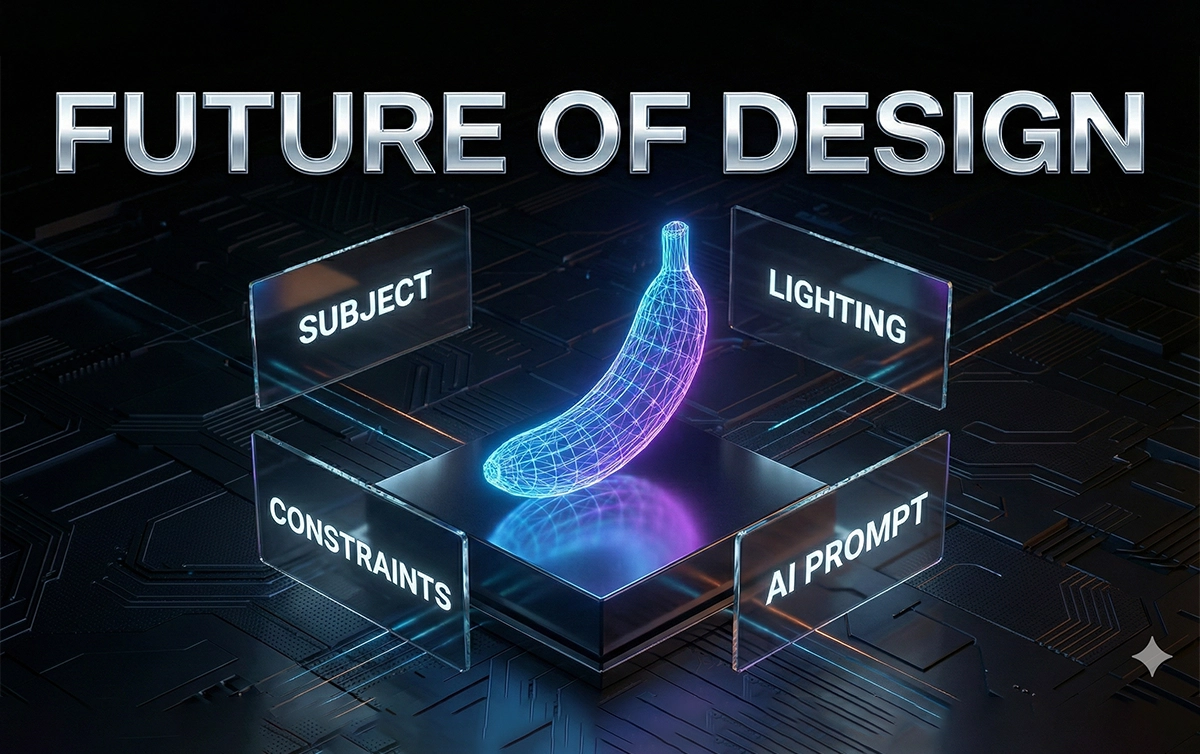

If you’re using Nano Banana Pro and still getting hit-or-miss results, you’re not alone. Most creators rely on weak prompts, vague instructions, and random guessing. Then they wonder why their images look nothing like the high-end examples flooding social feeds.
You deserve better.
This guide gives you the exact expert-level prompt formulas you can steal, adapt, and use instantly for pro-grade outputs—based on the framework shown in the source article .
No fluff. No theory. Just practical prompts that deliver.
Let’s upgrade your results fast.
In This Post
Why Expert Prompts Actually Matter
Here’s the truth: Nano Banana Pro is powerful, but it’s not psychic. If you feed it vague inputs, it gives you generic images. If you feed it structured prompts, it performs like an elite artist.
According to the original guide’s breakdown on expert prompting (page 1) , the biggest difference between average users and advanced creators comes down to one thing:
Experts control variables. Beginners react to mistakes.
You get clean character consistency, stable lighting, correct anatomy, and brand-ready results when your prompt includes:
- subject
- context
- camera language
- style hierarchy
- color and lighting control
- composition rules
- action or intent
You’ll see all of these wrapped into the expert templates below.
Quick Start: How to Prompt Nano Banana Pro Like a Pro
Before we hit the 10 expert prompts, here’s the stripped-down version of what Nano Banana Pro wants (shown in the guide’s “pro workflow”), page 1–2 :
Your baseline checklist:
- Subject
- Scene / environment
- Camera viewpoint
- Composition
- Lighting
- Style
- Action or emotion
- Output refinements
Use this list. Every time.
Now let’s build with it properly.
The Expert Prompt Template (Copy/Paste)
[Subject], [exact pose/action], [scene], [camera angle + lens], [composition], [lighting], [color palette], [style + medium], [details to preserve], [output refinement]
Keep it tight. Every bracket is a lever you can control.
Now let’s move into the 10 upgraded expert prompts.
The 10 Best Expert Prompts for Nano Banana Pro
Each prompt pulls from the original list (pages 2–5) but is rewritten for clarity, power, and modern workflows.
1. Consistent Character at Every Angle
Nano Banana Pro is great at single images but falls apart if you don’t anchor identity. Fix that.
Prompt:
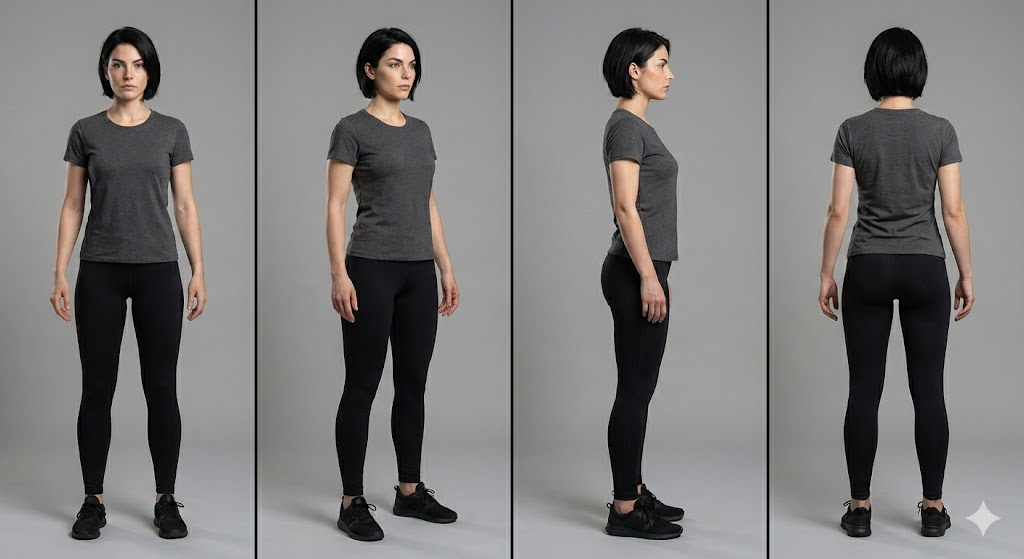
A recurring character: [description], consistent facial structure, same hairstyle and proportions, full-body rotation sequence (front, 3/4, profile, back), neutral pose, studio lighting, 50mm lens, clean background for clarity,hyper-consistent details preserved, professional concept art style.Prompt Example:
A recurring character, an athletic woman in her 20s with a sharp jawline and short black hair. Keep the same face, same proportions, and same anatomy. Show her from the front, 3/4 view, profile, and back. Neutral pose, studio lighting, 50mm lens, clean gray background, high-resolution concept art style.
Why it works:
You explicitly lock identity. No drift. No mutated anatomy.
2. Product Poster With Grid Layout + CTA Space
The source guide showcased layout-driven prompts (page 3) . Here’s the improved version.
Prompt:
Hero product shot of [item], centered grid layout, left area reserved for text, bold lighting for contrast, soft rim light, sharp focus on product edges, brand-ready color palette, clean background,
modern commercial poster style.
Prompt Example:
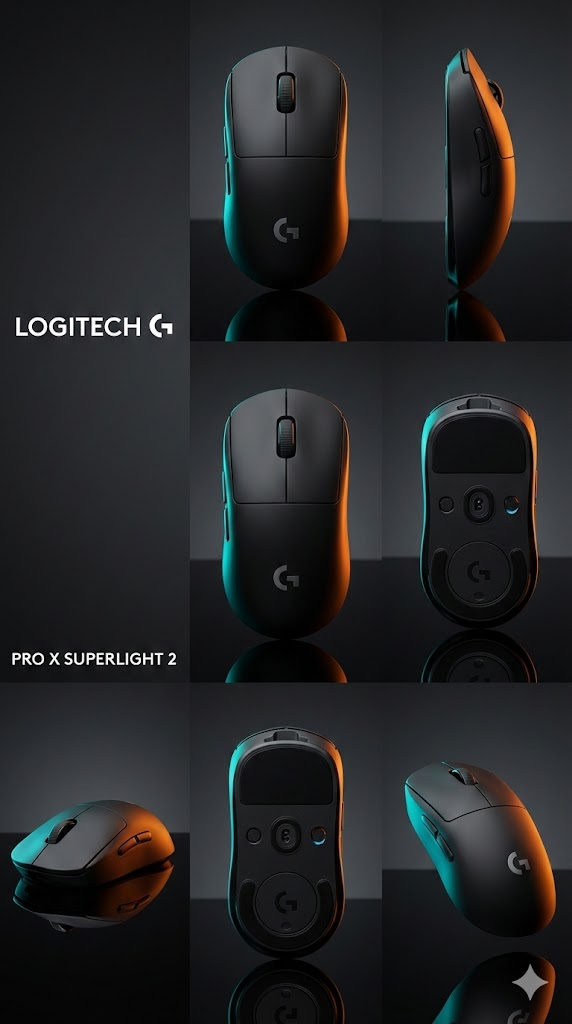
A matte black wireless mouse as the hero product. Use a centered grid layout with empty space on the left for text. Add sharp rim lighting, crisp edges, clean reflections, and a minimal background. Commercial poster style with brand-ready colors.
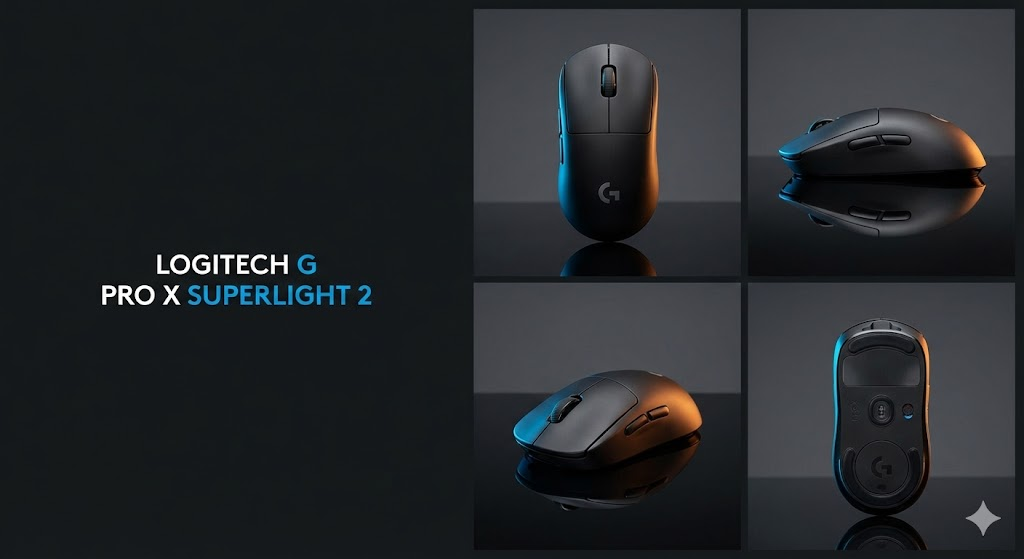
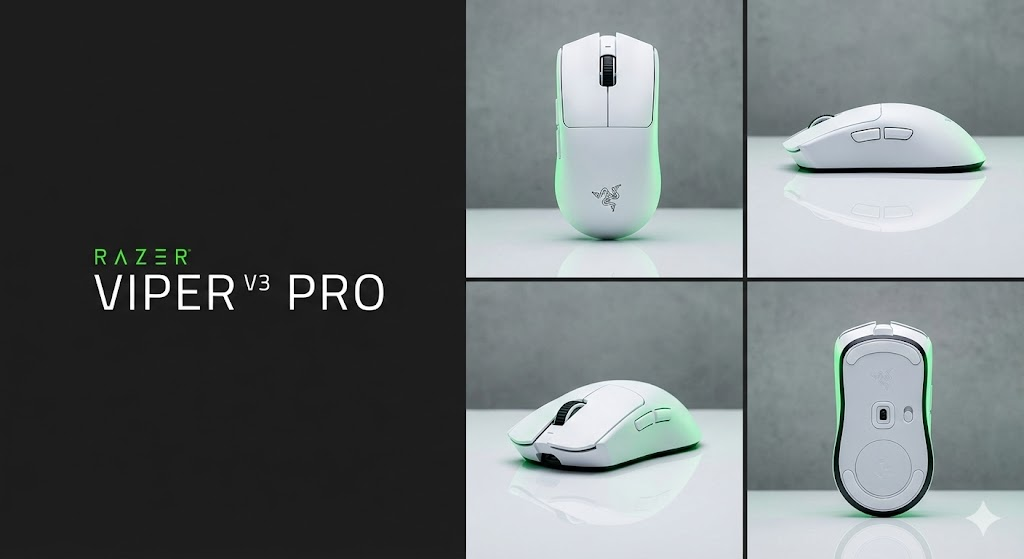
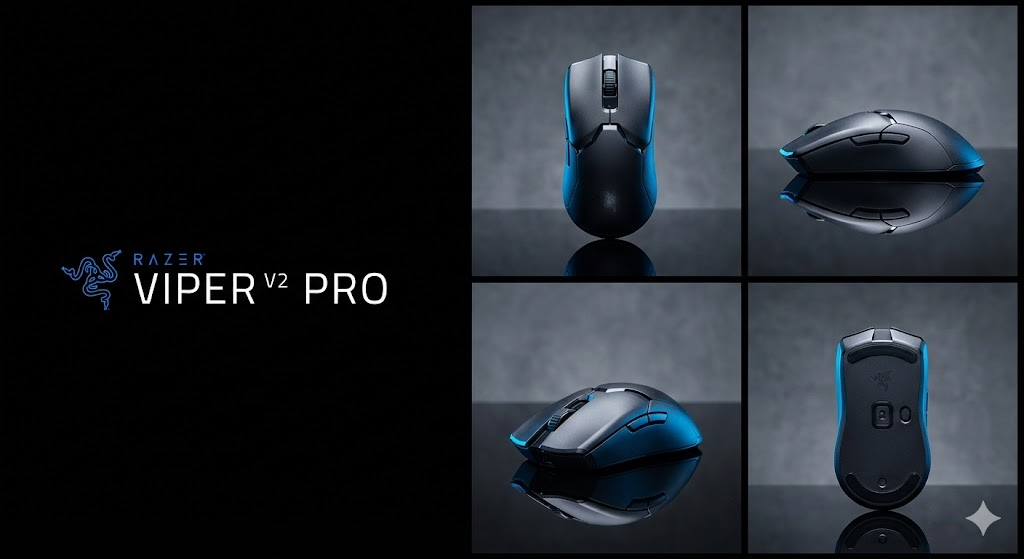
Use this for ads, Amazon assets, landing pages, or packaging drafts.
3. Before/After Transformations (Clean + Controlled)
Based on the original “before/after transformation” prompt (page 3) .
Prompt:
Side-by-side layout: left “before,” right “after,” same character, same camera angle, controlled lighting, identical framing, accurate transformation differences, clear visual contrast but realistic execution,editorial demonstration style.
Prompt Example:
Two-panel layout with a before image on the left and after on the right. Same woman, same camera angle, same lighting, and same framing. Before version shows messy hair and tired expression. After version looks refreshed with clean makeup and bright eyes. Clear editorial comparison style.
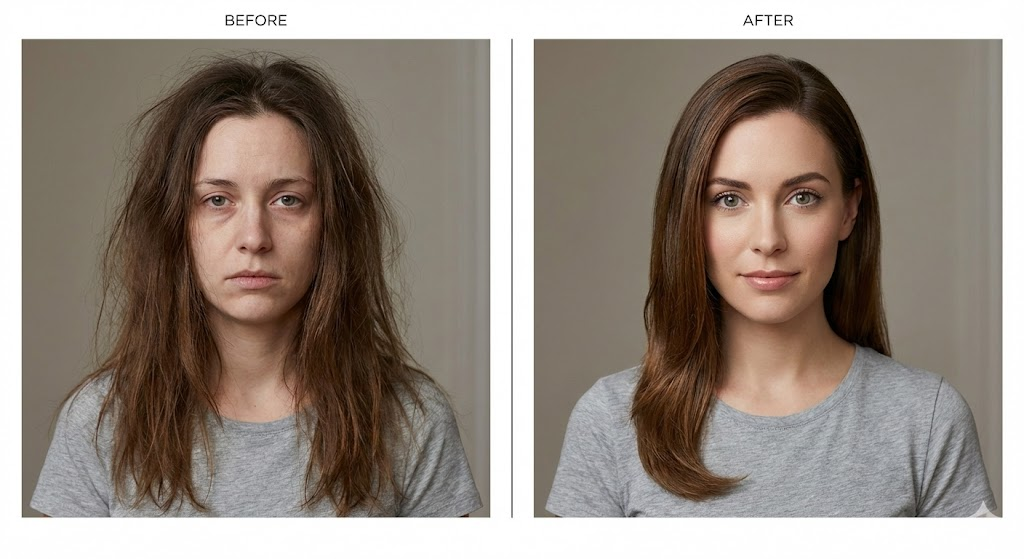
Nano Banana Pro loves symmetry. This prompt gives it structure.
4. Cinematic Editorial Portrait (Mood + Grade)
The PDF’s cinematic prompt concepts (page 3–4) turned into a cleaner expert template.
Prompt:
Cinematic portrait of [subject], moody color grade, volumetric light, shallow depth of field, soft shadows, 85mm lens, editorial magazine energy, highly detailed textures, natural skin realism.
Prompt Example:
A cinematic portrait of a rugged middle-aged man. Use a moody teal-orange grade, soft volumetric backlight, shallow depth of field, and an 85mm lens. Keep natural skin texture and an editorial magazine feel.
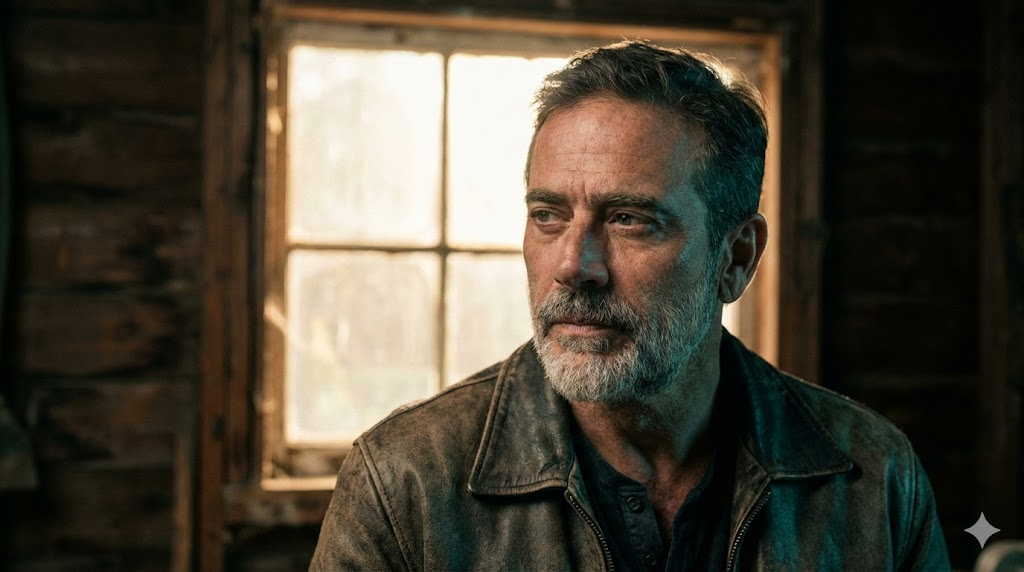
Perfect for character sheets, talent profiles, and hero banners.
5. UI Screenshot Mockup (Text-Safe)
Want readable UI? You need structure.
Prompt:
High-fidelity UI mockup inside a clean device frame, flat overhead angle, proper spacing for text readability, sharp lines, accurate proportions, professional product design aesthetic.
Prompt Example:
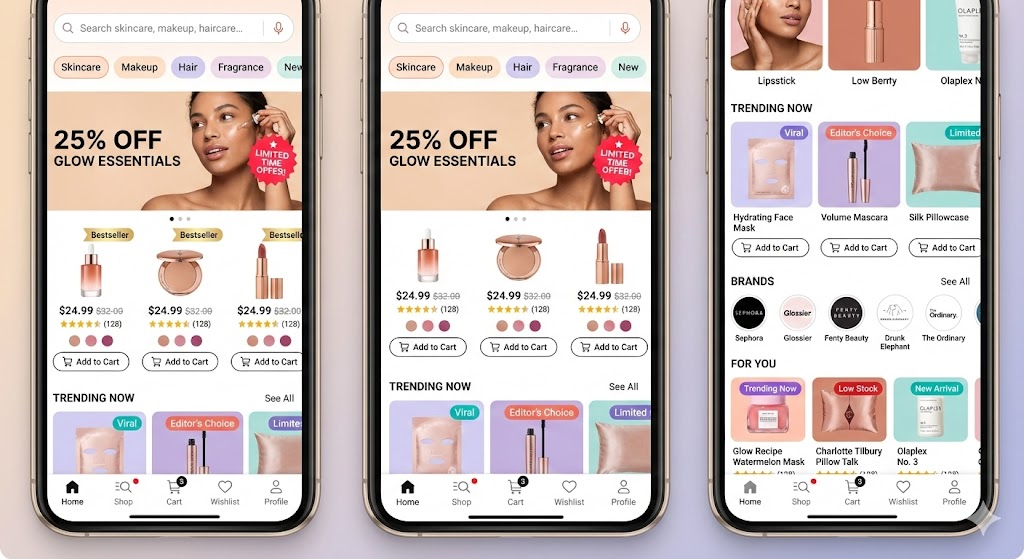
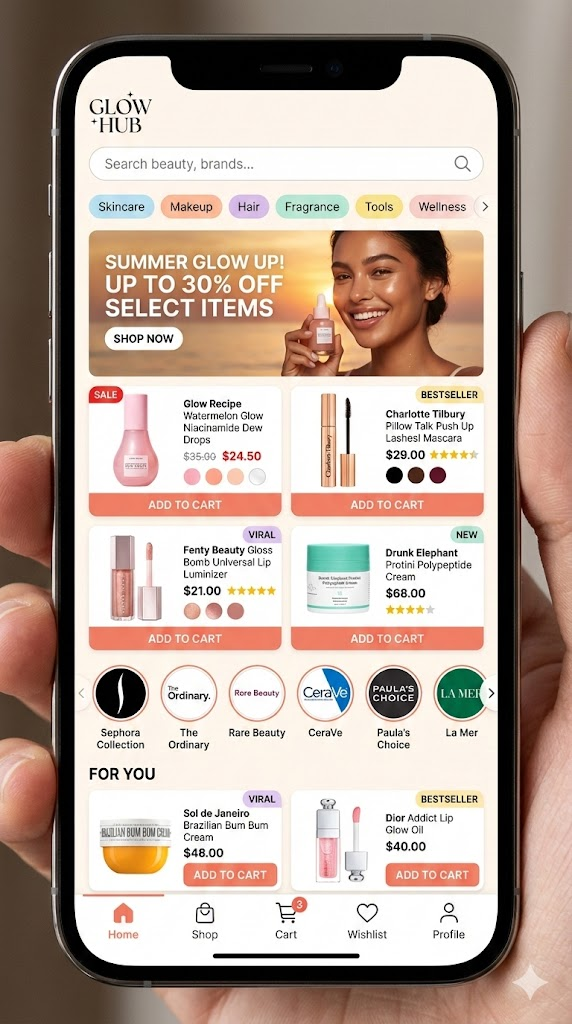
Beauty marketplace mobile app screen inside a smartphone frame. Show a busy homepage with a search bar, category chips (Skincare, Makeup, Hair, Fragrance), and a promo banner with a model photo and discount text. Product grid with beauty items showing image, price, rating stars, shade dots, sale badges, and “Add to Cart” buttons. Include brand logo carousel and a “For You” section with tags like “Bestseller” and “Viral.” Bottom nav bar with Home, Shop, Cart, Wishlist, and Profile. Warm colors, glossy product shots, notification dots, slight screen reflections, detailed and active layout.
This prevents warped buttons and stretched panels.
6. Technical Diagram With Real Labels
According to page 4 of the PDF, diagrams with labels work only if you force clarity.
Here’s the upgraded version.
Prompt:
Precision technical diagram of [object], labeled parts, minimalistic vector line style, clean white background, accurate proportions, sharp contrast lines, structured layout for educational clarity.
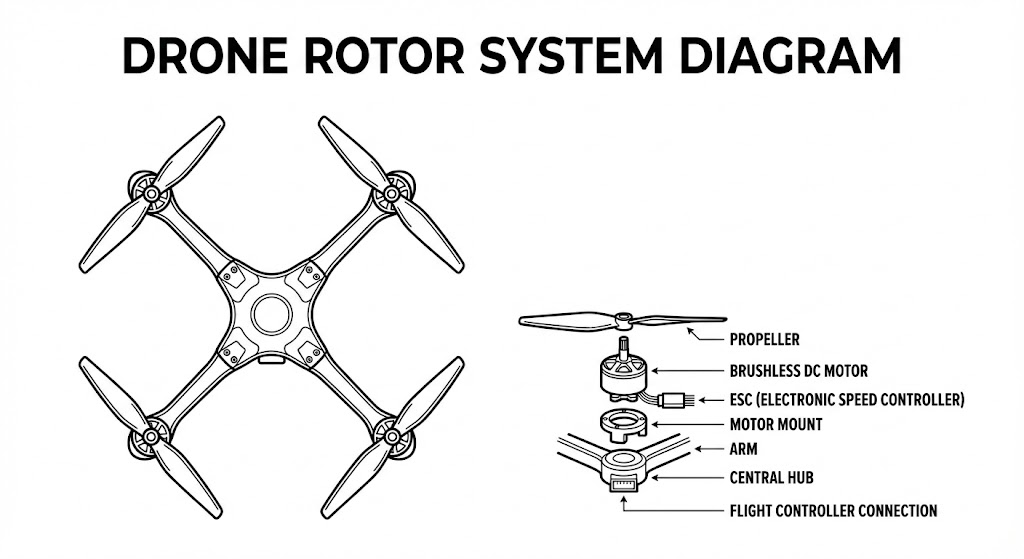
Prompt Example:
A precise technical diagram of a drone rotor system. Minimal vector line style on a white background. Keep accurate proportions and clear labeled parts. High contrast lines and a structured teaching layout.
Nano Banana Pro respects vector constraints when you define the style.
7. Style Transfer That Protects Identity
You want a stylized output without melting the face. This solves it.
Prompt:
[Subject], core identity preserved, stylized in [desired art style], same proportions, same facial landmarks, consistent lighting, clean contour control, high-resolution detailing, art-directed style transfer.
Prompt Example:
A portrait of a young woman with the same facial structure, eye shape, and hair as the original. Apply a painterly oil-brush style while keeping her identity intact. Use consistent lighting, high detail, and clean contours.
When you say “preserved,” the model listens.
8. 6-Panel Storyboard Strip
Inspired by the storyboard guidance on page 4–5 of the source blog .
Prompt:
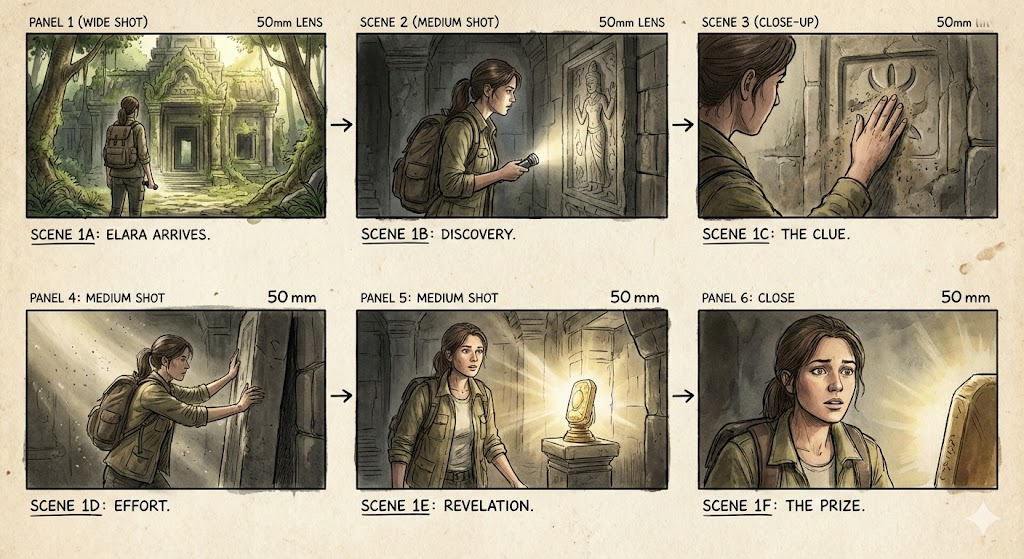
Six-panel storyboard, sequential actions, consistent character design, matching camera lens across all frames, coherent lighting, film-style visual grammar, clean composition alignment.
Prompt Example:
A six-shot storyboard of a man entering a futuristic train. First the exterior, then walking up steps, scanning a ticket, doors opening, entering the train, and finally sitting down. Keep his design, outfit, camera lens, and lighting consistent across all panels.
This is the fastest way to go from idea to draft scene.
9. Viral Toy / Figurine Mockup
Social media loves these.
Prompt:
Cute collectible figurine of [character], stylized proportions, studio product lighting, soft shadows, glossy material finish, centered composition, commercial toy photography style.
Prompt Example:
A cute vinyl-style figurine of a sci-fi robot. Exaggerated proportions, glossy plastic, soft studio shadows, centered composition, toy photography style.
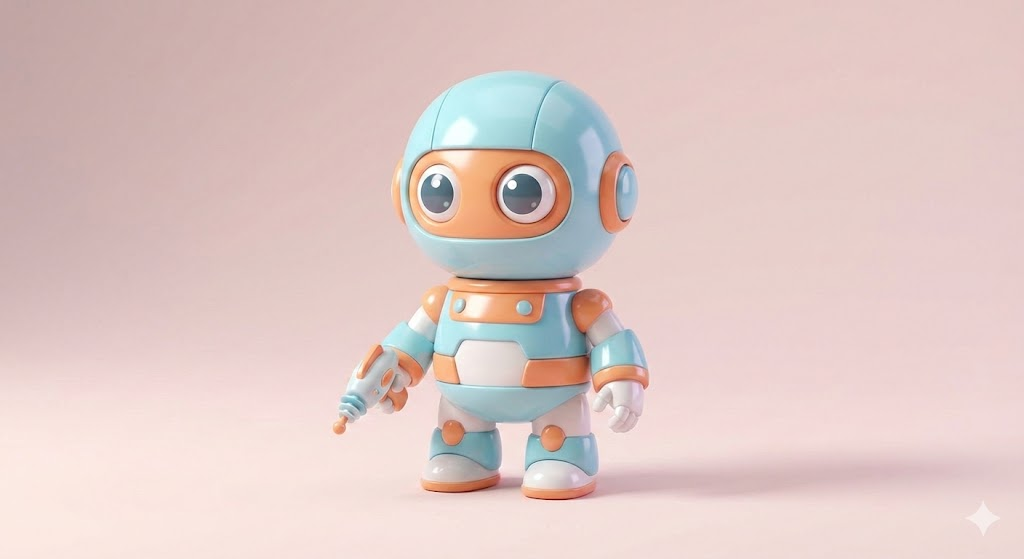
Great for merch previews or campaign teasers.
10. Realistic Portrait With Perfect Lighting
This is your “never fails” portrait formula.
Prompt:
Ultra-realistic portrait of [subject], three-point lighting, balanced highlights, soft shadows, crisp textures, clean color temperature, subtle specular detail, professional photography look.Prompt Example:
A realistic portrait of a woman with curly hair. Use a three-point lighting setup with clean highlights and soft shadows. Warm skin tone, crisp texture, neutral background, professional photography look.
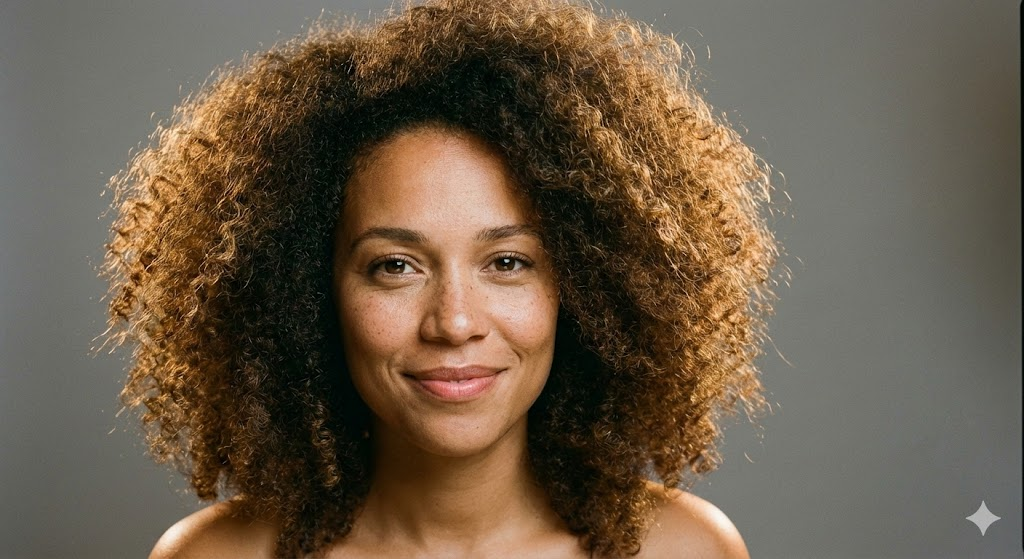
It produces stable, flattering results across subjects.
Pro-Level Prompting Tips That Actually Matter
The PDF included a troubleshooting section (page 5) .
Here’s the sharper version—what you should actually do:
Tip 1: Use “preserve” language when you need accuracy
Identity, shape, and proportions stay stable when you explicitly protect them.
Tip 2: Stack clarity in three passes
- Describe the subject
- Describe the scene
- Describe the structure
This fixes 80% of issues.
Tip 3: Short prompts outperform long rambling ones
Nano Banana Pro doesn’t reward essays.
It rewards precision.
Troubleshooting: Fast Fixes for Common AI Failures
The original list (page 5) included the right issues.
Here’s the faster, more actionable version:
1. Wrong anatomy
Add: “accurate proportions,” “natural pose,” “clean silhouette.”
2. Layout ignoring structure
Define: “reserved space for text,” “grid layout,” “panel structure.”
3. Wrong colors
Force a palette: “cool tones only,” “warm skin, cool background,” etc.
4. Lighting collapses after background changes
Re-anchor: “consistent lighting relative to subject.”
5. Extra objects appear
Add: “no additional elements.”
6. Real text still messy
Ask for: “text-safe spacing,” “clear UI alignment,” “accurate labels.”
Conclusion: Stop Guessing. Start Creating With Control.
Most people use AI like a slot machine. They hope the model magically understands their intent.
You’re not doing that anymore.
With the templates and pro prompts in this guide, you’ll generate cleaner, sharper, more consistent outputs every time. Nano Banana Pro responds to structure. If you give it direction, it performs at an expert level.
Use these prompts. Refine them. Build your own library.
Your results will change fast.
FAQs
Can these prompts work across all Nano Banana Pro models?
Yes. Some styles vary, but the structure works everywhere. Derived from the source article’s universal template .
Do I need long prompts for better results?
No. Clear prompts beat long prompts every time.
How do I fix character drift?
Lock identity with anatomy, proportions, hair, and facial landmarks.
Can I use these prompts for commercial work?
Yes. They’re built for branding, product visuals, and content pipelines.
What’s the fastest way to improve my outputs?
Use the expert template. Then tweak lighting, style, and layout only when needed.
Read More
10+ Creative Ways to Use ChatGPT Image Generator (That Actually Work)

0 Comments